Network-Based IDS: The Alarm Beside the Traffic
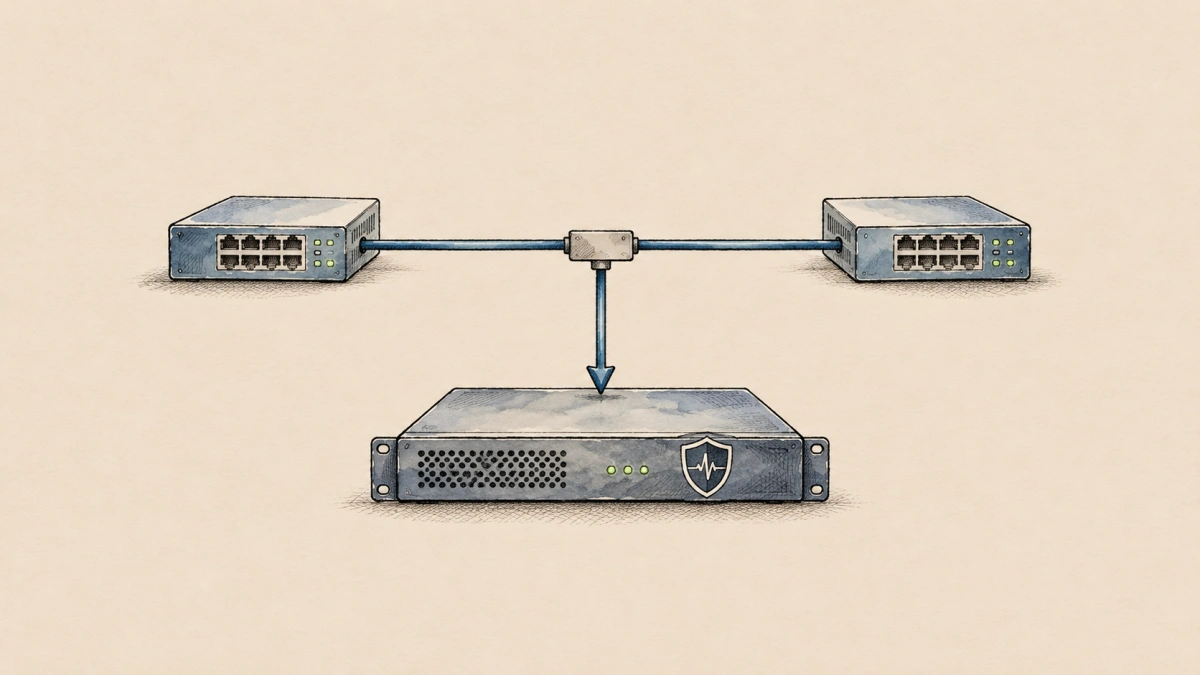
A network switch passes data between connected devices. It can also give a security sensor a copy to inspect for signs of trouble. The traffic keeps moving, even if the sensor raises an alarm.
A network-based intrusion detection system, or NIDS, analyzes the network traffic it can observe and reports possible attacks or violations of security rules. It supplies evidence that people can use to investigate.
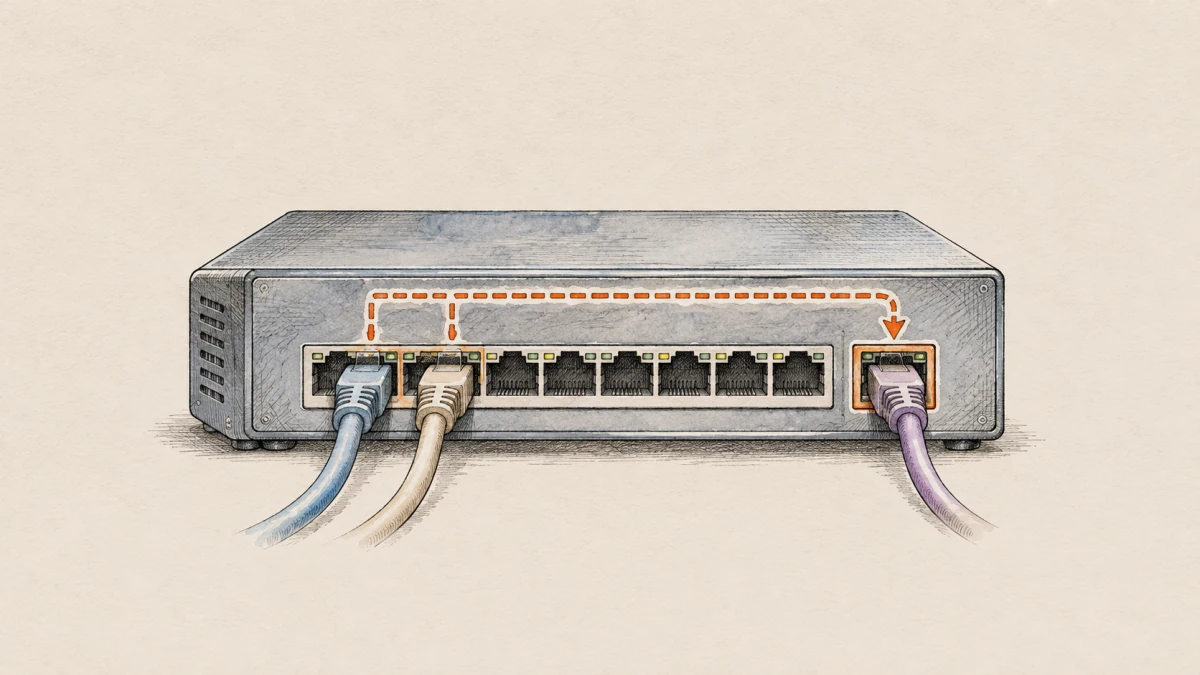
The sensor may receive traffic through a switch's mirroring feature, which copies selected traffic, or through a network tap placed to observe a link. Its view comes from that position in the network. A host-based intrusion detection system, by comparison, examines activity on a computer itself.

- Keep work, guest and smart-home gear apart with up to 32 VLANs on one small switch.
- Copy any port's traffic to your laptop with port mirroring and see what is on the wire.
- Set it up from a web page instead of learning a command line.
How a copy becomes an alert
The traffic arrives as packets, small units of network data. The detector can compare what it sees with known attack patterns, examine unusual behavior or look for suspicious use of a communication protocol—the rules computers use to talk.
A rule may consider the wider conversation, rather than searching a single packet for a particular word. That context helps the detector make sense of activity spread across multiple exchanges.
Suppose a security team runs an authorized scan to find weaknesses in its own systems. The resulting traffic may match a scanning rule. The detector has recognized the pattern, but someone still needs to establish whether this is the approved test or an unwanted visitor.
Mastering Snort: Bombal's Guide to Intrusion Detection
An alert that treats harmless activity as a threat is a false positive. An attack the system misses is a false negative. Investigating results and tuning the detection rules help make the alerts more useful. The National Institute of Standards and Technology's guide to intrusion detection and prevention explains these detection approaches and trade-offs.
Place the sensor where the conversation happens
A detector watching one link doesn't automatically see traffic taking another route. If a conversation never reaches the sensor's observation point, there is nothing there for it to analyze.
Even traffic that reaches it may be only partly readable. Encryption protects the contents of a connection. Unless the sensor receives an appropriate decrypted view, it cannot inspect those protected contents. Visible details, such as the addresses involved and connection setup information, may still offer clues.
The sensor can also lose parts of its view if traffic exceeds what the capture system can handle. Missing packets mean missing evidence.
These limits explain why network and computer records work well together. A sensor might record a suspicious connection to a server. Records from the server can help establish which program received it and what happened afterward.

- See every packet on a link without slowing it down.
- Feed a monitoring tool real traffic instead of a sample.
- Power it from a USB port, with no extra adapter to carry.
Seeing traffic and stopping it take different positions
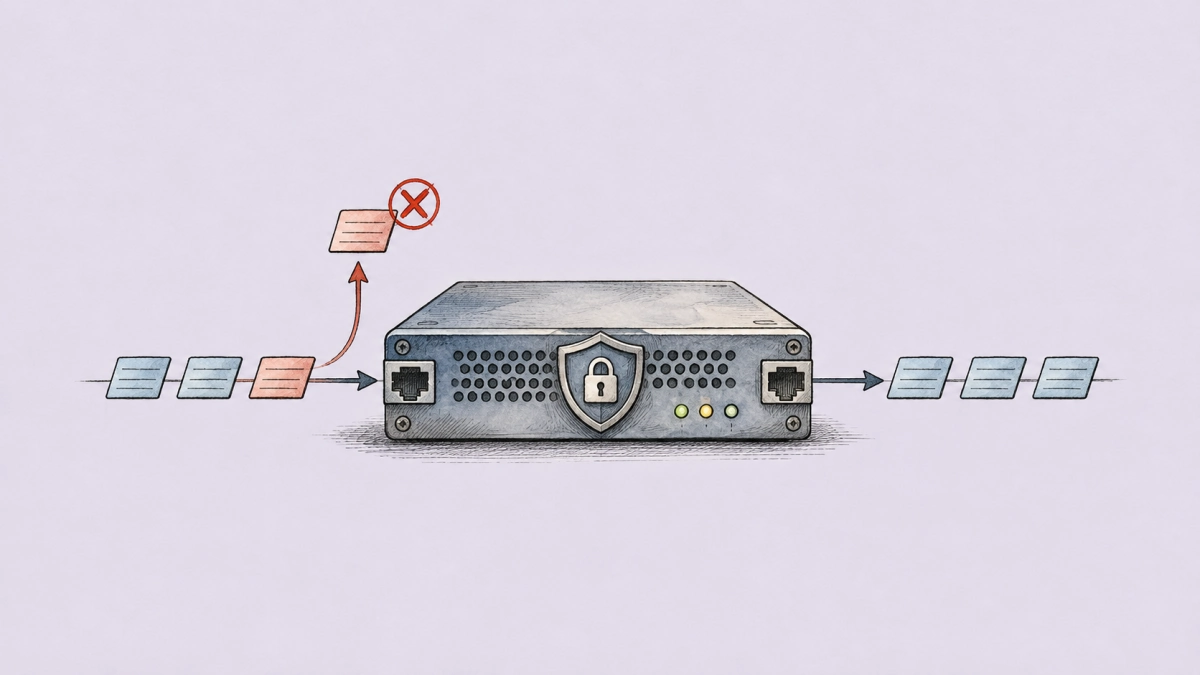
A passive sensor has a copy to examine, but no position from which to hold up the original message.
To block traffic directly, a system needs an inline position, in the path the traffic must take, or a connection to another control that can intervene. This is the prevention role associated with an intrusion prevention system, or IPS.
Some software can perform either job. The Suricata 8.0.1 documentation, for example, describes both IDS and IPS capabilities. How the software is deployed determines whether it is observing traffic, enforcing decisions or working with other response tools.
IDS or IPS: Watch the Traffic or Stop It?
The detail behind the warning
A useful alert records more than a warning label. Suricata's event-format documentation shows fields for the time, source and destination addresses, the matching rule and severity. It also records port numbers, which help direct traffic to the right program or connection. A flow identifier links records belonging to the same network conversation.
Those details help an analyst find the target, understand the rule and compare other evidence. Was the server actually vulnerable to the suspected attack? Do its application records show a failure, a rejection or an unexpected action?
If blocking was intended, the analyst also needs to verify what enforcement did. Suricata distinguishes a rule's action from the final decision on a packet; multiple rules can affect the outcome.
An analyst can use these records to connect the alert to the authorized scan. When an attack is suspected, the next step is to look for what happened on the receiving computer. A suspicious request arriving at a server and a harmful program actually running there are different findings.
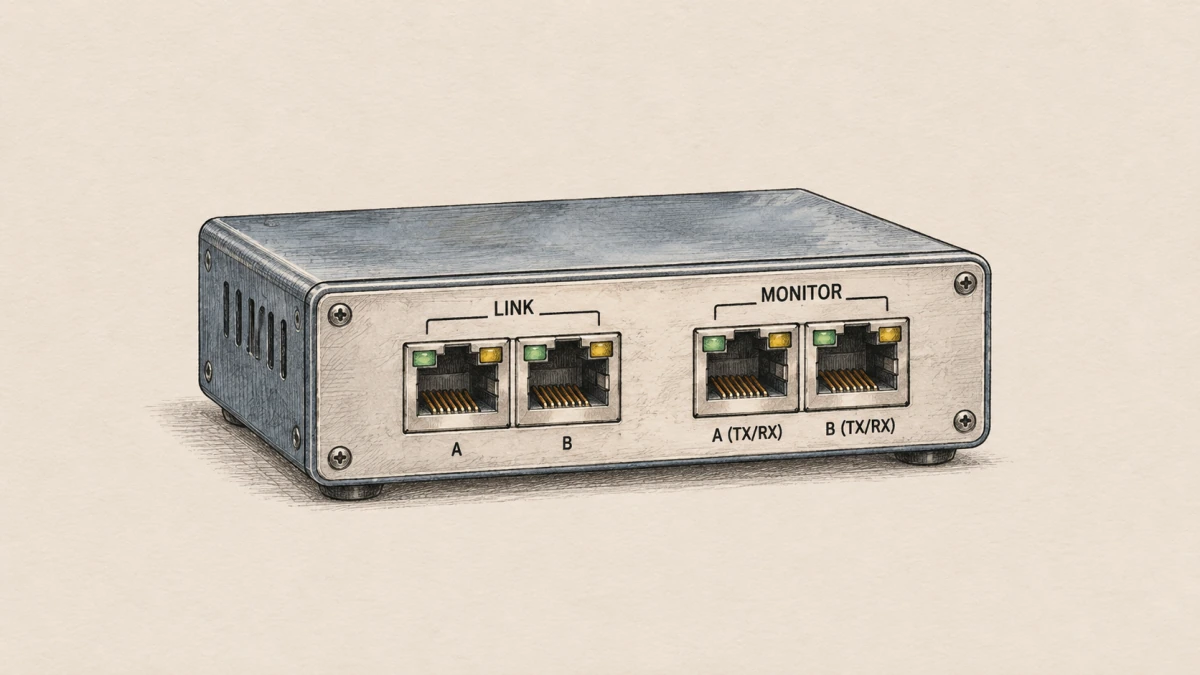
What Are Network Taps? What a Copy of Traffic Can Reveal
SPAN Ports: Giving a Traffic Recorder a Better View
How an Intrusion Prevention System Stops a Request
QUOTE:
"Amateurs hack systems, professionals hack people."