Intrusion Detection Systems: What an IDS Can Actually See

An intrusion detection system, or IDS, examines activity for signs of an attack or a security-rule violation. It can raise an alert without stopping the traffic that triggered it.
Detection supplies evidence; someone or something still needs to decide what response is appropriate.
Start with what the system can observe
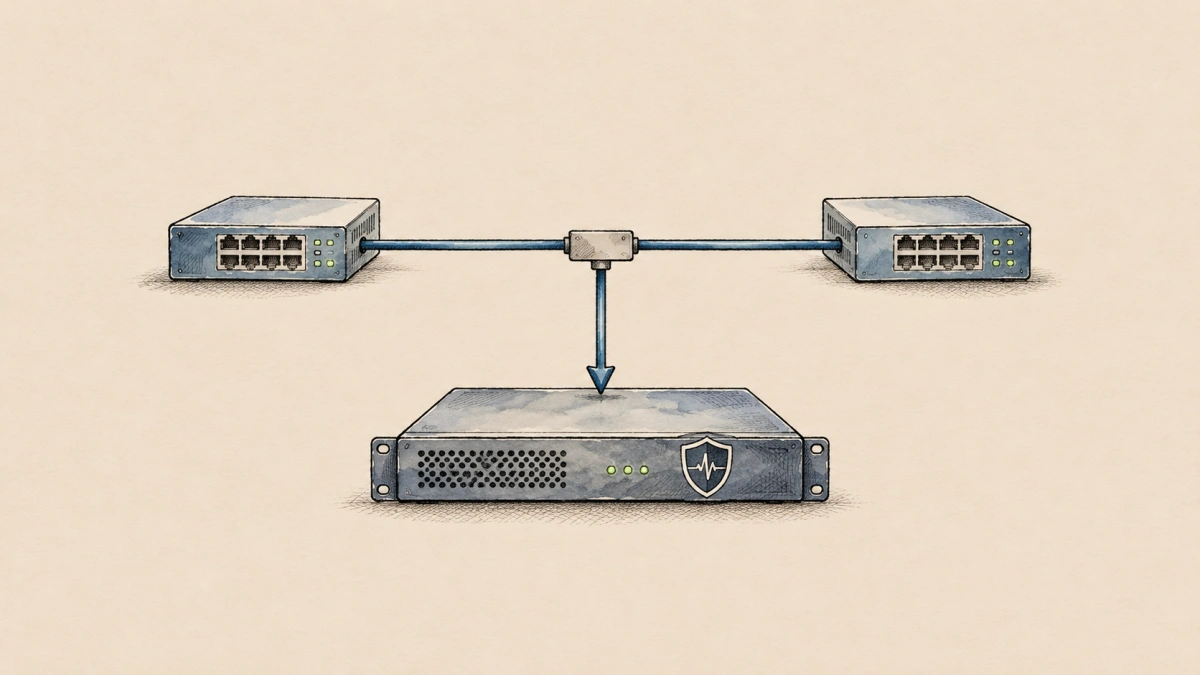
A network-based IDS analyzes traffic made available to its sensor, the component that collects and inspects network activity. It might receive a copy of traffic passing through a particular connection, but it doesn't automatically see every exchange across an organization.
A host-based IDS examines activity on a computer itself. It can inspect event logs, which are records of system activity, and look for changes to selected files.
For example, OSSEC's documentation describes a host-based system with log analysis, file-integrity checks, alerts, and response features. File integrity here means checking whether a file has changed from its expected state.
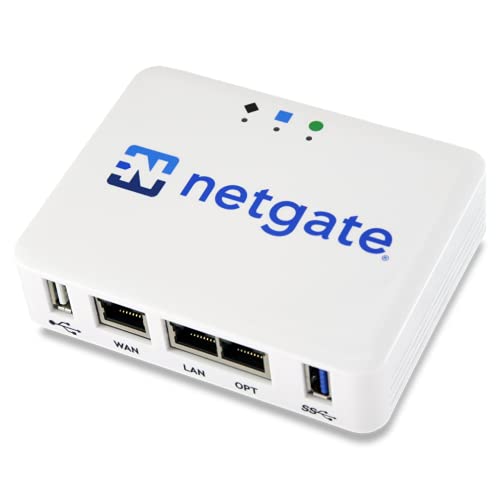
- Skip the install: pfSense Plus comes preloaded, so you can start writing rules right away.
- Get a firewall, router and VPN in one silent box that sips power.
- Keep receiving pfSense Plus updates for the life of the product.
The two views can complement each other: a network sensor observes a connection, while computer-level monitoring may help explain what happened inside the machine.
How ordinary activity becomes an alert
A signature is a recognizable pattern associated with a known threat. Signature-based detection compares observed activity with such patterns; anomaly-based detection instead looks for departures from an expected pattern of behavior.
Some systems also check whether communications follow the expected rules of a network protocol, an agreed way for computers to exchange information. The National Institute of Standards and Technology's IDS guide describes these approaches and their limits.
Detection can go wrong in either direction. A false positive flags harmless activity as suspicious; a false negative misses harmful activity.
For instance, an authorized network check might resemble an attacker searching for available services. The alert becomes useful when an investigator checks who ran the activity and whether it was expected.
Mastering Snort: Bombal's Guide to Intrusion Detection
Read the evidence behind the warning
Suricata's alert format, for example, can record the time, source and destination network addresses, and the rule that matched.
Those details help a team find related records from the same exchange. A rule's alarming name alone doesn't establish that an attack succeeded or that a particular person caused it.
The team needs a process for reviewing alerts, recording findings, and adjusting noisy rules. Silencing every inconvenient warning can hide the very activity the system was installed to reveal.
IDS and IPS describe different jobs
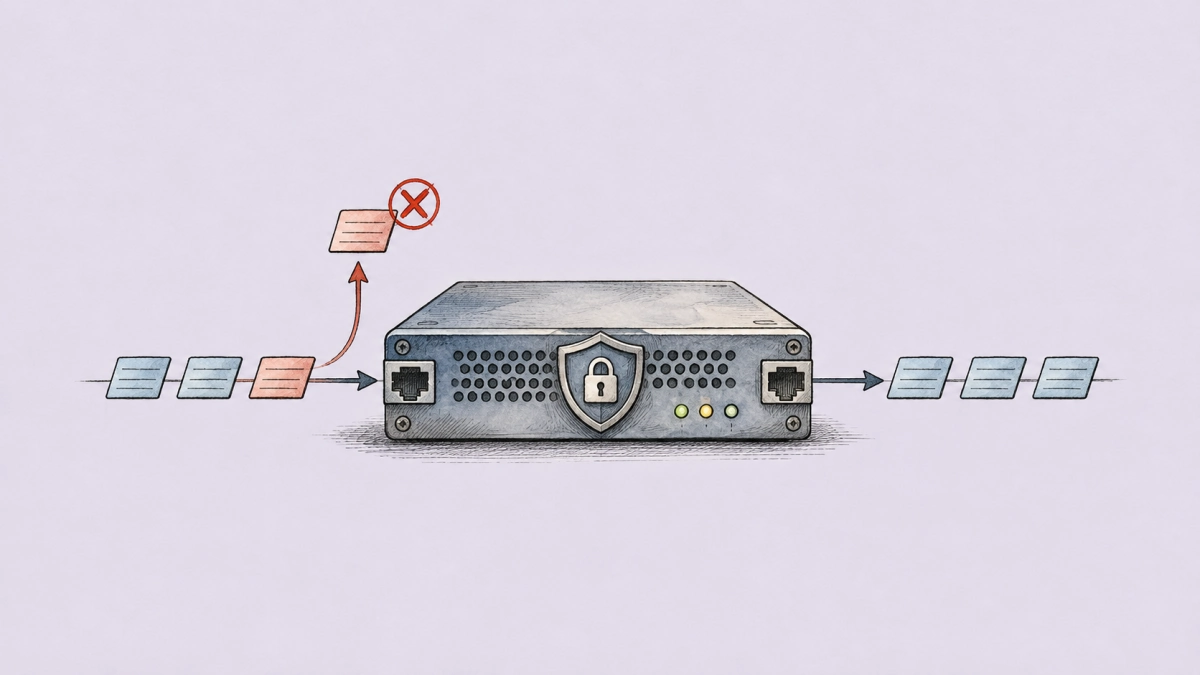
An intrusion prevention system, or IPS, can block activity as part of its response. In an inline setup, traffic passes through the system on its way to the destination.
Some products support both jobs. Suricata's IPS mode can drop traffic that matches blocking rules, while its passive IDS mode observes traffic without acting as that inline filter.
Placement still sets limits. Encryption scrambles message contents so they're unreadable without the right key; a network sensor that only receives encrypted traffic can't inspect those hidden contents, though other connection details may remain visible.
Before relying on an IDS, establish which activity reaches it and who investigates its alerts. A quiet dashboard is meaningful only when the monitoring is working and looking in the right places.
Network-Based IDS: The Alarm Beside the Traffic
Host-Based Intrusion Detection: What Changed on That Computer?

How an Intrusion Prevention System Stops a Request
QUOTE:
"Amateurs hack systems, professionals hack people."