Ransomware: The Demand After the Files Stop Opening
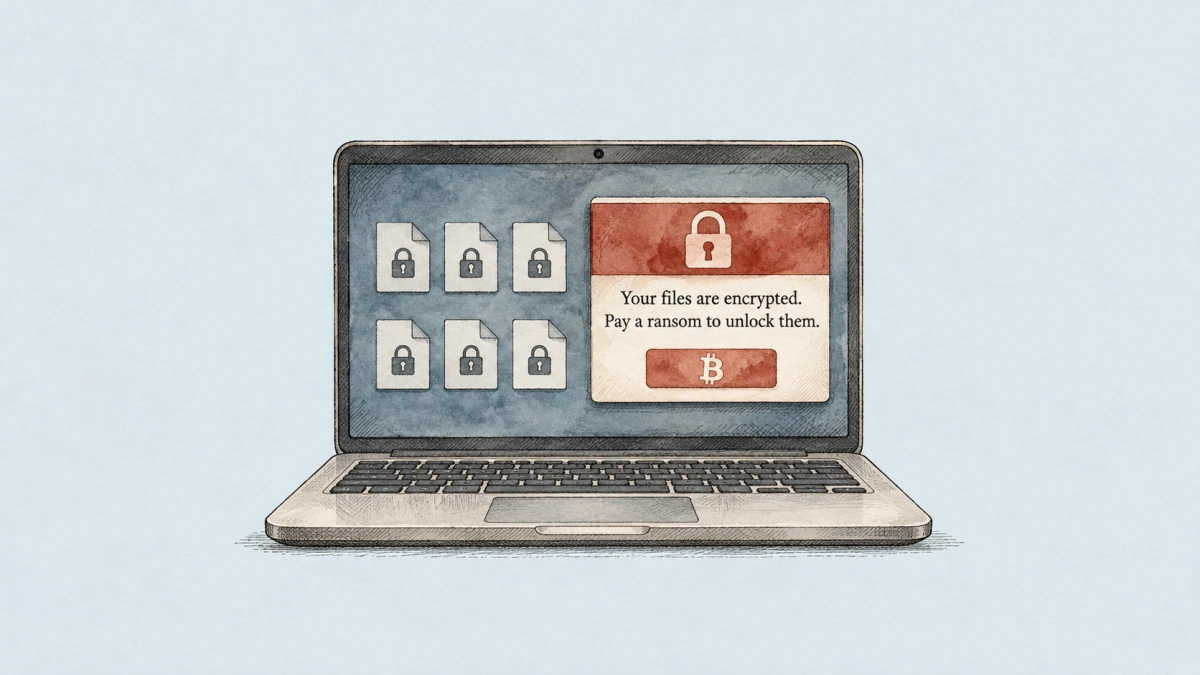
Ransomware is malicious software that denies access to files, systems or networks and demands payment. Its victims might find that the files needed for today's work won't open, followed by a message demanding money to restore them.
Ransomware belongs to the wider category of malware, software used for harmful purposes. The attacker wants the cost of being unable to work to make the ransom seem unavoidable.
Some ransomware encrypts files, scrambling their contents so they cannot be read without the right decryption key. Removing the program that did this doesn't automatically restore the files. The change has already been made.
Two forms of pressure
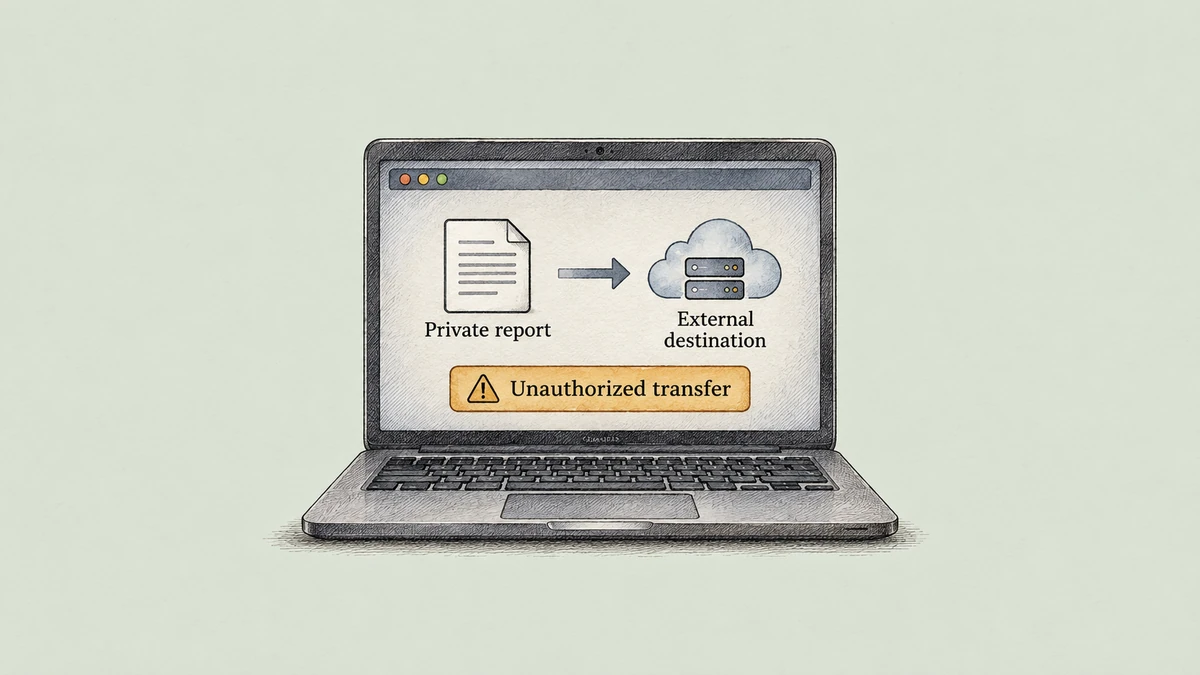
An attacker can threaten more than continued loss of access. They may also copy private information and threaten to publish it.
These pressures have different consequences. A usable backup might restore the missing files, but it can't retrieve a copy already taken by someone else. Decrypting damaged files also doesn't establish that stolen information has been deleted.
The UK's National Cyber Security Centre describes this combination of encryption and data theft in its ransomware guidance. It is one reason recovery has to consider what happened before the demand appeared, not just what the note says.
When Your Own Computer Becomes a Hostage
An attacker might have entered through stolen account credentials, exposed remote-access services, a software weakness or malicious content. Other malware can also provide a foothold. A suspicious attachment is one possible beginning, not the definition of a ransomware attack.
Finding a safe way to restore work
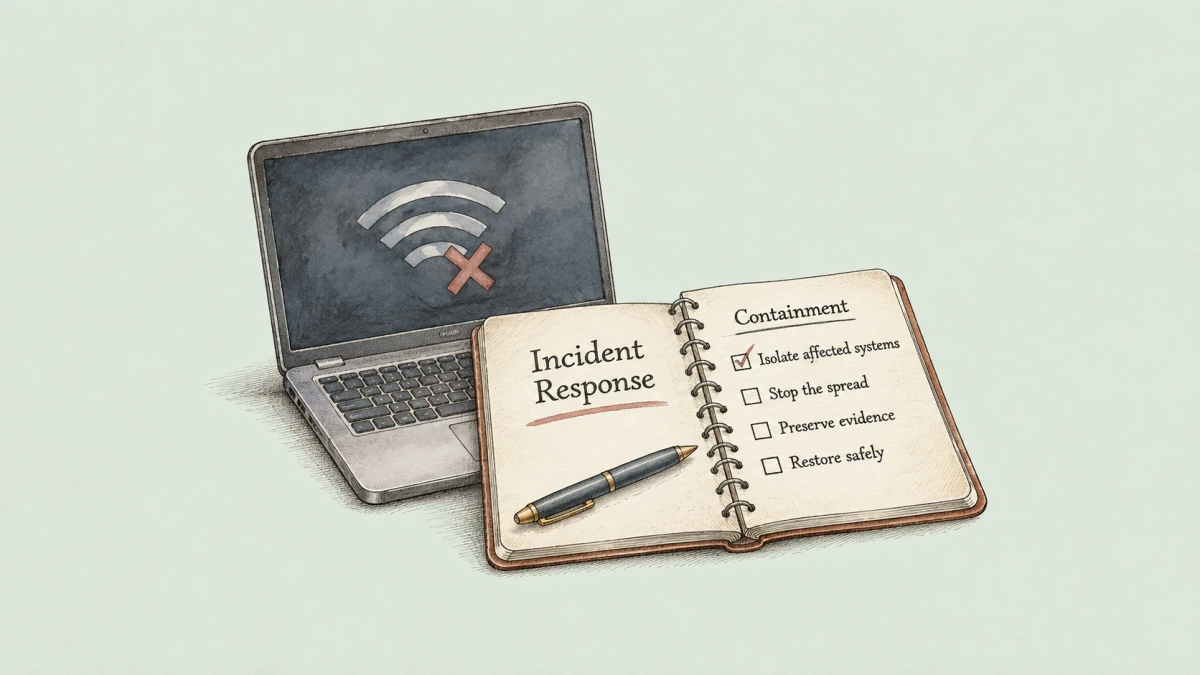
When a program is actively encrypting files, interrupting its activity can limit further damage. But an organization still needs to investigate which systems and accounts were affected, how access was gained and what must change before those systems can be trusted again.
That work belongs to incident response. Restoring files into an environment the attacker still controls can put the replacement copies at risk as well.
Recovery therefore needs a known-clean destination and a way to restore useful data. Two possible routes are backups and, for some attacks, specialized decryption tools.
Backups need protection, too
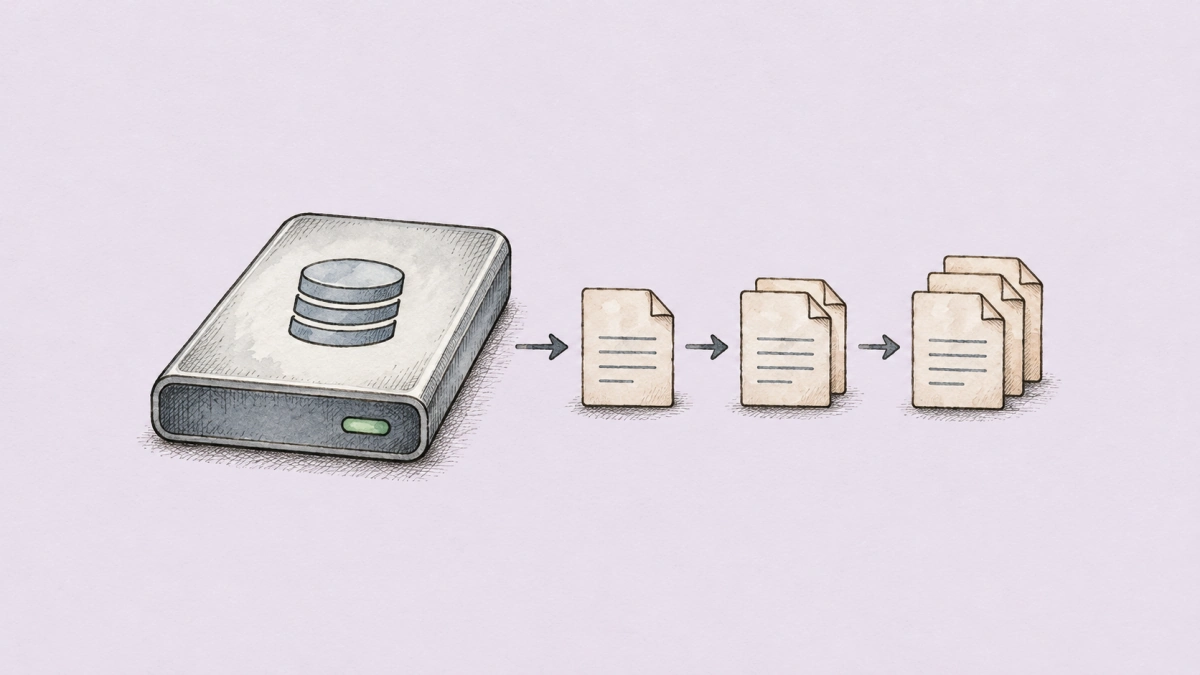
A backup is a separate copy of data. Ransomware can reach attached or network drives, including backups that remain accessible from compromised systems. The FBI recommends maintaining backups and keeping them disconnected from the systems they protect.
Organizations also need to test restoration. A service needs a backup that can actually be restored and contains the work it needs. Appropriately protected cloud backups can form part of a recovery design, but the protection depends on how access is controlled.

- Back up a laptop in minutes, with read speeds up to 1,000MB/s.
- Toss it in a bag without worry: no moving parts and drop protection up to two meters.
- Carry a second copy of your files wherever you go.
A decryptor has to match the attack
Free decryption tools exist for some ransomware families and versions. The No More Ransom catalogue lists tools and their instructions. It isn't a universal unlocker for every encrypted file.
The project also advises removing active malware before attempting recovery, so recovered files aren't encrypted again. Selecting a tool and following its requirements is different from assuming any file-recovery utility can undo the attack.
The promise behind the demand
The FBI does not support paying a ransom, including because payment doesn't guarantee that victims will get their data back. A demand is a claim made by an attacker, not a dependable recovery service.
Payment cannot guarantee deletion of stolen copies, either. Restoring access, closing the route into the system and addressing exposed information remain separate concerns.
Preparation gives an organization options before it faces that pressure. Software updates, controlled remote access, additional sign-in checks and limited account privileges address different ways attackers gain or expand access. Protected backups and practiced recovery address the damage if those defenses fail.
A successful recovery ends with people able to use trustworthy systems and data again.
Incremental Backups: Save the Changes, Understand the Restore
Data Exfiltration: How Information Leaves Without Disappearing
Incident Response: Why the Right Action Depends on the Attack
QUOTE:
"Amateurs hack systems, professionals hack people."