What Is pfSense? The Firewall You Can Make Your Own
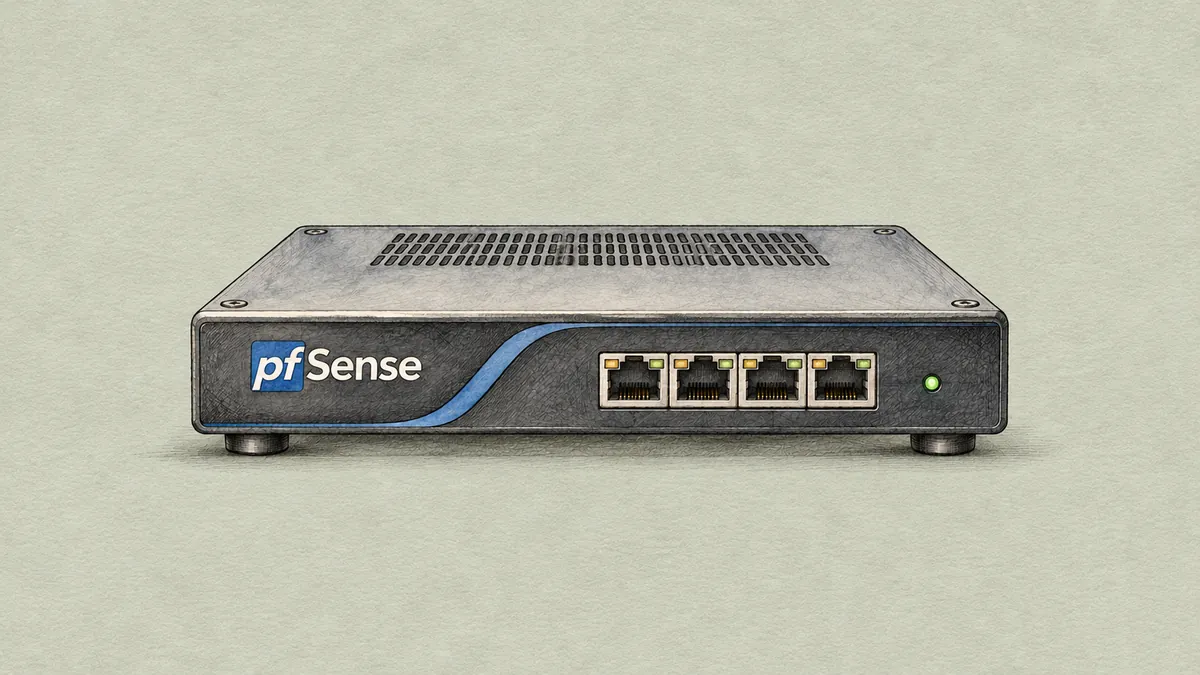
pfSense turns a compatible computer into a firewall and router that you control through a web browser. It can give guests internet access while keeping them away from work files, or let you reach your own network while you're away.
A firewall allows or blocks network traffic according to rules. A router moves data between networks, which are groups of connected devices.
pfSense combines those jobs with other network tools. It's built on FreeBSD, an operating system: the basic software that runs a computer.
You don't need to learn FreeBSD commands to change everyday settings. Netgate, the company behind pfSense, describes its browser-based controls in the project's introduction.
Why your browser gets a reply
A firewall that blocked everything would make for a very quiet internet connection. pfSense needs to distinguish a reply you're expecting from a new connection you haven't allowed.
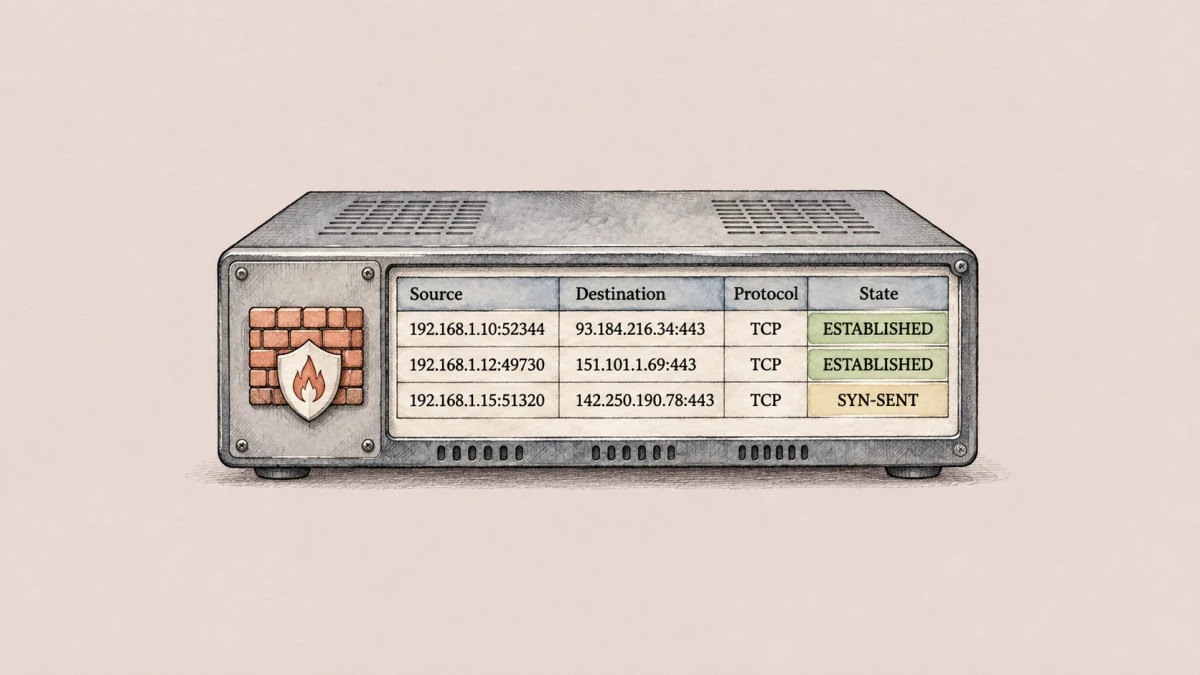
When your browser opens a website, pfSense can record the permitted connection and let matching replies return. This is stateful filtering: keeping track of connections instead of judging each piece of traffic in isolation.
That record doesn't give the website permission to start unrelated connections into your network. Netgate's firewall fundamentals guide explains how pfSense remembers connections and handles their replies.
The usual starting setup blocks new connections arriving from the internet while allowing devices on the main local network to connect outward. Those are default rules, and you can change them.
Permitting a connection doesn't prove that everything carried through it is harmless. The basic firewall rules decide which traffic may pass; they don't replace protection on the computers themselves.
How a Firewall Decides What Gets Through
Guest Wi-Fi needs an actual boundary
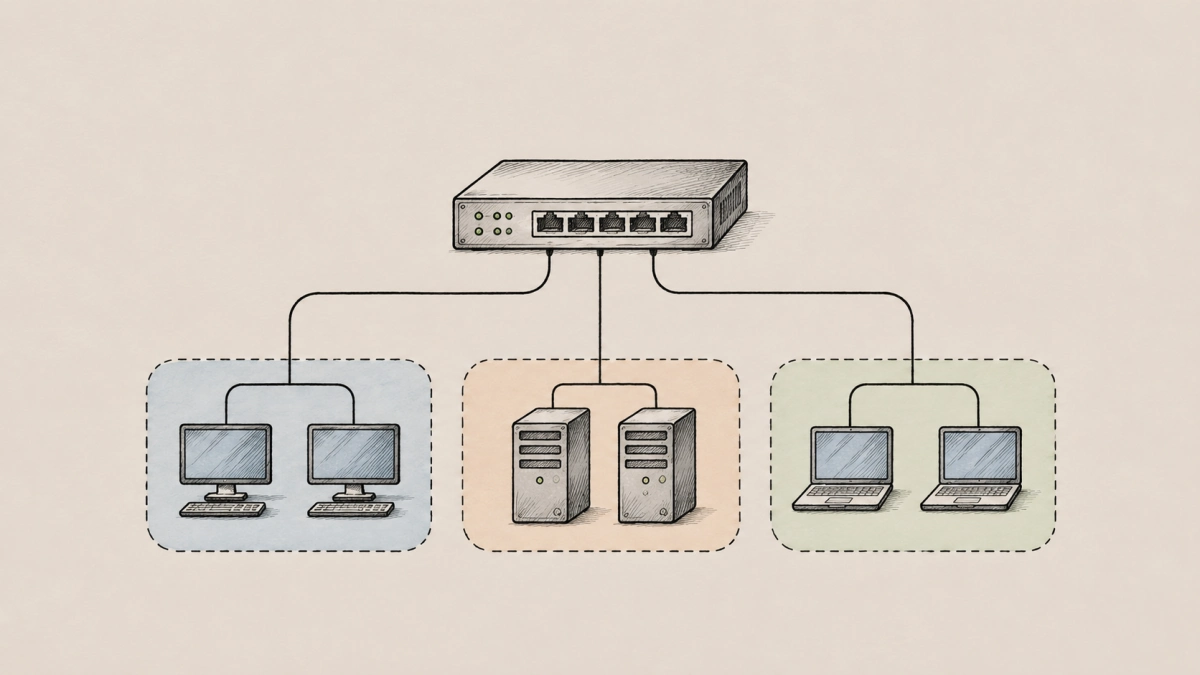
Giving guests a different Wi-Fi name doesn't, by itself, explain what they can reach. You need a separate network and rules that limit access between it and your private devices.
With pfSense, you could allow guest devices to reach the internet while blocking their access to a computer holding business files. This is network segmentation: dividing a network into separate areas and controlling traffic between them.
Separate physical connections are one option. Another is a VLAN, short for virtual local area network, which lets compatible equipment keep groups of devices separate while sharing some wiring.
The equipment must be configured correctly, and pfSense must enforce the intended rules between those networks. Netgate's VLAN security guidance explains why the layout and settings matter.
There's a limit worth remembering: pfSense can't filter traffic that never reaches it. Two devices communicating directly on the same local network can bypass it, as Netgate's troubleshooting guide explains.
What Is a DMZ, and Why Put Servers There?
A way back to your own network
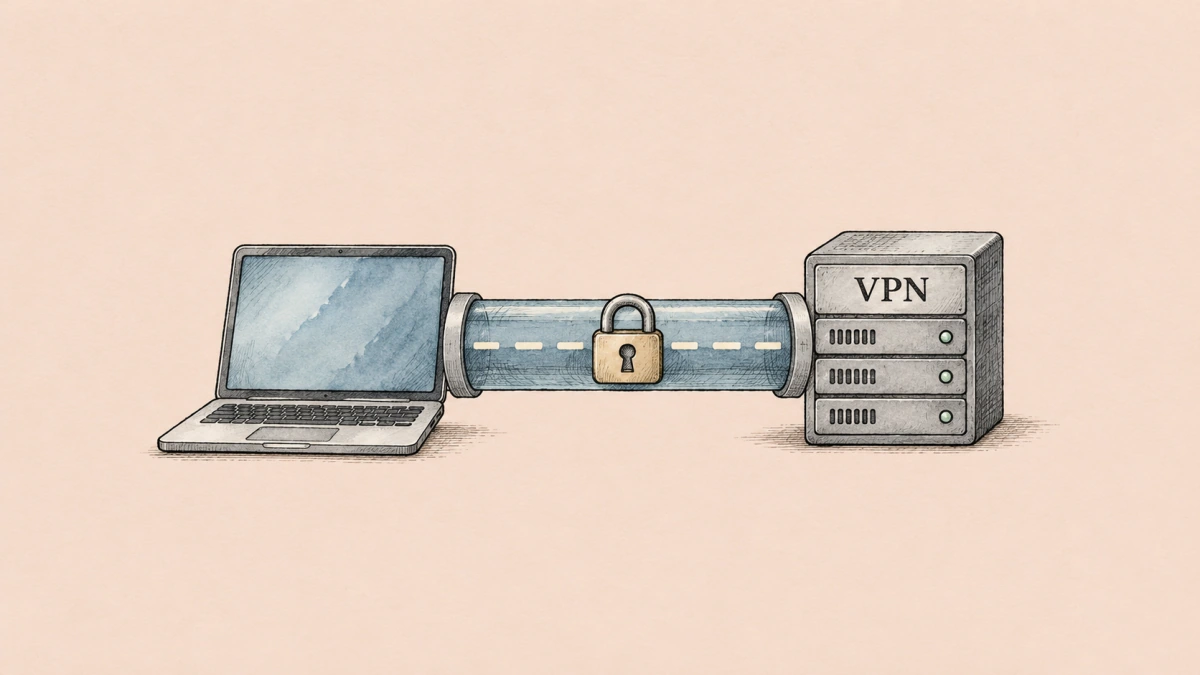
pfSense can also run a VPN, or virtual private network. In a remote-access setup, that creates an encrypted connection from your device back to your network; encryption scrambles the data so outsiders can't simply read it in transit.
That could let you open an office file while traveling. You still need permission to reach that file, and firewall rules can limit what a connected VPN user can access.
OpenVPN, WireGuard and IPsec are different technologies pfSense can use for these connections. Netgate's VPN documentation covers the available choices.
Running a VPN back to your home doesn't automatically make your browsing anonymous. It gives you a protected route to a particular network, with access determined by your settings.
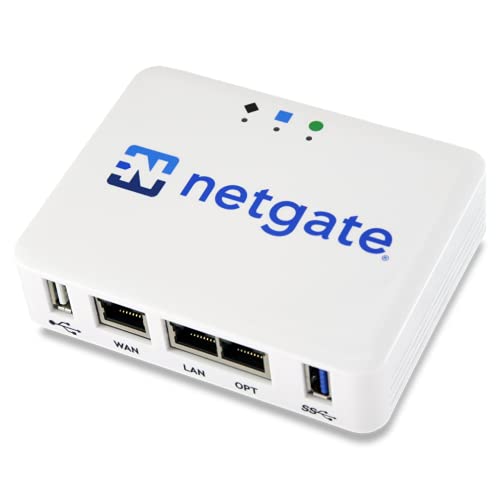
- Skip the install: pfSense Plus comes preloaded, so you can start writing rules right away.
- Get a firewall, router and VPN in one silent box that sips power.
- Keep receiving pfSense Plus updates for the life of the product.
The software needs somewhere to live
A common home setup puts a small computer running pfSense between the internet provider's equipment and your devices. It needs compatible hardware, including the connections used to send and receive network data.
A separate Wi-Fi access point supplies the wireless connection. Your existing wireless router may be able to do that job after reconfiguration; Netgate explains this arrangement in its access-point guide.
The Protectli Vault FW4B is one example of a small firewall computer, with four wired network sockets and no cooling fan. It's an older model, and Protectli's product page points to a newer replacement.
Hardware listings pack a lot into a few letters. These terms help you read the example below:
| Term | Plain meaning |
|---|---|
| Quad-core | A processor with four processing units. |
| RAM | Working memory used while the computer runs. |
| SSD | A storage drive with no moving parts. |
| AES-NI | Processor instructions that speed up certain encryption tasks. |
| OS | Operating system; OPNsense, also named in the listing, is another firewall system. |
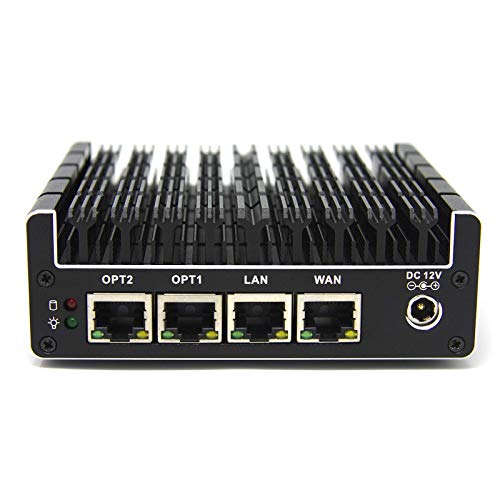
- Run the open-source firewall you choose on hardware you own.
- Enjoy the silence: there is no fan to hum or fail.
- Separate guests, work and smart devices with four network ports.
The number of sockets won't tell you how fast a firewall can handle your workload. Encrypting VPN traffic and adding extra traffic inspection consume computing power, so compare your needs with Netgate's hardware sizing guidance before choosing equipment.
Why guides mention CE and Plus
For years, pfSense has had two editions: CE, short for Community Edition, and Plus, Netgate's commercial edition. CE is open source: its underlying program instructions are available under a license that allows people to examine, modify and share them.
That division is changing. On October 29, 2026, Netgate announced plans to combine the editions starting with release 26.10, with a free feature set and security fixes on supported PCs.
As of November 16, 2026, Netgate's release table still lists 26.10's release date as pending. The announcement says it should arrive before the end of November, so don't mistake an announced change for an already installed update.
Under that plan, paid options cover services such as support and convenient online upgrades to new versions. Check the instructions for your actual release when following an older tutorial.
You're also taking on the upkeep
pfSense gives you detailed controls, and someone has to look after them. That means installing security fixes, keeping track of rule changes and knowing how to recover when a change breaks a connection.
Protect the account that controls the firewall, and keep its administration page away from unrestricted internet access. For remote management, Netgate recommends connecting through a VPN.
Save copies of the configuration, the file containing the firewall's settings, somewhere safe outside the firewall itself. Netgate's backup guidance recommends regular backups and testing that they can be restored.
Start with a rule you can explain: guests can browse, but they can't reach the work computer. Build it, test both parts and keep a copy of the working settings before adding the next change.
Stateful Inspection: A Firewall Remembers the Conversation
Network Segmentation: How Far Can One Intruder Go?
VPNs: Follow the Protected Connection to Its Exit
QUOTE:
"Amateurs hack systems, professionals hack people."