Intrusion Detection: How Suspicious Activity Becomes an Alert
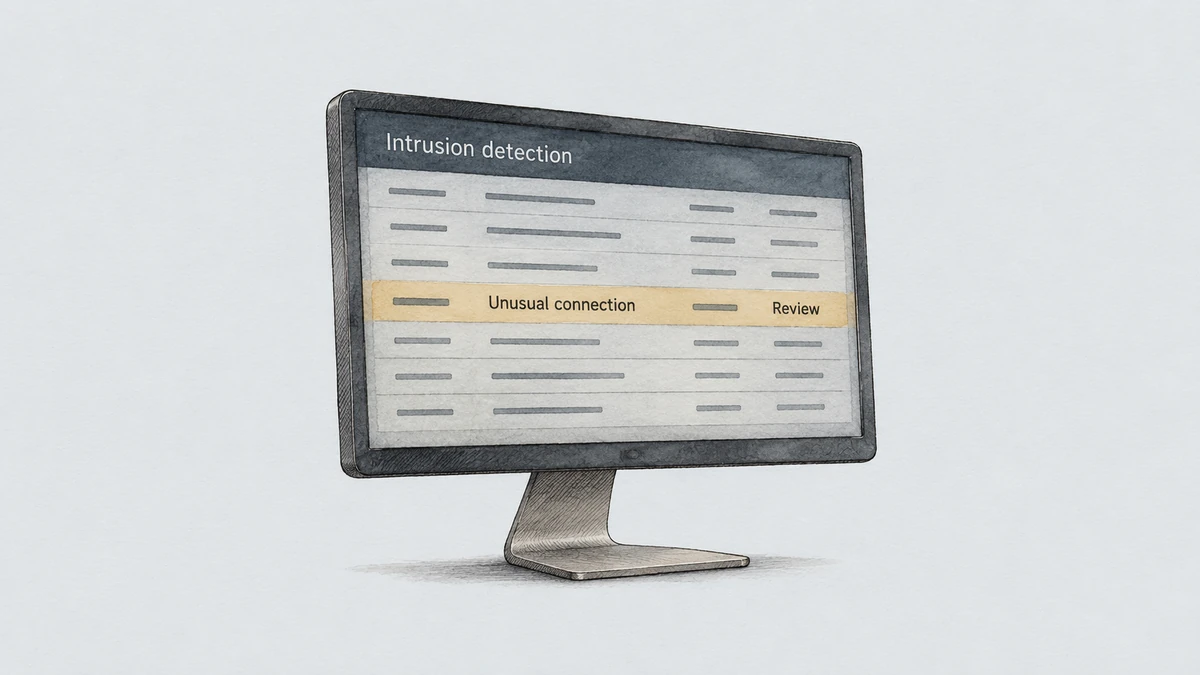
Intrusion detection monitors computer or network activity for signs of unauthorized use, attacks, or security-rule violations. It can flag an attempted break-in, activity after access was gained, or something legitimate that needs a closer look.
An intrusion detection system, or IDS, is a tool used for that work. Its alert is a notification about an observed condition, not a complete explanation of what happened.
IDS or IPS: Watch the Traffic or Stop It?
Different sources reveal different activity
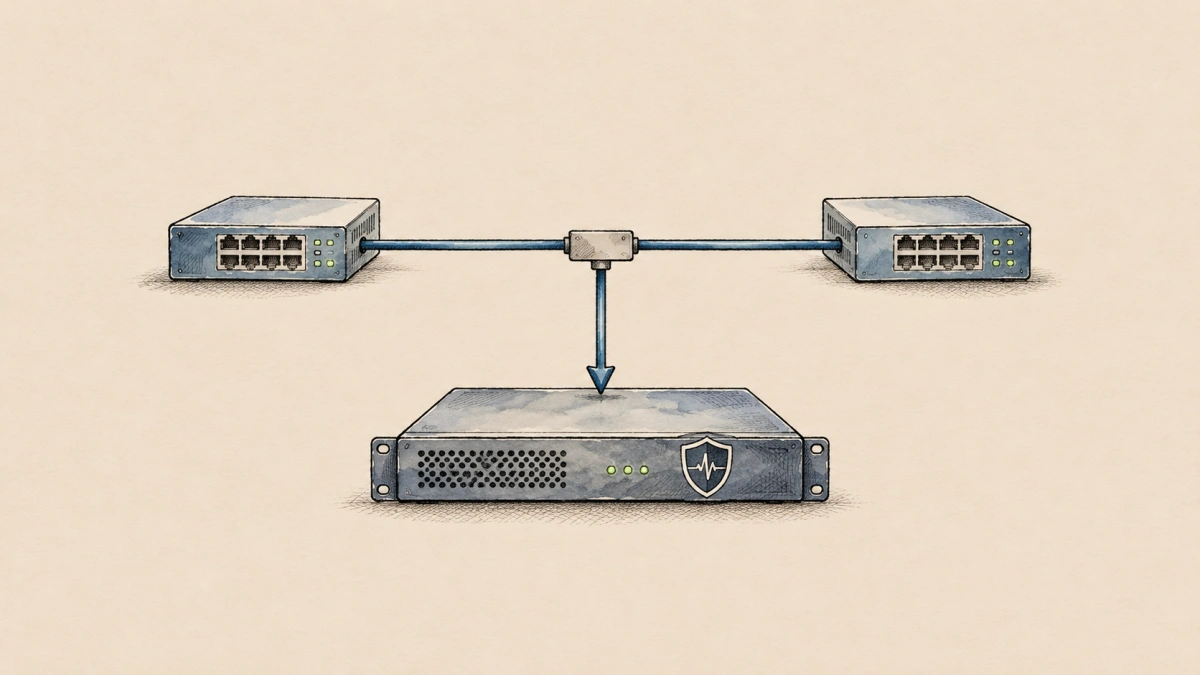
Detection depends on which information reaches the tool. A monitor on one network connection doesn't automatically see every employee account, application, or device.
| Information source | Example of what it can show |
|---|---|
| Network traffic | Connections and data passing the monitoring point. |
| Account logs | Recorded sign-in attempts and account changes. |
| Device or application logs | Recorded program activity, file changes, or application errors. |
A log is a record of events. Security-monitoring software can collect logs, pick out details such as times and account names, and compare them with rules, as Wazuh's log-analysis documentation illustrates.
Those sources complement one another. A suspicious network connection becomes easier to assess if a device record shows which program made it.
A match and a surprise are different clues
Two common detection approaches look for different things:
- Signature-based detection searches for a known pattern associated with a threat or policy violation.
- Anomaly-based detection looks for activity that differs from an established picture of normal behavior.
Neither approach guarantees the alert describes an attack. A scheduled maintenance task, for example, may produce an unusual burst of file transfers.
A false positive flags harmless activity as malicious; a false negative misses malicious activity. The National Institute of Standards and Technology's intrusion-detection guide explains these limits and the need to adjust detection settings.
Coverage has edges
Network monitoring can't inspect encrypted contents merely because it can see a connection. Encryption makes data unreadable without the appropriate key, a data value used to unlock it.
A monitor may still see connection details, while monitoring on the device can supply a different view. Encrypted content requires inspection where it is available in readable form.
Missing records create another gap. If an application isn't recording a relevant action, a log-analysis tool can't reconstruct that action from a record it never received.
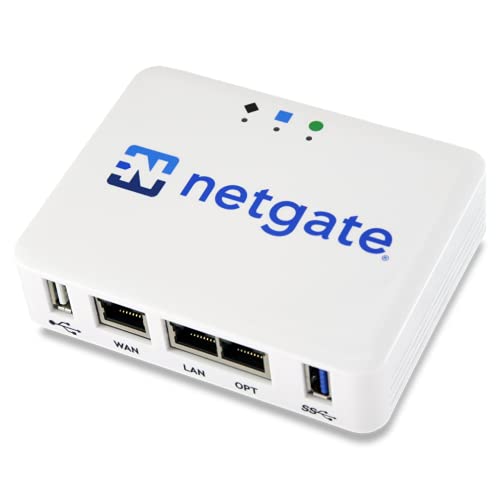
- Skip the install: pfSense Plus comes preloaded, so you can start writing rules right away.
- Get a firewall, router and VPN in one silent box that sips power.
- Keep receiving pfSense Plus updates for the life of the product.
What happens after the alert matters
Consider an alert for repeated failed sign-ins. A reviewer would check which account was targeted, whether any sign-in succeeded, and whether related records show subsequent activity.
The National Institute of Standards and Technology's incident-response guidance recommends combining information from multiple sources and sending findings to the people responsible for responding.
Intrusion prevention adds action intended to stop detected activity, such as blocking a connection. Some tools support both detection and prevention; Snort's documentation shows how configuration and rules determine its behavior.
When assessing a detection setup, ask which activity it can observe, which conditions trigger alerts, and who reviews them. An alert that nobody investigates doesn't establish whether the activity was harmless or harmful.
Network-Based IDS: The Alarm Beside the Traffic
Host-Based Intrusion Detection: What Changed on That Computer?

Attack Signatures: What Security Software Recognizes

QUOTE:
"Amateurs hack systems, professionals hack people."