Cross-Site Scripting: When a Webpage Treats Text as Instructions
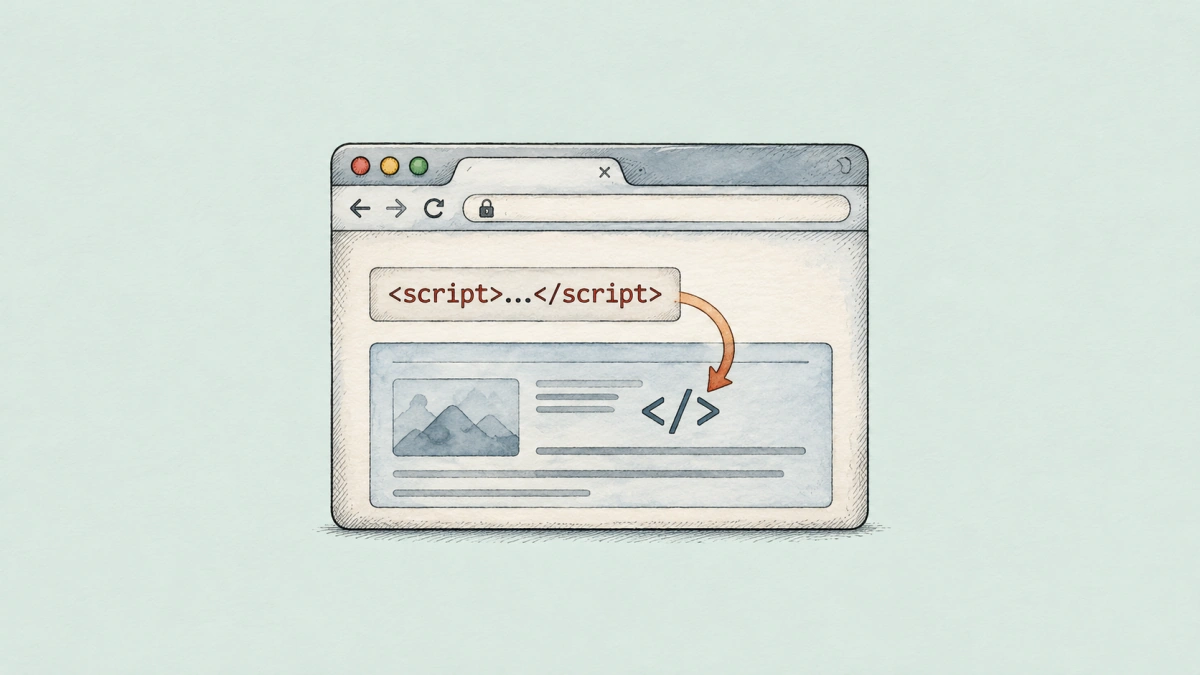
Cross-site scripting, or XSS, happens when a web application lets untrusted content become instructions that run in a user's browser. Those instructions, called a script, execute in the affected website's context, where they can gain capabilities the attacker shouldn't have.
A browser normally runs scripts to make pages work. They can update a display, respond to a button or handle other page behavior. The security failure is allowing an attacker to supply instructions that the browser treats as part of that work.
A comment crosses the line
Imagine a community website that accepts comments. A visitor submits text, and the site later displays it beneath an article.
The page needs to treat that contribution as content to show. If the application instead inserts it in a way that the browser interprets as active instructions, an attacker can supply more than a comment. Their script may run when another reader opens the affected page.
The dangerous step is where the data becomes executable. A web server might build the unsafe response, or code already running in the browser might place the data into the page unsafely.
A successful attack could change what the reader sees or access information available to scripts in that context. The consequences depend on the application, the user's access and the protections in place.

- Learn to find the flaws in a web app before someone else does.
- Understand injection, broken logins and logic bugs well enough to fix them.
- Build the skills that web security jobs ask for.
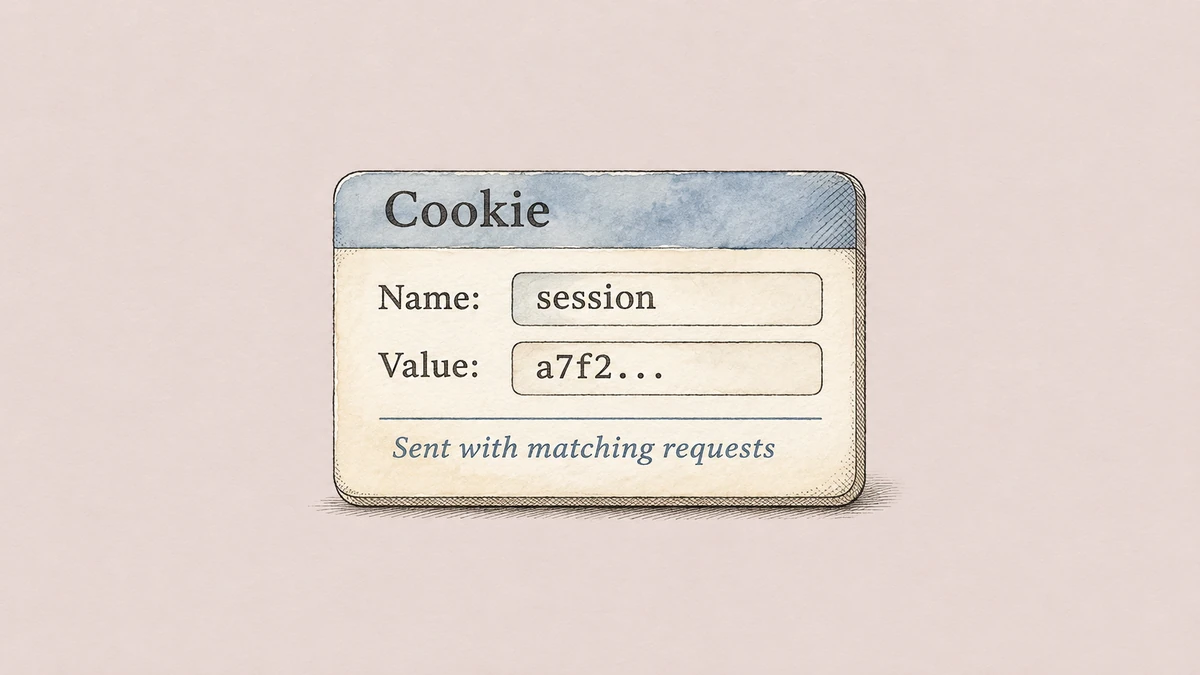
Cookies are small pieces of data a browser stores for a website. Some are protected from script access; XSS doesn't make every cookie readable or mean the whole computer has been taken over.
OWASP's XSS overview, published by the software-security organization, describes the underlying failure: attacker-controlled instructions run with the privileges of the affected web context.
The familiar labels answer different questions
XSS reports use these names to describe different parts of the problem:
- Stored XSS involves data retained for later use. A saved comment is one example. Storage can be on a server or in the browser.
- Reflected XSS involves supplied input being returned for immediate use, rather than saved for later visitors. A response that repeats submitted text can create this opportunity if it handles the text unsafely.
- DOM-based XSS involves unsafe processing in the browser. The Document Object Model, or DOM, is the browser's representation of the page, which scripts can read and change.
Stored and reflected describe how the data is retained or delivered. DOM-based describes where unsafe processing occurs. A stored value can later be handled unsafely by browser code, so the labels can overlap. OWASP's explanation of XSS types makes that overlap explicit.
How One Tweet Started Retweeting Itself
Keep text as text
The repair depends on what the application intends to display and where it places the data.
Output encoding changes the representation of special characters so the browser handles them as data in the intended location. The right encoding for ordinary page text isn't automatically right inside a script or a web address. Browser programming methods designed to insert plain text also help avoid interpreting that text as active page content.
Sometimes a site deliberately allows formatting written in HTML, the language that describes a webpage's structure and formatting. Encoding all of it as plain text would remove the intended formatting. In that case, HTML sanitization examines the permitted markup and removes unsafe elements or attributes using an appropriate, maintained tool.
OWASP's prevention guidance distinguishes these jobs. Checking whether input meets a field's rules is useful, but it doesn't replace safe handling when that input is put into a page.
Other controls can limit the damage. Cookie restrictions can prevent scripts from reading certain stored values. A Content Security Policy, or CSP, gives the browser rules that restrict permitted content and scripts. Neither repairs every unsafe path by itself.
The comment box is allowed to accept someone else's words. It shouldn't give those words the power to issue commands to everyone who reads them.
Input Validation Attacks: When Software Accepts the Wrong Data

Browser Cookies: What They Remember About You
What’s the Difference Between Stored and Reflected XSS?

QUOTE:
"Amateurs hack systems, professionals hack people."