Promiscuous Mode and the Packets Your Computer Never Sees
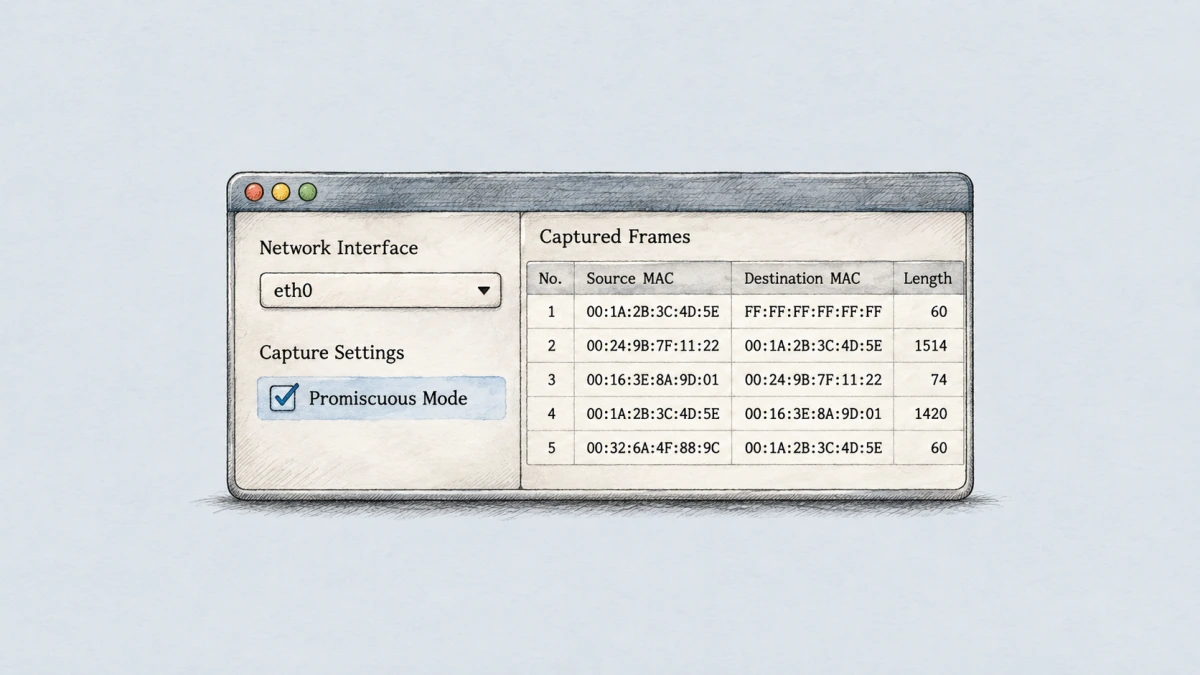
Two computers sit beside each other, connected to the same office network. Suppose you record network traffic on one while the other downloads a file. Its conversation may be missing from your recording—even with promiscuous mode switched on.
Promiscuous mode is a setting that lets a network adapter pass along received traffic that it would normally filter out because it is addressed elsewhere. The adapter is the hardware that connects the computer to the network.
That setting changes what the adapter accepts. It doesn't make the rest of the network deliver every conversation to it. To understand the missing download, follow the traffic through two separate decisions.
See What Your Computer Is Really Sending
First, the switch chooses where to send it
On an Ethernet network, the kind connected by network cables, data travels in frames. A frame packages information for delivery over the local connection, including a destination address. It can carry a packet, a small unit of network data.
A network switch connects devices and forwards frames toward their destinations. When it knows where a destination is, it can send that conversation down the appropriate connection instead of copying it to every computer.
In the office example, the download reaches the second computer's cable. The first computer doesn't get that same traffic just because it is nearby or uses the same switch. Its adapter has nothing to accept or reject.
The Wireshark project's Ethernet capture guide explains this limit: promiscuous mode cannot reveal frames that never reach the capturing adapter.
Then, the adapter decides what to pass along
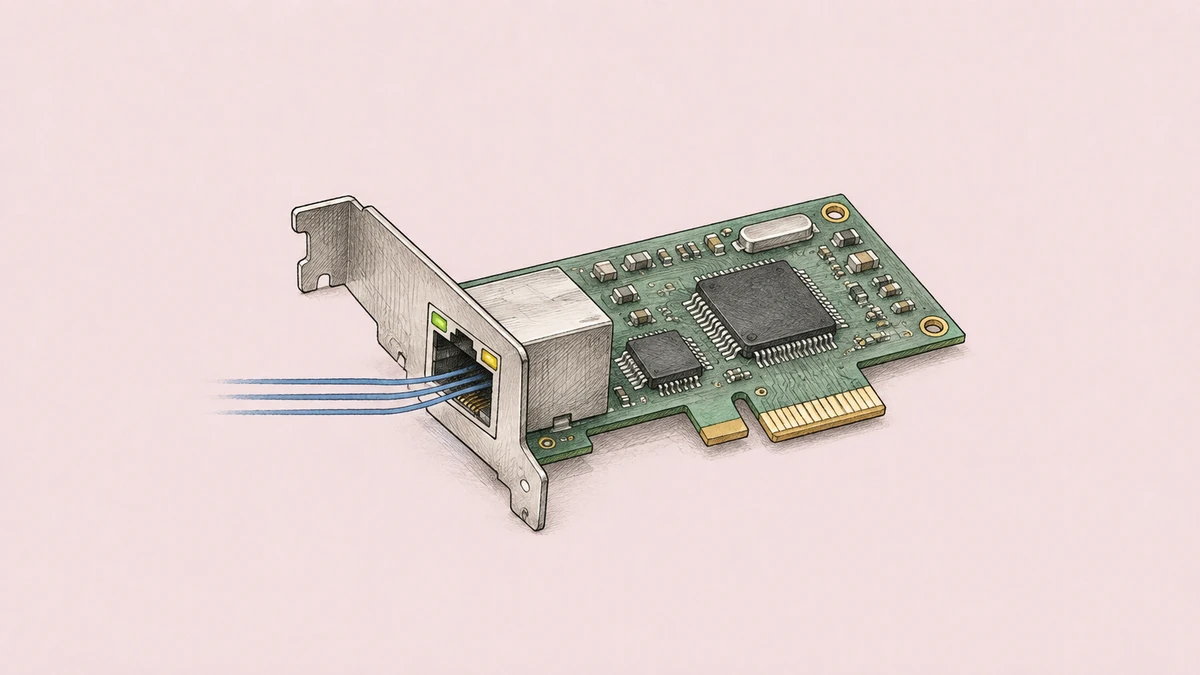
An adapter normally filters received frames, accepting traffic relevant to it and discarding other traffic. Promiscuous mode relaxes that destination filtering so capture software can inspect additional frames that arrive.
This is useful when a network investigator has arranged for copies of the relevant traffic to reach the recording computer. Two ways to do that are:
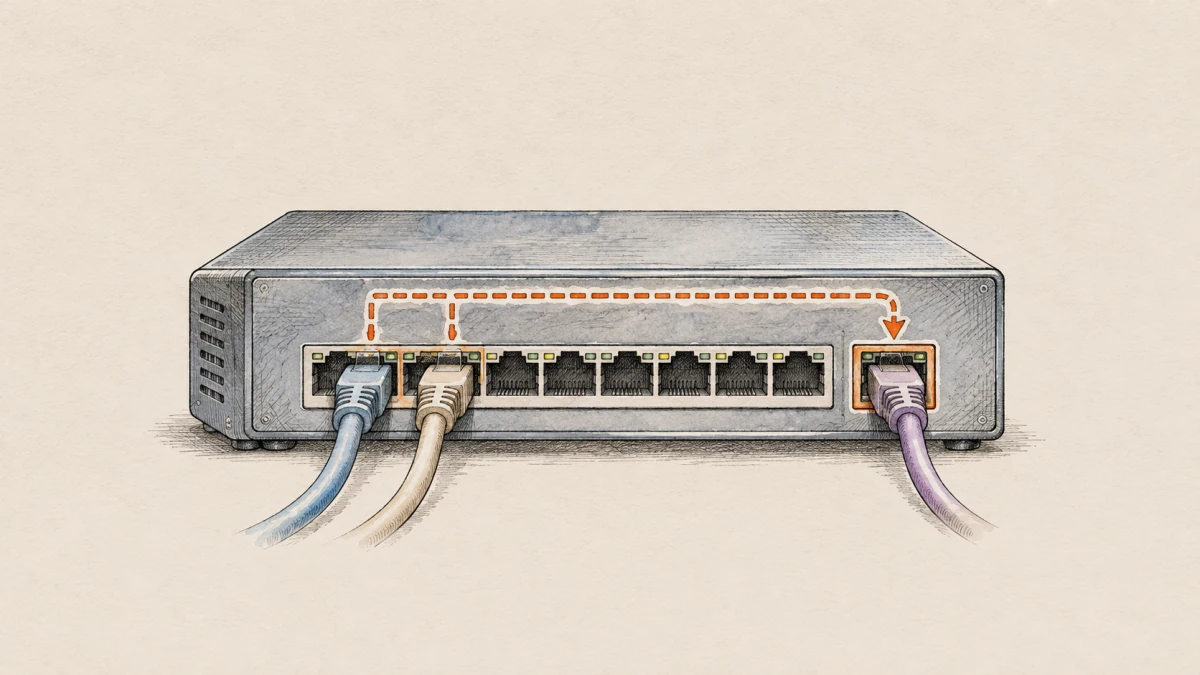
- Port mirroring. A switch copies selected traffic to a designated connection, where a capture device can receive it.
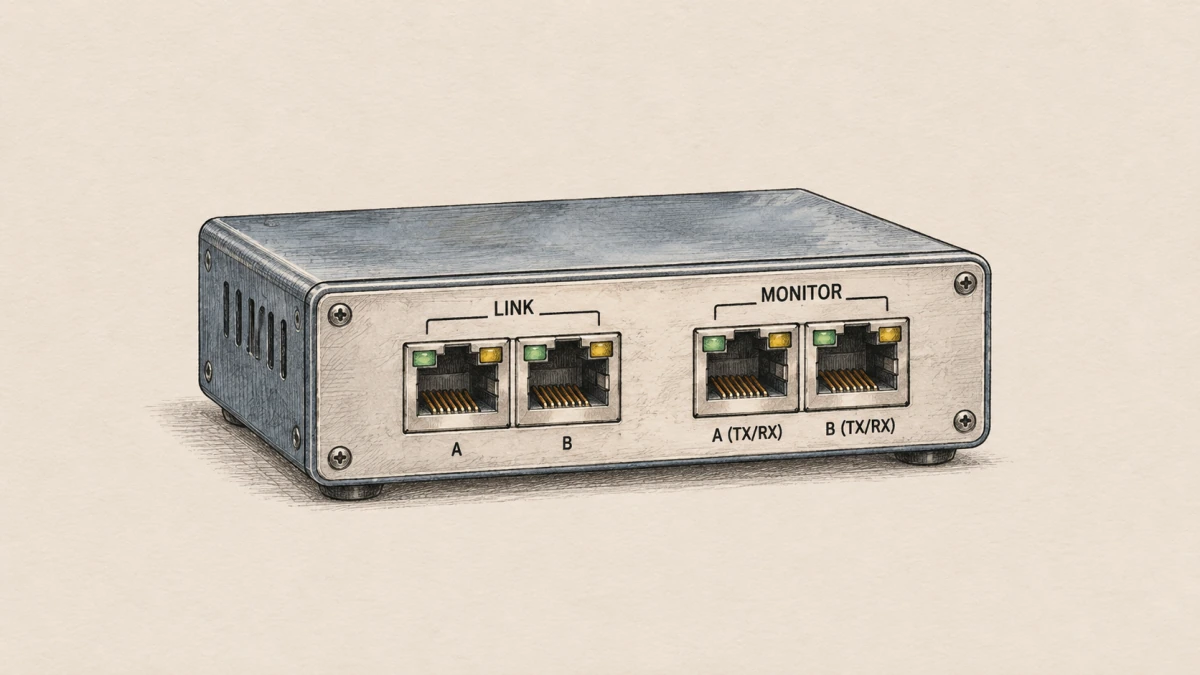
- A network tap. A device placed on a network link supplies a copy of traffic passing over that link.
The mirror or tap delivers copies of the traffic. Promiscuous mode then helps the adapter pass those copies to the software examining them.
The location and settings still matter. A tap watches its link; a mirrored port receives the traffic selected for it.
Wireless networks introduce another setting: monitor mode. Depending on the wireless adapter, its driver (the software controlling it) and the operating system, monitor mode can expose additional Wi-Fi traffic and radio information. It isn't simply a new name for Ethernet promiscuous mode, and supported capture capabilities vary.

- Pick up networks your laptop's built-in Wi-Fi can't reach.
- Practice wireless security testing with an adapter Linux supports.
- Get a stronger, steadier signal from the built-in amplifier.
Reading the captured exchange
Wireshark's introduction describes packet analysis for troubleshooting, testing and security investigations. It also makes clear that Wireshark is not an intrusion detection system, which would identify and alert on possible attacks.
With relevant traffic delivered and recorded, an investigator can follow an exchange: what one device sent, how the other replied and where communication stopped.
SPAN Ports: Giving a Traffic Recorder a Better View
What Are Network Taps? What a Copy of Traffic Can Reveal
How to Enable Promiscuous Mode in VMWare Workstation?
QUOTE:
"Amateurs hack systems, professionals hack people."