How Computer Network Defense Keeps Connections Safer
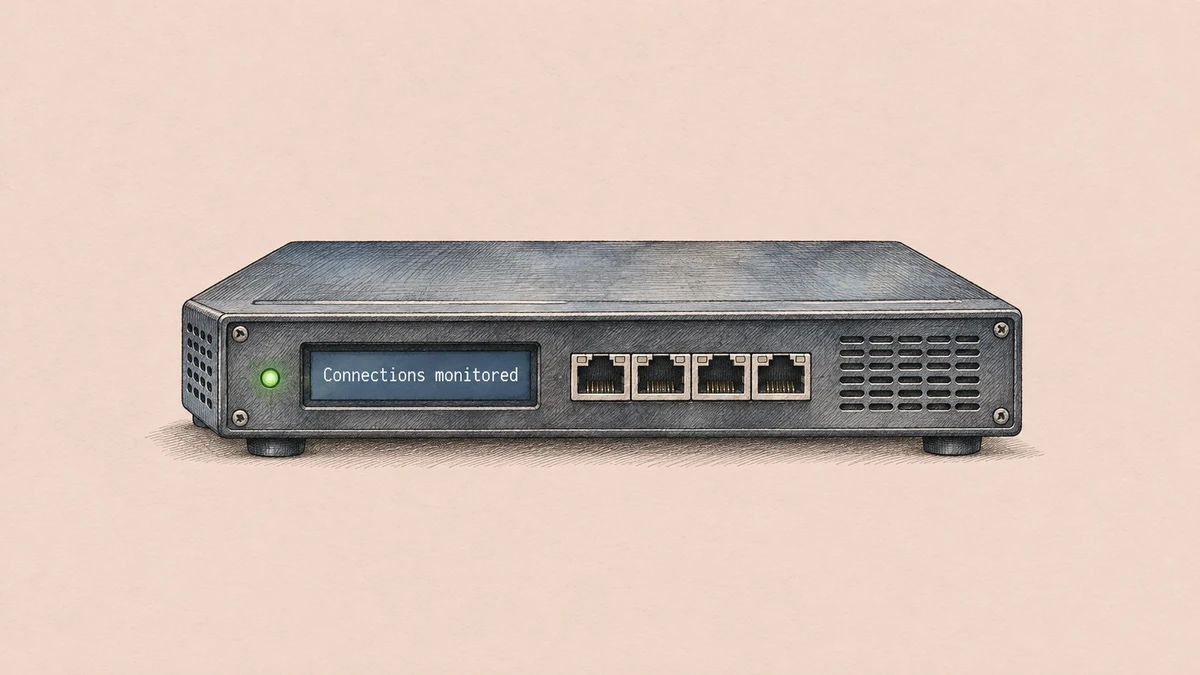
A company can restrict its internet connections and still lose files through a stolen employee account. Computer network defense has to account for the people, devices, and permitted connections that make everyday work possible.
Computer network defense, or CND, is the work of protecting connected systems against threats, recognizing harmful activity, and responding when something goes wrong. It brings together technical safeguards and the people who configure, monitor, and use them.
The National Institute of Standards and Technology (NIST) glossary describes actions within protected systems to counter threats and restore a secure state. An effective defense needs both working protections and a way to deal with failures.
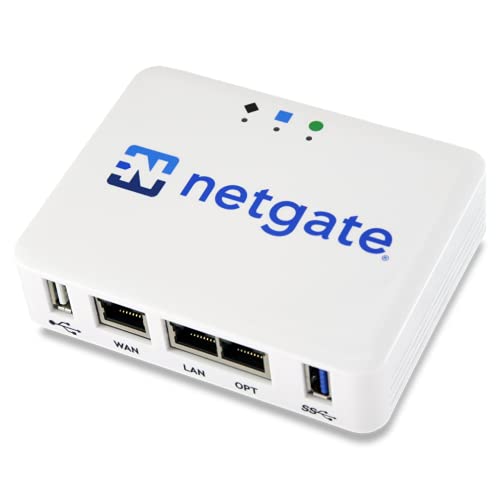
- Skip the install: pfSense Plus comes preloaded, so you can start writing rules right away.
- Get a firewall, router and VPN in one silent box that sips power.
- Keep receiving pfSense Plus updates for the life of the product.
Start with the work the network must support
A network connects devices so they can exchange data and use shared services. Before deciding what to block, defenders need to understand which connections the organization actually needs.
An inventory lists the relevant devices, applications, services, and owners. A map of data flows shows where information moves, including connections to outside providers.
The NIST Cybersecurity Framework calls for maintaining these inventories and understanding authorized communications. It also ties priorities to the importance of the systems and the harm their failure could cause.
For an online store, the public website needs to receive customer requests. The system holding order records may need to accept requests from the store's application, while refusing direct connections from ordinary visitors.
Give each protection a specific job
A firewall allows or blocks network traffic according to rules. It can restrict unwanted connections, but an allowed connection can still carry a harmful request.
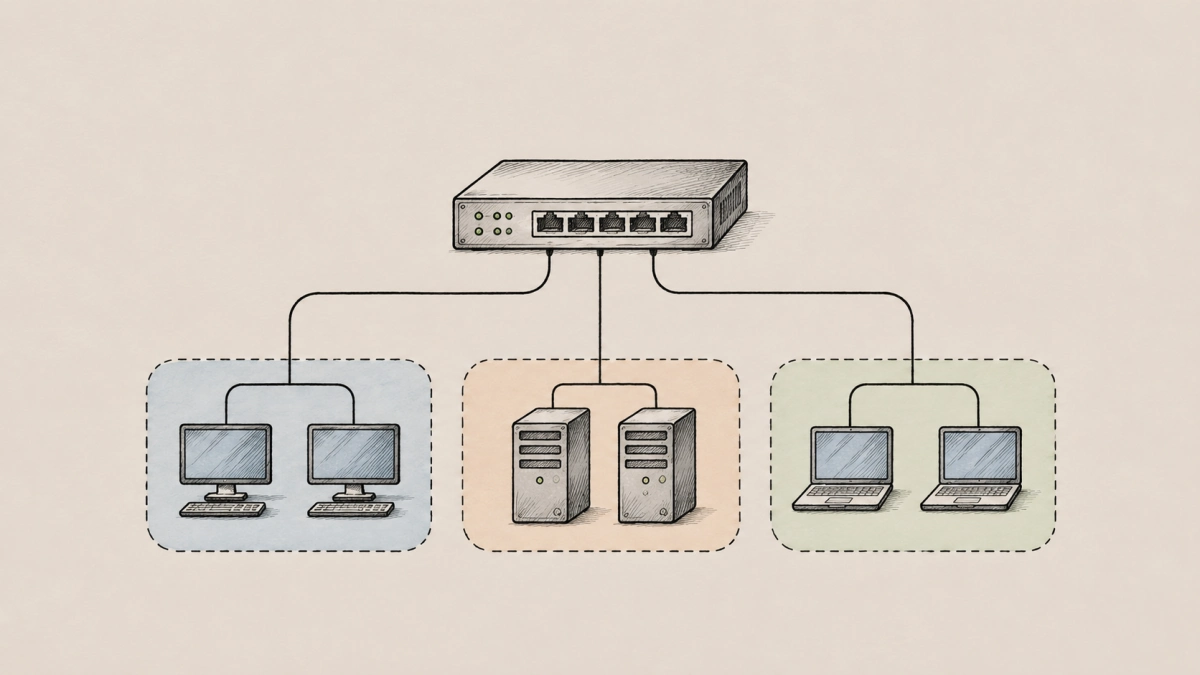
Network segmentation divides a network into sections with controlled communication between them. A guest device might be allowed to reach the internet without being allowed to contact the company's order system.
Inside a Security Operations Center
NIST's firewall guidance explains why policies, placement, testing, and maintenance matter. Buying a firewall doesn't decide which traffic should pass through it.
Accounts need their own controls. Authentication checks an identity, while authorization determines what that identity may do after signing in.
Giving each account only the access it needs can limit the harm if that account is stolen.
This is part of the reasoning behind zero trust, an approach that doesn't grant access merely because a device is inside a company's network. NIST's zero-trust guidance focuses access decisions on the resource, user, and device involved.
Encryption scrambles data so that someone needs the appropriate key to read it. It can protect information traveling across a network, but it won't stop an application from showing readable records to an account that has permission to view them.

- Keep work, guest and smart-home gear apart with up to 32 VLANs on one small switch.
- Copy any port's traffic to your laptop with port mirroring and see what is on the wire.
- Set it up from a web page instead of learning a command line.
Check what the protections can actually see
A log is a record of events, such as account sign-ins, connection attempts, or changes to settings. Relevant logs let defenders compare what should be happening with what's actually happening.
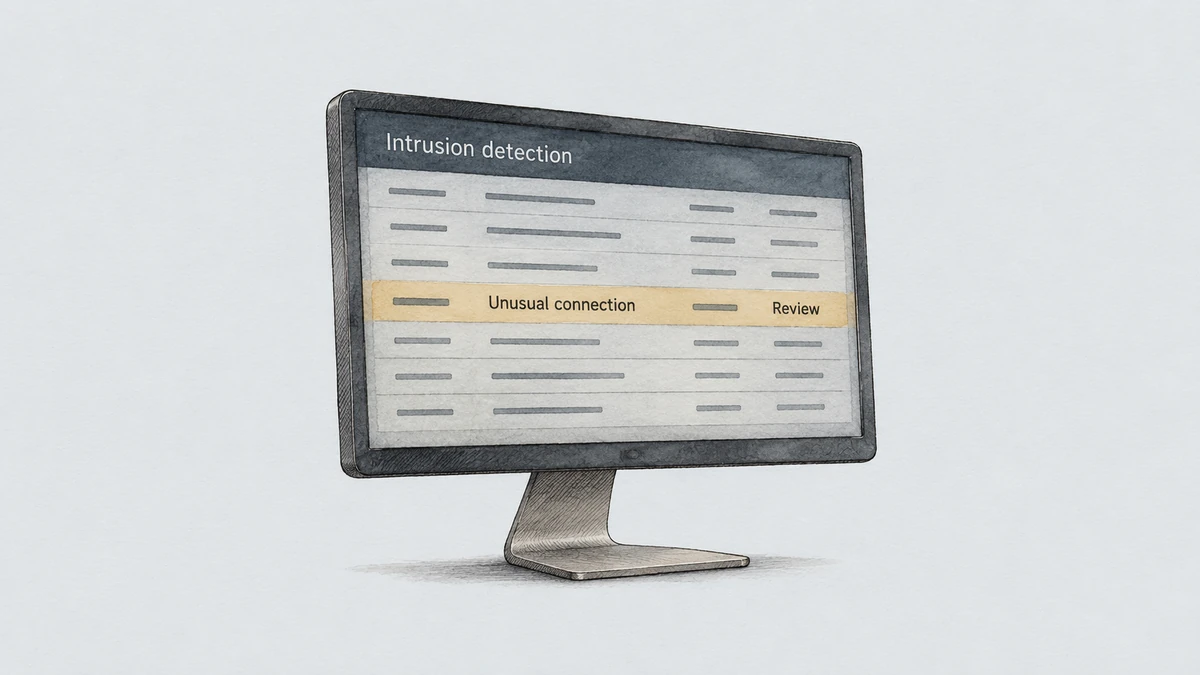
An intrusion detection system, or IDS, looks for signs of suspicious activity and raises alerts. Those alerts need investigation: a warning may be a false alarm, and some attacks won't trigger a warning at all.
The joint guidance on event logging from several national security agencies emphasizes useful records and comparisons across sources. A busy dashboard isn't enough if the important systems aren't supplying the information needed to investigate.
A network sensor observes traffic, but it may be unable to read encrypted contents. Records from the devices or applications handling that traffic can provide another view.
Why No Single Defense Is Enough
Test the result, including recovery
An authorized test should check both sides of a rule: permitted work still succeeds, and prohibited access fails. If a guest device can't open the order system but employees can't process orders either, the configuration still needs work.
Regularly update software, review access as responsibilities change, and check that monitoring continues to work after changes.
The organization also needs a response plan and usable backups, which are saved copies for recovery. The plan identifies who investigates, who can restrict access, and how affected services return safely.
Network defense earns its value through those observable results: essential work continues, unnecessary access is restricted, and the team can act when the protections fail.
Network Segmentation: How Far Can One Intruder Go?
Intrusion Detection: How Suspicious Activity Becomes an Alert
Egress Filtering: Decide What Your Network Can Send Out
QUOTE:
"Amateurs hack systems, professionals hack people."