NAND Flash: Why Saving a File Takes More Than It Seems
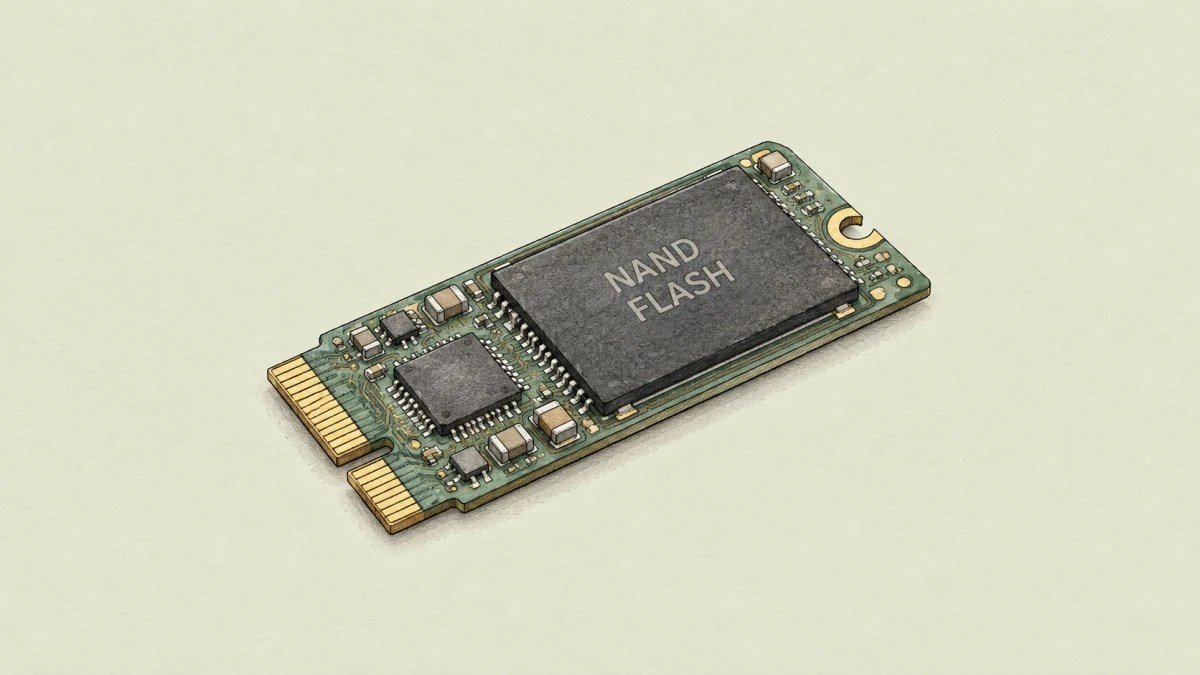
A flash drive can keep its files after you unplug it. NAND flash stores information in tiny electronic cells that can retain it without a continuous supply of power. Reconnect the drive, and the device can read those cells again.
That quality is called nonvolatile storage. It distinguishes NAND flash from volatile working memory such as dynamic random-access memory, or DRAM, which holds the data a computer is actively using and needs power to retain it.
NAND stores information through electrical charge states. It can be erased and written again, making it useful for storage that changes between uses. Inside a solid-state drive, or SSD, a controller manages where the data goes and how the cells are used.
What's Inside an SSD?
A small change can involve a larger block
The cells in NAND flash are grouped into pages, and pages form larger blocks. Reading retrieves stored information. Writing, also called programming, sets information in the cells. Erasing prepares storage to be used again, and it operates on whole blocks.
That last detail makes NAND less straightforward than it appears from a computer's file browser. Replacing a sentence in a document doesn't mean the drive simply writes over the same tiny physical spot every time.
An SSD's controller is the part that manages the flash. It keeps track of data placement and handles background work, including garbage collection: reclaiming space occupied by information that has become stale or invalid.
Suppose a block contains both old data and data the device still needs. Before erasing that block, the controller copies the still-needed data to another block. It can then clear the old block for reuse. This is why changing a little data can require more work inside the drive than the file browser shows.

- Open programs and large files in moments with speeds up to 7,150MB/s.
- Stop deleting things to make room: 1TB holds a full library.
- Keep the drive healthy with Samsung's own management tools.
Micron's explanation of how SSDs work describes these controller jobs. NAND is the storage medium; the SSD is the complete device that puts it to use.
Spreading the wear
Writing and erasing stress flash cells. They can withstand only a finite amount of that activity, so repeatedly using the same blocks would wear those blocks out sooner.
The controller uses wear leveling to spread the work around. This helps avoid exhausting a small part of the flash while other parts have done much less.
It also uses error-correcting code, or ECC, to detect and correct certain errors in stored data. Kioxia's technical glossary explains wear leveling, error correction and the difference between flash and DRAM.
These measures help the device cope with the limits of its cells. They don't turn it into a permanent archive. Nonvolatile means the data can remain without power, not that it will remain forever. Important files still need recoverable copies beyond the device that holds them.
The Hidden Software Inside Your Electronics
Fitting more information into a cell
A bit is one binary value: 0 or 1. A cell storing one bit needs two distinguishable states. A cell storing two bits needs four, because the possibilities are 00, 01, 10 and 11.
That is the idea behind familiar NAND labels:
| Label | Bits per cell | Distinguishable states needed |
|---|---|---|
| SLC, single-level cell | 1 | 2 |
| MLC, multi-level cell (commonly two bits) | 2 | 4 |
| TLC, triple-level cell | 3 | 8 |
| QLC, quad-level cell | 4 | 16 |
Samsung's guide to NAND storage methods explains the SLC, MLC and TLC progression; Micron also describes QLC.
More bits per cell let the same number of cells hold more data, but the performance and endurance trade-offs depend on the complete device. 3D NAND describes another way to fit in more storage: stacking cells vertically. Layers and bits per cell describe different features of the chip.

- Carry a bootable operating system on your keyring.
- Trust it in a pocket or bag: the metal body shrugs off water and knocks.
- Move big files quickly with read speeds up to 300 MB/s.
The awkward side of moving data around
The controller's work becomes especially important when a drive is being sold, reused or discarded.
Wear leveling and spare cells can leave old data outside the locations an ordinary program can reach. Repeatedly overwriting a file may therefore miss physical areas that once held its contents. The file view on screen isn't a map of every cell inside the device.
The National Institute of Standards and Technology's 2025 media-sanitization guidance explains why overwriting can offer little additional protection in this situation. Sanitization is the work of making stored data inaccessible, using a method suited to the device and the requirements for that data. A familiar erase command alone doesn't establish that the job succeeded.
Degaussing, for example, erases magnetic media with a magnetic field. NAND flash is nonmagnetic, so this method won't erase its data.
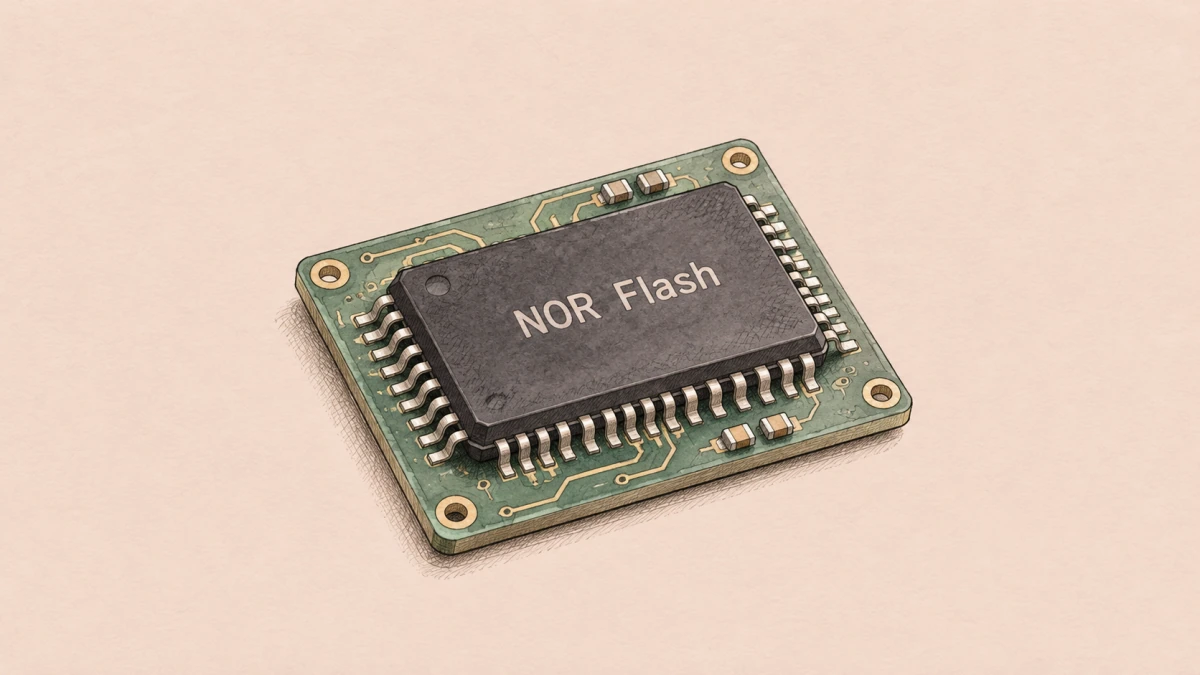
NOR Flash: Read Here, Erase the Whole Sector
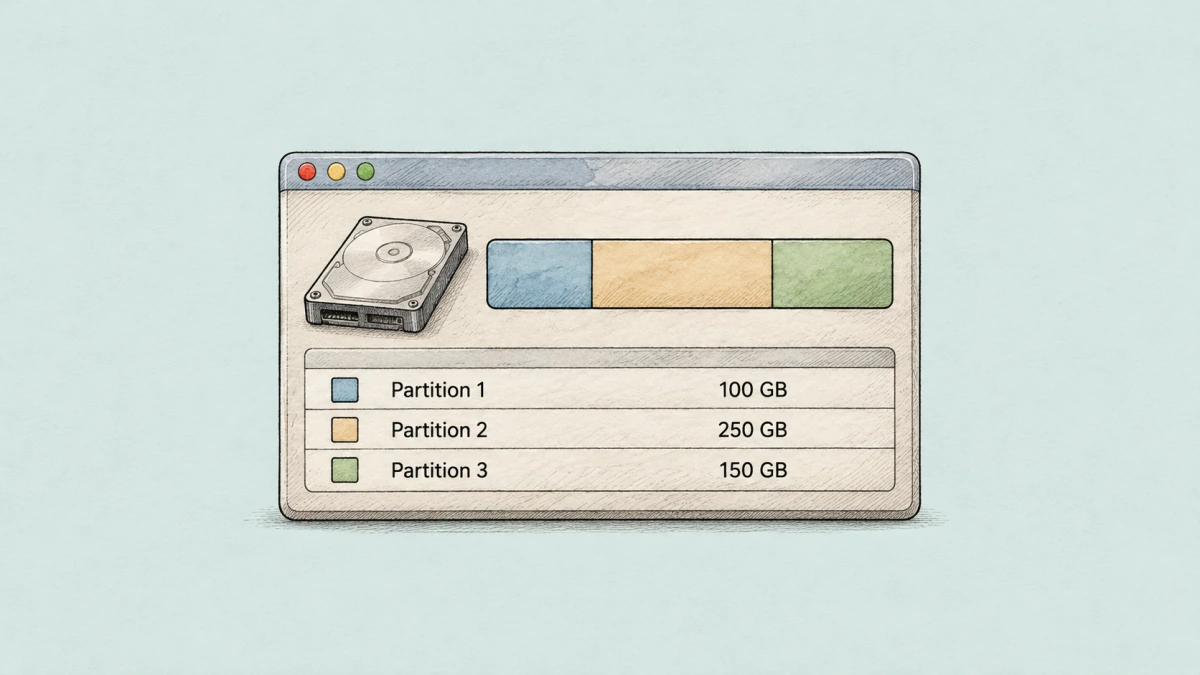
Disk Partitions: Separate Storage Areas on the Same Drive
Data Corruption: When a File Exists but You Can’t Trust It

QUOTE:
"Amateurs hack systems, professionals hack people."