Spear Phishing: A Deceptive Request That Fits Your Work
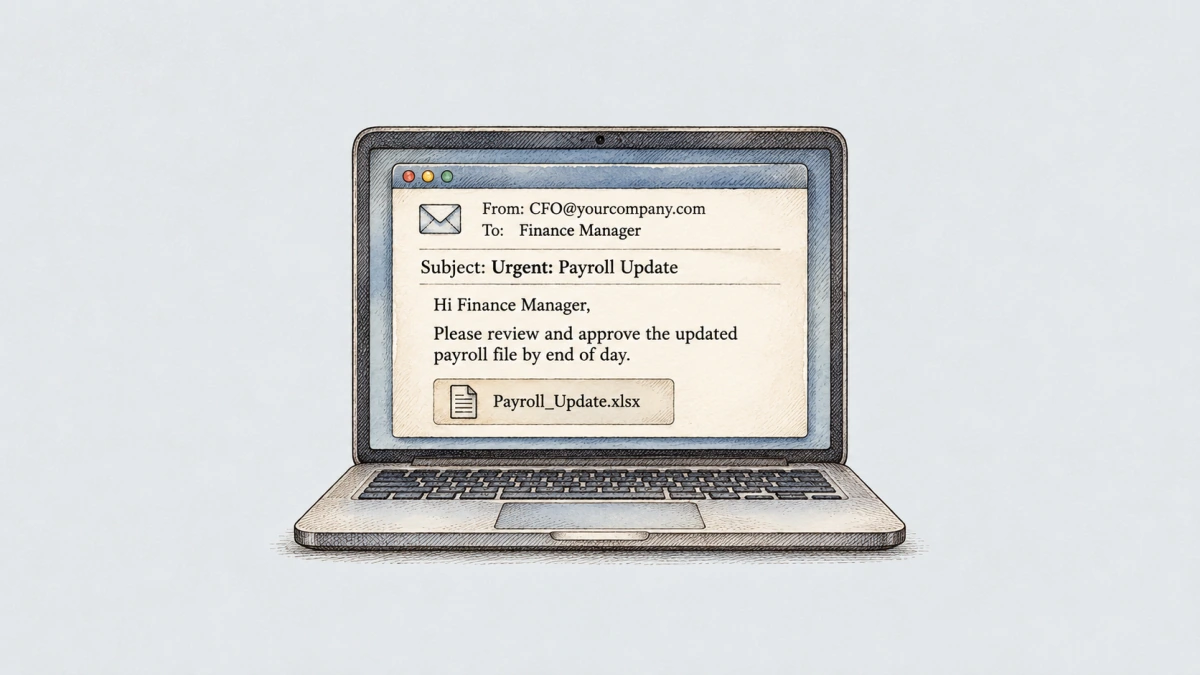
Spear phishing is deceptive messaging aimed at a selected person, organization or group. It is a targeted form of phishing: contact intended to trick someone into revealing information, opening harmful material or taking another action that helps an attacker.
What makes it targeted is the chosen audience and relevant context. A message might fit the recipient's job, mention a project or appear in a familiar conversation. It doesn't have to be addressed to exactly one person, and the label doesn't tell you how long the attacker spent preparing it.
MITRE's description of phishing techniques distinguishes these selected targets from untargeted campaigns. It also describes several ways the contact can arrive, including links, attachments and messages through third-party services.
How a Phishing Message Tries to Fool You
A real project can lend credibility to a false request
Suppose a project coordinator receives a message about a meeting they're already arranging. The sender appears to be a colleague, the project name is correct, and the message asks them to open a shared document and sign in to review it.
In a spear-phishing attempt, those familiar details could be used to steer the coordinator toward a deceptive sign-in page. The task feels relevant because it has been made to fit the work. The requested sign-in is the action that deserves examination.
The attacker needn't know every detail of the project. Information gathered from different sources can supply enough context to sound informed. The U.S. Cybersecurity and Infrastructure Security Agency (CISA) describes this use of partial information in its guidance on social engineering.
Social engineering means using deception to influence a person's decision. Here, relevance does some of that work: a document about the recipient's actual meeting is easier to place in their day than an unrelated request.
The address can be real while the request is false
Some messages use spoofing, falsifying identity information so the communication appears to come from elsewhere. Others use a legitimate account that an attacker has taken over.

- Make a stolen password useless without the key in your hand.
- Sign in with a tap instead of typing a code.
- Protect Google, Microsoft, Apple and more than 1,000 other accounts.
MITRE describes abuse of compromised accounts and existing email threads. In that situation, checking for a misspelled address won't resolve the central question. The address may belong to the real colleague, and earlier replies may be genuine.
Return to the meeting document. Its project name, sender and conversation history can all look plausible while the new request points somewhere it shouldn't. Checking the request means considering what it asks you to open, disclose or authorize, rather than stopping once the surrounding story fits.
For suspicious contact, the Federal Trade Commission recommends contacting the claimed organization independently, using a phone number or website already known to be genuine. For a work request, the same principle is to confirm through an established trusted route.
Replying inside an account controlled by the attacker could simply give the attacker another turn in the conversation. A separate check lets the real colleague confirm the request before familiarity becomes permission.
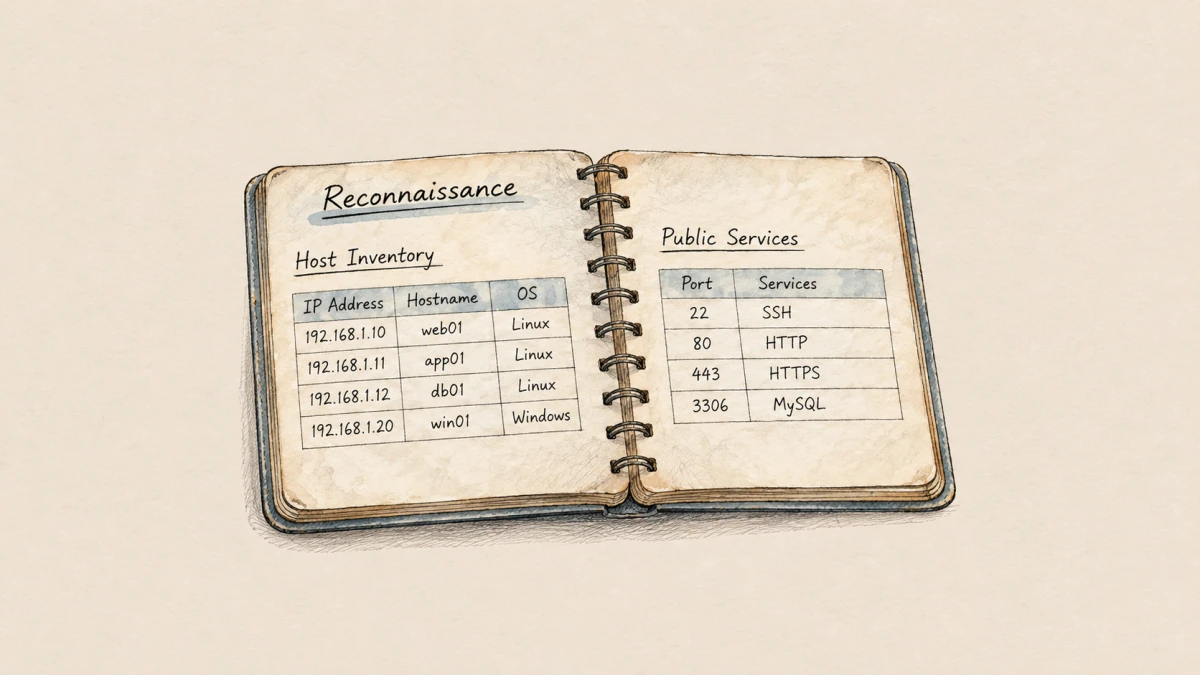
Cyber Reconnaissance: How Ordinary Facts Become an Attack Plan
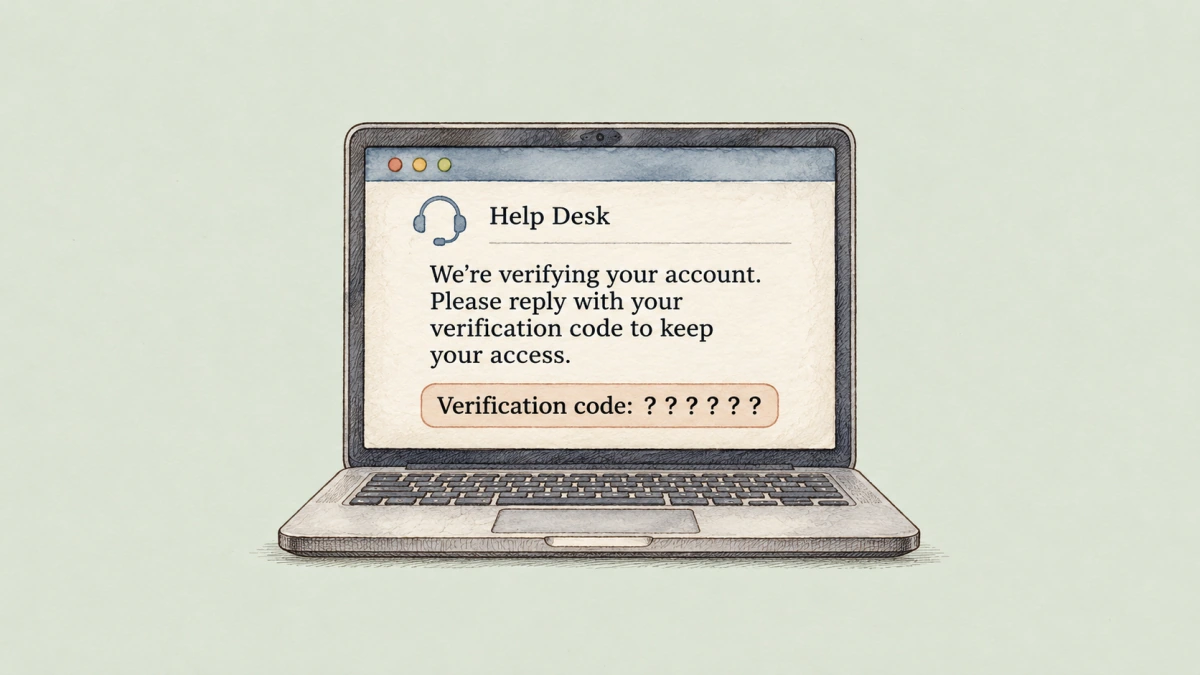
Vishing: Why a Caller Wants Your Sign-In Code

Social Engineering: When a Believable Story Becomes Permission
QUOTE:
"Amateurs hack systems, professionals hack people."