NOR Flash: Read Here, Erase the Whole Sector
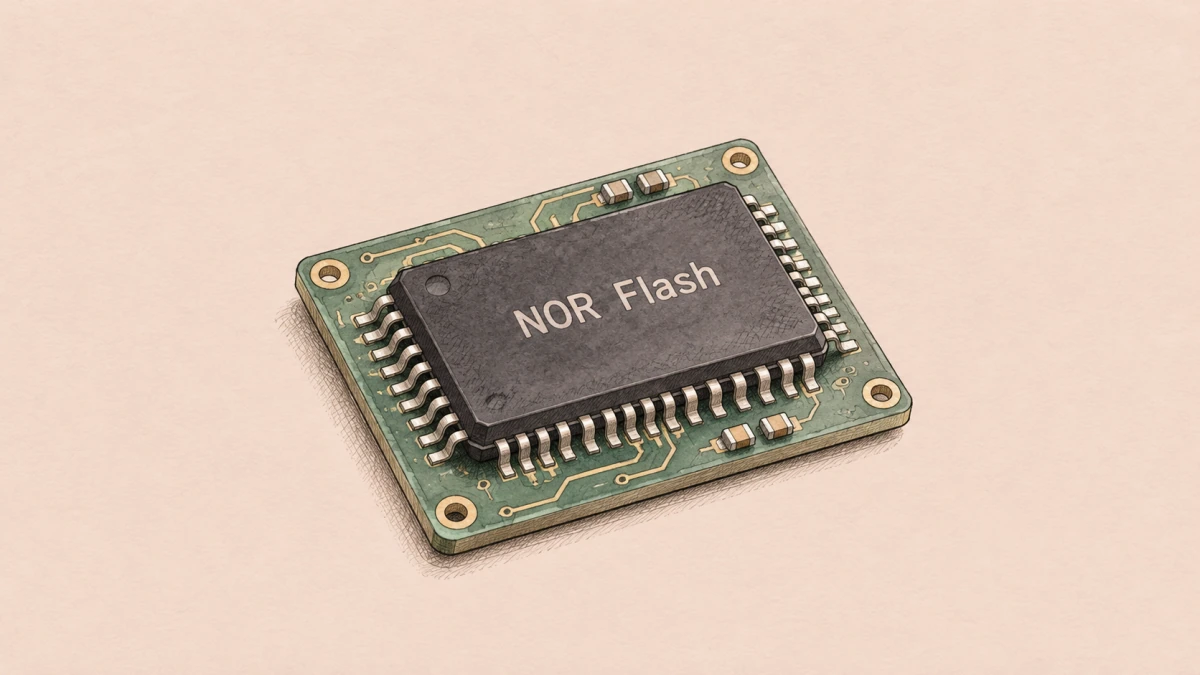
When a device starts, it needs instructions that survived being switched off. NOR flash can hold that code and let the system read the locations it needs. In a suitable design, the processor can even run instructions directly from the flash instead of copying them into working memory first.
NOR flash is a type of nonvolatile memory: it retains stored information without a continuous power supply. Its ability to read selected locations makes it useful for firmware, the code that helps a device start and operate.
That reading ability is only part of its behavior. Changing what is stored requires a different set of operations, which helps explain why a firmware update needs more care than simply reading the existing code.
What's Inside an SSD?
Read the instruction where it lives
NOR supports random read access. Here, “random” means the system can select a particular location, rather than having to read every preceding location to get there.
The architecture of the memory helps provide this access. NOR cells, the tiny elements that hold data, connect individually to shared signal lines, whereas NAND flash connects cells in a series. The two names describe different arrangements of flash memory.
Execute in place, or XIP, takes advantage of suitable access to stored code. The processor fetches and runs instructions from the storage instead of first copying the code into random-access memory, or RAM, the computer's working memory. The processor does the executing; the flash supplies the instructions.
The surrounding design must support that arrangement. The processor must be able to address the stored code as memory, and the connection must deliver instructions quickly enough.
Microchip's flash guide explains these XIP requirements and the ways NOR chips can connect to a system. Having a NOR chip doesn't mean every device uses it to run all its code directly.
Changing a few bits can mean erasing a sector
Reading retrieves the information already stored. Programming changes stored bits, the ones and zeros representing data. Erasing prepares a larger region for programming again.
For the devices described in Infineon's NOR FAQ, programming changes bits from 1 to 0. Turning a 0 back into a 1 requires an erase operation, which resets an entire sector to the 1 state. A sector is the region the device erases as a unit; its size depends on the product.
Suppose a firmware update changes a small part of a device's instructions. The device may be able to read those instructions at selected locations, but replacing them can require erasing and rewriting the larger sector around them.

- Rescue a board with a corrupted BIOS by rewriting the chip directly.
- Clip onto the chip in place, with no soldering needed.
- Save a copy of a chip's contents before you change anything.
The update process therefore has to account for the other information in that region. Direct access for reading doesn't make every stored bit independently rewritable in either direction.
This also gives a power interruption two very different meanings. Switching off while flash simply retains completed data is ordinary. Losing power during an erase interrupts work on the stored state itself.
Infineon's erase-operation explanation says an interrupted erase can leave the affected sector in an indeterminate state: its contents may no longer be reliable. The update design has to account for that possibility.
Preserving the instructions the device needs
How long NOR keeps its data reliably depends partly on temperature and on how many times it has been programmed and erased. Nonvolatile describes its ability to retain data without continuous power, rather than a promise that the data lasts forever.
When the stored information is firmware, an unauthorized change can affect startup or device operation. Retaining that altered code faithfully would not make the device secure.
The National Institute of Standards and Technology's platform firmware resiliency guidance identifies three related jobs for the system: protect firmware against unauthorized changes, detect changes and provide secure recovery. Recovery gives the design a way to restore usable firmware after a failed or malicious alteration.
NAND Flash: Why Saving a File Takes More Than It Seems
Firmware: The Software Running Beneath Your Apps
NVRAM: How a Computer Remembers Its Startup Settings
QUOTE:
"Amateurs hack systems, professionals hack people."