Identity and Access Management: Who Gets to Do What?
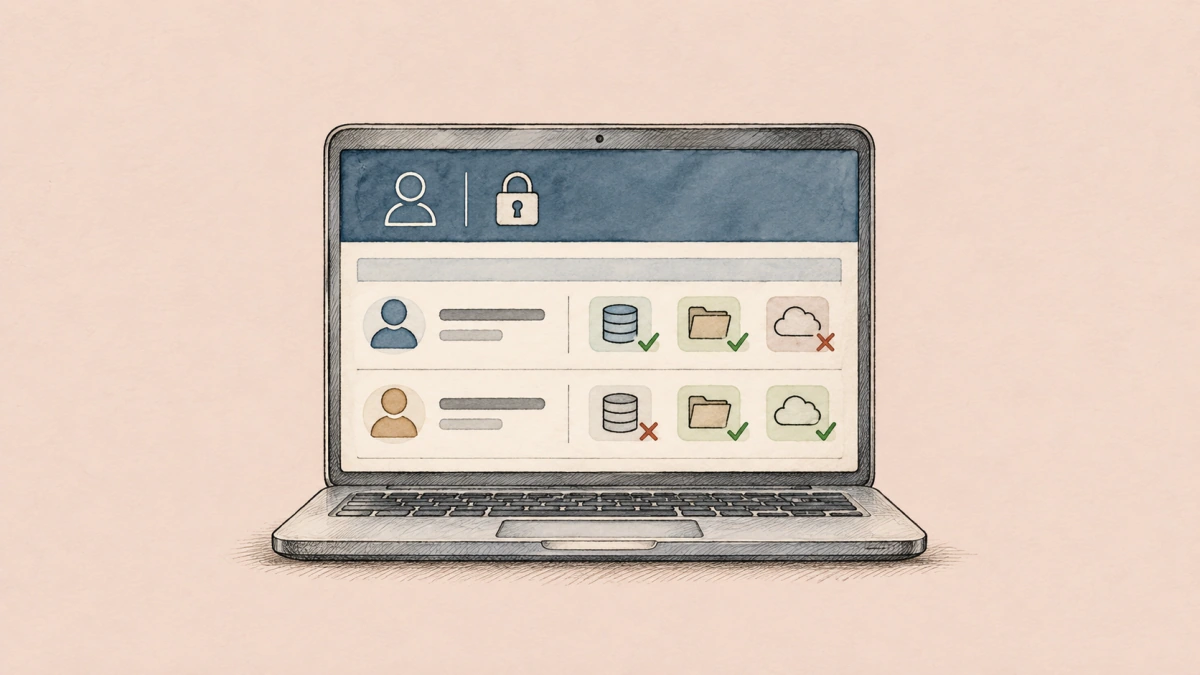
A backup program needs permission to read files even when no one is sitting at a keyboard. Identity and access management handles that software's access alongside the accounts people use to sign in.
Identity and access management, or IAM, combines account records, policies, and technical controls to manage who or what can use a system. It covers creating identities, checking access, changing permissions, and removing access when it's no longer needed.
Identity and Access Management in Four Minutes
An identity can belong to software
A digital identity is a system's representation of a person, device, or program. It may include an account identifier, information about its owner, and the permissions assigned to it.
A backup service, for example, can have its own identity instead of borrowing an employee's account. This lets an organization define what that program may read or change separately from what the employee may do.
Microsoft's IAM overview explicitly includes people, machines, and software components. An account inventory that counts only employees can miss the programs still able to reach important data.
Signing in and getting permission are separate checks
Authentication checks evidence for a claimed identity, such as control of a password or another registered sign-in method. Authorization decides whether that identity may perform a particular action on a particular resource.
A reporting program might authenticate successfully yet be allowed only to read sales records. Changing or deleting those records would require different permission.
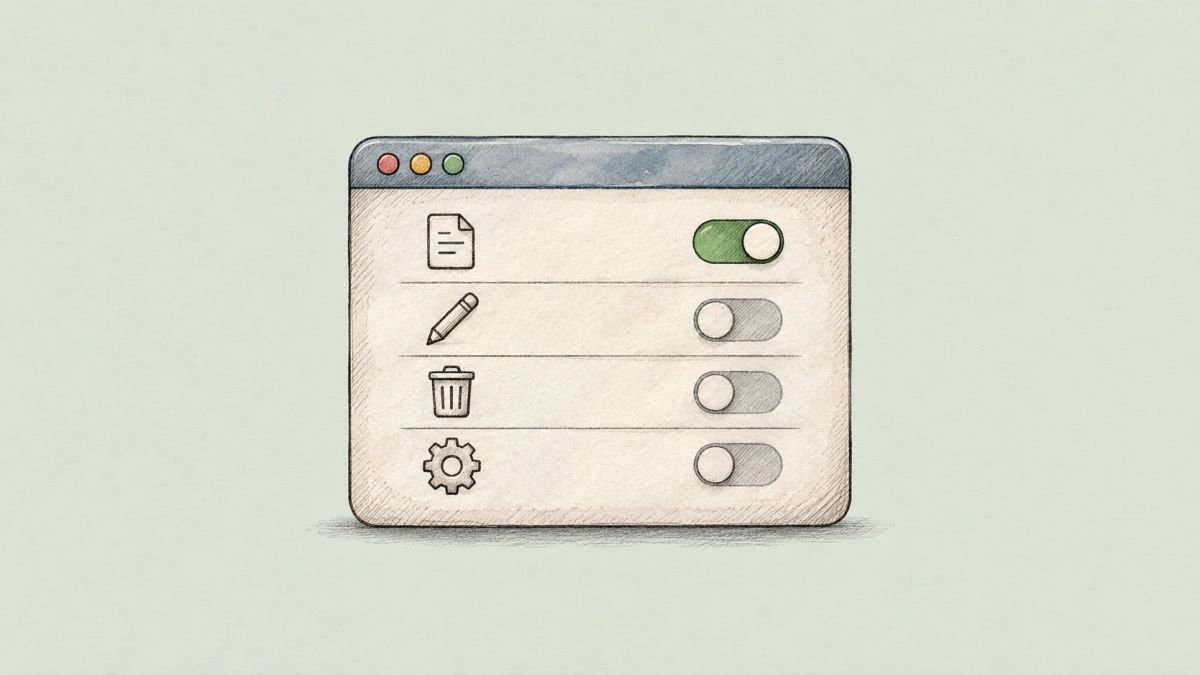
Least privilege means granting only the access needed for the task. AWS's IAM guidance recommends this approach, along with reviewing and removing unused accounts, permissions, and credentials—the evidence used to gain access.
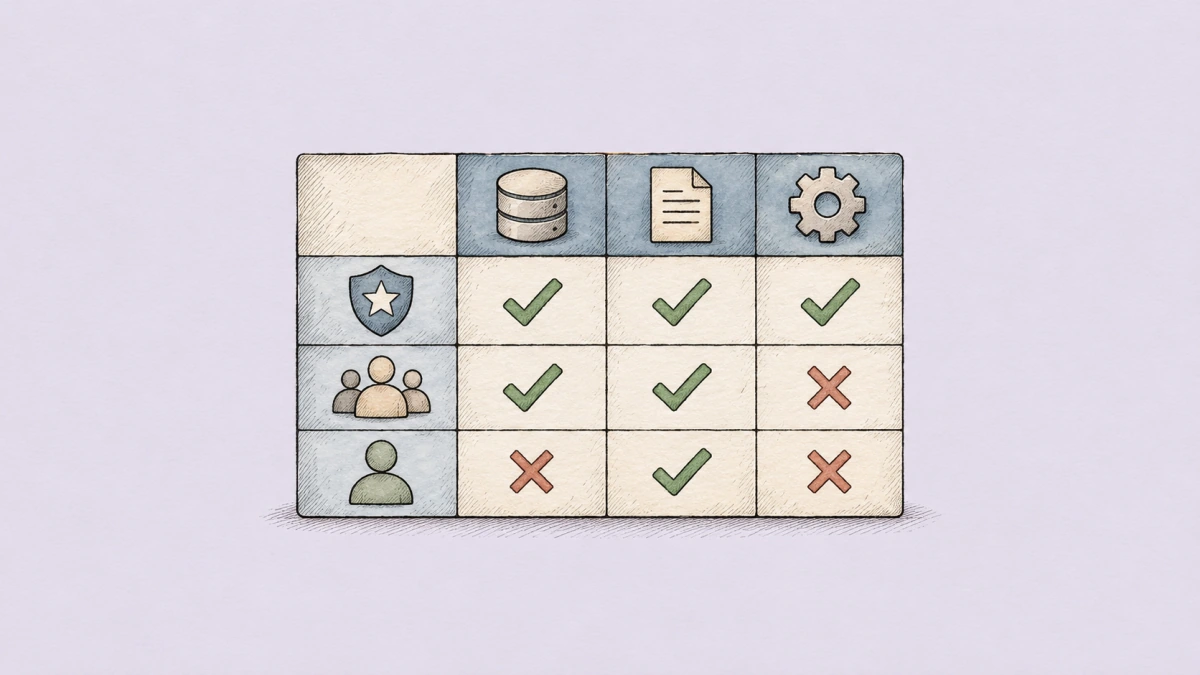
A role groups permissions for a particular purpose, such as reading reports. Assigning a role can make access easier to manage, but the permissions inside it still need to match the actual job.
For people, multifactor authentication, or MFA, requires different types of proof, such as a password and a physical key used to confirm a sign-in. It strengthens sign-in checks without deciding which files the account may open.
OWASP, a software-security nonprofit, recommends MFA as a defense against password-related attacks. For software, a different useful measure is a short-lived credential that expires, rather than a secret left usable indefinitely.
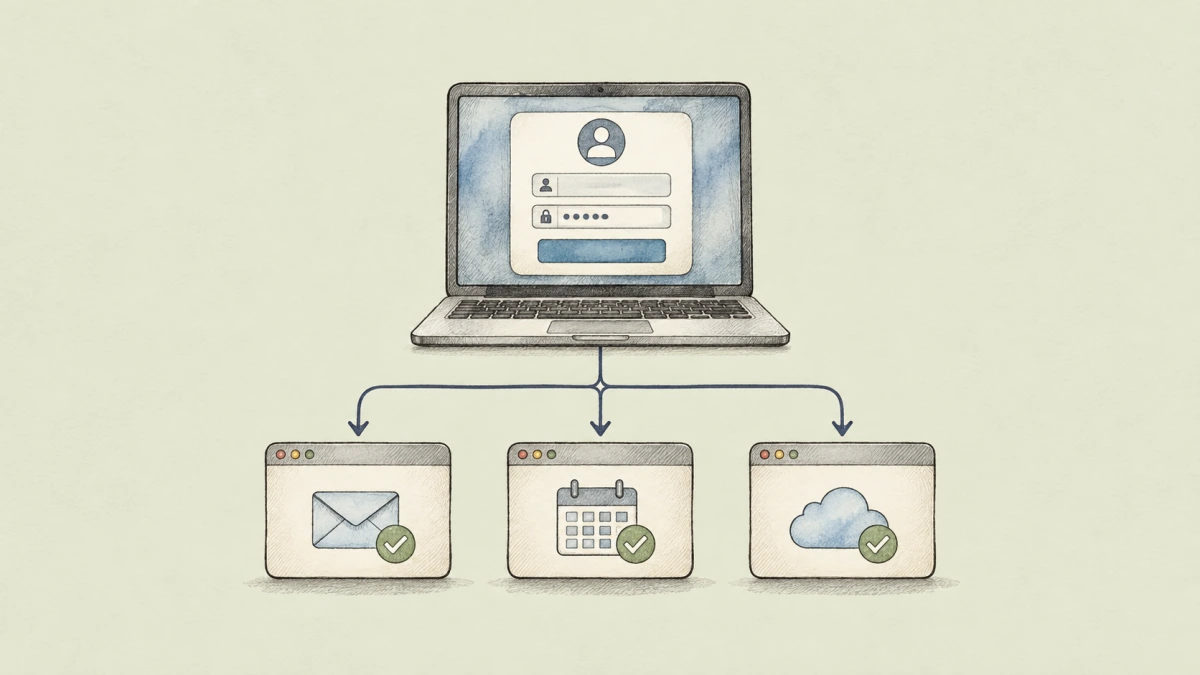
Single sign-on, or SSO, lets one sign-in serve several connected applications. Each application still needs appropriate access decisions; fewer login screens don't mean every account should have every permission.

- Make a stolen password useless without the key in your hand.
- Sign in with a tap instead of typing a code.
- Protect Google, Microsoft, Apple and more than 1,000 other accounts.
Recovery and removal belong in the same plan
The work doesn't end when an account is created. Access needs to change when someone changes jobs, when a program is retired, or when a supplier's work ends.
Password recovery needs protection too. OWASP recommends controls such as unpredictable reset codes that expire after a suitable period and can be used only once.
After an account compromise, changing the password may leave other access intact. An attacker might still have an active session, the continuing signed-in state of an app, or might have changed the account's recovery details.
Recovery therefore includes checking those details and ending unauthorized sessions, rather than assuming the new password closes every route in.
For every important account, an organization should be able to name its owner, explain its permissions, and say when that access should end. That applies just as much to the quiet overnight backup job as to the person who set it up.
Role-Based Access Control: One Role, Many Accounts
Least Privilege: Give Each Account the Power Its Work Needs
Single Sign-On: How One Login Reaches Several Apps
QUOTE:
"Amateurs hack systems, professionals hack people."