Authorization: Who Can Do What With Which Data?
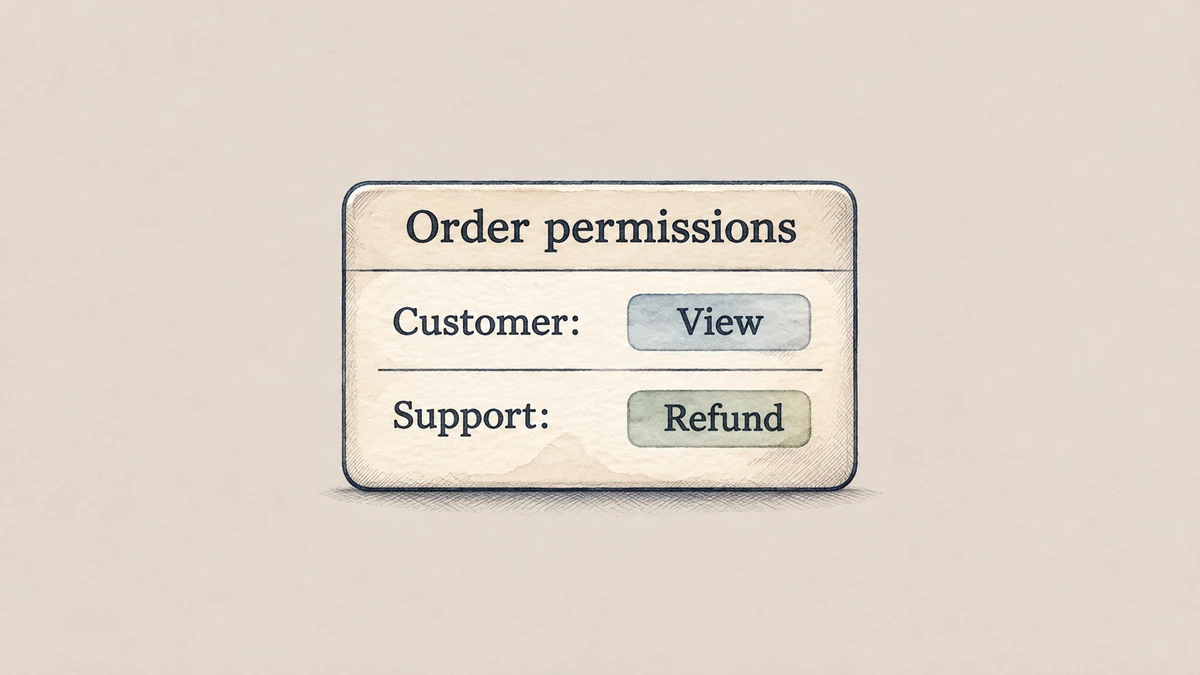
A customer can view an order without being allowed to refund it. Authorization is the permission check that keeps those actions separate.
The word covers granting access rights and checking whether a particular request is allowed, as the NIST glossary explains.
It applies to software as well as people. A program that creates backups might be allowed to read company files without being allowed to change them.
How an App Gets Access Without Getting Your Password
One account, several different answers
Consider a fictional online shop where a customer has signed in and opened an order. The site has accepted the account’s authentication evidence, but it still needs to decide which actions that account may take.
An authorization decision can consider four things:
- Who is asking: the customer’s account.
- What they want to do: read an order, change its address or issue a refund.
- Which item is involved: that customer's order, rather than another customer’s order.
- Relevant conditions: perhaps address changes are allowed only before shipping.
Permission to view one order doesn't imply permission to view every order, and permission to read it doesn't imply permission to alter it.
These distinctions are easy to miss when a system checks only whether someone is logged in. Authentication establishes confidence about an identity; authorization applies the rules governing the requested action.
Public access fits this model, too: a shop can allow anyone to read its product catalog without requiring a sign-in.
Where the rules come from
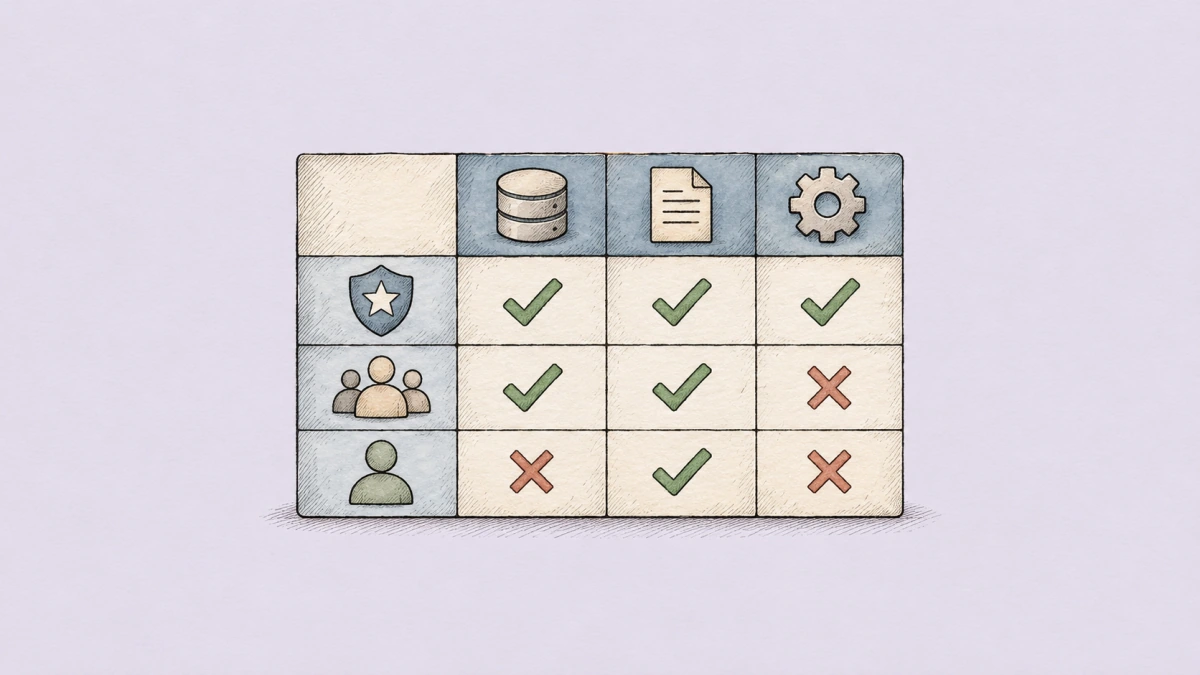
Some systems assign permissions through roles, such as customer, support agent or refund manager. That's role-based access control: a role groups permissions so administrators don't have to assign each one separately to every account.
Other rules consider details about the requester, the information and the circumstances. NIST’s attribute-based access control guide describes this approach, using “attribute” to mean a relevant characteristic.
For the shop, a rule could require both the support role and responsibility for the customer's region before allowing an agent to view an order.
The policy expresses the intended permission; the software must actually enforce it. A correct rule written in a handbook won't protect a request that bypasses the check.

- Make a stolen password useless without the key in your hand.
- Sign in with a tap instead of typing a code.
- Protect Google, Microsoft, Apple and more than 1,000 other accounts.
Hiding the button doesn't enforce permission
Removing a refund button from the customer’s screen may make the interface clearer. The service processing refunds still needs to reject a refund request from an account that lacks permission.
MITRE calls the absence of that check missing authorization, a software weakness that can expose protected actions or information.
The same rule must cover every route to the action, including requests sent outside the normal screen. OWASP recommends checking permissions on every request and denying access when no rule grants it.
That “deny by default” approach prevents a new feature from becoming available to everyone simply because someone forgot to specify its permissions.
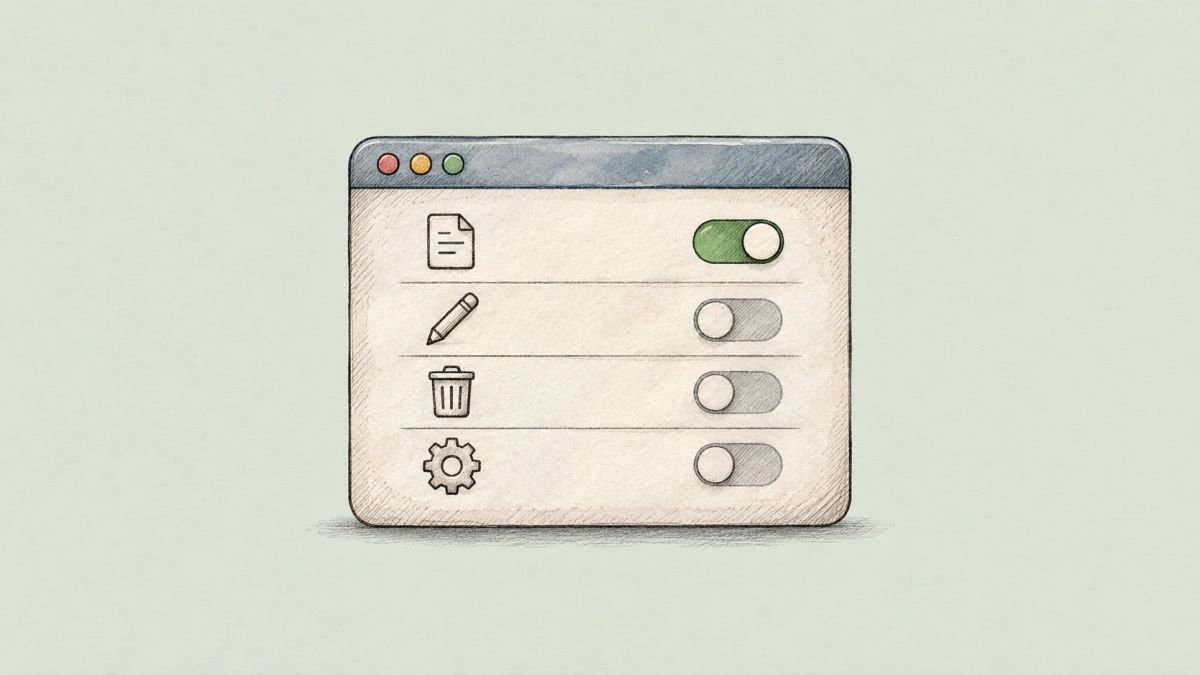
Permissions also need to match the work someone currently does. Least privilege means granting only the access needed for that work, and reviewing it when responsibilities change.
If a support agent leaves the refund team, removing that permission should affect the checks that protect refunds. Testing only that the button disappeared would leave the important question unanswered: can the account still carry out the action?
Access Control: Why One Login Doesn't Open Every Door
Role-Based Access Control: One Role, Many Accounts
Least Privilege: Give Each Account the Power Its Work Needs
QUOTE:
"Amateurs hack systems, professionals hack people."