Identity and Access Management: Who Can Do What?
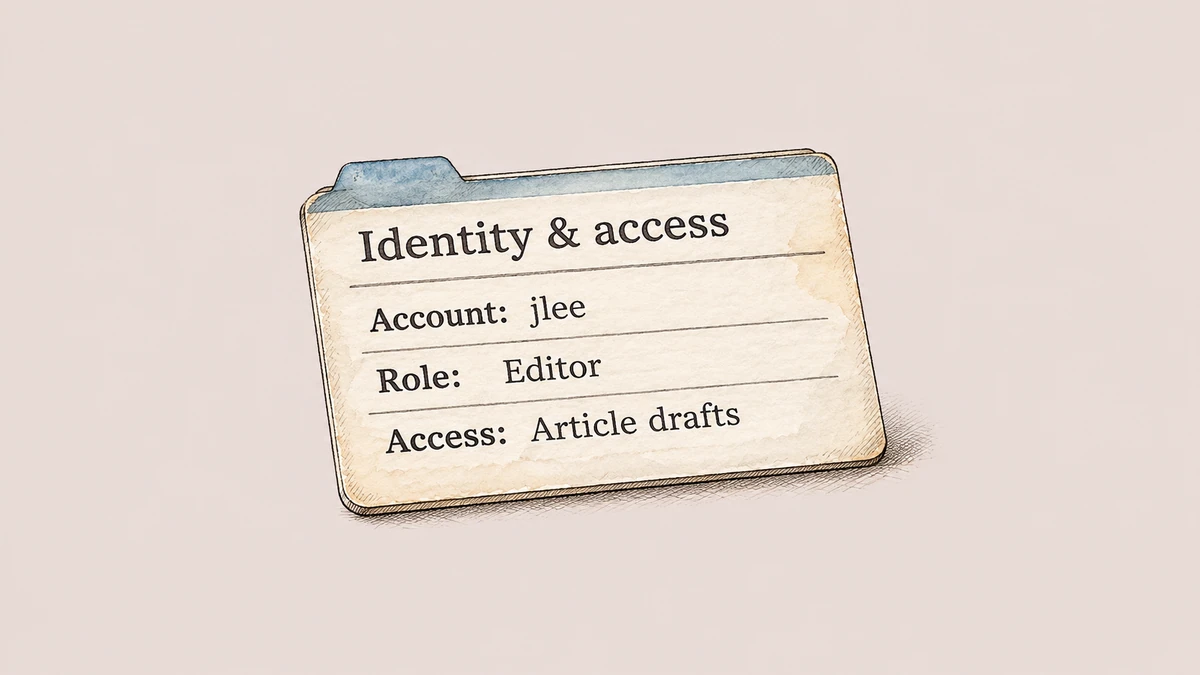
- The account has a life after its first login
- Identity, sign-in and permission do different work
- Identity and Access Management in Four Minutes
- Fewer sign-ins can still mean separate permissions
- One Login, Several Apps: What Happens Behind the Scenes?
- Programs need identities, too
- A working system needs working handoffs
An employee changes jobs inside a company, but their old permissions stay behind. After a few transfers, the account can reach far more information than the person needs.
Identity and access management, usually shortened to IAM, is the work of keeping accounts and permissions aligned with the people and programs using them. You'll also see it called access and identity management.
It covers creating accounts, checking sign-ins, deciding what each account may do, and changing or removing that access over time. A login screen handles only part of the job.

- Make a stolen password useless without the key in your hand.
- Sign in with a tap instead of typing a code.
- Protect Google, Microsoft, Apple and more than 1,000 other accounts.
The account has a life after its first login
An organization's account records might include a person's identifier, team, manager and current role. Together, such details describe a digital identity: the system's representation of someone or something.
The records need to change as circumstances change. Microsoft's identity-lifecycle guidance describes three familiar moments: joining, moving within an organization, and leaving.
For a new purchasing assistant, joining could mean receiving an account that can create supplier orders. Provisioning is the process of setting up that account and its access.
If the assistant moves into training, the new role might need course materials instead of ordering tools. Removing obsolete permissions matters as much as adding the new ones.
When the employee leaves, deprovisioning removes or disables access that should end. The organization still has to decide what happens to work records, shared files and tasks the person owned.
These are ordinary personnel events with technical consequences. An account system can't make a good decision from a job record nobody updates.
Identity, sign-in and permission do different work
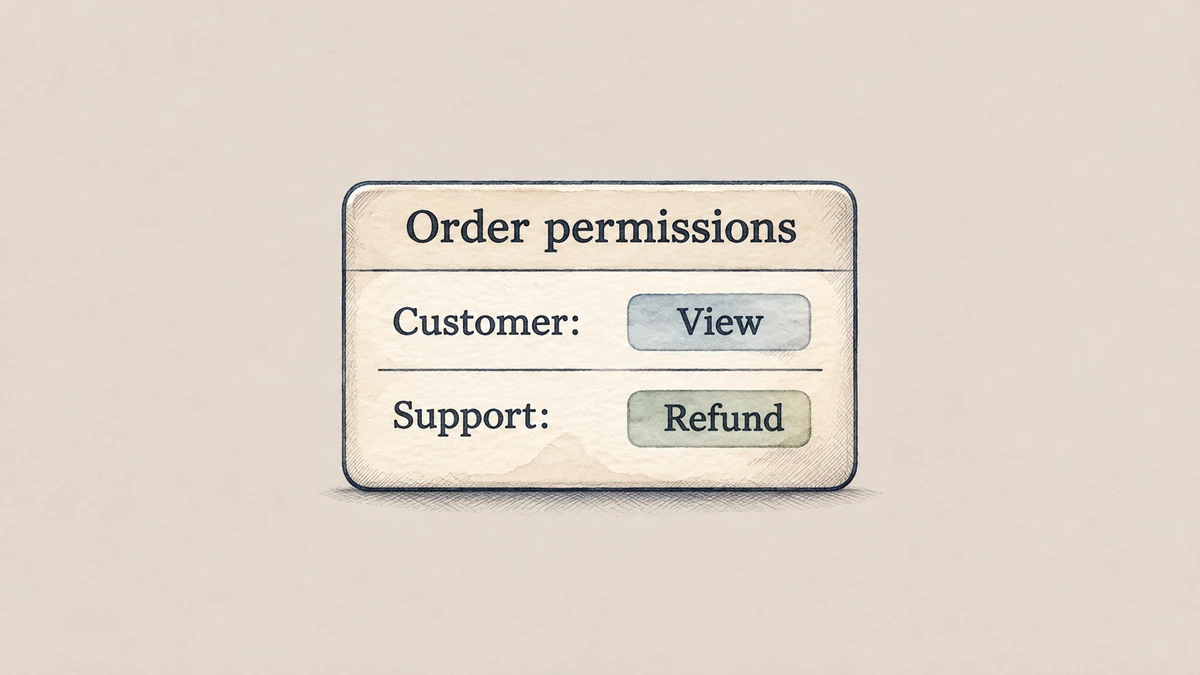
Authentication checks a claim about identity. Authorization decides which actions that identity may perform on particular resources, such as documents or applications.
For example, a purchasing assistant could sign in successfully and still be barred from approving a payment. The account is recognized; that action belongs to someone else.
Identity and Access Management in Four Minutes
AWS's IAM documentation illustrates the distinction between signing in and receiving permission to act on a resource. An access policy is a rule used to make those permission decisions.
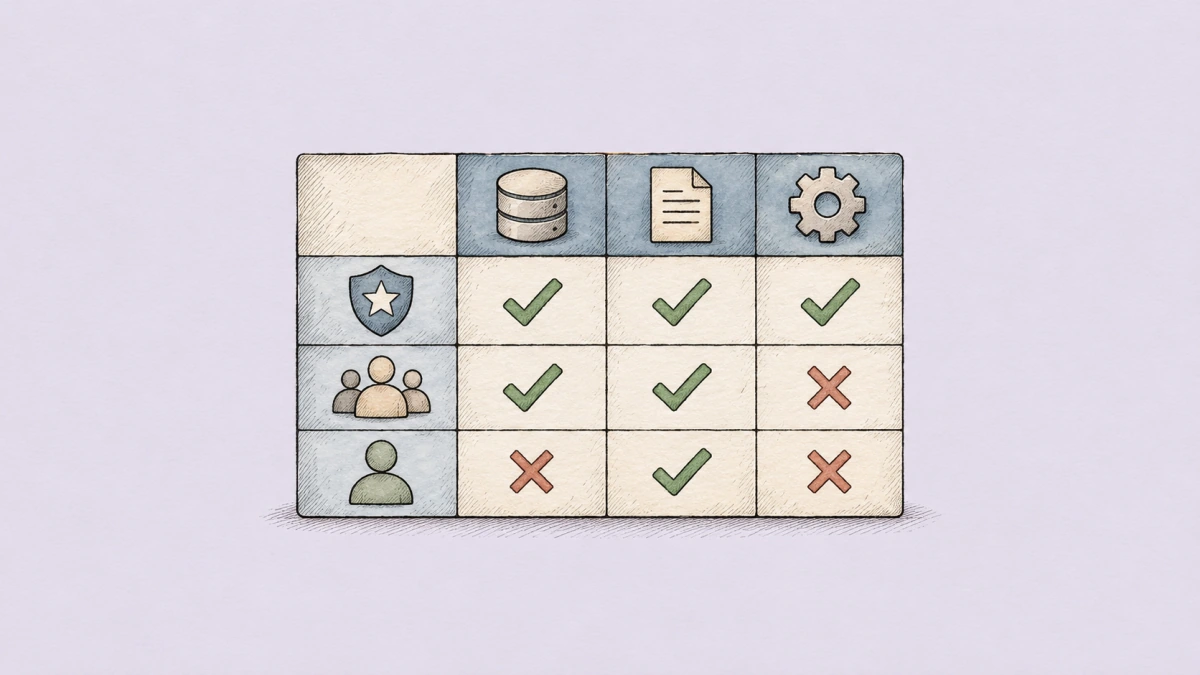
Organizations often bundle permissions into roles, such as purchasing assistant or payment approver. A role can make administration easier, provided its permissions actually fit the job.
Giving someone a role with a reassuring name isn't enough. The useful question is what the account can now read, change, approve or delete.

- Unlock your PC with one touch instead of typing a password in front of others.
- Add fingerprint sign-in to a computer that never had a reader.
- Use it for passkeys and popular password managers too.
Fewer sign-ins can still mean separate permissions
Single sign-on, or SSO, lets someone sign in through a trusted identity system and then use connected applications without repeating the full login each time. Each application still needs rules for what that person may do.
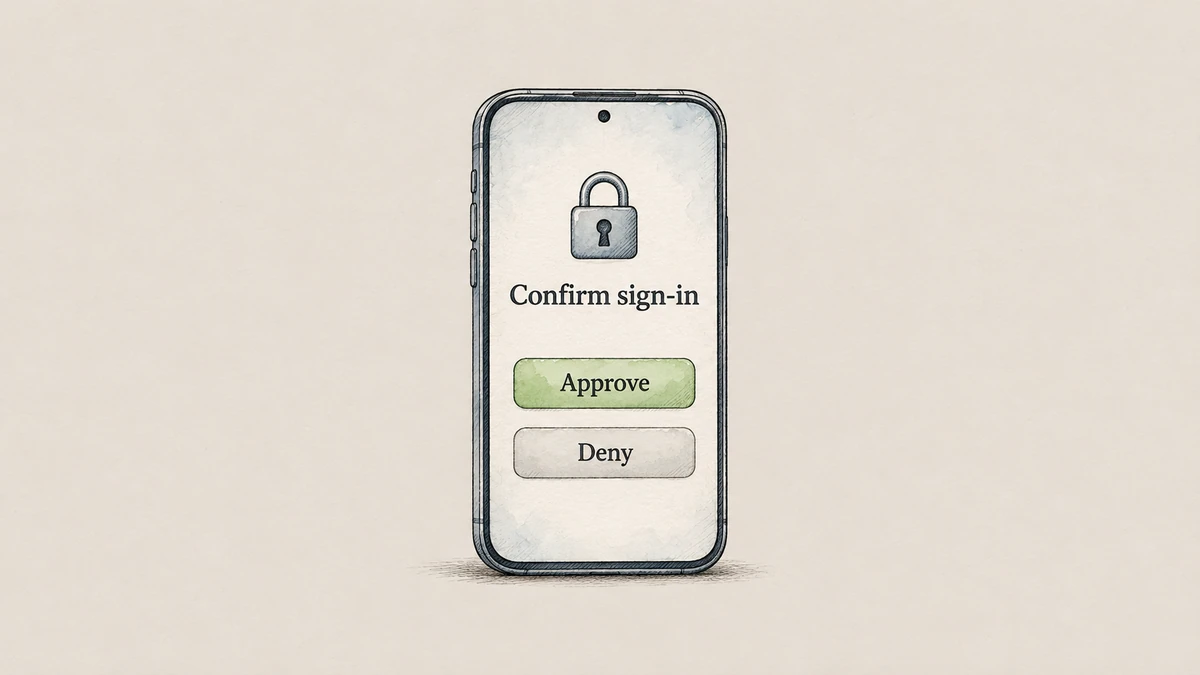
Multifactor authentication, or MFA, adds more than one kind of sign-in evidence, such as a password and possession of a security key, a physical device used to prove you're signing in. It helps protect the sign-in, but it doesn't fix permissions that are too broad.
Microsoft's IAM overview explains both features. Neither means that one successful login should unlock every company resource.
One Login, Several Apps: What Happens Behind the Scenes?
Programs need identities, too
A backup service may need to copy files overnight, and an order-processing app may need to read a list of orders awaiting shipment. Those jobs can use software identities rather than a person's everyday account.
Their access needs an owner and a reason, too. If the shipping app is retired, keeping its permissions active serves no useful purpose.
This is where least privilege helps: give each identity only the access needed for its work. That includes automated work, which can otherwise become easy to overlook.
A working system needs working handoffs
Human resources knows when employment changes; managers know what a job requires; technical teams connect those decisions to accounts and applications. IAM depends on those groups passing along accurate information.
Automation can carry out a bad rule very efficiently. A useful review therefore follows a real account: what can it reach today, why does it need that access, and who will remove it when the reason ends?
Authentication: Why Two Steps Aren’t Always Two Factors
Authorization: Who Can Do What With Which Data?
Role-Based Access Control: One Role, Many Accounts
QUOTE:
"Amateurs hack systems, professionals hack people."