Forward Proxies: What That Extra Server Can See
At work, a website request may take a detour through a company-controlled server before reaching its destination. That server can decide whether to pass the request along, even though the page itself belongs to someone else.
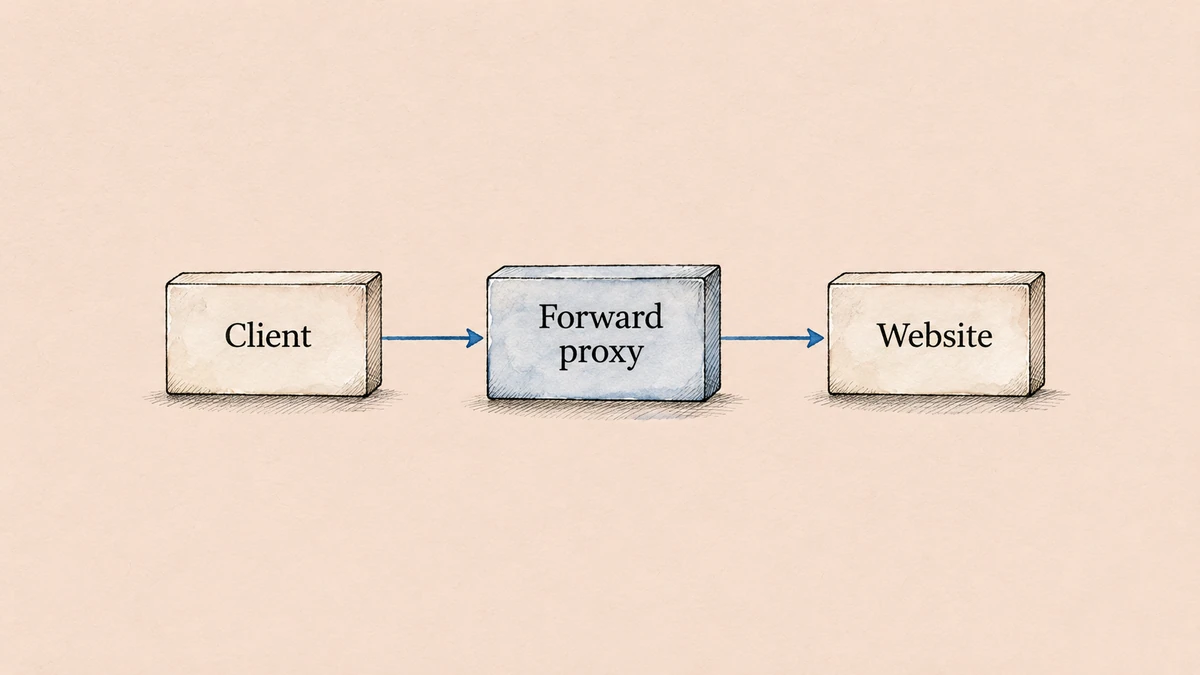
A forward proxy is an intermediary that makes requests on behalf of a client, such as a browser. A client asks for a service; a server provides it.
The proxy sits between those two roles, receiving the client's request and communicating with the destination for it. It can serve one client or a group of them.
What Changes When a Proxy Stands Between You and a Website?
Follow the request through the middle
In an ordinary explicitly configured setup, the browser is told to use a particular proxy. Instead of requesting a page directly from the website, it sends the request through that intermediary.
The proxy then contacts the destination and relays the response. Apache's proxy documentation describes this exchange and distinguishes it from a reverse proxy.
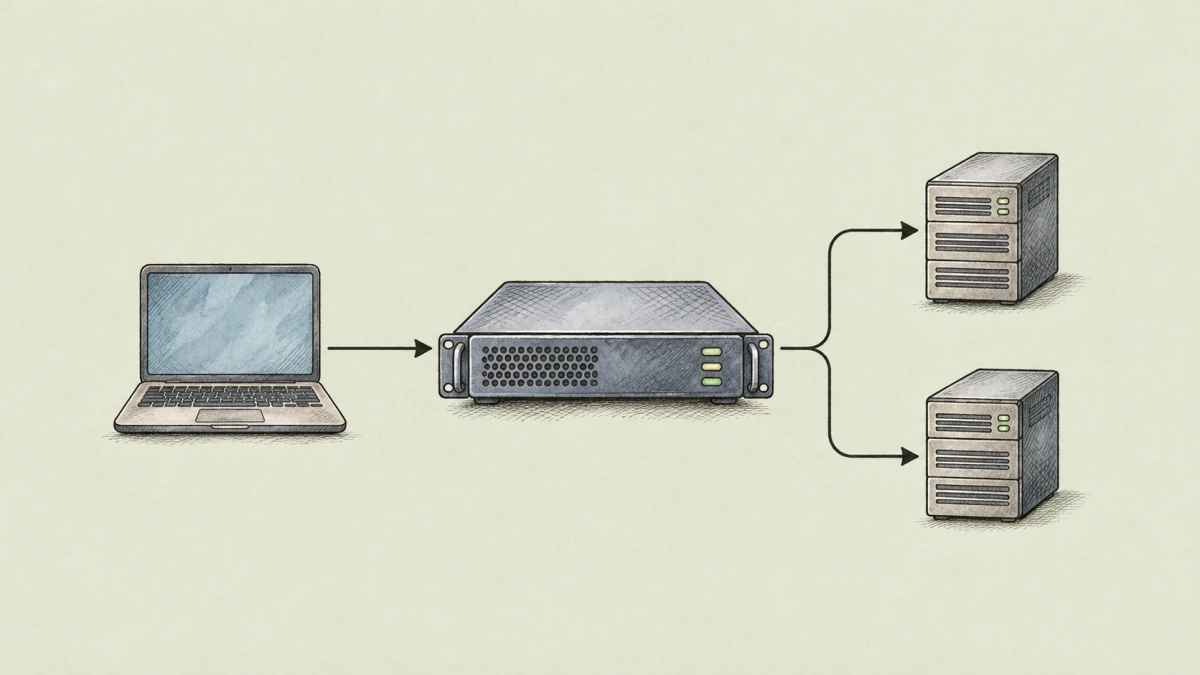
A reverse proxy represents the service being visited: the browser contacts it as the website's public entrance, and it passes work to the servers behind it. “Forward” and “reverse” describe whose side the proxy serves, rather than the direction of a single arrow.
Both can carry requests and replies.
Why an organization would add that stop
A forward proxy can apply access rules, record relevant traffic information or keep reusable copies of content. Keeping those copies is called caching, and it can reduce repeated downloads when the content and configuration allow it.
For example, a company might allow a browser to reach approved sites while refusing selected destinations. What the proxy can check depends on its features and how much of the communication it can see.
It also matters which traffic actually uses the proxy. Setting one application's proxy preferences doesn't establish that every other program on the device follows the same route.
An IP address isn't your whole identity
An IP address is a numerical address used for network communication. A website reached through a proxy may see the proxy's address as the immediate source of the connection.
That doesn't guarantee anonymity. Mozilla's proxy guide explains that proxies can also forward information about the original client in message fields called headers.
Signing in still identifies your account to the site. Cookies—small pieces of browser-stored data—and fingerprinting, recognition based on browser or device traits, can also help connect visits.
Changing the visible network address doesn't automatically change those other clues.

- Turn sketchy hotel and airport Wi-Fi into your own private network in minutes.
- Put every device you own behind your VPN at once, with nothing to install on each one.
- Block ads and trackers for everything connected with the flick of a switch.
What happens to encrypted pages?
HTTPS is protected web communication: encryption keeps the contents unreadable to parties without the necessary digital keys. A proxy can carry an HTTPS connection through a tunnel, relaying its data without decrypting the web pages inside.
The proxy software Squid documents how this tunneling works. A normal tunnel can expose the requested destination to the proxy while leaving the encrypted page contents unreadable to it.
Some managed networks deliberately configure their devices to trust a proxy that decrypts and inspects HTTPS, then encrypts the traffic again. That is a different setup from simply forwarding an encrypted tunnel.
The proxy's operator therefore matters as much as its address. Before relying on one for privacy, establish who runs it, which applications use it, what it records and whether it inspects encrypted traffic.
Reverse Proxies: How One Web Request Reaches Another Server
SOCKS: Asking Another Server to Carry the Connection
VPNs: Follow the Protected Connection to Its Exit
QUOTE:
"Amateurs hack systems, professionals hack people."