Proxy Servers: Following the Request Through the Middle
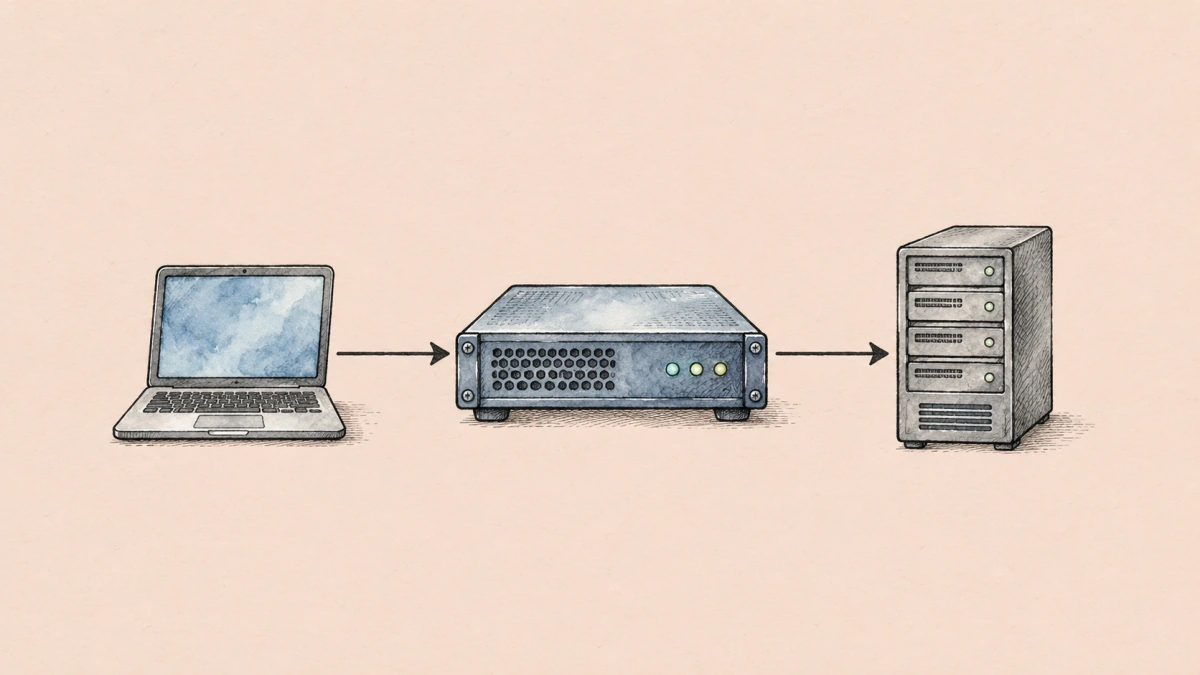
A browser doesn't always ask a website for a page directly. It can hand the request to another computer, which makes the onward connection and relays the response. That computer is acting as a proxy server.
A proxy server is an intermediary for communications. The web examples here use HTTP, short for Hypertext Transfer Protocol, the rules for web requests and responses. What the proxy does beyond relaying those requests and replies depends on its purpose and configuration.
A proxy used by a browser has a different job from one placed in front of a website, even though both sit between the two ends of a conversation.
What Changes When a Proxy Stands Between You and a Website?
Working on the browser's behalf
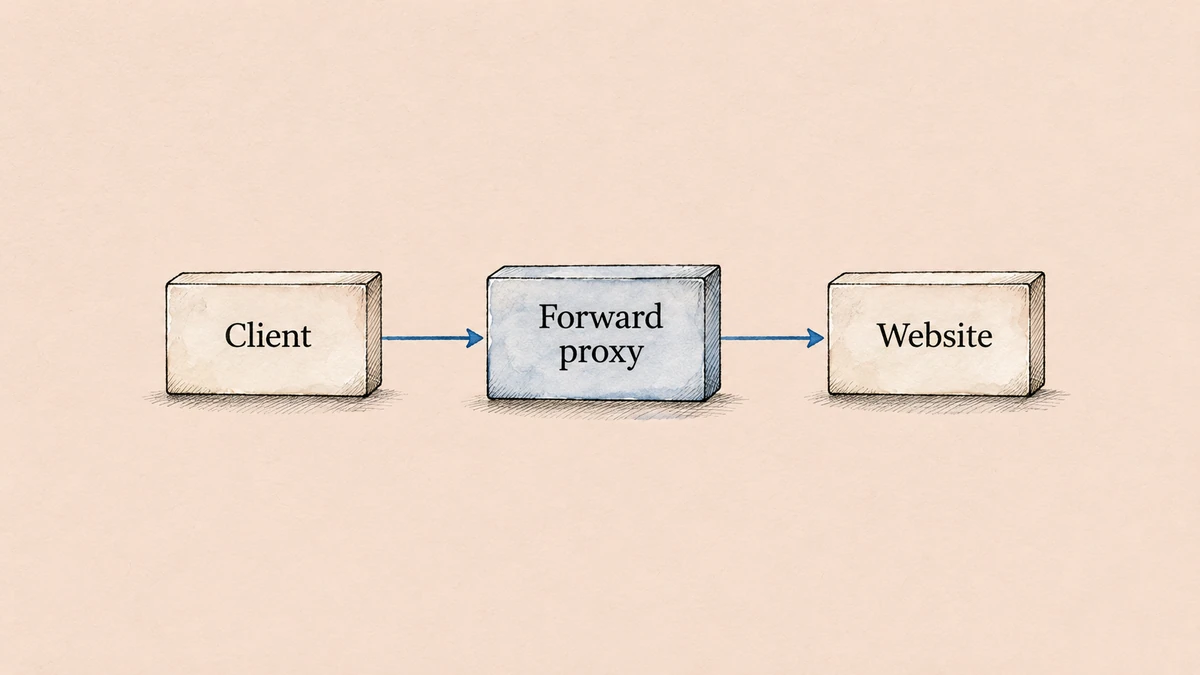
A forward proxy receives requests from clients, such as web browsers, and sends them onward. In an illustrative office setup, a browser could send its request to the company's proxy rather than make the connection to the website itself.
That position gives the proxy a place to apply rules. It might allow or refuse certain requests, depending on the organization's configuration. The forward proxy serves the people or programs making those requests.
The route matters for privacy. The destination receives the connection from the proxy, but that alone doesn't establish that the original user is anonymous. Client details can be included in the forwarded request.
The internet standard for the Forwarded HTTP header provides one example. This part of a forwarded request can report details such as the originating network address; a proxy decides whether to include it.
Working on the website's behalf
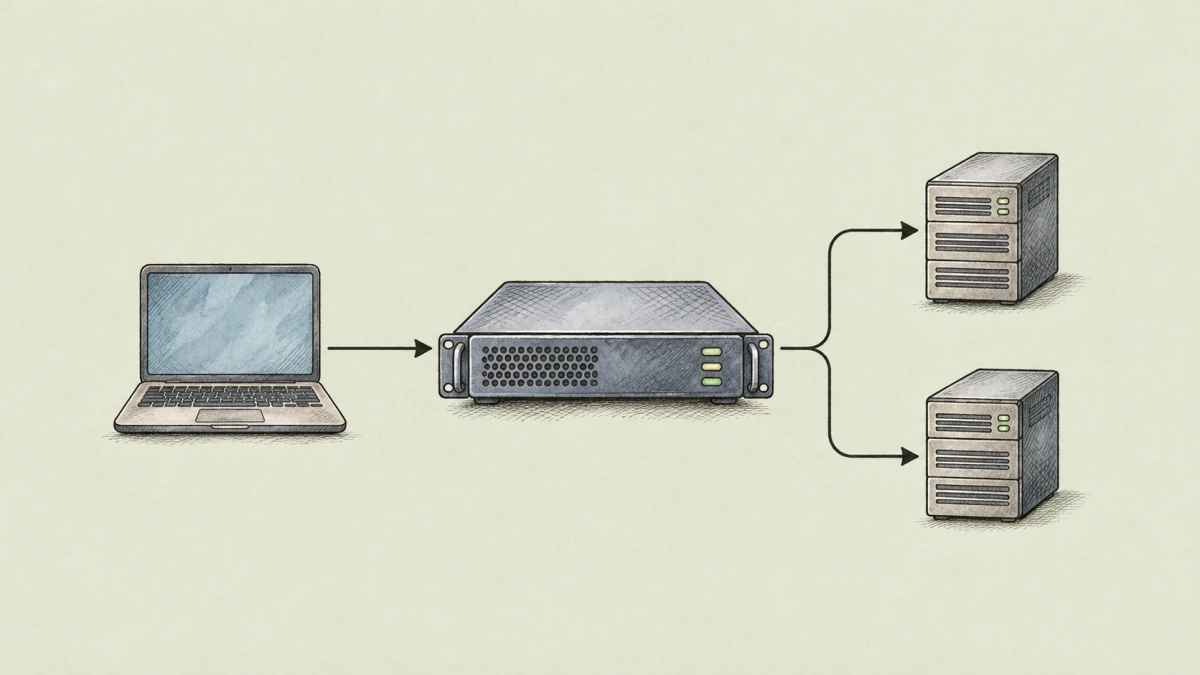
Now move the intermediary to the other side. A website operator can place a reverse proxy in front of the servers doing the underlying work. Browsers contact that front server, and it forwards requests to an appropriate server behind it.
This can let the operator distribute incoming requests among several servers. The visitor doesn't have to choose which one should handle each request; the intermediary can make that decision.
A reverse proxy therefore serves the website side of the exchange. Requests still go onward and responses return; the intermediary is working for the website operator.
The HTTP standard describes forward proxies, reverse proxies and tunnels as different kinds of intermediaries, with different roles.

- Turn sketchy hotel and airport Wi-Fi into your own private network in minutes.
- Put every device you own behind your VPN at once, with nothing to install on each one.
- Block ads and trackers for everything connected with the flick of a switch.
When the proxy relays encrypted traffic
A web proxy can also establish a tunnel: a connection through which it relays data without interpreting the conversation inside. HTTPS, the protected form of web communication, can pass through such a tunnel while remaining secured by Transport Layer Security, or TLS.
The connection's setup determines the encryption. A proxy can relay protected traffic, but using a proxy doesn't create that protection by itself.
Keeping a copy can save another trip
Some proxies maintain a cache, a store of responses that can be used again when the rules allow it. Suppose a proxy has a reusable copy of a requested resource. It may be able to supply that copy without asking the original server to send it again.
Caching rules determine which responses may be stored and when they can be reused. A stored copy that doesn't meet those rules isn't an answer the proxy can simply hand out.
An eligible cached response can save network traffic and work. That is a different job from load balancing, which distributes incoming requests among servers.
Forward Proxies: What That Extra Server Can See
Reverse Proxies: How One Web Request Reaches Another Server
SOCKS: Asking Another Server to Carry the Connection
QUOTE:
"Amateurs hack systems, professionals hack people."