Wi-Fi: The Connection Before the Internet Connection
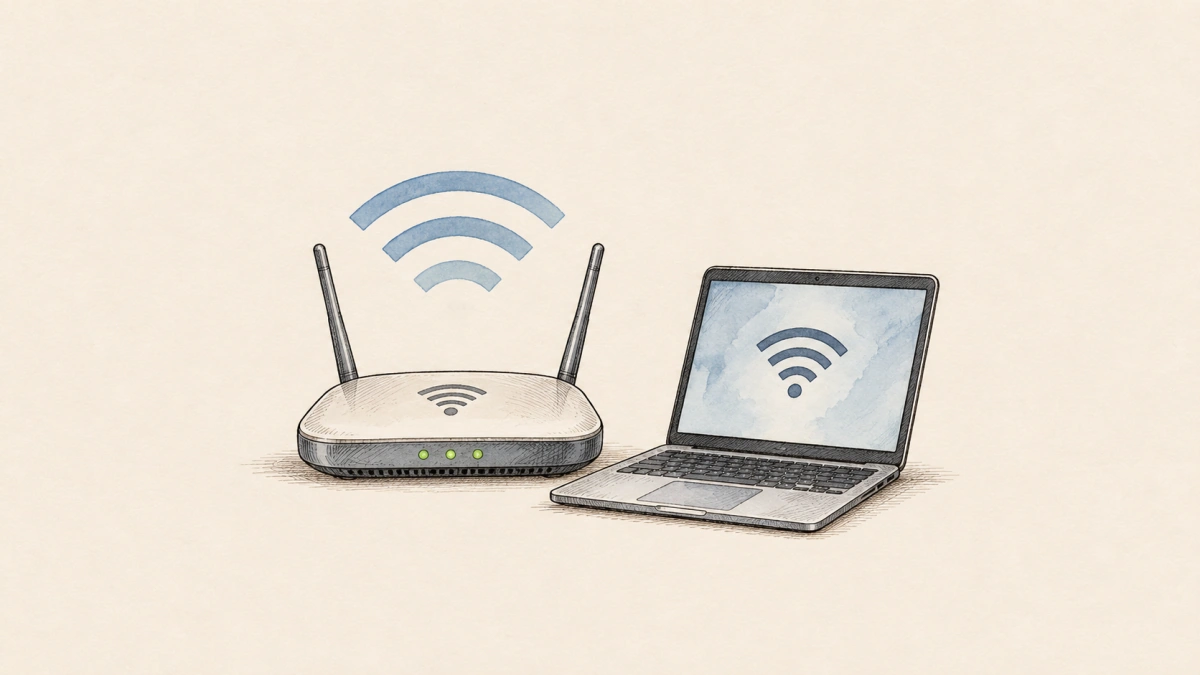
Wi-Fi connects nearby compatible devices using radio waves. It supplies a local wireless link, which can be part of a longer journey to the internet. The radio link and the onward route do different jobs.
A device can report that it's connected to Wi-Fi but has no internet access. The device may have joined its local network successfully while a connection farther along the route isn't working.

- Give every phone, laptop and TV a steadier connection with Wi-Fi 6.
- Stop the buffering at busy hours, with room for many devices at once.
- Replace an aging router and get stronger coverage across more of your home.
Follow the connection out of the room
A wireless local area network, or WLAN, links devices over a limited area by radio. An access point provides the wireless connection that devices such as laptops use to reach the network.
A router performs a different job: forwarding data between networks. The box called a “Wi-Fi router” in a home can combine these functions, making two jobs look like one piece of equipment.
To reach an internet service, data needs a working route beyond the local wireless connection. The National Institute of Standards and Technology (NIST), a U.S. standards agency, describes this route in its wireless-network architecture guide: access points connect wireless devices to other networks, including the internet.
Consider a laptop whose access point is working while the home's internet connection is unavailable. The local radio link can remain intact. In that situation, repeatedly joining the same Wi-Fi network won't repair the separate connection that has failed.
A network name isn't a safety rating
When you choose a Wi-Fi network, you see its SSID, short for service set identifier: the network name. It helps distinguish choices in the list, but the familiar-looking name alone doesn't prove who operates the equipment.
WEP, WPA, WPA2 or WPA3: Which Should You Use?
Security settings govern more than the label. Authentication checks the evidence used to join, such as knowing the network's password. Encryption protects data on the wireless link by scrambling it for anyone without the needed key.
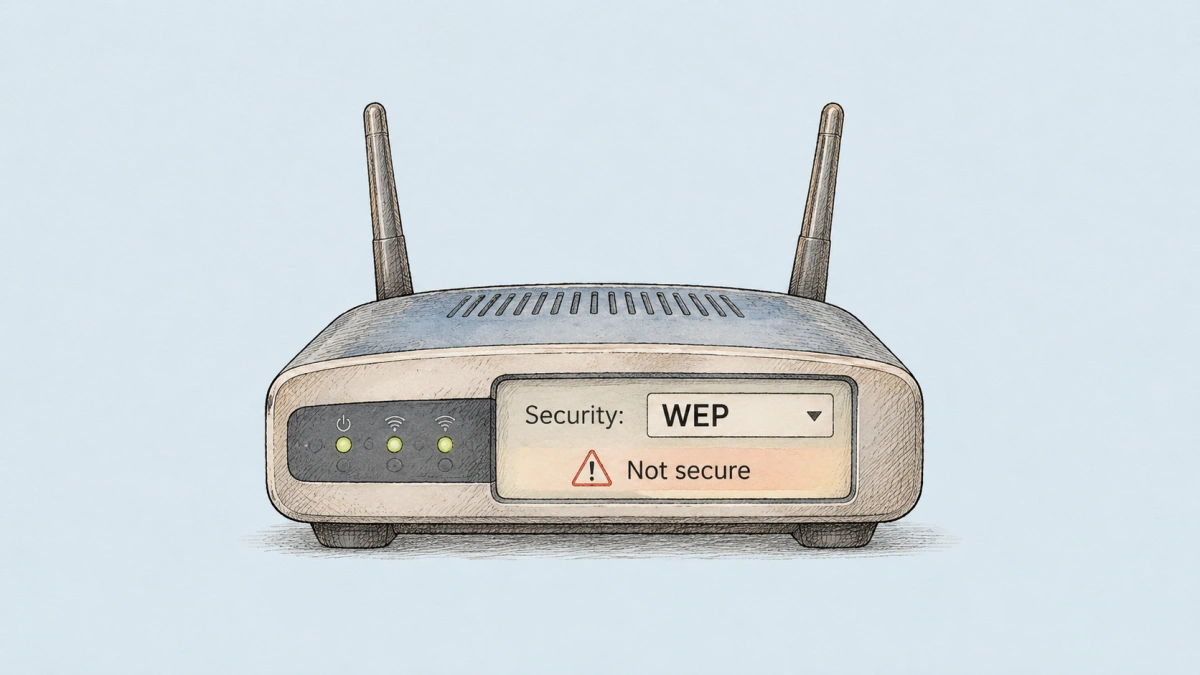
For home routers, Apple's current guidance recommends WPA3 Personal or a suitable compatibility setting, such as WPA2/WPA3, depending on device support. It also calls for a strong password and updated router software. Older modes, including WEP, no longer provide adequate protection.
Hiding the network name doesn't fix that. A hidden network can still be detected, and its actual security settings still matter.
A successful Wi-Fi connection tells you the local link works. It doesn't show that the rest of the route to a website is healthy.
WEP: Why a Longer Password Cannot Fix This Wi-Fi Protection
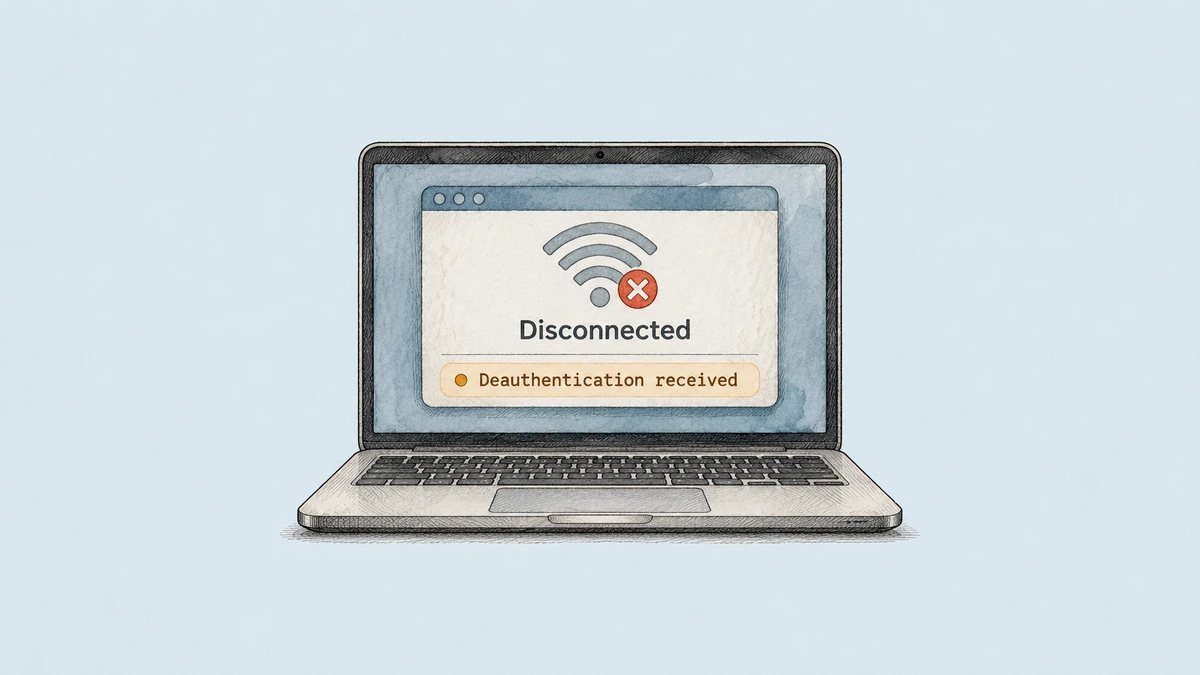
Deauthentication Attacks: Why Wi-Fi Can Accept a Fake Disconnect
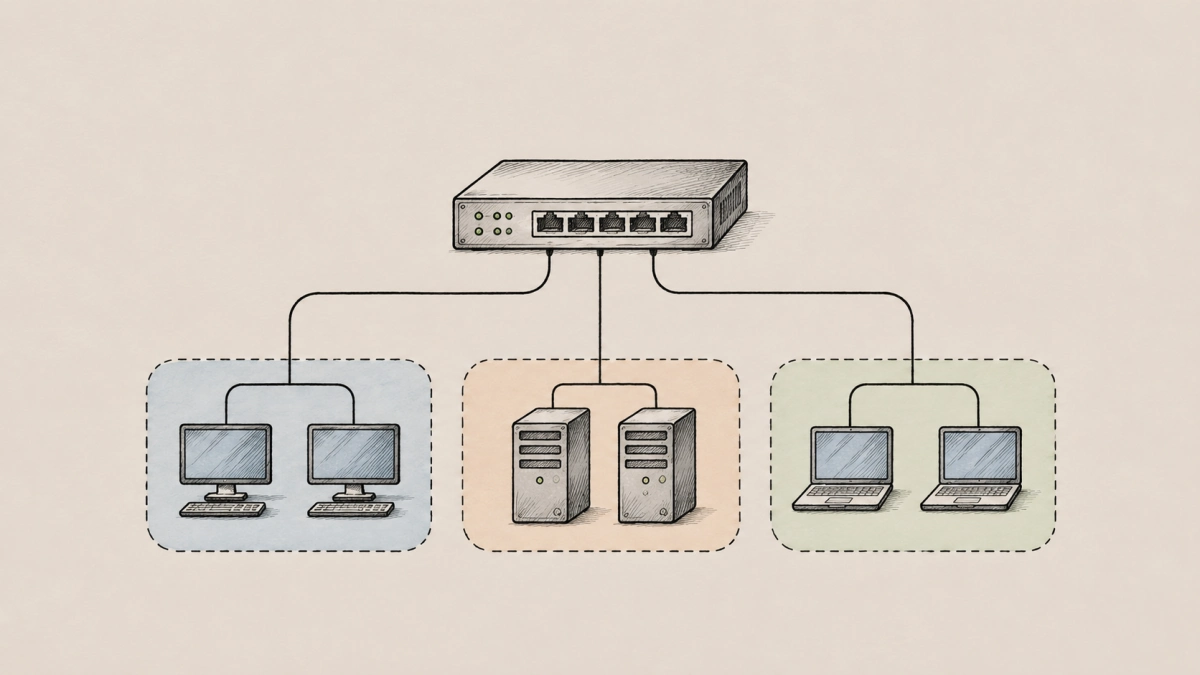
Network Segmentation: How Far Can One Intruder Go?
QUOTE:
"Amateurs hack systems, professionals hack people."