Encapsulation: Why It Means Different Things in Code and Networks
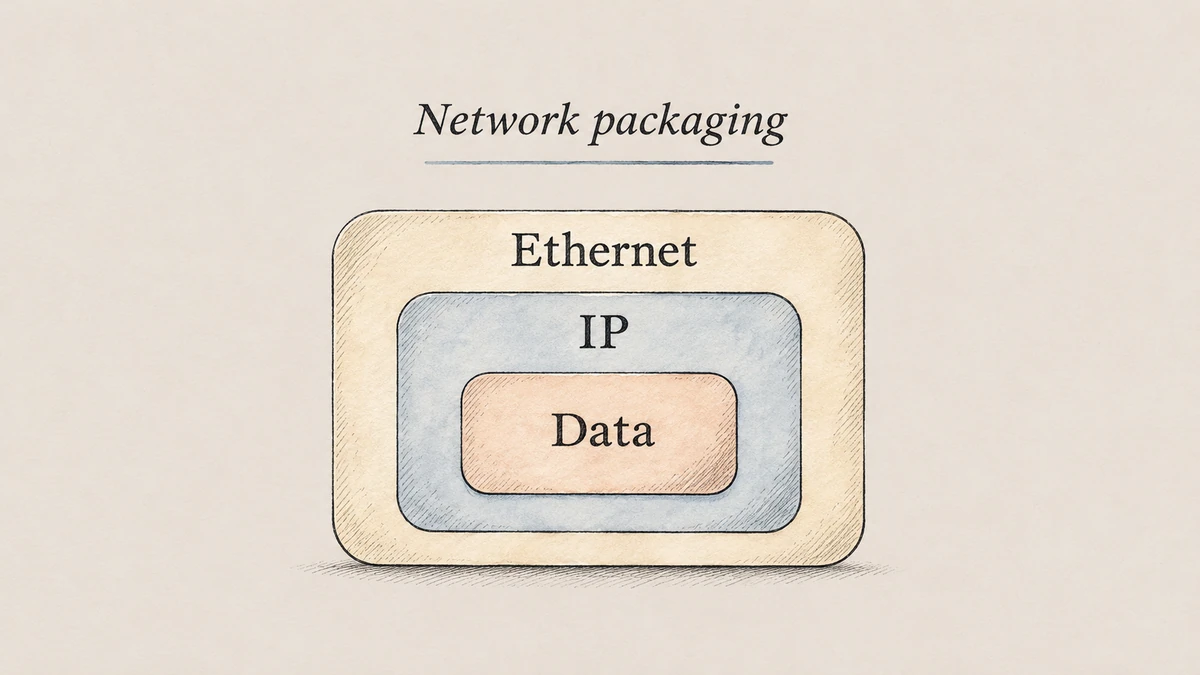
Encapsulation has two common meanings in computing. In software, it groups data with the operations that manage it; in networking, it packages data inside the control information needed to carry it.
Both involve a boundary around something, but they solve different problems. A programmer may be discussing how code changes a value, while a network engineer is discussing how a message travels.
In software, put the rules beside the data
In object-oriented programming, an object is a unit of software that combines data with actions. A class defines that kind of object, and its methods are the functions that perform those actions.
Consider a simple thermostat program that stores a target temperature. Other parts of the program could change the stored number directly, or they could ask the thermostat object to change it through a method.
The second design gives that method a place to enforce rules, such as rejecting a temperature outside the device's supported range. The stored value and the code responsible for changing it belong together.
That's the boundary described in Microsoft's explanation of encapsulation: expose a defined way to use an object while keeping its internal details behind that interface.
The Seven Layers Behind Every Network Message
Here, an interface means the operations other code can use, not necessarily a screen with buttons. A thermostat object might offer an operation to set the target and another to read it.
“Private” in code doesn't mean encrypted
Programming languages enforce these boundaries in different ways. Some provide access controls that restrict which parts of a program can directly reach a field, a named piece of stored data.
Python, for example, commonly uses an initial underscore to mark a name as internal. Its documentation makes clear that this convention doesn’t prevent other code from accessing the value.
Encapsulation can make it easier to keep data consistent, but only if the permitted operations enforce the right rules. An exposed method that accepts an invalid temperature hasn't solved the problem simply by hiding the field.
This also differs from encryption, which scrambles data to keep it confidential. Calling a field private doesn't encrypt its contents or decide which real-world user should be allowed to operate the device.

- Keep work, guest and smart-home gear apart with up to 32 VLANs on one small switch.
- Copy any port's traffic to your laptop with port mirroring and see what is on the wire.
- Set it up from a web page instead of learning a command line.
In a network, add the information needed for delivery
Network encapsulation adds a protocol's control information around the data it carries. A protocol is a set of communication rules, and a header is control information placed at the beginning of a message.
For an example, a small application message could travel through these layers:
| Layer | What it adds or carries |
|---|---|
| UDP, the User Datagram Protocol | A header with port numbers that help direct the message between applications |
| IP, the Internet Protocol | A header with network addresses for delivery |
| Ethernet, a common wired-network technology | A frame around the IP packet, with information for the local link |
The resulting package has layers inside layers. The UDP header and application message become data carried by IP; the IP header and everything it carries become data inside the Ethernet frame.
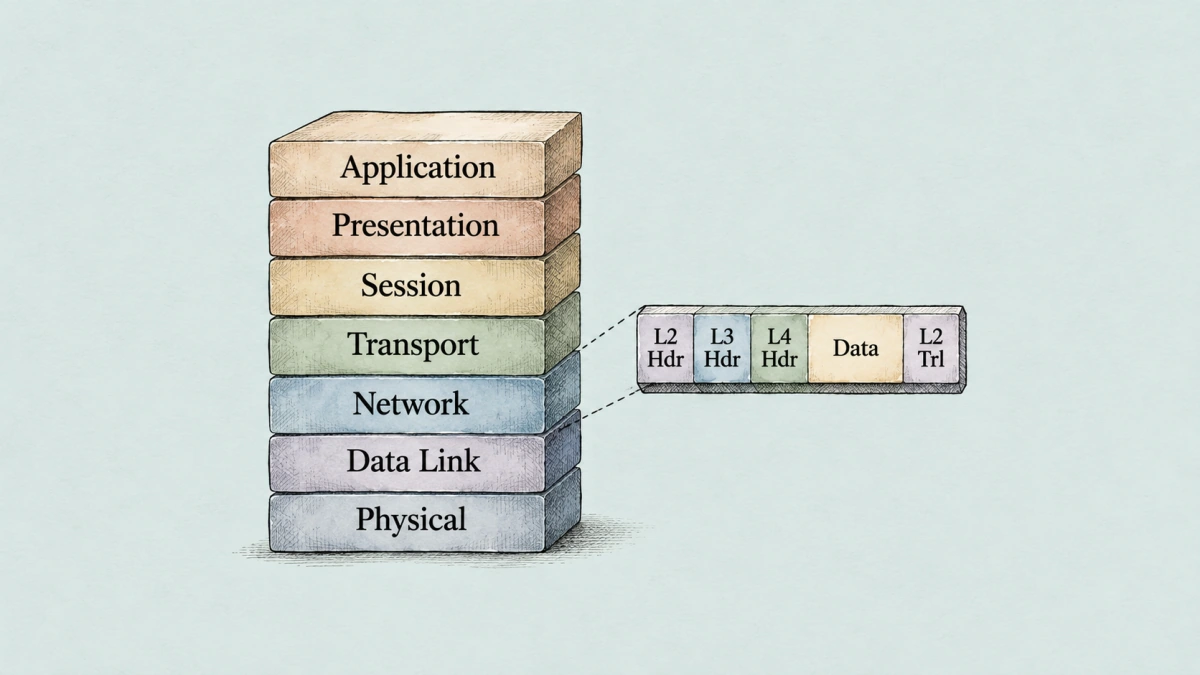
Cisco's protocol-stack explanation describes this wrapping process, including control information that some layers add at the end, called a trailer. A packet and a frame are names for data units at different layers, not separate copies of the original message.
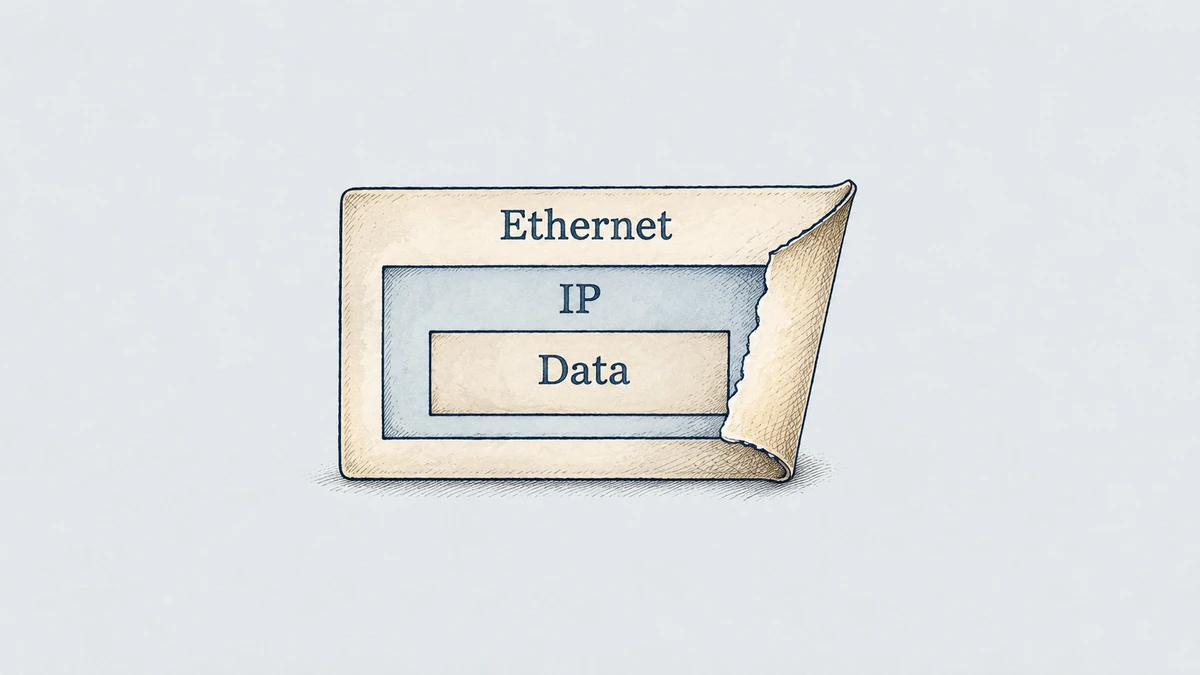
The receiver performs decapsulation, processing the relevant wrappers so it can pass their contents onward. Removing a wrapper doesn't automatically decrypt the data inside it.
When you encounter “encapsulation,” first identify the setting. In code, look for the operations allowed across an object's boundary; on a network, look for the protocol wrapper and what it carries.
Decapsulation: How a Computer Unpacks a Network Message
Network Tunnels: How One Packet Rides Inside Another
Protocol Stacks and OSI: How Network Jobs Fit Together
QUOTE:
"Amateurs hack systems, professionals hack people."