Two-Step Authentication: Count the Proof, Not the Prompts
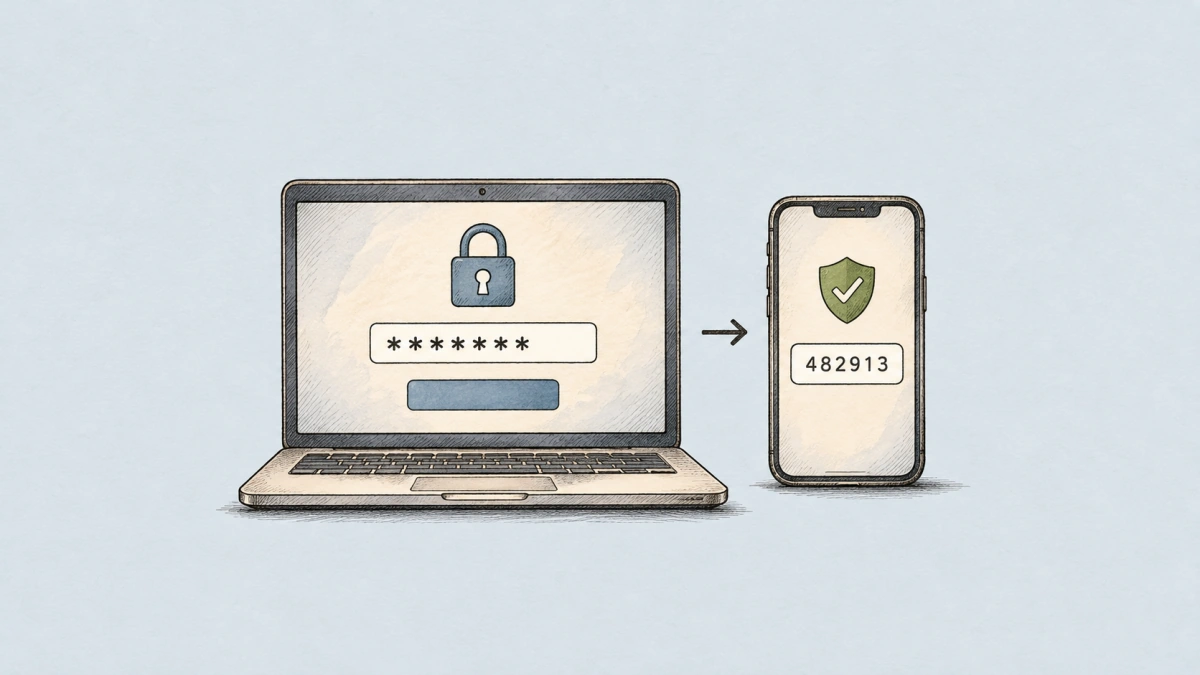
Two-step authentication adds another check of a claimed account identity, often after a password. Services also call it two-step verification. The label tells you there’s more to signing in; the methods underneath it tell you what protection that extra check provides.
A username points to an account. A password supplies secret knowledge associated with it. Neither the act of entering the username nor moving to another screen creates a second kind of proof.
That distinction matters when comparing steps with factors. A factor is a category of authentication evidence: something you know, something you have or a biometric characteristic such as a fingerprint. Two-factor authentication requires two different categories.
How Does Your Authenticator Work Without the Internet?
Follow what the service checks
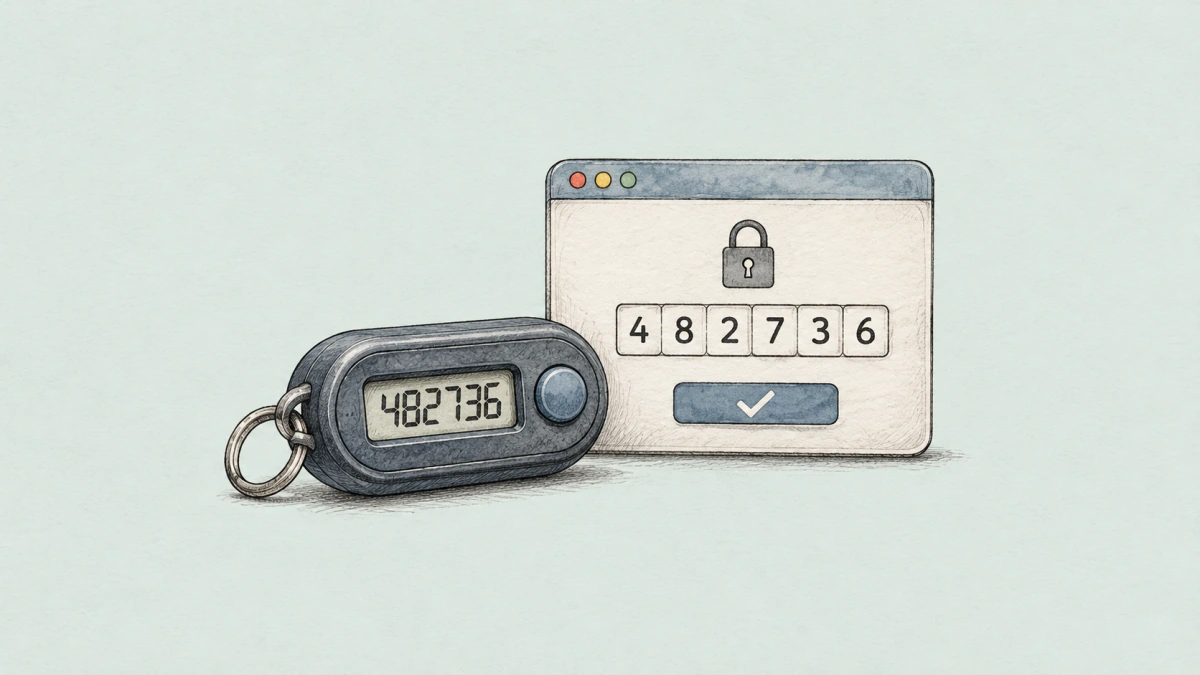
Suppose a sign-in asks for a password and then a code generated by a registered device. The password checks knowledge; the code supplies evidence of control of the device's authentication secret. Those are different factors.
Now suppose the second prompt instead asks for another memorized answer. Two answers have been entered, but both rely on knowledge. Splitting them into steps hasn't made them different factor types.
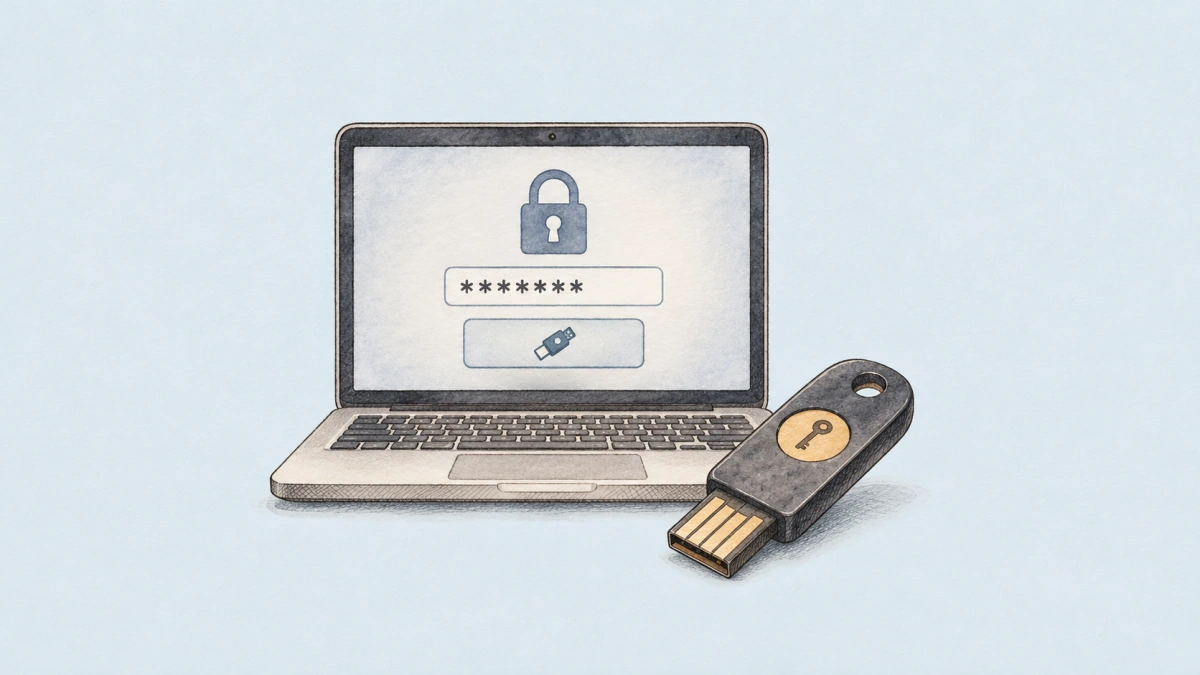
The opposite is possible too. A device holding a secret digital key can require a local personal identification number (PIN) or fingerprint before using the key to produce sign-in proof. This combines possession with an activation factor, even if signing in feels like one short action.
The National Institute of Standards and Technology’s guidance makes these distinctions by the evidence checked. Counting visible prompts doesn't tell you which kinds of evidence were checked.

- Make a stolen password useless without the key in your hand.
- Plug into a USB-C laptop or tap it against your phone.
- Use one key across Google, Microsoft, Apple and many more accounts.
An extra code prompt also doesn't make every sign-in resistant to phishing—deception aimed at stealing access or information. A fake page can collect a current code and pass it to the real service. The relevant protection is whether the method binds the proof to the legitimate service, rather than letting it be relayed elsewhere.
Why the extra prompt may not appear
Google's product called 2-Step Verification illustrates how broad a service label can be. Its documented options include a password with a second step or a passkey, which uses a digital key for sign-in.
Google also documents remembering a trusted device so that a second verification step isn't requested each time. A familiar device's shorter sign-in doesn't, on its own, tell you that the account setting has been switched off. The service's rules determine when it asks again.
The same guidance offers backup codes for recovering access when a phone is lost. Those codes should be stored securely and kept private.
When reviewing an account's settings, follow the routes that can get you in: the usual sign-in method, remembered devices and recovery options. Together they explain more about the account's authentication than the words “two-step” alone.
Two-Factor Authentication: A Stolen Password Isn’t Enough
Possession: Holding a Device and Proving Control
Biometrics: How Your Fingerprint Becomes a Match

QUOTE:
"Amateurs hack systems, professionals hack people."