Work Factor: Making Each Password Guess Cost More
Work factor is an estimate of the effort needed to defeat a particular protection. The estimate depends on the attacker's skills and resources, and on the protection being tested. It isn't a single score for how secure a whole system is.
The National Institute of Standards and Technology (NIST), a U.S. standards agency, includes those assumptions in its definition. More computing resources can change how much time the attack requires. And making one route difficult says little about a separate route around it.
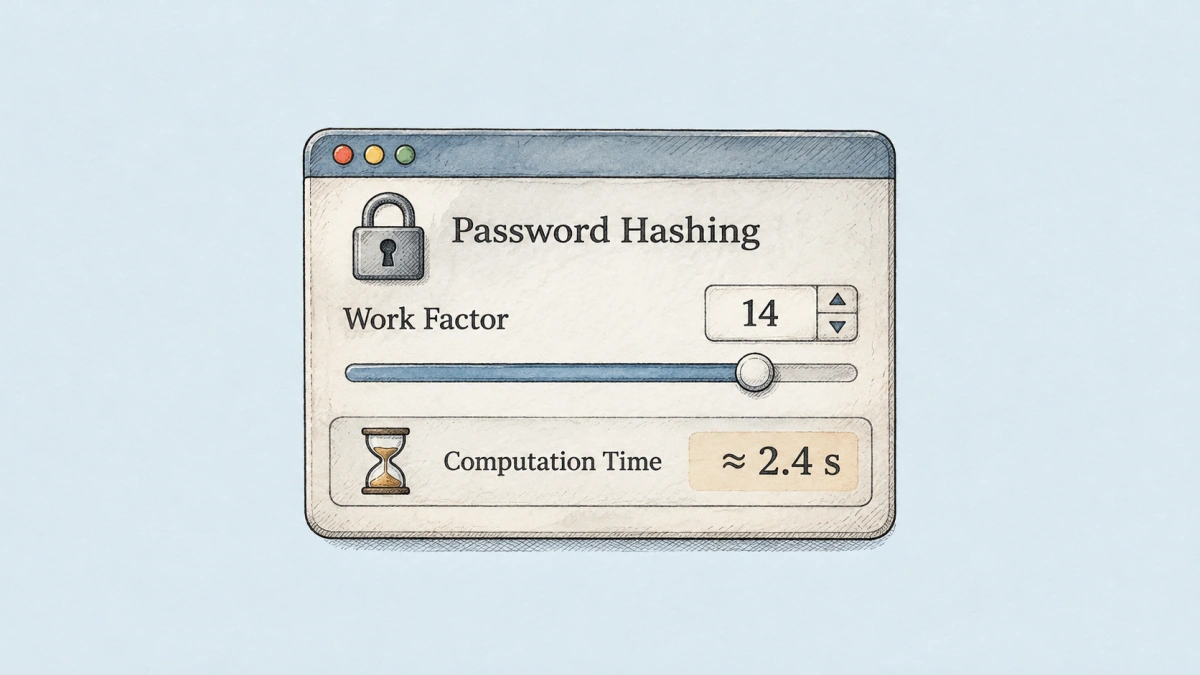
The term has a more specific use in password hashing: a cost setting that deliberately makes checking a password take work.
How Hard Is It to Guess a 256-Bit Key?
Why make a computer do extra work?
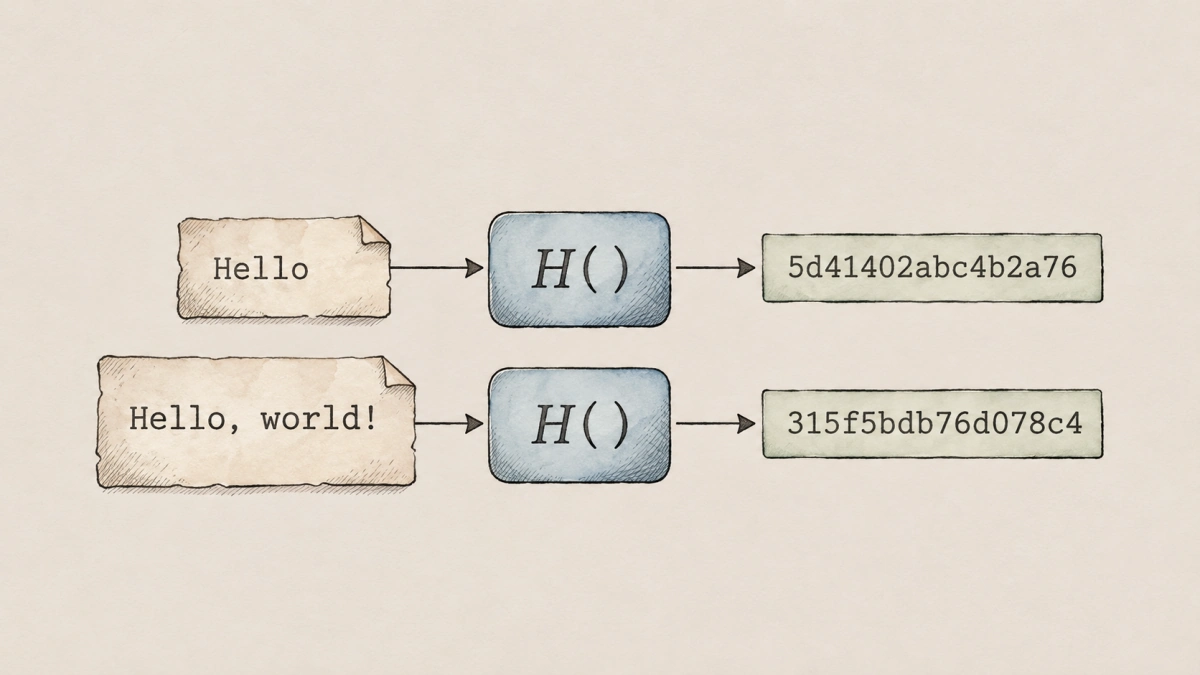
A service shouldn't need to store your readable password to check it. It can store a password hash, a value calculated from the password with a purpose-built method. When you sign in, the service checks the submitted password using that method.
Proper password storage also includes a salt, a per-password value used in the calculation. A salt helps prevent an attacker from reusing the same calculation across many accounts; it doesn't keep someone from trying guesses against one account's stored record.
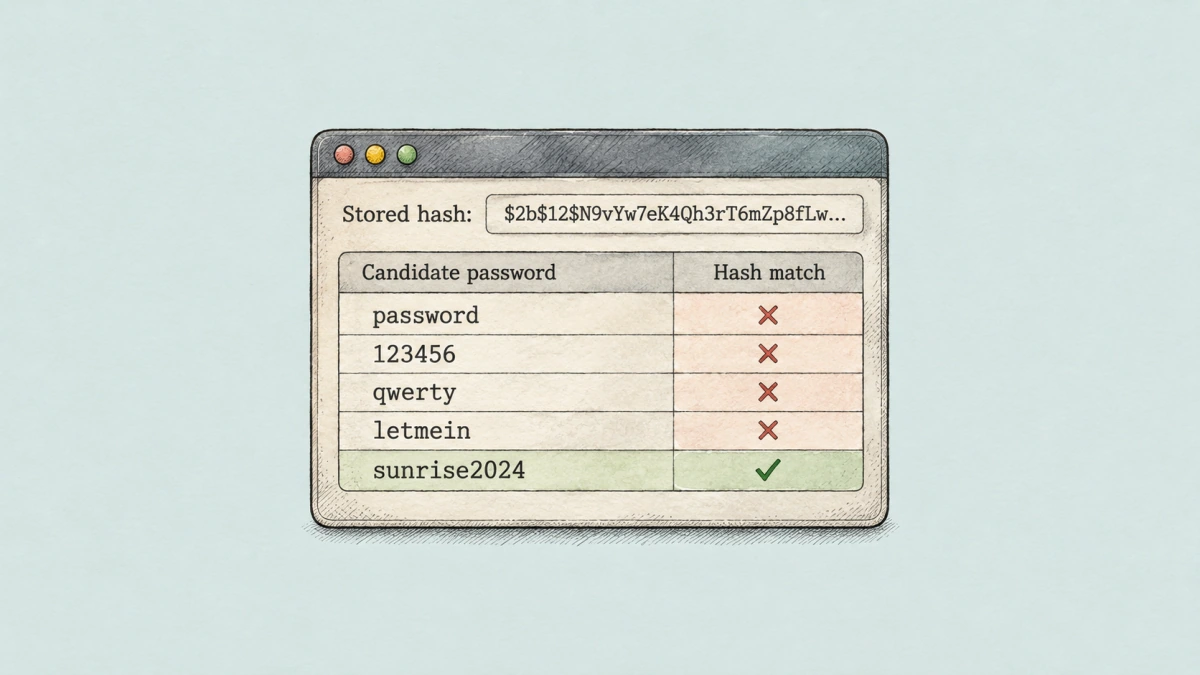
Suppose an attacker steals those records. They can calculate results for candidate passwords and compare them with what was stolen. That's offline guessing: the work happens on the attacker's system, without sending each attempt to the real website.
A website's login-attempt limit can't throttle calculations it never receives. Purpose-built password hashing addresses another part of the problem by making each calculation more costly. The password-cracking process still involves guesses, but each guess requires resources.
Two levers, not one
A hard-to-predict password affects which guesses an attacker needs to try. A hashing cost setting affects the work required to test each guess. Changing the second doesn't make a predictable password unpredictable.
The settings also differ across hashing methods. Some emphasize repeated computation. Argon2id, for example, has settings for memory use, passes over that memory and parallel work. There isn't one universal “work factor” number that means the same thing in every algorithm, or calculation method.
The software-security organization OWASP explains these choices and their tradeoffs in its password-storage guidance. It calls for testing the cost on the system that will actually verify passwords, rather than copying a number without understanding its effect.

- Stop typing passwords: the key enters them for you.
- Add a second factor to your accounts with the same device.
- Relax if you lose it: it is PIN-protected and built to resist tampering.
The service has to pay, too
The extra work applies when a legitimate user signs in. A setting that makes guesses expensive can also consume time and resources on the service checking those users. Turn it up too far, and the service can struggle under ordinary demand or abusive requests.
NIST's 2025 digital-identity guidance recommends making the cost as high as practical without harming the checking service's performance, then revisiting it as computing performance changes.
The aim is a deliberate imbalance: an acceptable amount of work for a real sign-in, repeated expense for an attacker testing many guesses. Choosing the setting means measuring both sides of that bargain.
Password Cracking: How Guesses Work Against a Stolen Database
Hash Functions: Small Outputs With a Big Job
What Is Salting in Password Security and How Does It Work?

QUOTE:
"Amateurs hack systems, professionals hack people."