Two-Factor Authentication: A Stolen Password Isn’t Enough
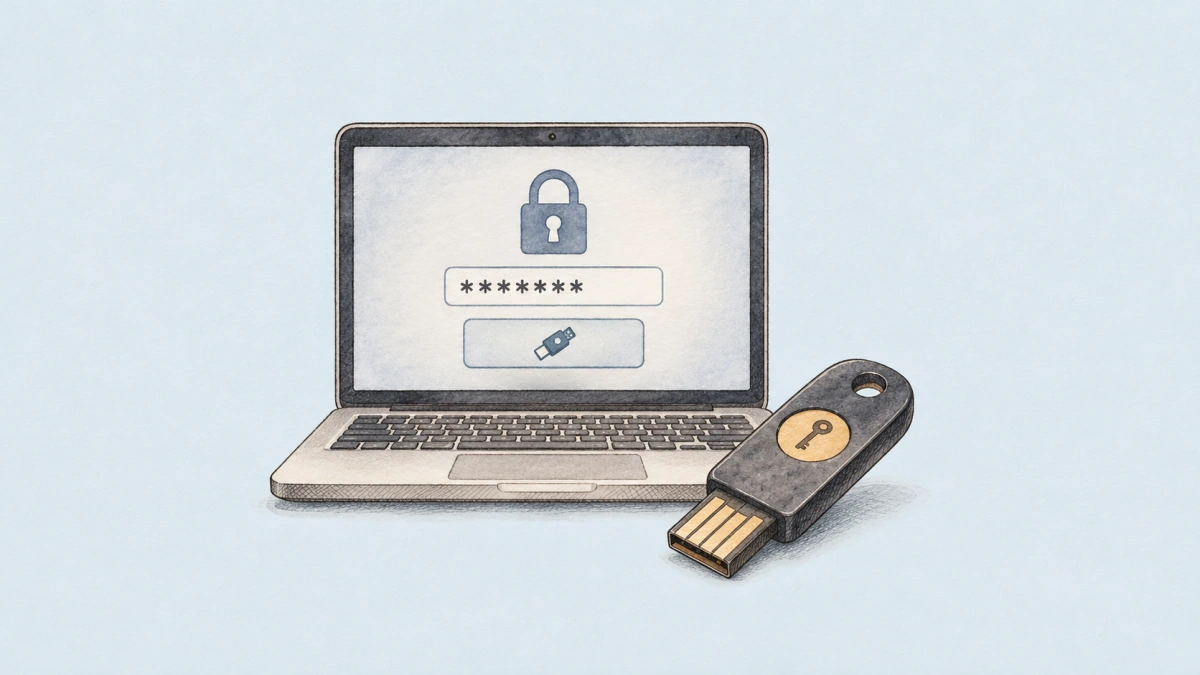
Two-factor authentication, or 2FA, checks a claimed identity using two different kinds of evidence. A password supplies one kind: something you know. A registered device can supply another: something you have. Stealing the password alone then leaves an attacker short of the required proof.
A factor is a category of evidence, not a screen or a text box. Two passwords still belong to the knowledge category. Asking for them on separate pages doesn't turn them into two factors.
The National Institute of Standards and Technology’s authentication guidelines distinguish knowledge, possession and biometric characteristics, such as a fingerprint. Those categories help explain why apparently similar sign-in routines can offer different protection.
Why a Password Should Not Be Your Only Lock
Where the second proof comes from
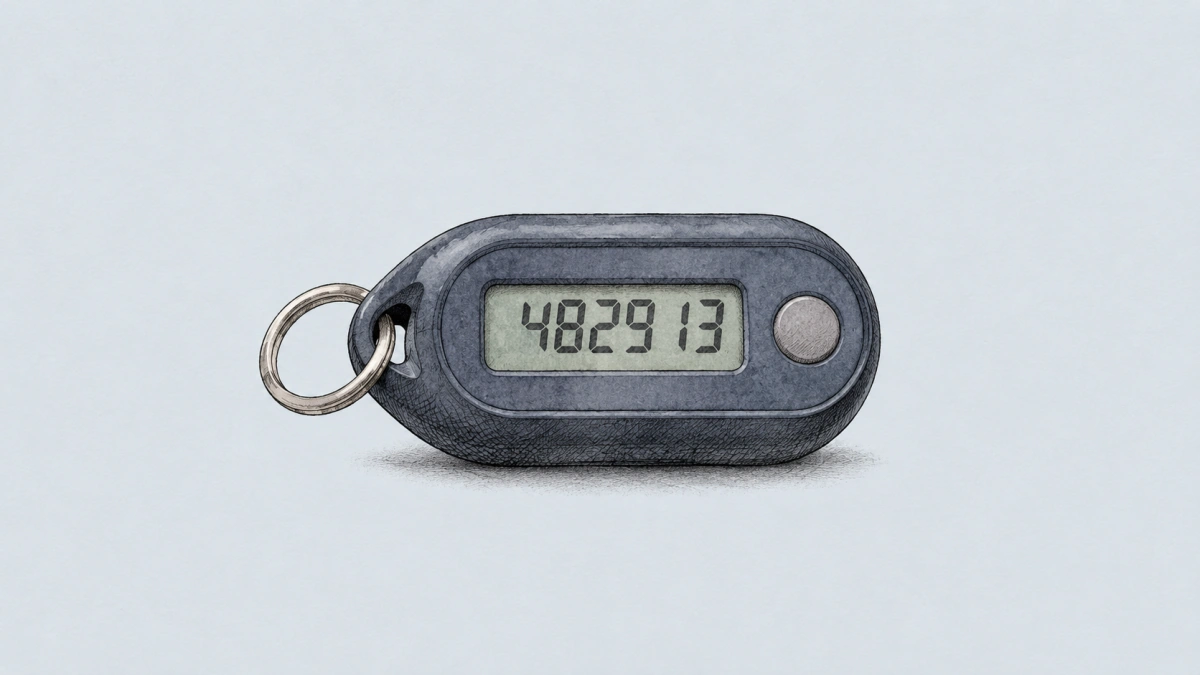
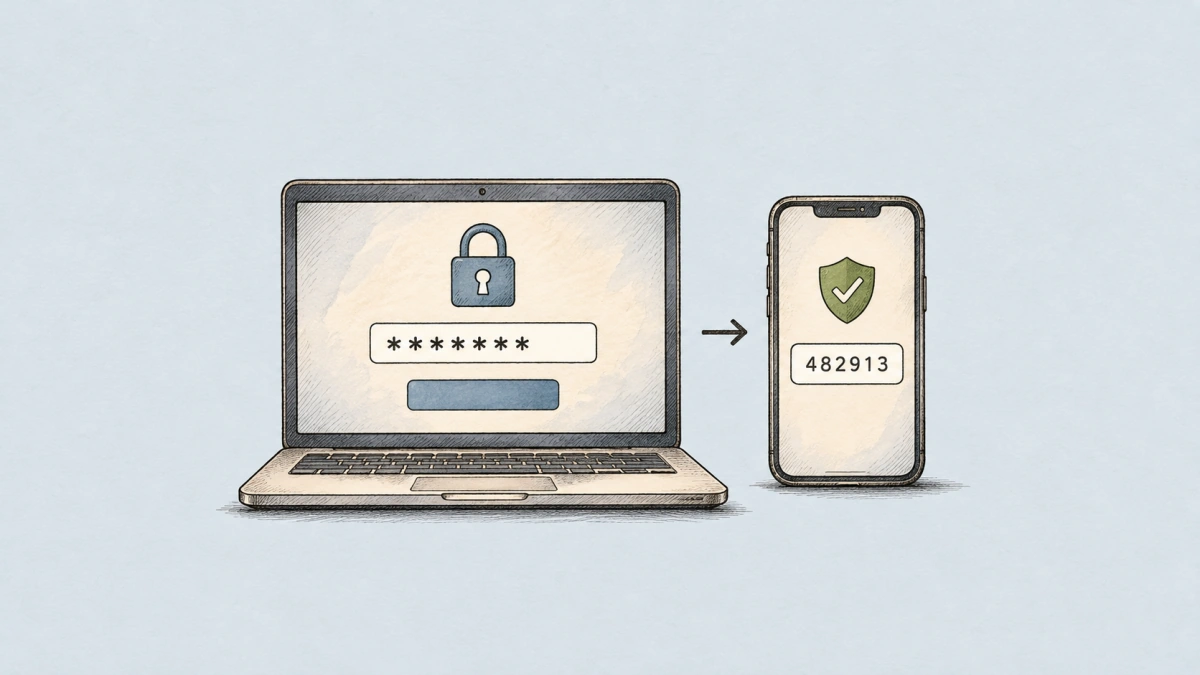
Consider a password followed by a changing code from an authenticator app. The app is a tool registered to the account that holds a secret used to generate codes. A valid code supplies evidence of control of that secret. It isn't simply a second password you've memorized.
The code can be generated on the device; it doesn't have to arrive in a text message. Dedicated authentication devices can provide proof too.
Some devices use a different mechanism. The device uses a secret digital key, a data value, to produce mathematical proof the service can check. A local personal identification number (PIN) or fingerprint may be required to activate that key. The device supplies possession evidence, while the activation supplies another factor.
In that arrangement, a fingerprint unlocks use of the authenticator. It doesn't act as a complete remote sign-in method by itself. Two factors can work together without asking you to type two separate answers into a website.
The code can arrive at the wrong place
A second factor helps, but a typed code can still be stolen and used while it is valid. Suppose a fake sign-in page asks for your password, then your current authenticator code. An attacker can relay both to the real service. They don't need to steal the phone itself.
A phishing-resistant method addresses this problem by binding the authentication to the legitimate service. An appropriate device-key method won't produce interchangeable proof that a look-alike site can pass along in the same way.
When a service offers a phishing-resistant option, that protection is a reason to prefer it. Counting prompts won't tell you the same thing.

- Make a stolen password useless without the key in your hand.
- Sign in with a tap instead of typing a code.
- Protect Google, Microsoft, Apple and more than 1,000 other accounts.
The day the device is missing
Recovery is another route into the account. It deserves attention when setting up authentication, while you can still sign in normally.
For example, Google’s 2-Step Verification guidance describes backup codes for situations such as losing a phone. The codes need secure storage and shouldn't be shared. Those codes can restore access when the usual second factor is unavailable, so they need protection too.
Token Devices: The Secret Behind the Changing Code
Two-Step Authentication: Count the Proof, Not the Prompts
Vishing: Why a Caller Wants Your Sign-In Code
QUOTE:
"Amateurs hack systems, professionals hack people."