Time to Live: Why Packet TTL and DNS TTL Count Different Things
Time to live, or TTL, is a limit on how long something may remain in use. What it counts depends on the setting. In Internet Protocol packets, the units that carry data across a network, it effectively limits forwarding steps. In the Domain Name System, or DNS, it describes how long an answer may be saved for reuse.
The two uses count different things. A packet with a TTL of 30 isn't being given a 30-second deadline to deliver an email or load a page. A saved DNS record with a TTL of 30 does have a cache lifetime measured in seconds.
Ping and Traceroute: Two Commands Worth Knowing
A packet spends its limit along the route
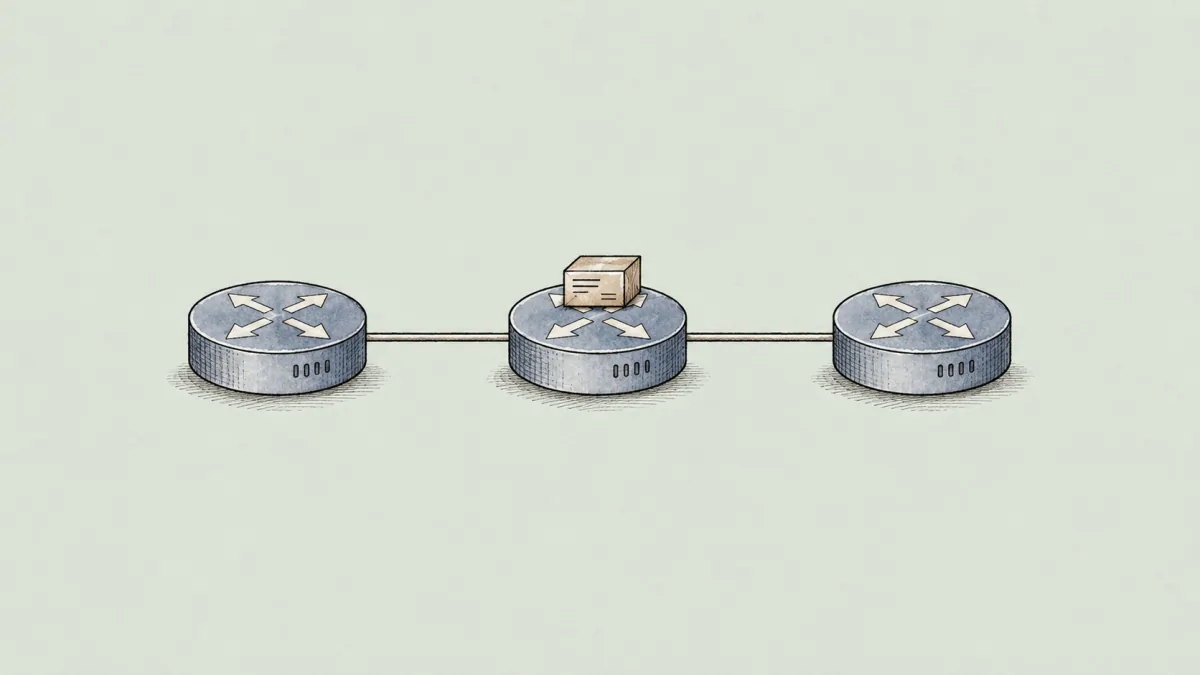
A packet also carries handling information. Internet Protocol, or IP, provides addressing and other information used to move it toward a destination. Routers pass the packet from one network to the next.
In IPv4, a version of IP, each router must reduce the packet's TTL by at least one when forwarding it. The original definition used seconds, but that mandatory reduction makes the value act as a hop limit in practice. A hop is a forwarding step along the route. The IPv4 router requirements explain both the historical meaning and the forwarding rule.
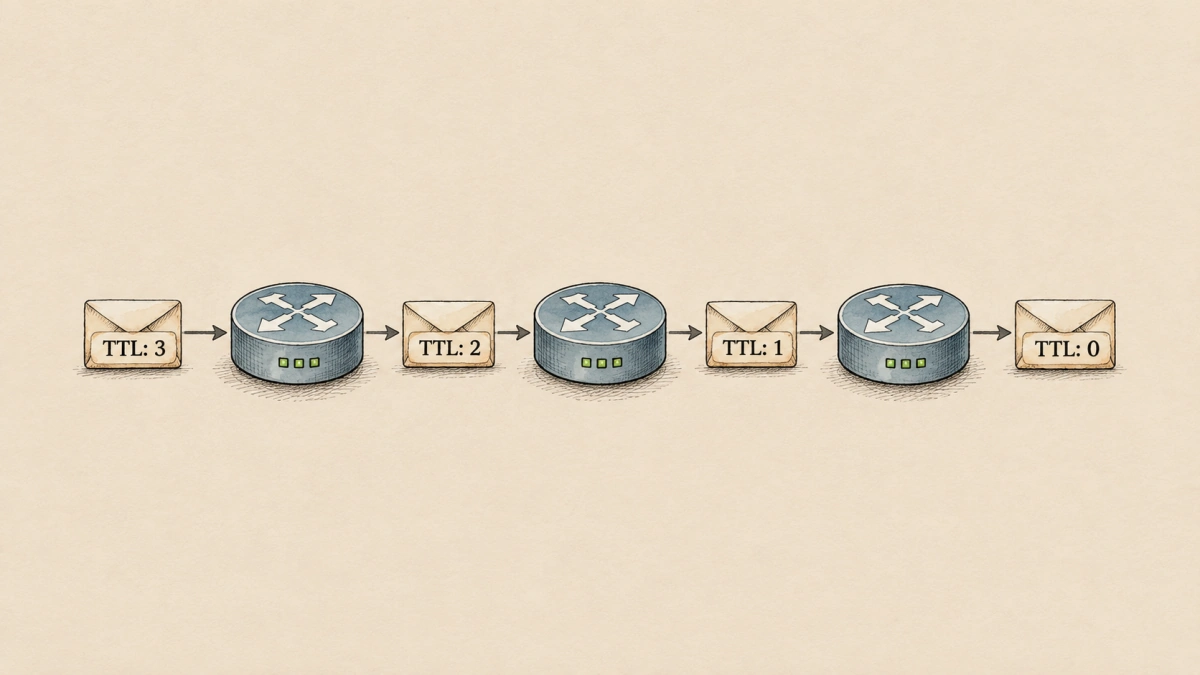
Imagine a packet arrives at a router with a TTL of 3. If each router reduces it by one, the first passes it on with 2 remaining. The next passes it on with 1. At the following router, the value is exhausted, so the packet is discarded instead of being forwarded again.
The router normally sends a separate error message saying the time limit was exceeded, subject to the protocol's rules. The original packet doesn't turn around and travel back intact.
This limit contains a routing loop, where routers keep sending a packet around a cycle. Each forwarding step spends more of the limit, so that packet can't circulate forever. Discarding it doesn't fix the routers' mistaken directions.

- Get five gigabit ports and a fast ARM processor for the price of a basic home router.
- Practice real routing at your desk on gear that network pros also deploy.
- Tuck it beside your modem: it takes up almost no room.
IPv6 uses the clearer name Hop Limit. Its protocol specification requires a forwarding node to reduce the value by one and discard the packet when the limit is exhausted. Lowering the value doesn't make the packet travel faster; it gives it fewer forwarding steps to complete the trip.
A saved DNS answer has a different lifetime
The Domain Name System lets software look up information associated with a name. That can include an IP address used to reach a website. A DNS resolver obtains answers for clients and can keep them in a cache, a temporary store, for later requests.
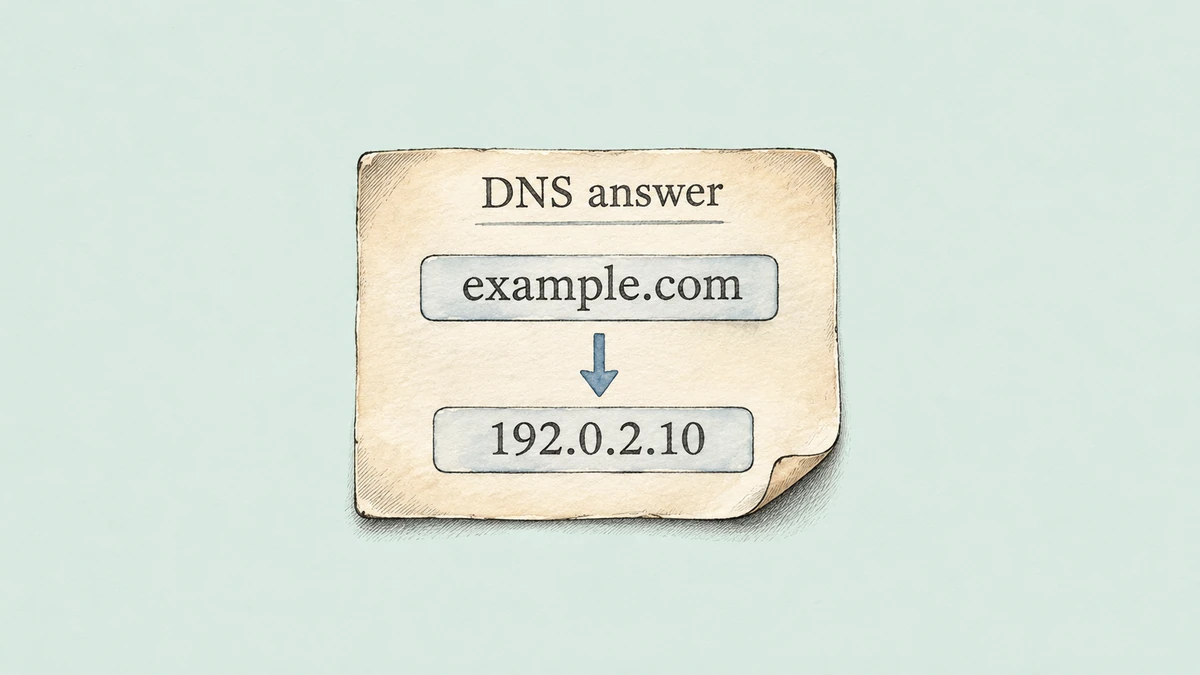
A DNS record's TTL says how long that saved answer may be reused before consulting its source again. Here, the unit really is seconds, as the DNS record specification sets out.
Suppose a resolver saves an address record with a TTL of 300 seconds. That allows five minutes of reuse under the ordinary caching rules. If the address changes at its source during that period, the resolver may still have the earlier answer available in its cache.
Only the saved record reaches its expiry. The website and browsing session can continue, and other resolvers may have records saved at different times. A fresh lookup can obtain another answer. The packet limit governs forwarding along a route; the DNS limit governs reuse of information about where to go.
Network Hops: Why Counting Routers Won't Tell You the Speed
Traceroute: Learning the Route by Stopping Short
How DNS Finds an Answer Without One Giant Directory
QUOTE:
"Amateurs hack systems, professionals hack people."