Filtering Routers: The Route Exists, but Traffic May Be Refused
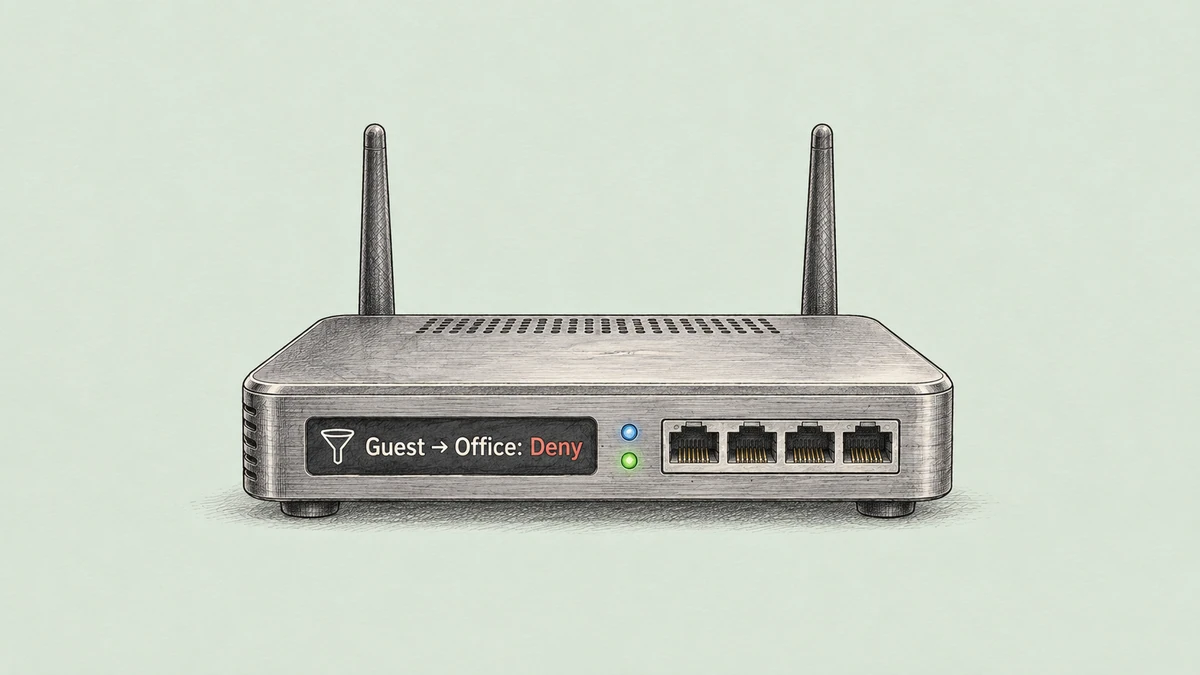
Visitors on a guest network may be allowed to reach the internet while being blocked from an office file server. A filtering router can enforce that separation as traffic crosses between networks.
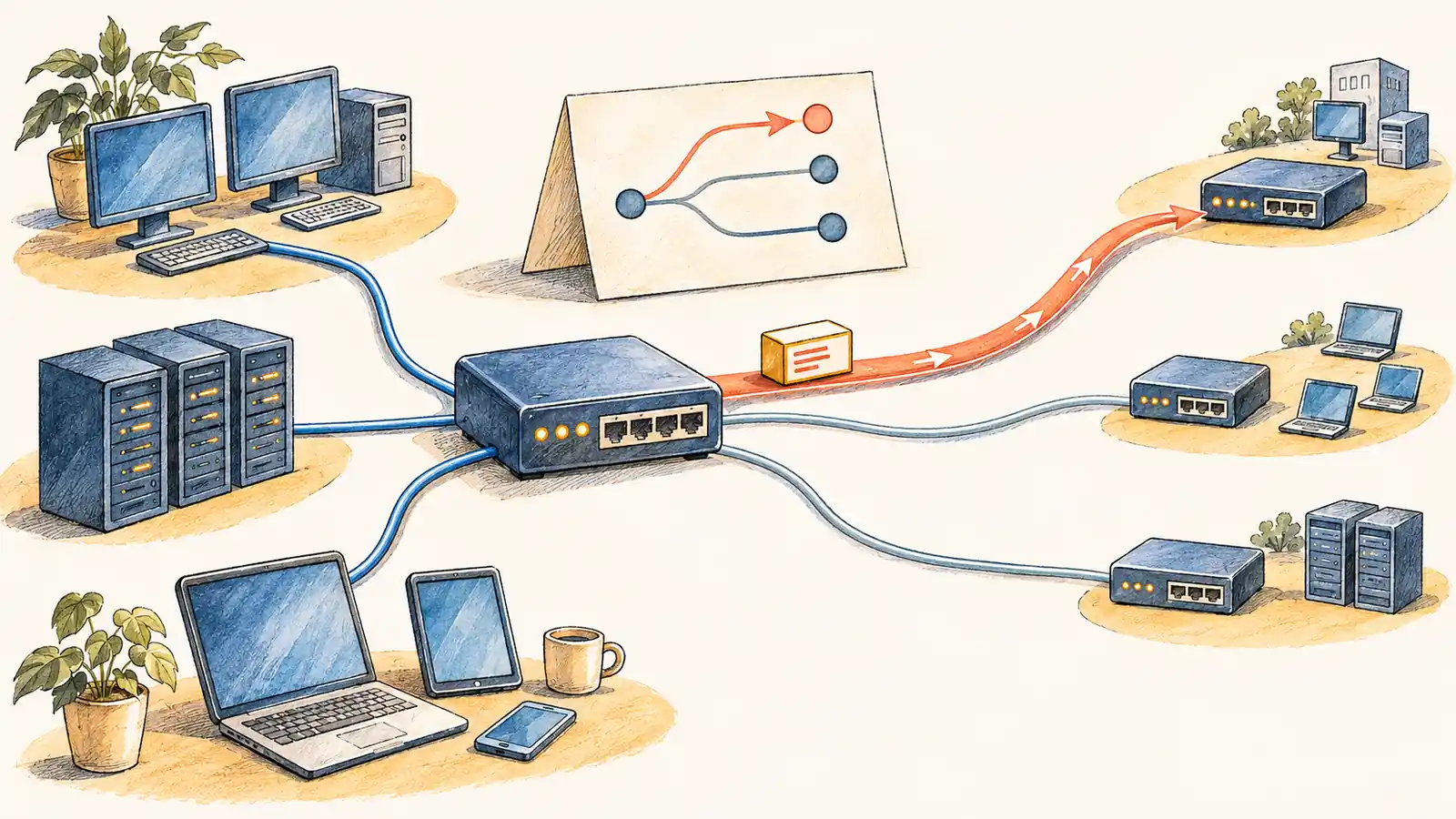
A router forwards packets, small units of network data, toward their destinations. A filtering router also applies rules that decide whether particular packets may pass.
Knowing a route and permitting its use are different decisions.

- Keep the internet up by connecting a second provider as backup.
- Reach your home network securely from anywhere with built-in VPN support.
- Filter and block unwanted traffic with a real firewall.
What the router can compare
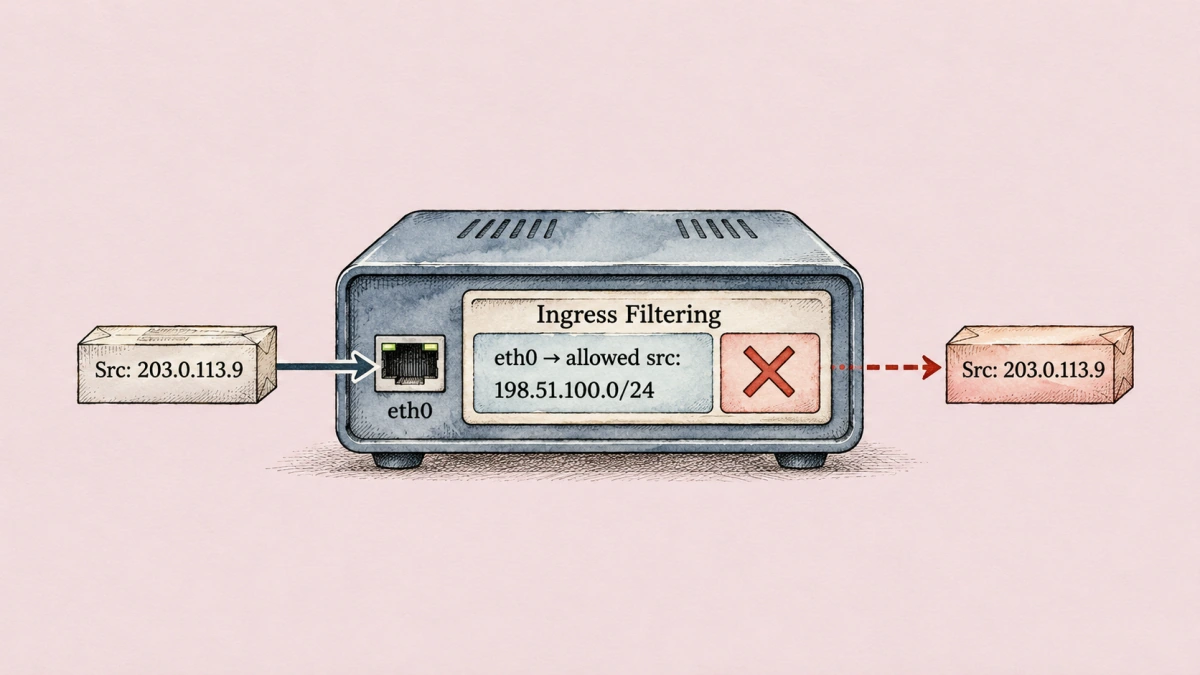
Packet filters examine information in a packet's headers, the fields that describe how the data should be handled. Depending on the filter, useful fields include:
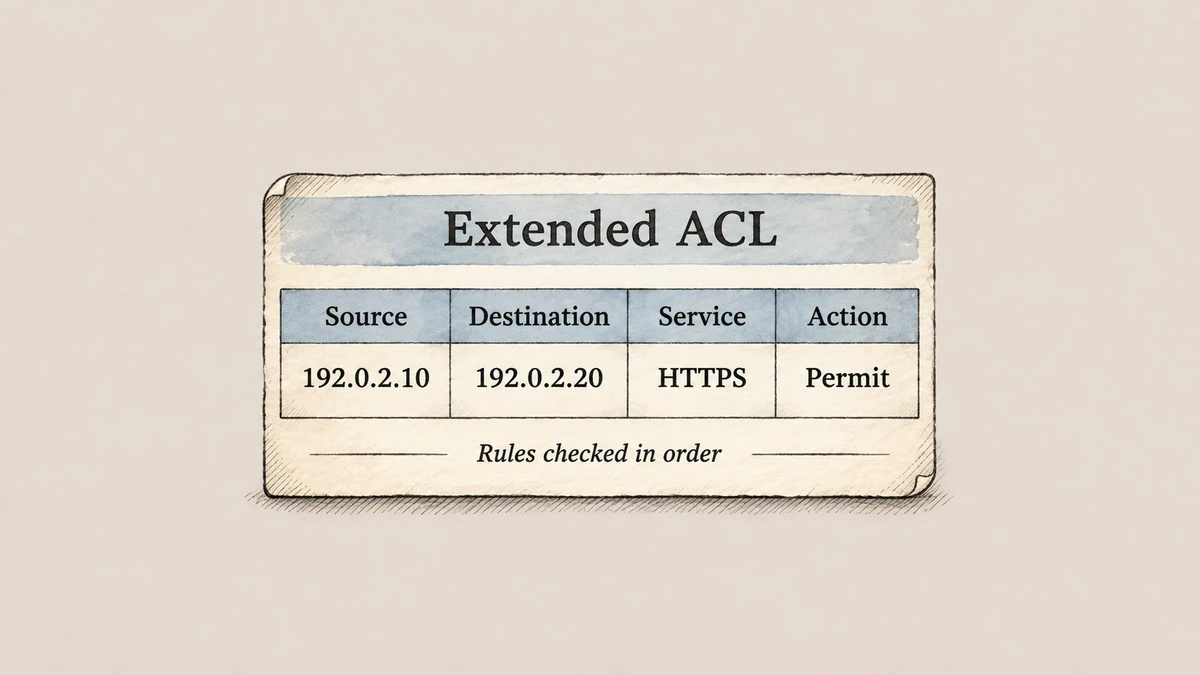
- Source and destination IP addresses: the numerical network addresses at the sending and receiving ends.
- Protocol: the communication rules being used, such as TCP or UDP, two common ways to carry data between programs.
- Port numbers: numbered endpoints used by protocols such as TCP and UDP to distinguish services or conversations.
Juniper's packet-filter overview describes rules with matching conditions and actions. A rule might permit traffic from the guest network toward the internet while denying traffic toward the office's private server network.
That's a decision about traffic matching those fields. It isn't a judgment that a particular person is trustworthy or that every file passing through is safe.
The rules need to cover the right path
An access control list, or ACL, is one common way to express the filtering rules. The list must be applied where the relevant traffic passes, in the intended direction.
An interface is a router's connection to a network. Incoming traffic arrives on an interface; outgoing traffic leaves one, so “incoming” and “outgoing” depend on which connection you're discussing.
Order can matter too. Cisco's IP ACL guidance describes first-match processing, where the router stops checking the list after a rule matches.
A broad permission placed ahead of a specific restriction can make that restriction ineffective. What happens when nothing matches also matters, and administrators need to verify the behavior of the particular product and list type.
Traffic can only be filtered by a rule it actually encounters. Two devices communicating directly within a local network may never send their traffic through the router that connects that network to the internet.
How a Router Decides What Gets Through
Basic filtering and connection tracking differ
A basic stateless filter evaluates packets without keeping a record of their ongoing connections. Rules for an outgoing request don't automatically describe every packet needed for its reply.
Stateful inspection adds tracking of connections or exchanges, allowing a device to compare incoming traffic with activity it has already seen. The National Institute of Standards and Technology's firewall guide explains that distinction.
One device can combine routing, basic filtering and more advanced firewall features. The label on the box doesn't tell you which protections are configured.
For the guest-network example, a useful check covers both outcomes: visitors can use the services they're meant to reach, and they can't reach the private resources the policy forbids. Test the return traffic too, so permitted requests can finish their work.
What Does a Router Do? Follow a Packet to Its Next Stop
Cisco Extended ACLs: The Rule Order Can Change Everything
Ingress Filtering: Does That Source Address Belong Here?
QUOTE:
"Amateurs hack systems, professionals hack people."