Authentication Tickets: What Happens After the First Sign-In
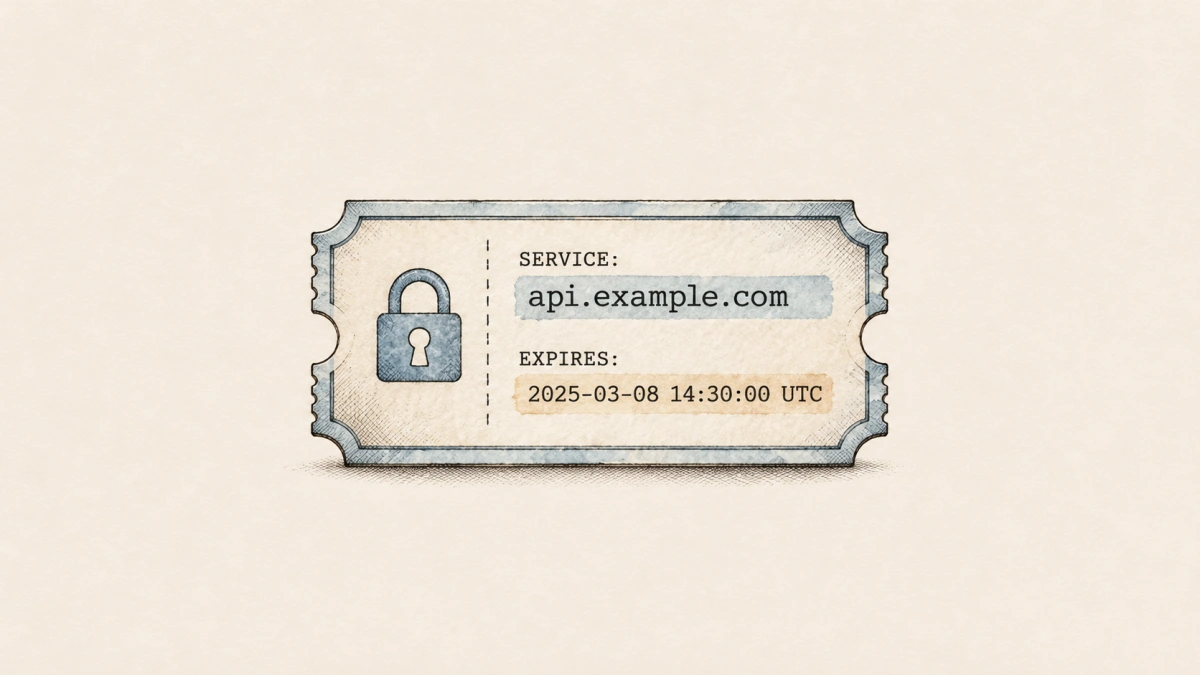
An authentication ticket is a digital record used to help prove an identity to a service. In Kerberos, a network authentication system, a trusted issuer creates tickets for particular services. Software presents a ticket with fresh proof, so the service doesn't have to ask for the user's password.
This is the security meaning of ticket. A help-desk ticket, which records a request for assistance, is a different use of the word.
Suppose an employee signs in to a workplace computer and then opens a shared file service. With Kerberos, the absence of another password prompt doesn't mean the service skipped checking the identity. Software on the employee's computer performs another exchange behind the scenes.
How Kerberos Logs You In With Tickets
First, a ticket for requesting other tickets
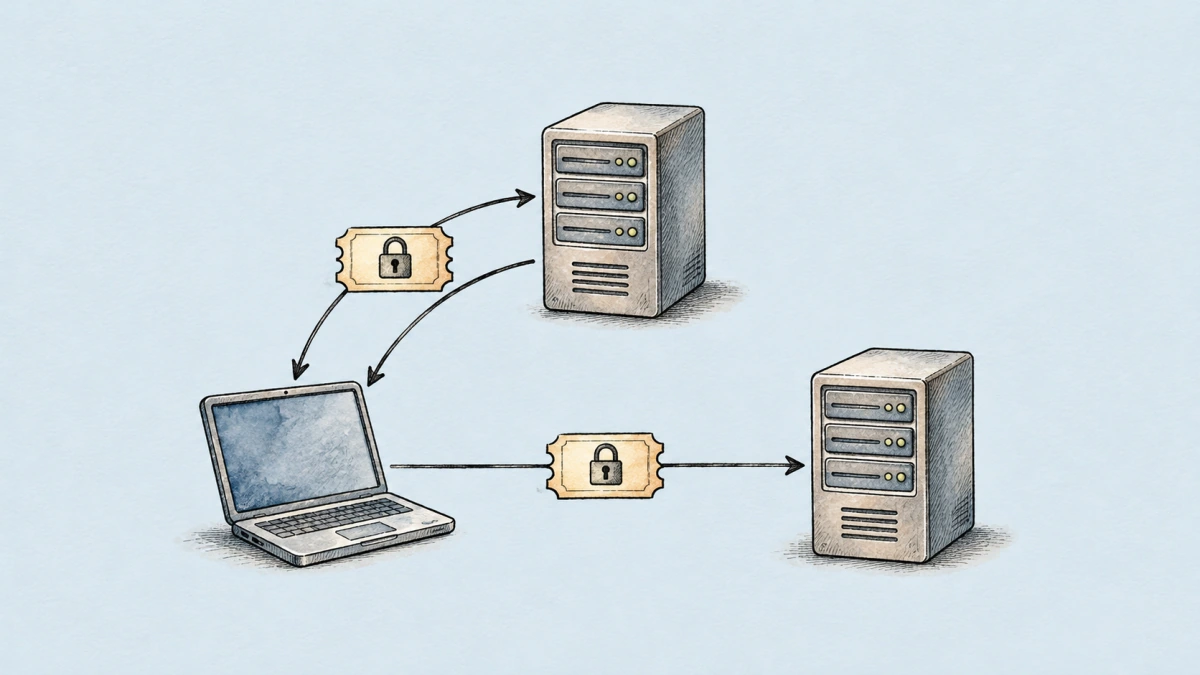
The software asking for access is the client. It works with a trusted central issuer called the Key Distribution Center. The file service is the destination the client eventually wants to use.
After the initial authentication, the client obtains a ticket-granting ticket. Its job is to support requests for tickets to other services. The computer can keep it temporarily with the secret information needed to use it. The employee can then request service tickets without repeating the initial sign-in each time.
When the employee opens the file service, the client uses this credential to request a service ticket for that destination. A ticket for the file service isn't automatically a ticket for a different application.
Microsoft's Kerberos overview describes this workplace flow. The service can verify the client's evidence using the ticket, without asking the central issuer to confirm the identity on every connection.
What travels with the service ticket
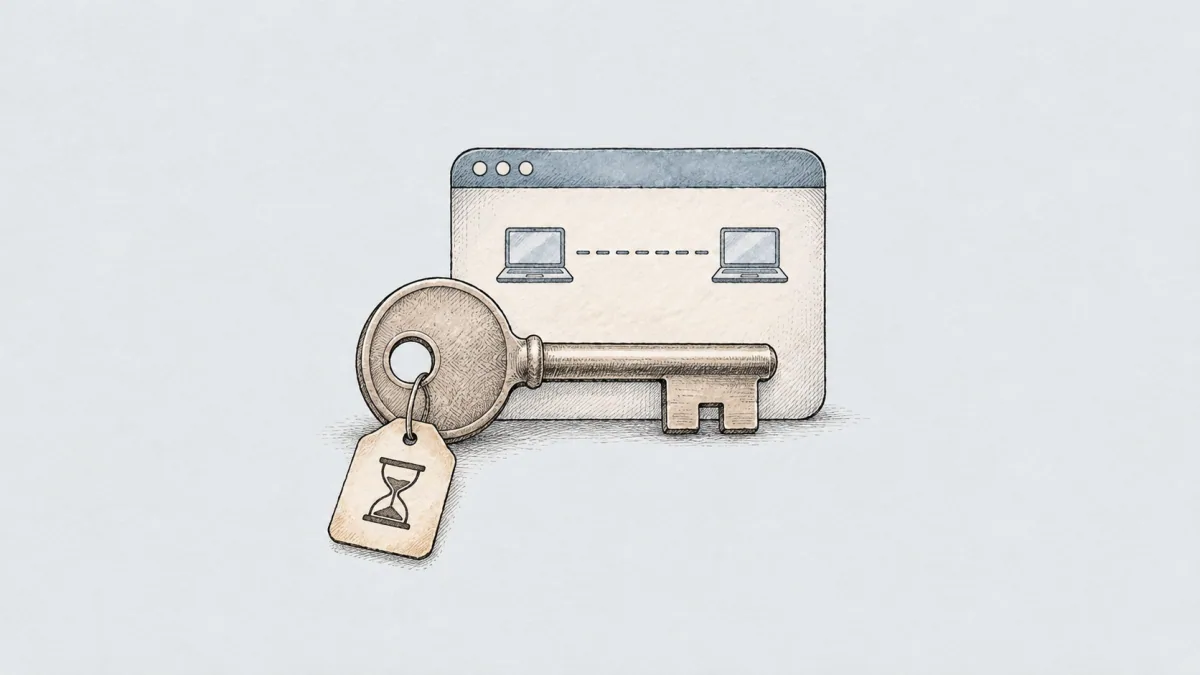
The ticket carries protected information about the client's identity and the exchange, including a session key. That key is a secret value the client and service use for mathematical checks on identity and messages. The client also receives the information it needs to use the key.
Presenting the ticket alone isn't the whole proof. The client sends an authenticator, a fresh message protected using the session key. It includes timing information that helps the service check freshness. The service checks this message along with the ticket.
The protected ticket and the client's proof work together. The Kerberos version 5 specification describes both, as well as the ticket's validity times.
Those time limits affect whether a ticket can be accepted. Clock differences can also interfere with checks on fresh proof. Tickets and associated keys kept on the computer are sensitive credentials, even though the employee doesn't type them into a login box.

- Make a stolen password useless without the key in your hand.
- Sign in with a tap instead of typing a code.
- Protect Google, Microsoft, Apple and more than 1,000 other accounts.
The file service still has a decision to make
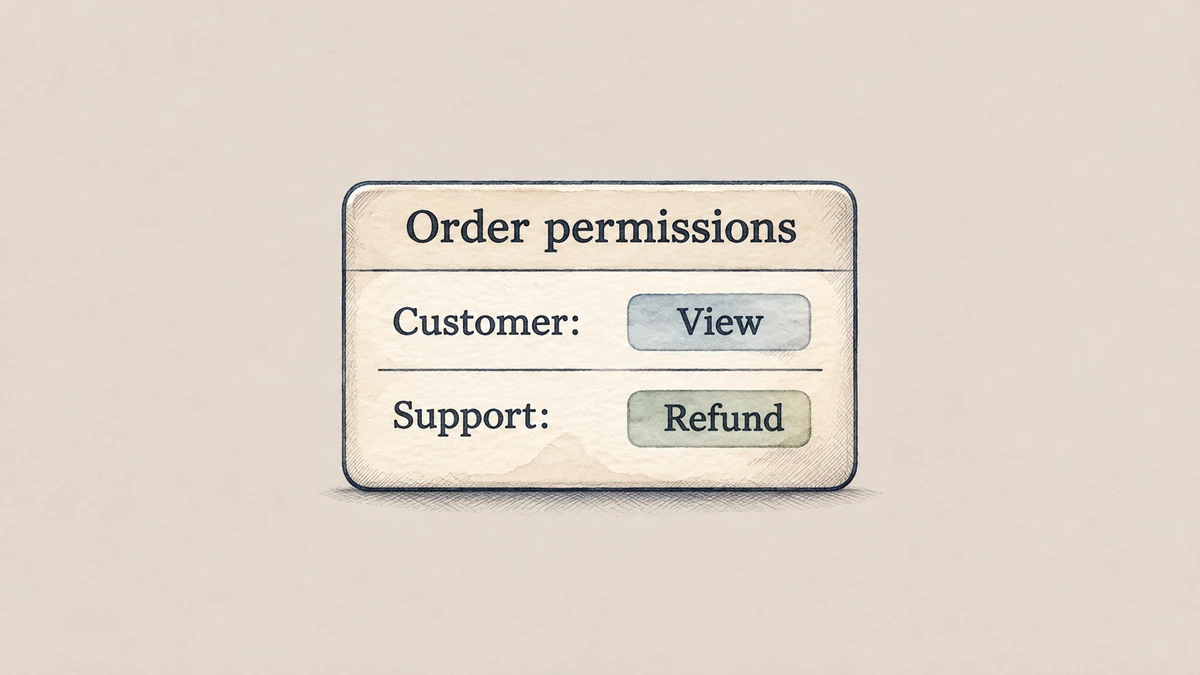
Successful authentication establishes an identity using evidence the service can verify. Authorization is the separate decision about what that identity may do.
The file service might accept the employee's identity and still refuse a request for a managers-only folder. Its access controls enforce that permission rule. A valid ticket doesn't turn every file into something the employee is allowed to open.
The employee may see no new password box and still receive “access denied” for the folder.
Kerberos: How Tickets Take the Place of Repeated Passwords
Session Keys: Temporary Secrets for a Protected Exchange
Authorization: Who Can Do What With Which Data?
QUOTE:
"Amateurs hack systems, professionals hack people."