Kerberos: How Tickets Take the Place of Repeated Passwords
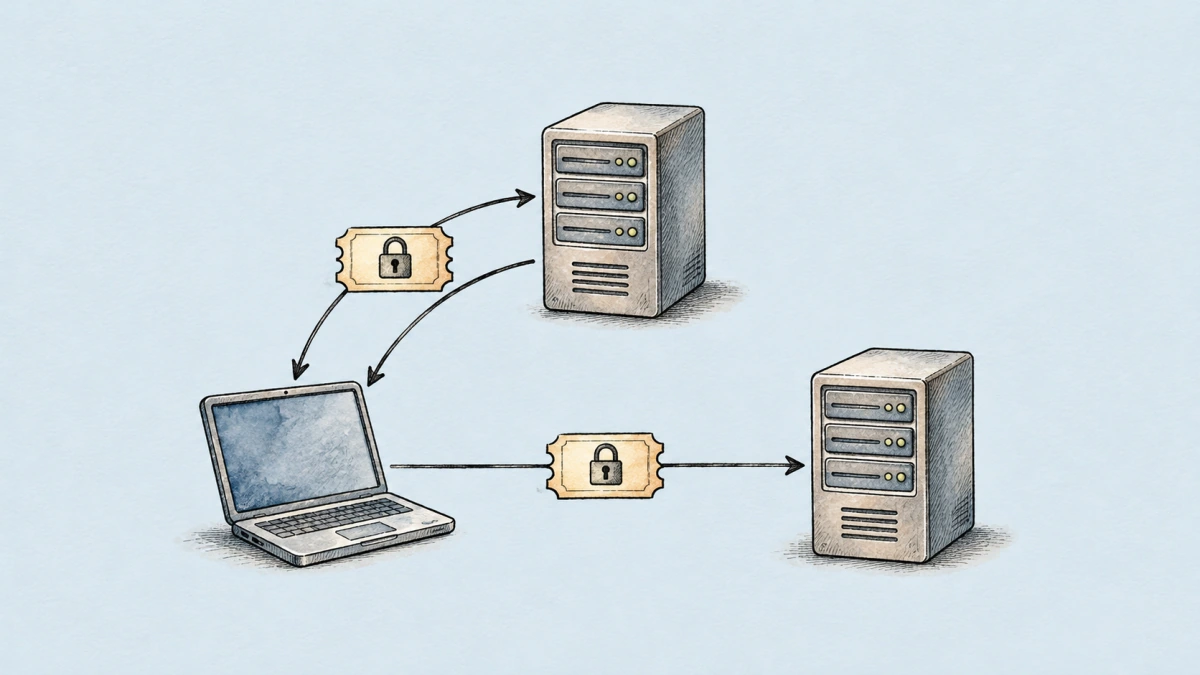
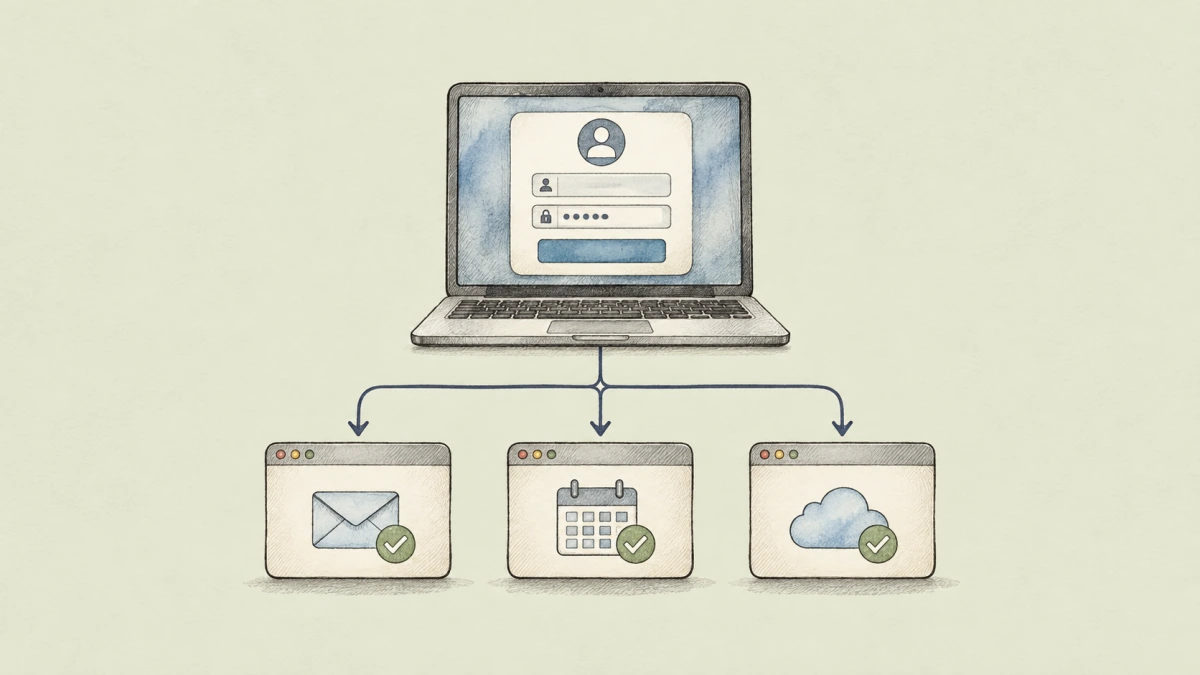
After signing in to a workplace computer, an employee may open several services without another password prompt. With Kerberos, the computer does more authentication work behind the scenes, asking for a ticket suited to each service.
Kerberos is a network authentication protocol: a set of rules for proving identities. It lets software acting for a user or computer identify itself to a service without handing that service the user's password.
The software making the request is the client. Between the client and the service sits a trusted central system called the Key Distribution Center, or KDC. It issues the tickets and secret-key material that make the exchange possible.
Using one sign-in to reach several services is called single sign-on.

- Sign in to CAC and PIV sites from your own desk instead of driving back to the office.
- Start working the minute you plug it in, with no drivers to install on Windows 10/11 or a recent Mac.
- Slim enough to live in your laptop bag, so your card goes wherever you work.
A ticket for getting tickets
Suppose an employee signs in and wants to use a shared file service. In the initial sign-in exchange, the client obtains a ticket-granting ticket, usually shortened to TGT. It keeps this ticket for later requests.
The TGT lets the client ask the KDC for other tickets. When the employee opens the file service, the client uses its TGT to request a service ticket for that particular destination, without asking the employee to enter the password again.
The client then presents the service ticket to the file service as part of the authentication exchange. In Microsoft's Windows implementation, the KDC runs on a domain controller, a server using the Active Directory account database. The file service can check its ticket without making a new domain-controller query for every connection. Microsoft's Kerberos overview describes this sequence.
What the file service can check
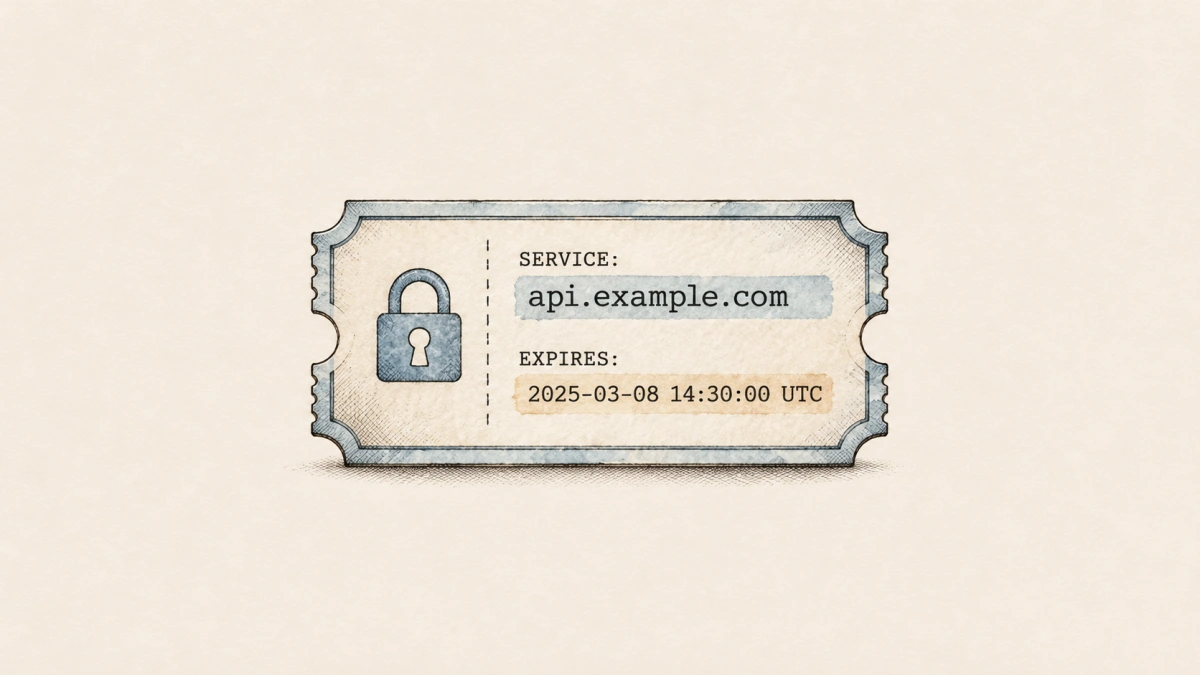
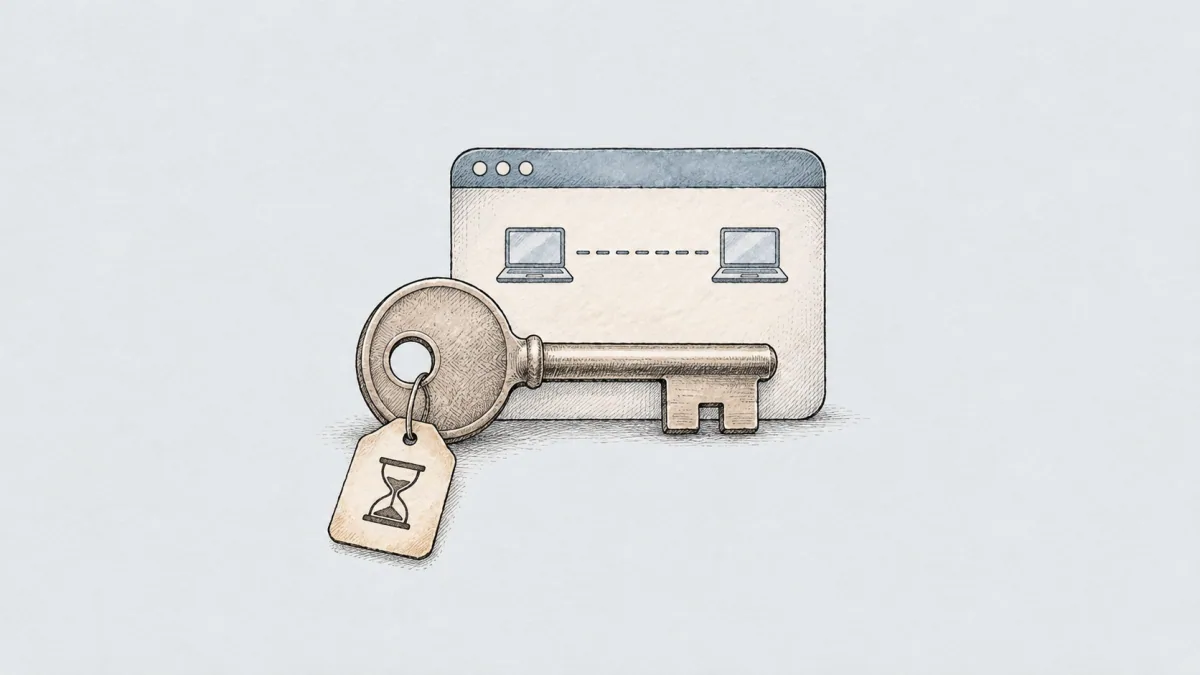
A service ticket contains information such as the client's identity, a validity period and a session key, a secret used for the exchange. The ticket is encrypted for the intended service, which can open it with the appropriate key.
The client receives that session key through another protected part of the exchange. It uses the key to create an authenticator, a fresh message that helps demonstrate possession of the secret and that the request is recent.
The MIT-hosted Kerberos tutorial explains this relationship between the ticket, the session key and the fresh proof.
Someone watching an encrypted ticket travel across the network doesn't automatically learn the session key needed to use it. Stealing both the ticket and the key from a computer, however, can give an attacker a usable credential for impersonating the user.
Kerberos can support mutual authentication, allowing the client to obtain proof about the service, too. The service checks the client, and the client can check whom it has reached. Applications can also use Kerberos keys to protect the traffic that follows.
How Kerberos Logs You In With Tickets
The payroll folder has its own rule
The employee reaches the file service successfully, then tries to open a payroll folder reserved for another team. The service may refuse.
Kerberos has still done its job. Authentication establishes identity. Authorization determines whether that identity may perform the requested action. The Kerberos version 5 specification explicitly distinguishes those decisions.
When the clocks disagree
Freshness checks help detect replay, an attempt to reuse an earlier exchange. Participating systems need sufficiently synchronized clocks so they can agree on whether a message is recent and whether a ticket is still valid. Too much disagreement can cause an otherwise legitimate request to fail.
Authentication Tickets: What Happens After the First Sign-In
Single Sign-On: How One Login Reaches Several Apps
Session Keys: Temporary Secrets for a Protected Exchange
QUOTE:
"Amateurs hack systems, professionals hack people."