A System-Specific Policy Turns a Broad Aim Into a Working Rule
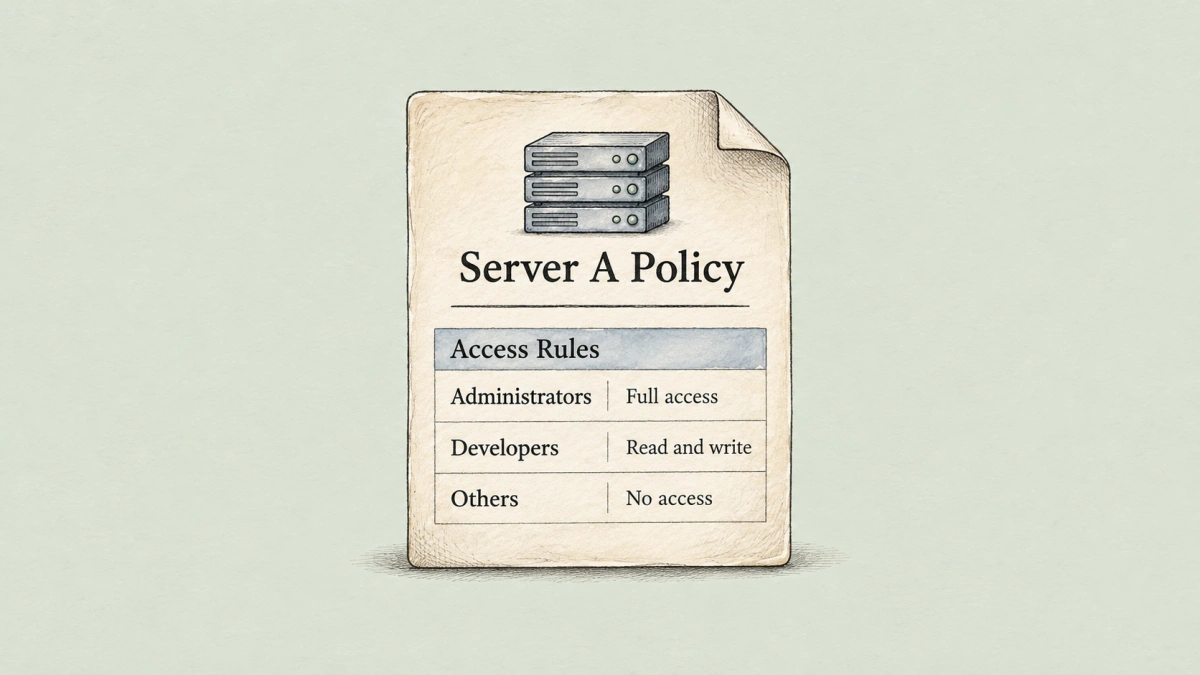
A system-specific policy sets security rules for one particular system. It turns broad aims, such as protecting important records, into decisions about who may use the system, what they may do and under which conditions.
That scope distinguishes it from an organization-wide security program or an issue-specific policy. An issue policy might address personal devices across the organization. A system-specific policy addresses the rules of a named service or system.
The National Institute of Standards and Technology explains this distinction in its guide to information security. The point is to make a security objective concrete enough to guide actual operations.
Policy, Standard, Procedure or Guideline?
One booking, different permissions
Imagine a community center's room-booking system. People need to see whether a room is available, but that doesn't mean everyone who can view a booking should be able to change it.
A policy could state that booking staff may create and edit reservations, while other staff may only view them. It could add a condition: changing an approved booking requires permission from the designated booking manager.
Now “protect the booking records” has become a rule about people, actions and conditions. The people implementing the system can distinguish viewing from editing instead of treating “access” as one undivided permission.
That is the work of authorization: deciding whether a requested action on a particular resource is allowed. The policy supplies the intended rule. The system needs a way to apply it.
The rule, the procedure and the setting
These three pieces are related, but each answers a different question:
- Policy: Who may change an approved booking, and what approval is needed?
- Procedure: How does a staff member request and record that approval?
- Configuration: Which accounts have the permissions needed to carry out the allowed actions?
A written policy can't remove an editing permission by itself. An administrator has to configure the relevant controls, meaning the safeguards that enforce or support the rule. People may also need a manual approval process where software doesn't perform the whole job.
The arrangement should identify responsibility. Someone maintains the rule, someone applies the settings, and someone has authority to decide an exception. Those jobs may overlap, but leaving them unnamed can mean everyone believes somebody else handled the change.

- Study risk, access control and continuity planning from the official source.
- Find your weak spots early with a full book of practice tests.
- Walk into the exam knowing how the questions are asked.
A new feature can change the old rule
Suppose the center later lets outside organizers request rooms directly. The earlier policy may have assumed that every person using the service was a staff member. That assumption now needs another look.
The team may need new rules for which records organizers can see or change. It also needs to check that existing settings still match the revised policy. Configuration management helps keep track of those settings and their approved changes.
Changes in the system can create a reason to revisit a rule before the next scheduled review.
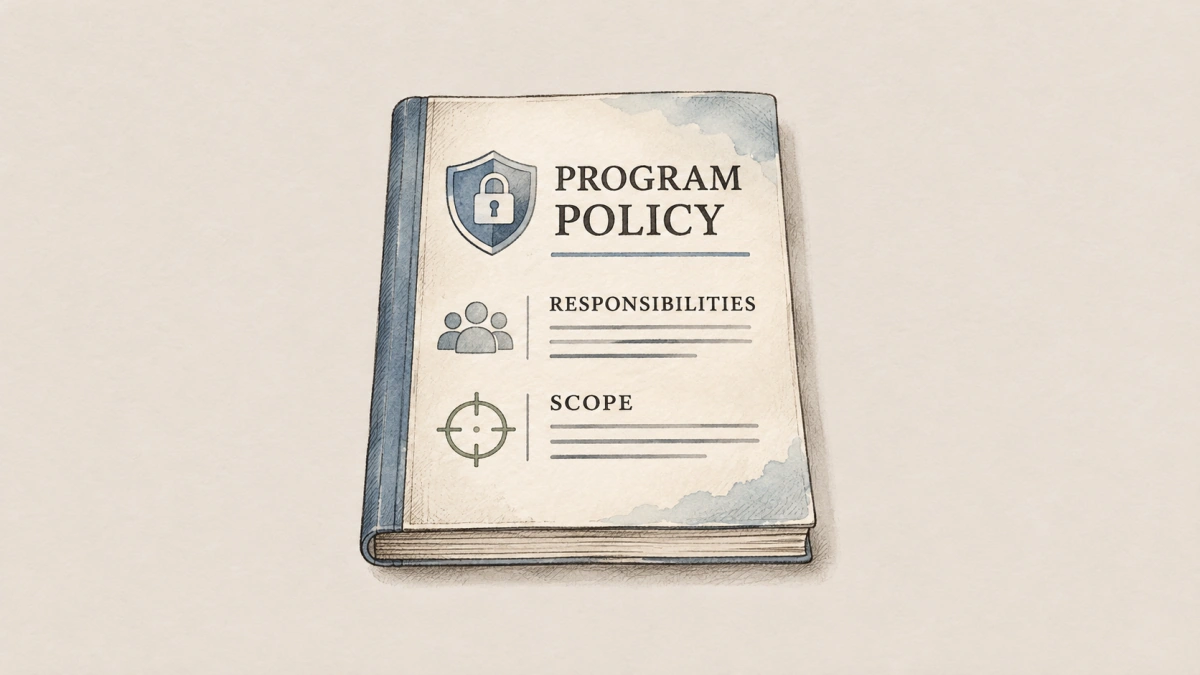
Program Policy: Giving a Security Team Authority to Act
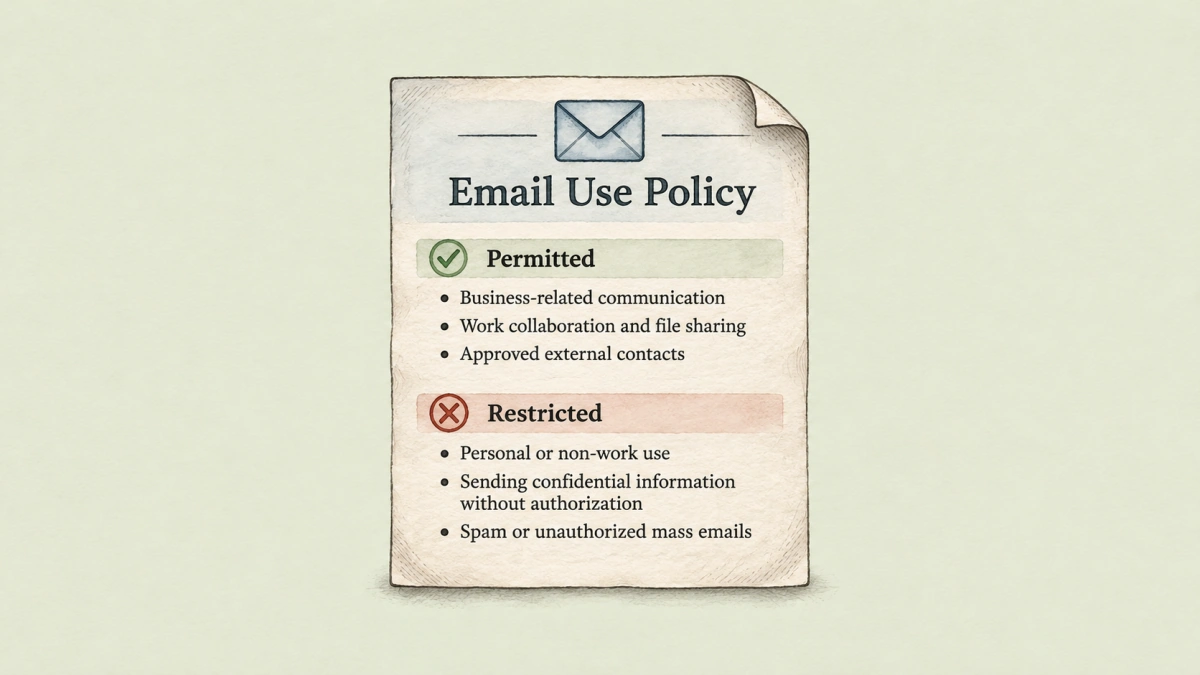
Issue-Specific Policy: Can You Use Your Phone for Work?
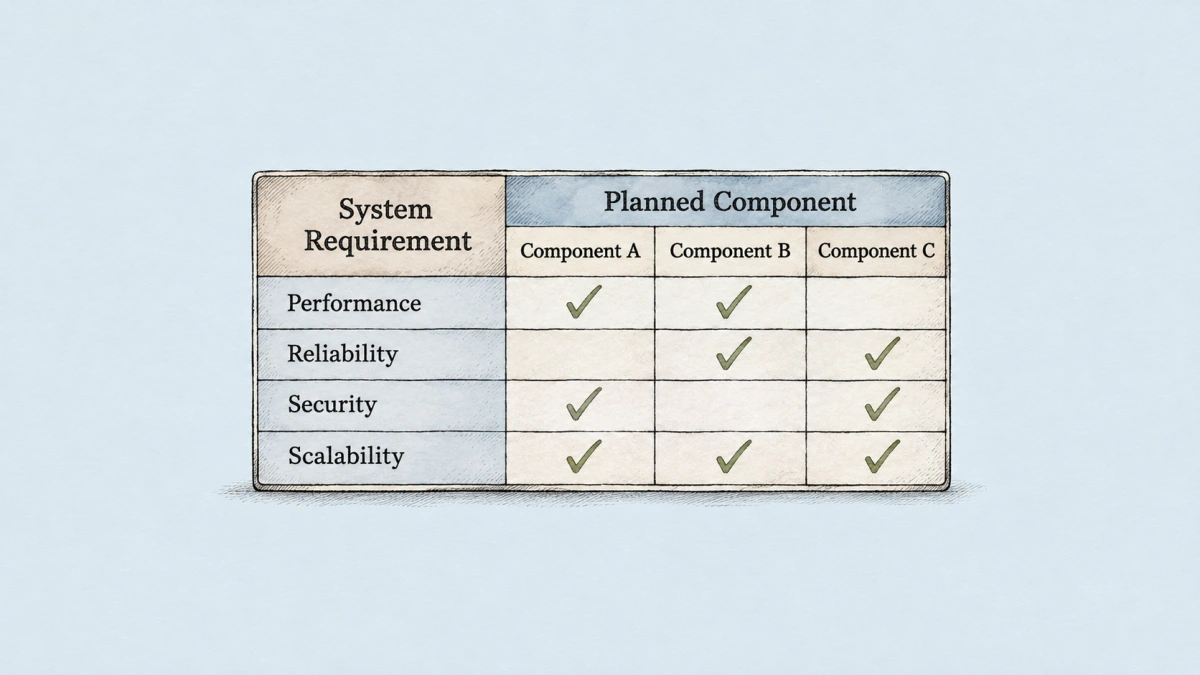
Systems Requirements Planning Makes “Secure” Specific
QUOTE:
"Amateurs hack systems, professionals hack people."