Customer Service and Technical Support: Getting Help Safely

A billing question and an app that crashes may reach the same help desk, but they need different kinds of help. Customer service handles the customer's wider needs; technical support diagnoses and fixes problems with technology.
The jobs overlap, and a small company might have one person doing both. Their security responsibilities overlap, too, especially when helping someone recover an account or connecting to a computer remotely.
Getting the right problem to the right person
Customer service might explain a subscription, correct an order, or arrange a return. Technical support might investigate why an update won't install or why a printer has stopped responding.
Suppose a photo app closes every time you try to save a picture. A useful support conversation identifies the device, app version, error message, and steps that trigger the failure before choosing a fix.
That process is troubleshooting: narrowing down possible causes through questions and checks. Reinstalling everything immediately can erase useful clues or settings without explaining what went wrong.
If the first person can't solve the problem, they may escalate it, meaning pass it to someone with different skills or authority. A support ticket, the written record of the request, helps the next person see what's already been tried.
That Urgent Tech Support Warning Could Be the Scam
You can help by describing what you expected, what happened instead, and when it started. An exact error message is more useful than “it's broken,” but remove private information from screenshots before sharing them.
Remote help gives someone real access
With remote assistance, a helper connects over a network to see your screen or, with the required permission, operate your computer. It's useful when describing a confusing menu over the phone would take longer than showing it.
Seeing the screen and controlling the computer are different permissions. Microsoft's Quick Assist instructions, for example, separate permission to share the screen from permission to take full control.
Before connecting, establish who the helper is and what they need to do. Close unrelated private documents, stay with the session, and end it when the work is finished; on a work device, use your employer's approved support process.
Knowing the name of a legitimate remote-support app doesn't establish that the person asking you to use it is legitimate.

- Lock down your accounts and devices without needing a technical background.
- Know what to do first if you are ever hacked.
- Help family members stay safe with advice you can pass along.
The person offering help may be an impostor
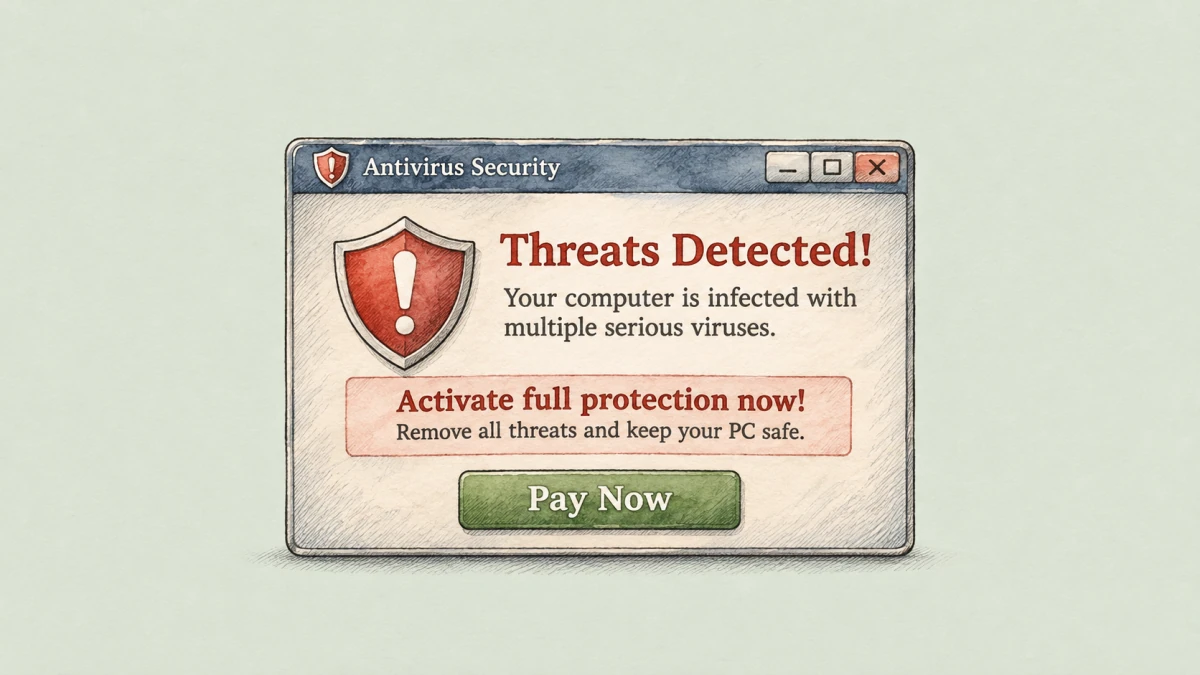
The Federal Trade Commission describes tech-support scams that begin with fake computer warnings, unexpected messages, or misleading search results. The supposed technician may ask for access, pretend to find a problem, and demand money to fix it.
A warning on a webpage telling you to call a phone number isn't a trustworthy diagnosis of your computer. Reach support through the company's official app or a contact method you've independently verified, rather than the number in that warning.
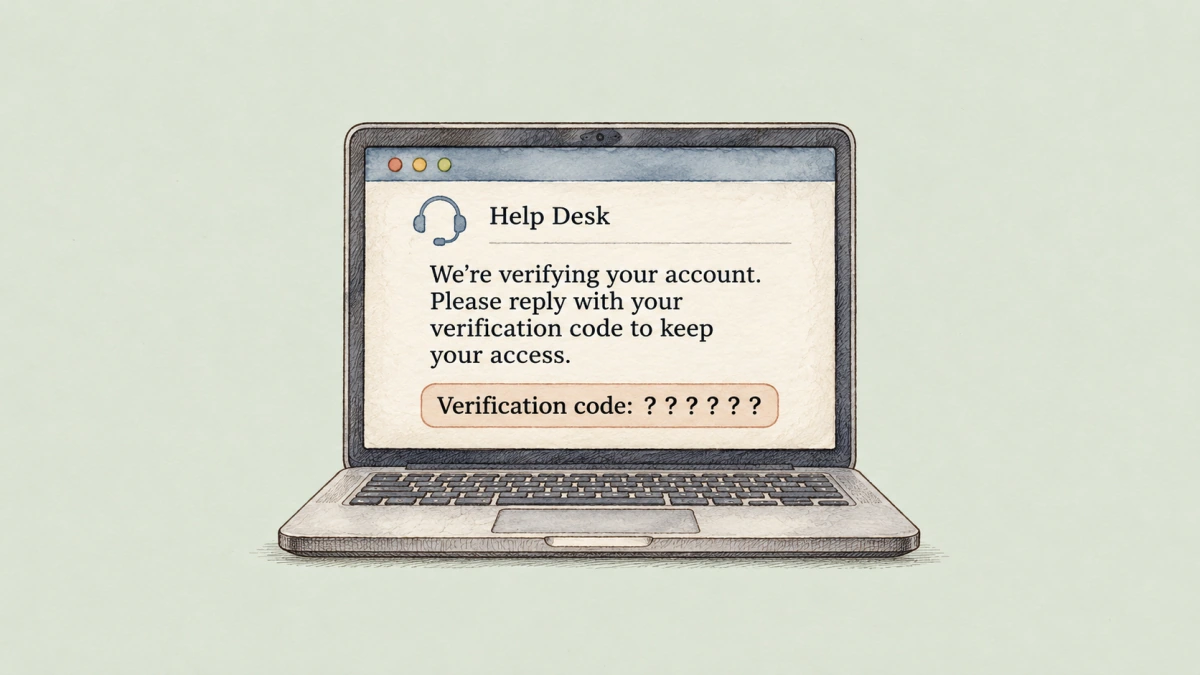
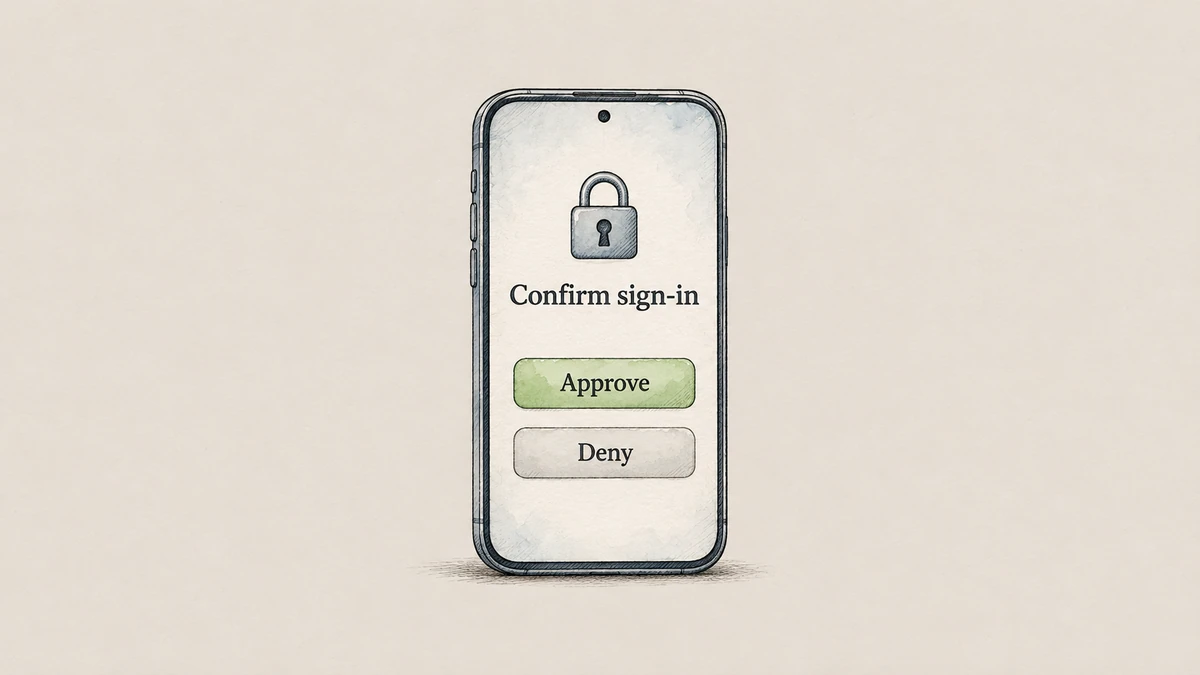
Don't give an unexpected caller your password or a sign-in code. If you've already shared account access, contact the real provider promptly using a trusted route and explain what happened.
Support staff need protection from impostors, too
The impersonation can run in the other direction: an attacker calls the real help desk and pretends to be a locked-out employee. The FBI's warning about social engineering describes criminals seeking changes to employee login information this way.
Social engineering means manipulating people into actions that help an attacker. An urgent story can pressure a helpful employee to bypass the checks required before resetting an account.
Support teams need a defined way to verify identity, a route for reporting suspicious requests, and records of sensitive changes. Being helpful includes knowing when a request needs more checking.
For the person seeking help, a good resolution leaves you with a working service and an explanation of what changed. A closed ticket alone doesn't tell you whether the problem was actually solved.
Social Engineering: When a Believable Story Becomes Permission
Authentication: Why Two Steps Aren’t Always Two Factors
Rogue Security Software Sells a Cure for an Invented Problem
QUOTE:
"Amateurs hack systems, professionals hack people."