Store-and-Forward: Receive the Whole Thing, Then Send It On
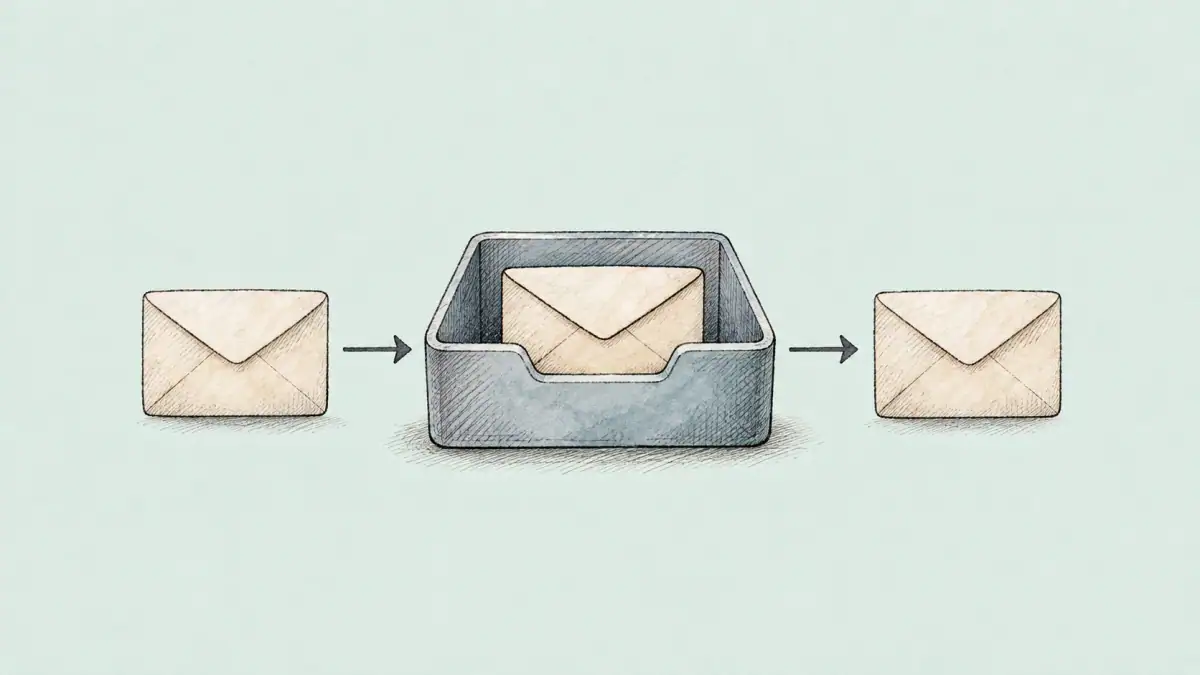
Store-and-forward is a communication method in which a device receives and holds a complete unit of data before sending it onward. That unit might be a small block traveling across a local network or an entire email waiting for another server.
The storage step gives the receiving device an opportunity to do something before the next handoff. In a network switch, that can mean checking whether data arrived damaged. In email, it can mean keeping a message while the next server is unavailable.
The two uses share a sequence—receive, hold, forward—but the reasons for waiting are different.
Hub, Switch or Router: What's the Difference?
Inside a network switch
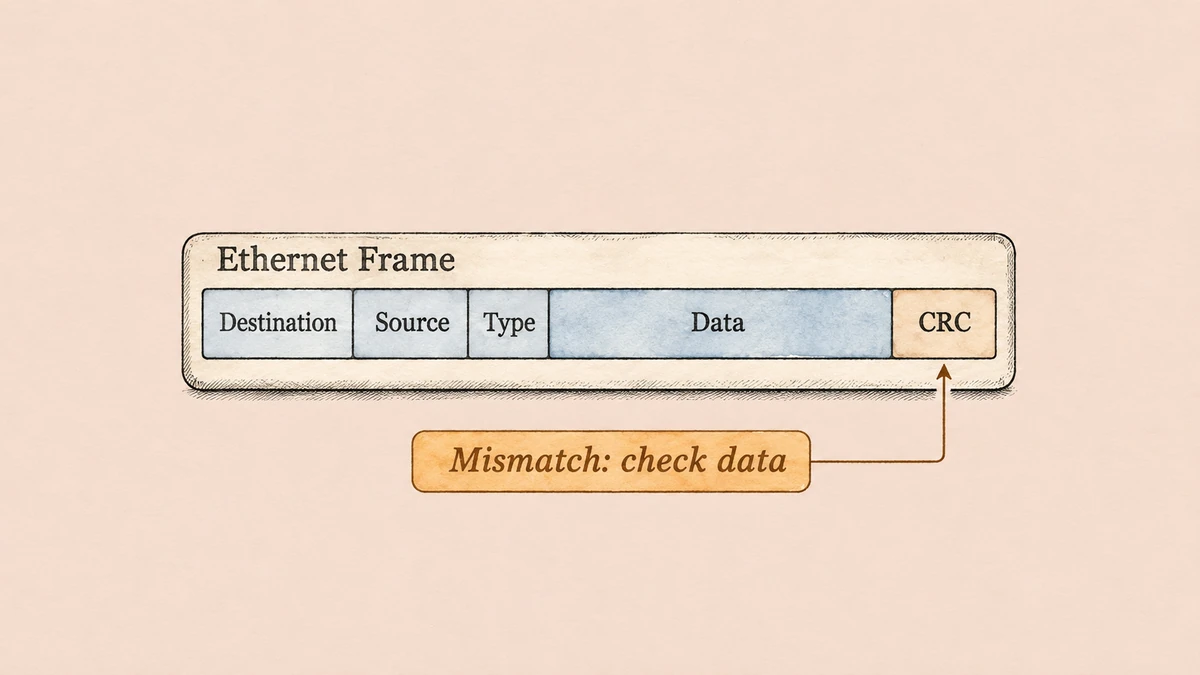
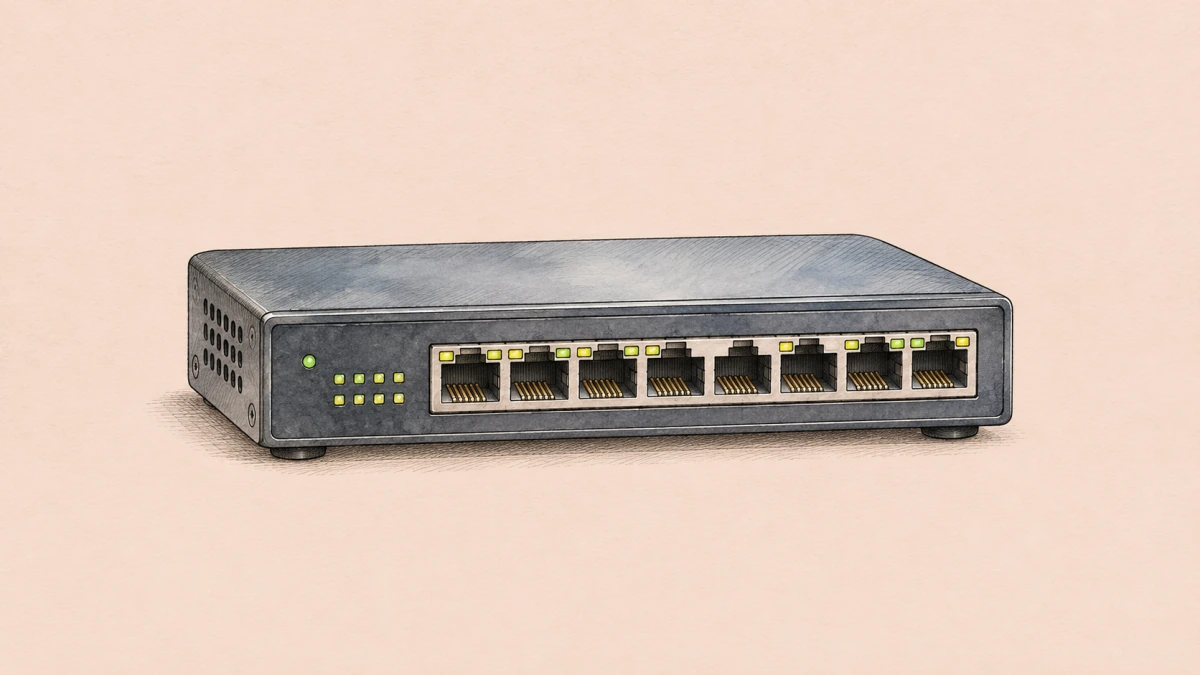
A switch connects devices on a local network and forwards traffic between them. Ethernet, a family of wired networking technologies, carries data in units called frames.
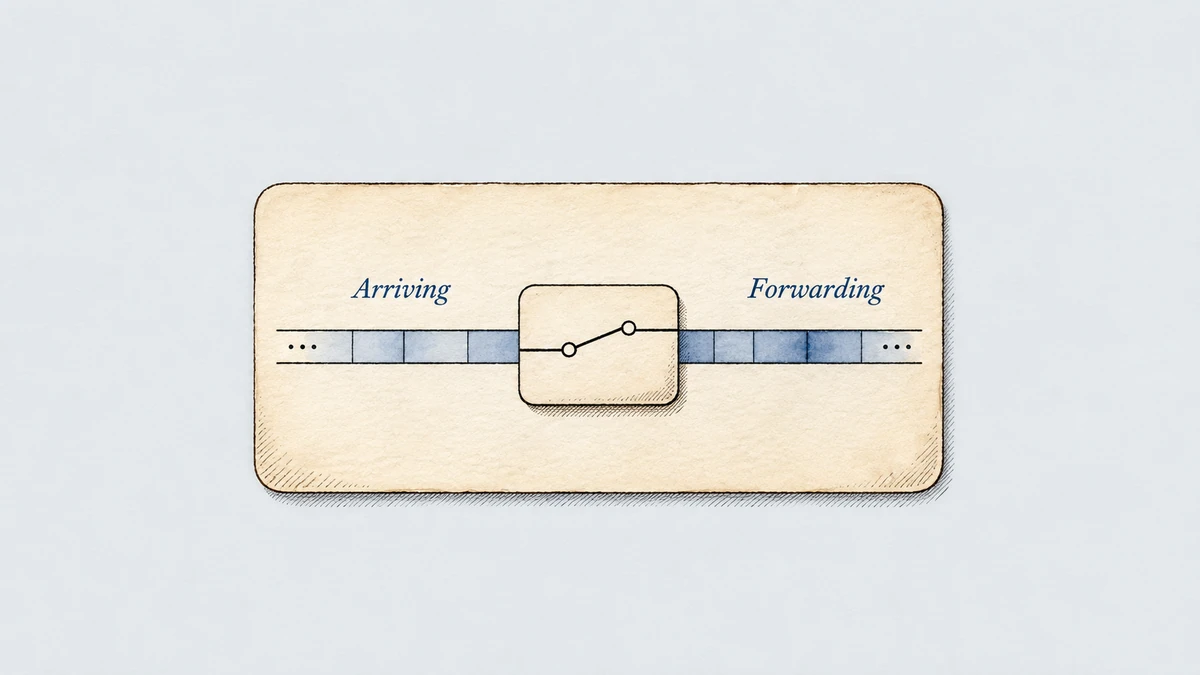
A switch using store-and-forward receives the whole frame into temporary storage before sending it onward. That allows it to check the frame's error-detection value, called the frame check sequence. This value helps reveal whether the frame's data has been corrupted.
If that check fails, the switch can discard the damaged frame before passing it to the next device. Cisco's explanation of frame errors contrasts this with cut-through switching, which begins forwarding before the entire frame has arrived.
The check has a specific purpose. It looks for corruption; it doesn't establish that the sender is trustworthy or that the contents are safe. An error-free frame can still carry unwanted traffic.

- Keep work, guest and smart-home gear apart with up to 32 VLANs on one small switch.
- Copy any port's traffic to your laptop with port mirroring and see what is on the wire.
- Set it up from a web page instead of learning a command line.
Receiving the full frame takes time before forwarding can start. How much that matters depends on the network and equipment.
While an email waits
Consider an email that reaches a sending server, but can't immediately be transmitted to the next mail server. Instead of abandoning it at the first failed attempt, the sender can keep it in a queue: a collection of messages awaiting further handling.
The queue holds the message and its delivery information. The server can try again later, so a temporary problem doesn't have to end the delivery attempt.
The Simple Mail Transfer Protocol standard, which describes how mail servers exchange messages, also provides for a give-up point. Attempts continue until transmission succeeds or the retry limit is reached, with appropriate failure reporting. They don't continue forever.
That makes “queued” a meaningful but incomplete status. A server is holding the message and has more work to do; it hasn't necessarily handed it to the next server, much less completed delivery to the recipient.
Cut-Through Switching: How Sending Sooner Reduces Delay
Cyclic Redundancy Check: What a CRC Error Really Tells You
A Network Switch Learns Where to Send the Next Frame
QUOTE:
"Amateurs hack systems, professionals hack people."