Straight-Through Cable: What the Matching Contacts Tell You
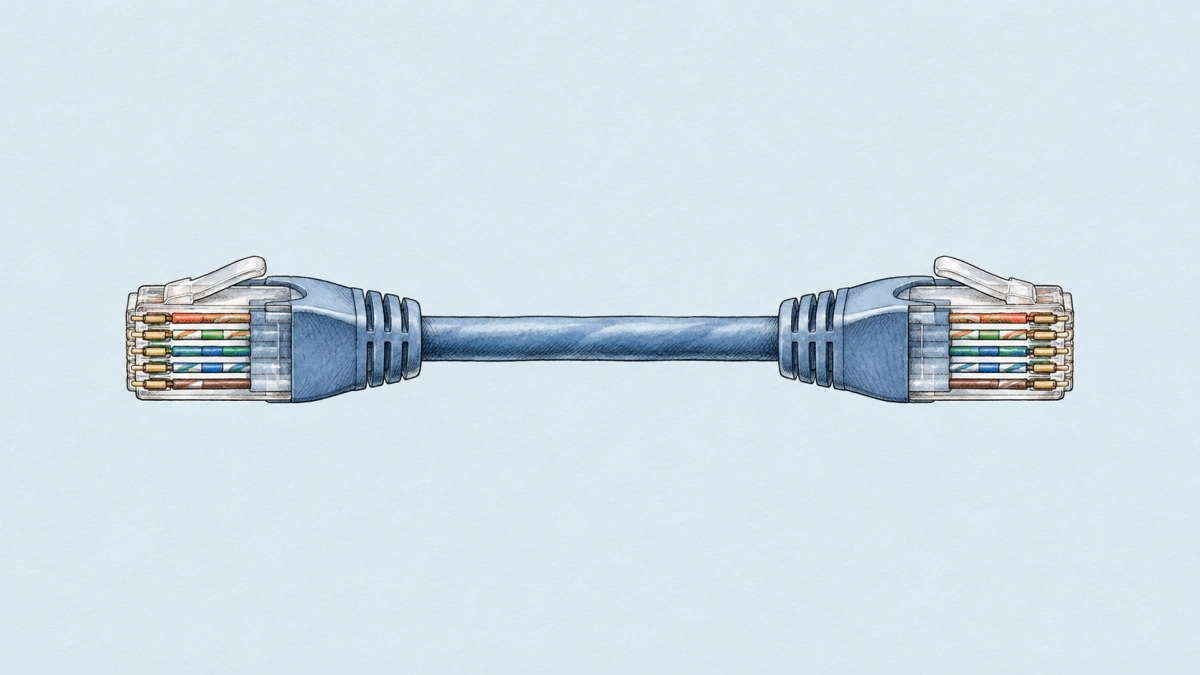
A straight-through cable connects each numbered contact in one plug to the same numbered contact in the other. Contact 1 connects to contact 1, contact 2 to contact 2, and so on. “Straight-through” names that wiring pattern.
Here, we're talking about copper cables used for Ethernet, a family of wired networking technologies. The contacts, also called pins, are the metal parts of the plug that make an electrical connection with a device's network socket.
The definition stays the same whether the cable joins a computer to a switch or links other equipment. To know whether the connection will work, though, you also need to know how the sockets handle the signals.
Which Ethernet Cable Do You Actually Need?
Why the cable's two ends matter
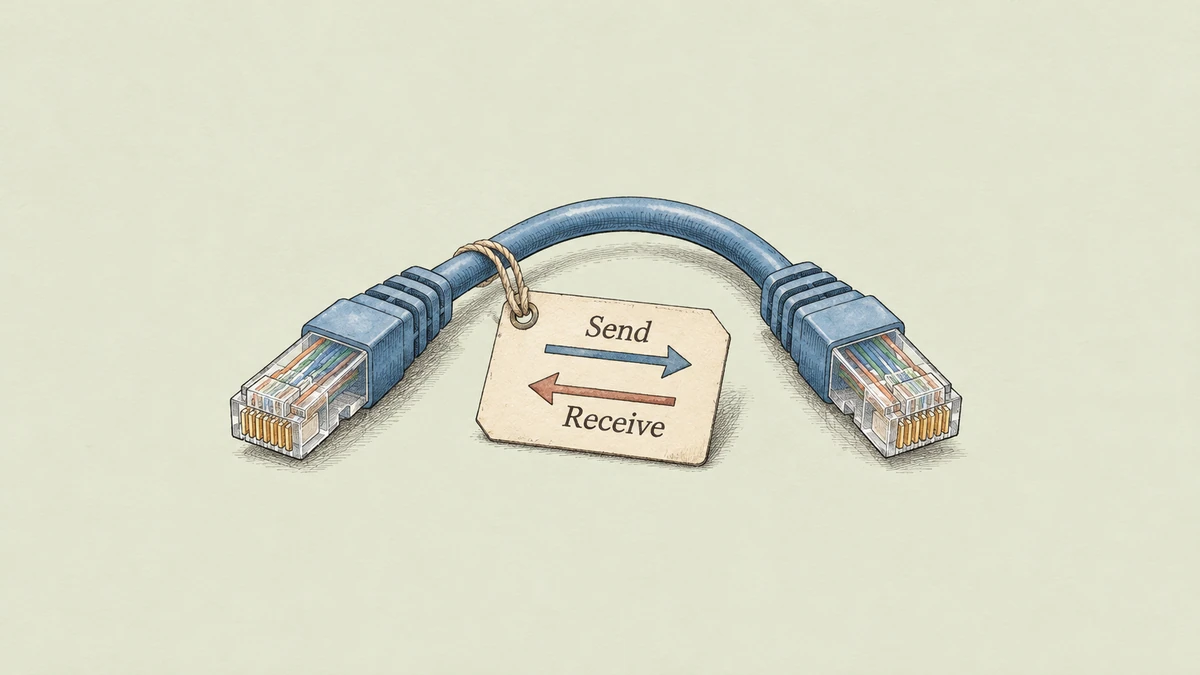
Some Ethernet ports use separate wire pairs for sending and receiving. The sending side of one port must meet the receiving side of the other.
A computer and a suitably wired network switch can have complementary port arrangements. A straight-through cable connects them without exchanging the pair positions along the cable.
When two ports have the same arrangement, their outgoing pairs can instead meet each other. A crossover cable exchanges the relevant pair connections so the sending and receiving sides line up. Cisco's Ethernet cabling guidance describes the straight-through pin mapping and these traditional connection rules.

- Cut cables to the exact length you need instead of coiling up the extra.
- Wire each plug right the first time with the guide printed on the tool.
- Crimp and trim in one squeeze for a clean, reliable connection.
This is where the familiar advice to use straight-through cables for “different devices” comes from. It's a shortcut for the port arrangement, and the shortcut has limits. A home router's local-network sockets may be switch ports. The word “router” on the box doesn't tell you how every socket is wired.
Ports can make the adjustment themselves
Some Ethernet ports support automatic crossover adjustment, often labeled auto-MDIX. When that feature is supported and enabled, the port can detect the needed arrangement and adjust for a straight-through or crossover cable. Cisco's auto-MDIX documentation describes this behavior for its supported equipment.
The cable itself hasn't changed. The port is handling the alignment that would otherwise require a different cable. A straight-through cable can therefore connect two computers when their ports provide the necessary automatic adjustment. “Two computers always need a crossover cable” is too broad a rule.
Automatic adjustment has a narrow job: matching the signal pairs. It can't repair a damaged cable. The cable still has to meet the performance requirements of the equipment it's connecting.
What Is a Crossover Cable—and Do You Still Need One?
Ethernet Explained: What the Cable Does—and Doesn’t Do
Full Duplex: Sending and Receiving Without Taking Turns
QUOTE:
"Amateurs hack systems, professionals hack people."