Network Broadcasts: Why One Device Asks the Whole Group
A laptop is trying to reach another computer on the same local network. It knows one of that computer's addresses, but it needs a second kind of address to make the delivery.
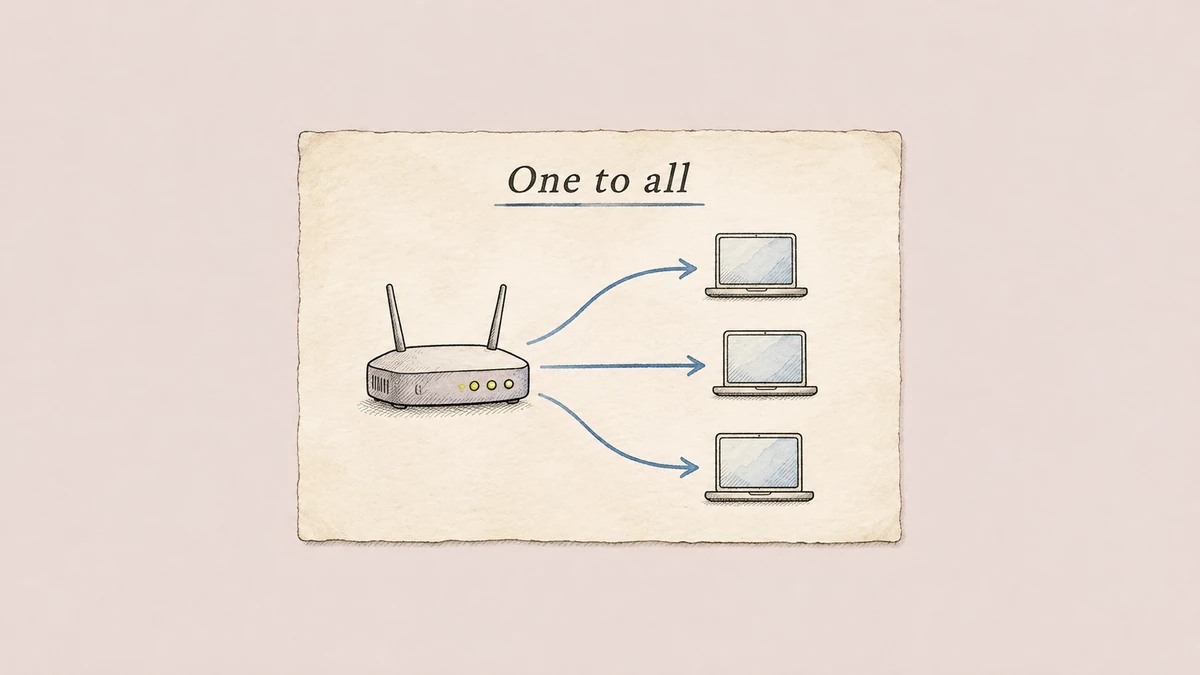
A local network connects devices in an area such as a home or office. The laptop can find the missing information by asking that local group. That's one use of a network broadcast: a message addressed to every device within a defined part of a network.
That part is called a broadcast domain. Its boundary matters. A broadcast sent by your laptop isn't an announcement to every computer on the internet, and receiving the question doesn't mean every device needs to answer.

- Give a desktop, console or TV a steadier connection than Wi-Fi.
- Tell your cables apart at a glance with five different colors.
- Stay ready for faster internet with support for speeds up to 10 Gbps.
Asking for the Local Address
An IP address, short for Internet Protocol address, identifies where network traffic should go. IPv4 is one version of IP. On an Ethernet network, a MAC address, or Media Access Control address, identifies a device's network connection for local delivery. Ethernet supplies rules for communication over local wired links.
The laptop may know the other computer's IPv4 address while still needing its MAC address. ARP, the Address Resolution Protocol, provides a way to find that missing information.
Imagine the laptop sending this question: “Which device has this IPv4 address? Tell me your local address.”
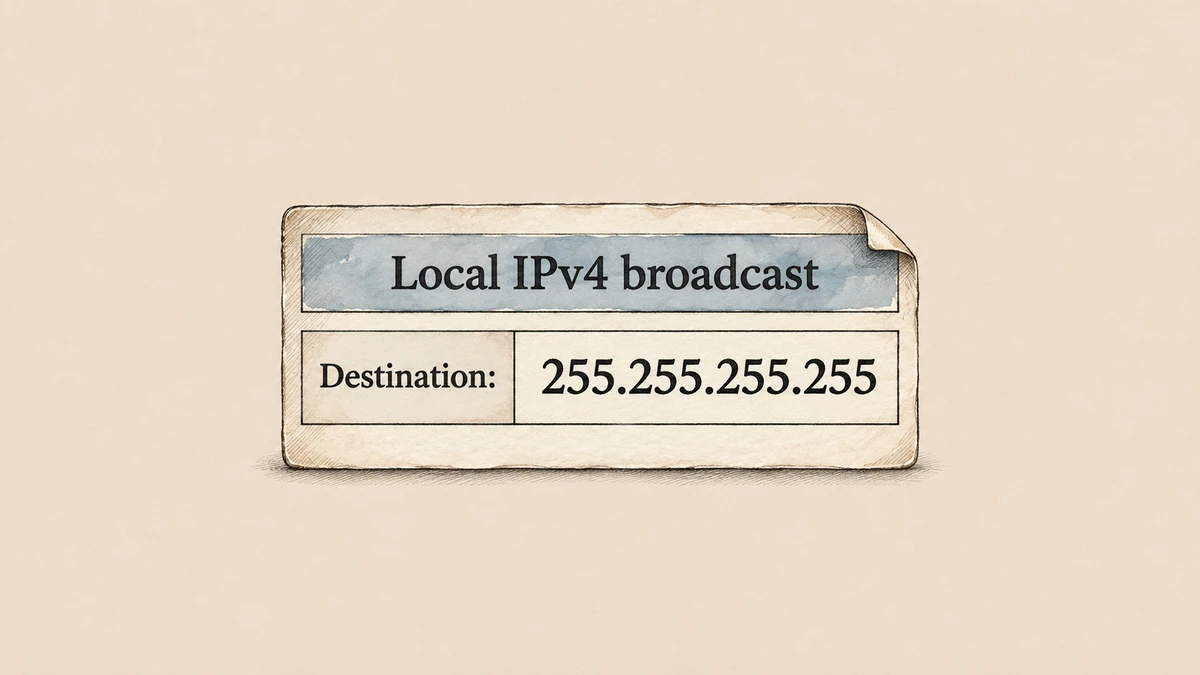
It puts the request into a frame, a unit carrying data and delivery information on the local link. The frame uses the Ethernet broadcast destination address, so it's addressed to the local group rather than one known recipient.
Devices in the group can receive the question. The device with the requested IPv4 address can send its answer directly to the laptop. Other devices don't need to reply. The ARP specification describes this broadcast request and direct response.
One Receiver, a Group, or Everyone?
The laptop can then use the answer to send data to that local destination. Broadcasting helped it discover the information needed for more specific delivery.
Three terms describe these different audiences:
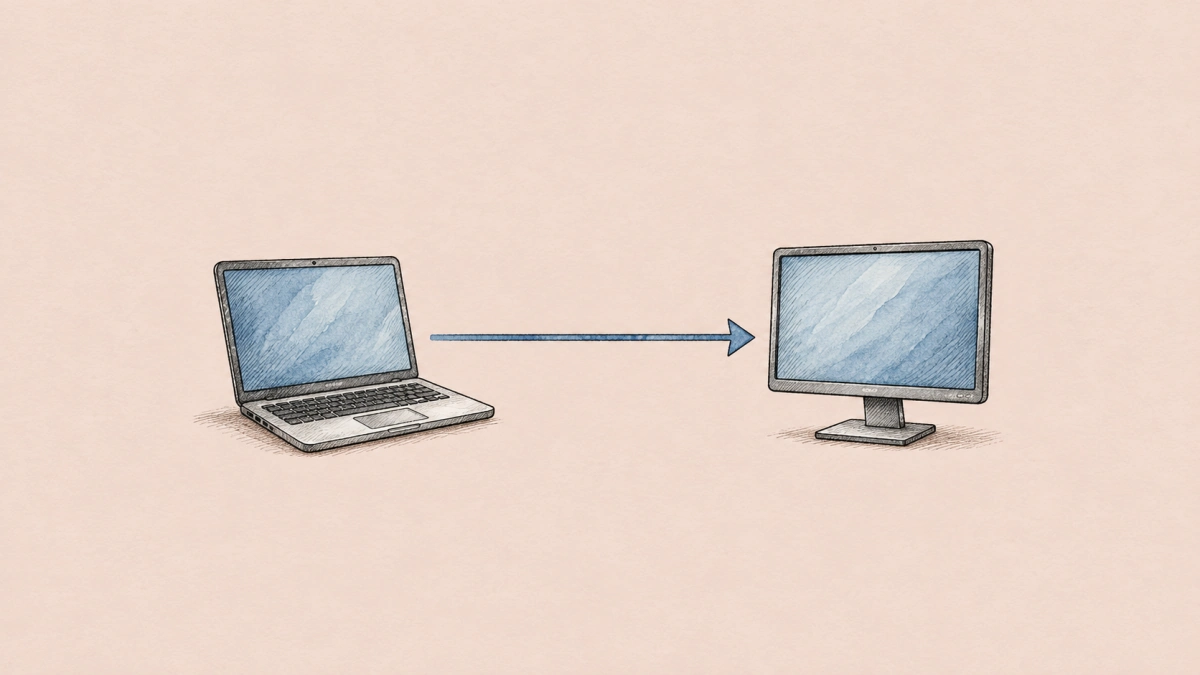
- Unicast addresses one destination.
- Broadcast addresses the devices throughout the relevant broadcast domain.
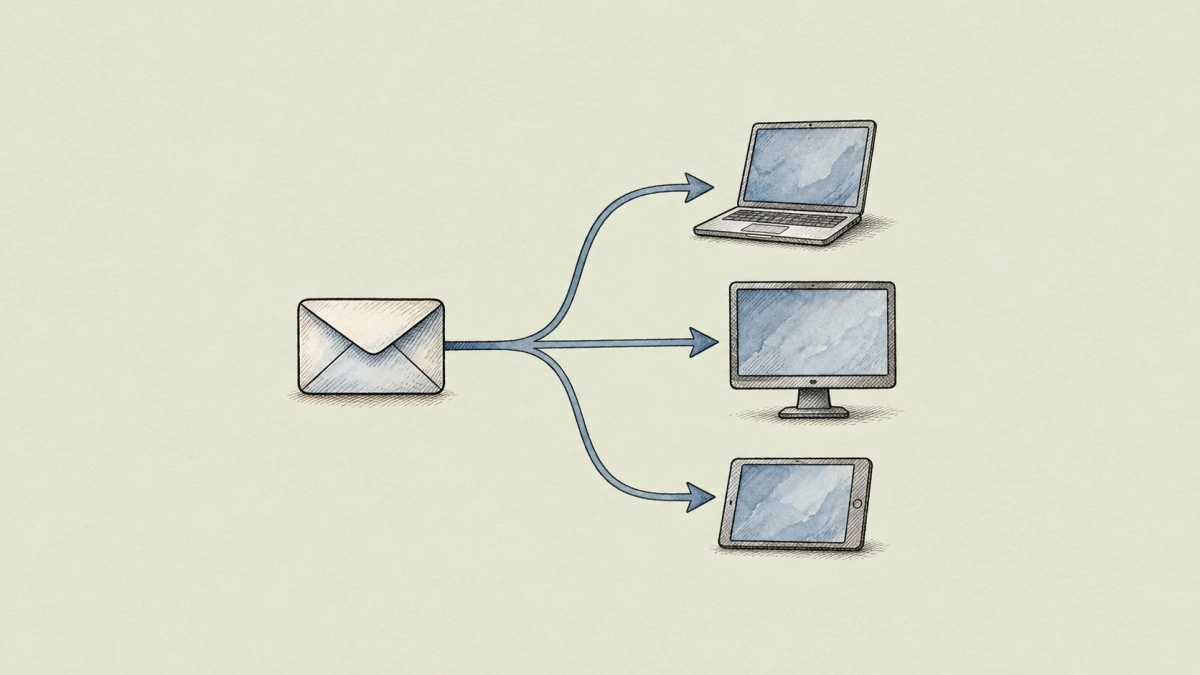
- Multicast addresses a selected group of recipients.
These describe intended delivery. They don't guarantee that every intended recipient successfully receives or acts on a message.
How Far the Question Travels
A switch is a device that forwards frames around a local network. When it receives a broadcast frame, it can send copies along the connections belonging to that broadcast domain.
Network settings can define the domain. A VLAN, short for virtual local area network, creates a separate local network on shared equipment. Broadcast frames in one VLAN aren't automatically forwarded into another VLAN. Communication between those networks requires routing, as Cisco's explanation of VLAN boundaries describes.
Routing means passing data between networks. A router performs that job, and routers normally keep broadcasts local. The rules for IPv4 directed broadcasts require routers to block them by default. These are broadcasts addressed to all devices on a specified network.
There are deliberate ways to help particular discovery messages cross a boundary. Consider DHCP, the Dynamic Host Configuration Protocol, which supplies a device with settings such as an IP address.
A device starting up can broadcast a DHCP discovery message to find an available configuration server—a computer supplying those settings. A DHCP relay is a configured helper that passes the request toward a server on another network. The DHCP specification describes both discovery and relays. This special handling doesn't make ordinary broadcasts roam freely across the internet.
Dividing a network into segments, or separate portions, can help establish useful boundaries. Keeping broadcast traffic within a smaller group and deciding which communications may cross between groups are related design choices, but they aren't the same job.

- Keep work, guest and smart-home gear apart with up to 32 VLANs on one small switch.
- Copy any port's traffic to your laptop with port mirroring and see what is on the wire.
- Set it up from a web page instead of learning a command line.
When Copies Keep Circling
A useful local question becomes a problem if copies keep circulating.
Imagine network switches connected in a way that creates a loop: frames can travel around and return to where they've already been. Broadcast copies can keep going, consuming the network's carrying capacity and making devices process repeated traffic.
A broadcast storm occurs when excessive broadcast traffic overwhelms the affected network. A loop can cause one through a configuration problem; an attacker isn't required.
Cisco's guidance on switching loops explains how these storms disrupt communication and burden both network equipment and connected devices. It also shows the role of Spanning Tree Protocol, a set of rules designed to prevent forwarding loops by blocking paths that would let frames circulate indefinitely.
Limiting a broadcast domain can restrict how widely its broadcasts spread. It doesn't repair a loop inside that domain. Correct loop prevention and attention to unusual traffic still matter.
The issue is the volume and repetition, not the mere presence of broadcast traffic. ARP and DHCP show why a functioning network may need local announcements in the first place.
How One Switch Becomes Several Networks
IPv6 Chooses a Group
IPv6, another version of the Internet Protocol, takes a different approach. Its addressing system has no broadcast addresses; multicast handles the relevant group-delivery functions instead.
For local address discovery, IPv6 sends a question to a selected multicast group. It doesn't use ARP. This process is part of IPv6 Neighbor Discovery, the rules that help nearby devices learn about one another and their local connections.
An Ethernet network using both versions can still have ARP broadcasts from its IPv4 devices. IPv6 changes how its own messages are addressed; it doesn't make the other traffic disappear.
Broadcast Addresses: Who Gets the Message?
Multicast: One Stream, With Copies Where They’re Needed
Unicast: One Destination, Several Possible Stops
QUOTE:
"Amateurs hack systems, professionals hack people."