SNMP: The Questions Behind a Network Status Screen
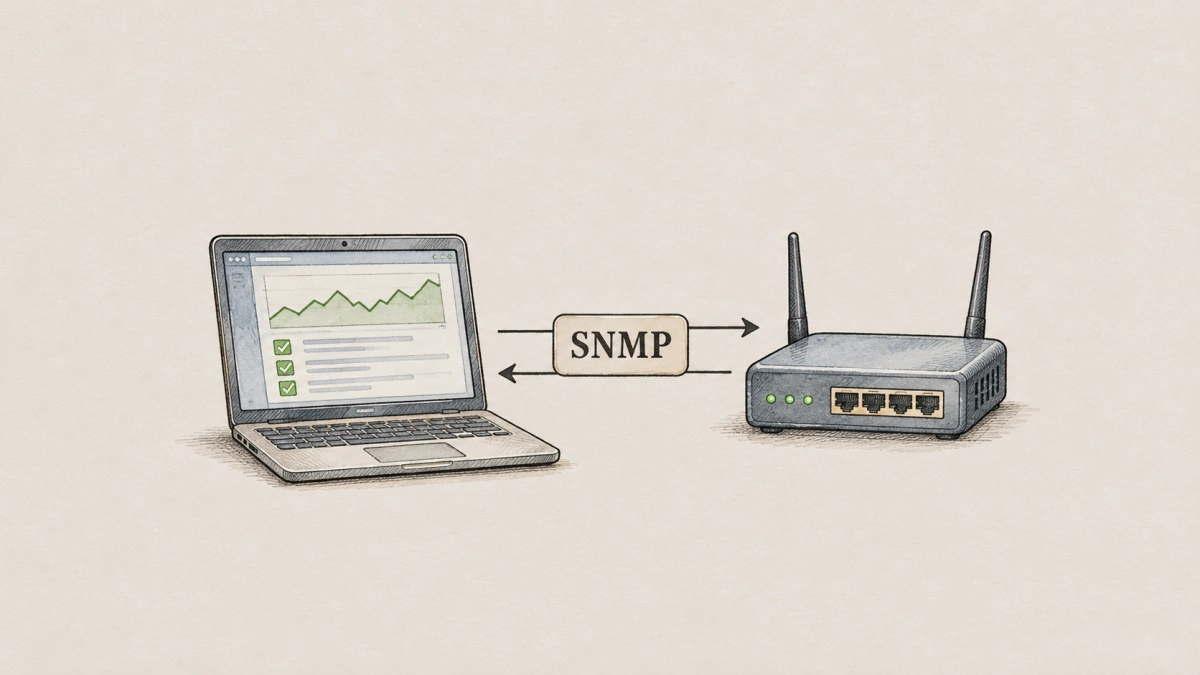
SNMP, the Simple Network Management Protocol, lets management software read information from network devices and request permitted changes to their settings. It gives a monitoring system a way to ask questions rather than leaving someone to check each device in person.
The two roles are often called the manager and the agent. The manager makes a request. The agent is the software on the managed device that handles it and returns a response. A router, for example, might expose information about the connections it uses to carry network traffic.
Both sides need to agree on what each requested value means. That's the job of a Management Information Base, or MIB: definitions for the information SNMP can work with. Think of it as a shared vocabulary, not a central store containing every device's live readings. A device can supply only the information it implements and allows that manager to access.
How Network Devices Report Their Health
A question, a change or a notification
An SNMP GET request asks for a value. A monitoring system can repeat these requests over time, a process called polling. Suppose a device makes a connection's status available. The manager could ask for that value periodically and display the replies on a status screen.
A SET request asks the device to change a value. This is a different kind of responsibility: observing a setting doesn't imply permission to alter it. Some values can't be changed at all, and a request to change an accessible value can still fail. Access control determines which operations a manager is allowed to perform.
Devices can also send notifications without waiting for the next poll. SNMP provides two forms worth distinguishing. A trap doesn't require the receiver to confirm that it arrived. An inform does require a confirmation, but even that doesn't guarantee delivery. These distinctions come from the SNMP protocol specification.
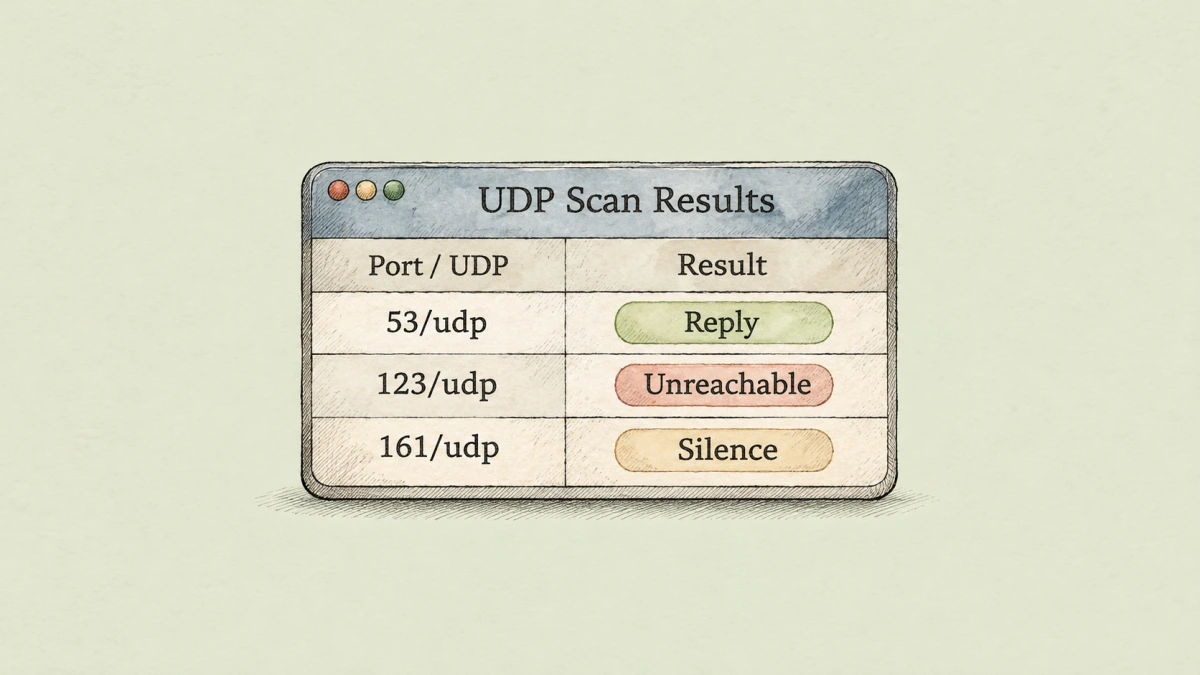
That matters when a device goes quiet. A failed device may be unable to send a final notification. A manager might instead notice that its questions are going unanswered. That silence is useful evidence, but it doesn't identify the cause: the device or the path to it could be unavailable.

- Keep work, guest and smart-home gear apart with up to 32 VLANs on one small switch.
- Copy any port's traffic to your laptop with port mirroring and see what is on the wire.
- Set it up from a web page instead of learning a command line.
Nor does receiving a notification fix the problem it describes. SNMP carries the information. Deciding what it means and arranging a repair are further steps.
The version number doesn't settle message protection
The information crossing this management connection may reveal how a network is arranged. Requests to change settings deserve particular care, too. The security of that exchange therefore matters alongside the usefulness of the readings.
Older SNMPv1 and SNMPv2c modes use a community string, a shared value associated with access. These modes don't provide the cryptographic authentication and encryption available in SNMPv3. Here, authentication helps check who sent a message and whether it was changed; encryption hides its contents from someone who can observe the traffic.
But “supports SNMPv3” doesn't mean “every message is encrypted.” The SNMP architecture defines three security levels: neither authentication nor privacy, authentication without privacy, and authentication with privacy. In this terminology, privacy means keeping message contents confidential.
Network Services: One Computer Asks, Another Does the Job

System Administration Is the Work That Continues After Setup
UDP Scans: Why No Reply Doesn't Mean a Port Is Closed
QUOTE:
"Amateurs hack systems, professionals hack people."