Computer Networks: What Connects Your Devices?
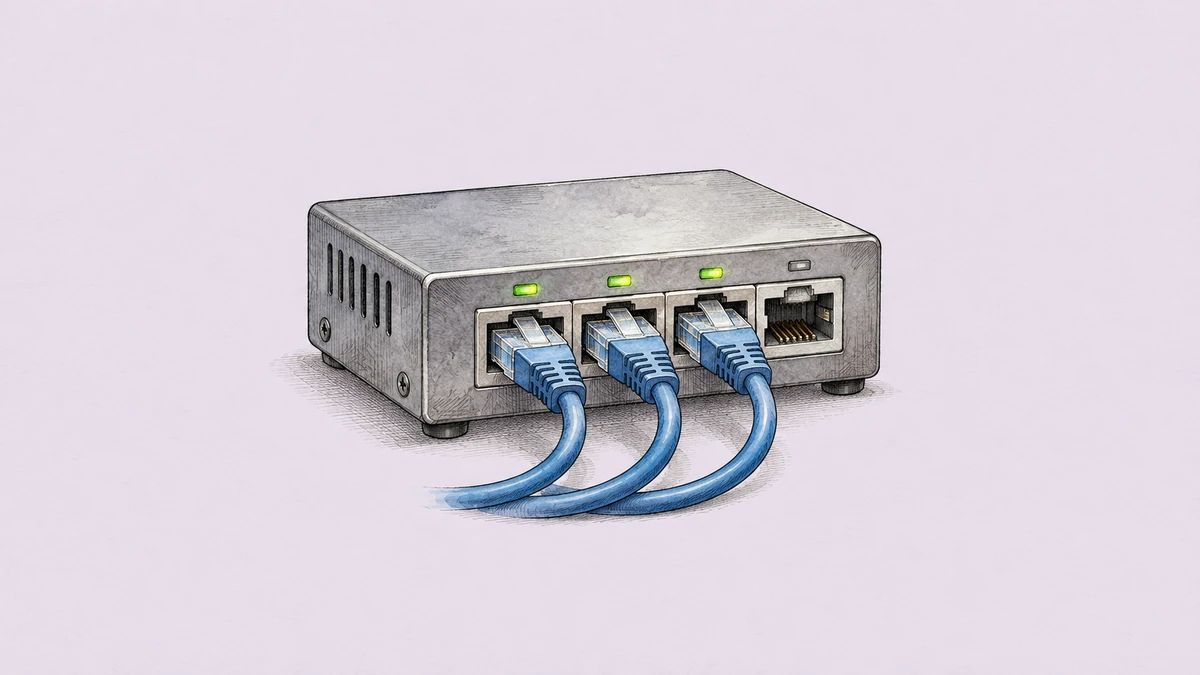
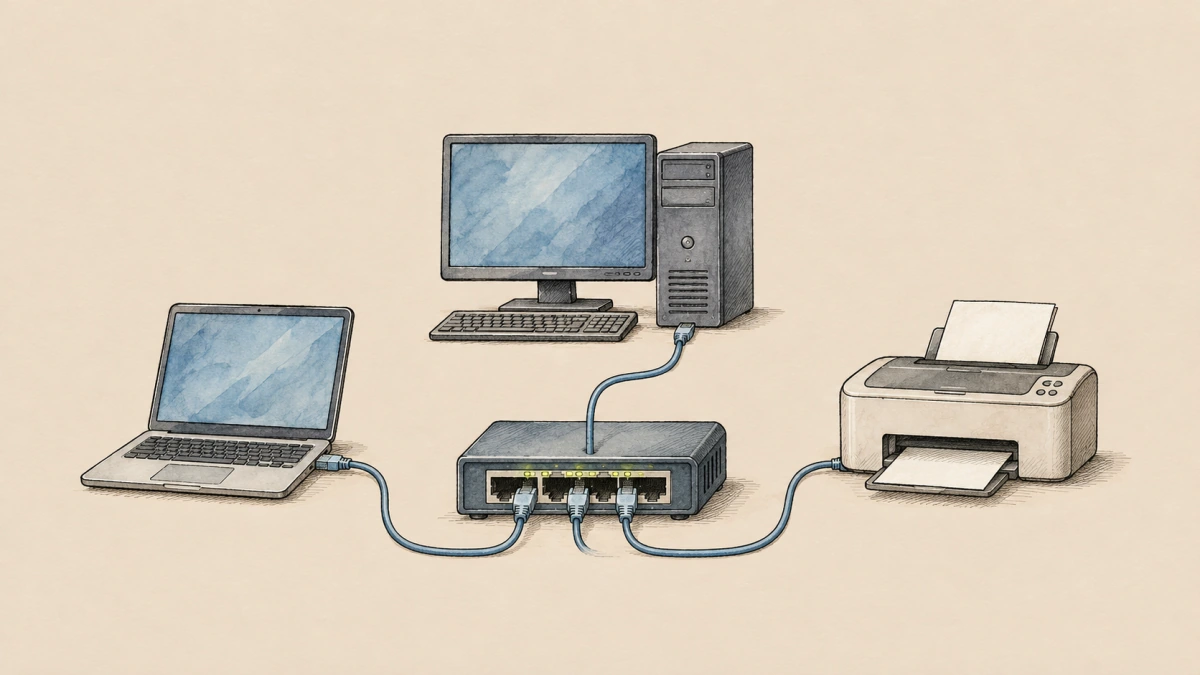
Your laptop can send a document to a nearby printer even when the internet connection is down, provided both devices can still reach each other locally. That's a computer network doing its job.
A computer network connects devices so they can exchange data and use shared services. The connection may use cables, wireless signals, or a mixture of both.
Networks include more than computers: phones, printers, cameras, and other connected equipment can participate. What matters is their ability to communicate using agreed rules.
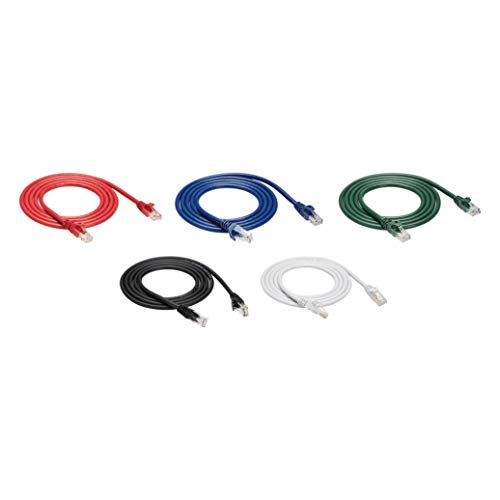
- Give a desktop, console or TV a steadier connection than Wi-Fi.
- Tell your cables apart at a glance with five different colors.
- Stay ready for faster internet with support for speeds up to 10 Gbps.
The local network and the internet are different things
A local area network, or LAN, connects devices across a limited area, such as a home, office, or campus. Local file sharing or printing can work without sending the data out to the internet.
Wi-Fi is one way to connect wirelessly to a network. It handles the local wireless link, so signal strength alone doesn't tell you whether internet access works.
The internet links many independently operated networks together, as the Internet Society explains. Your home network can connect through your internet provider to networks run by businesses, universities, and other providers around the world.
A wide area network, or WAN, connects across a broader area. A business might use one to link offices in different cities; the label doesn't mean the network is open to everyone.
Three jobs that one home box often combines
The device commonly called a home router often performs several different jobs. Larger networks may use separate equipment for those same tasks.
| Component | Main job |
|---|---|
| Switch | Connects devices within a local network and forwards data between them |
| Wireless access point | Lets Wi-Fi devices join a network without a cable |
| Router | Forwards data between networks, such as a home LAN and the provider's network |
Cisco's networking overview explains these roles. They're functions, so one physical device can combine them without making the terms interchangeable.
A server provides a service to other devices or programs. A computer requesting a shared file acts as a client, while the system supplying the file acts as the server.
Hub, Switch or Router: What's the Difference?
How information finds its way
On common networks, data travels in small units called packets. Along with part of the data, a packet carries information that helps the network deliver it, including a destination address.
An IP address, short for Internet Protocol address, identifies a network connection for this purpose. A protocol is an agreed set of communication rules; IP supplies rules for addressing and moving packets across networks.

- Keep work, guest and smart-home gear apart with up to 32 VLANs on one small switch.
- Copy any port's traffic to your laptop with port mirroring and see what is on the wire.
- Set it up from a web page instead of learning a command line.
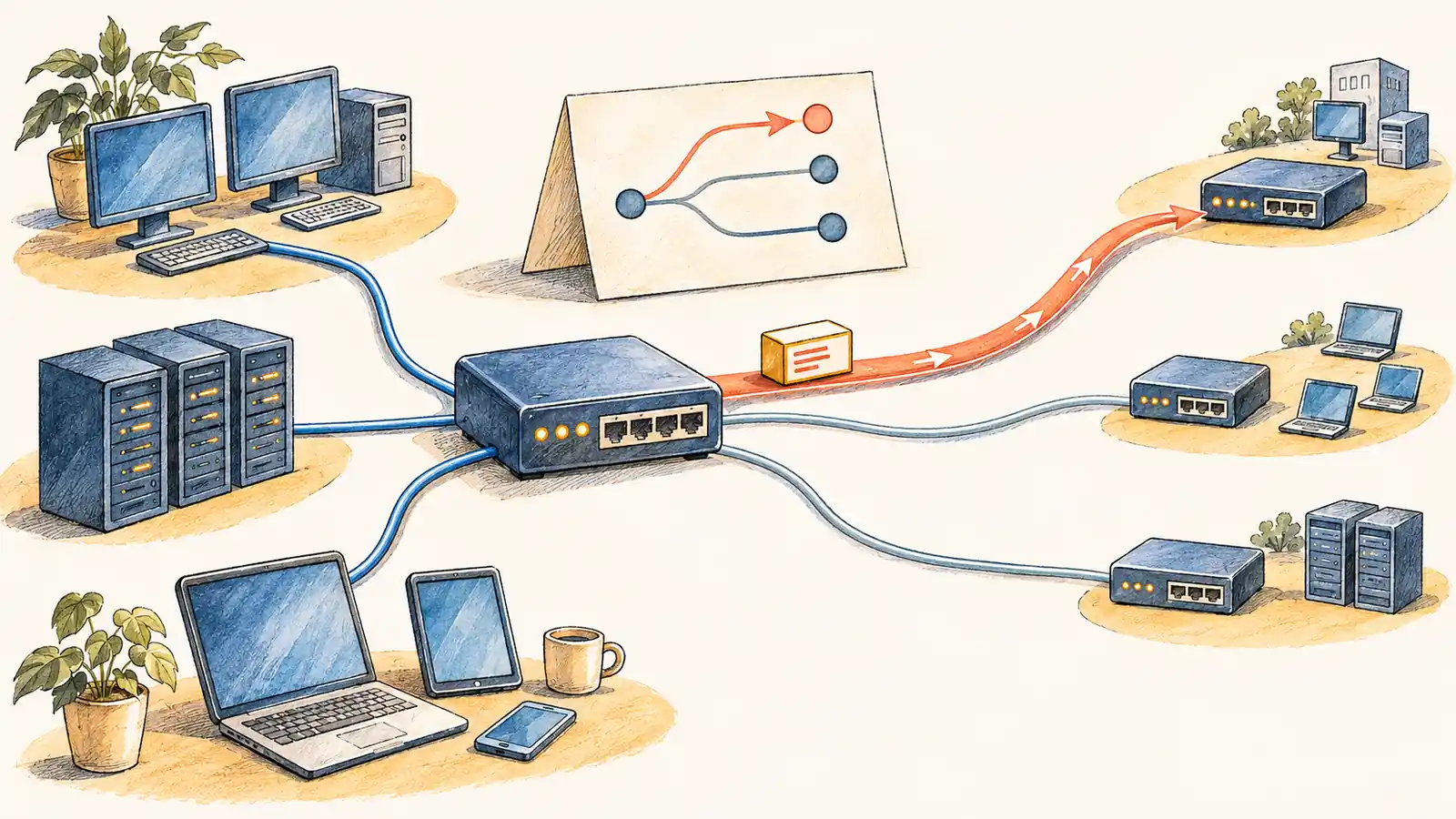
A packet headed beyond the local network is passed to a router, which selects where to send it next. Several routers may take part before it reaches the destination network.
Mozilla's explanation of internet connections shows how networks connect through routers and service providers. Devices don't need a separate direct cable to every destination they might contact.
Addresses can be supplied automatically by a service called DHCP, the Dynamic Host Configuration Protocol. The DHCP specification describes how that service provides addresses and other settings; running it is a separate job from forwarding packets.
Many home routers perform both jobs. On other networks, a different system provides DHCP, and some addresses are configured manually.
The Whole Internet, Explained in Nine Minutes
A connection also needs boundaries
Being connected doesn't mean every device should be allowed to read every file. Accounts, sharing permissions, and network rules control which services people and devices may use.
A firewall filters network traffic according to rules, such as allowing an expected connection while blocking an unwanted one. Device updates also matter because a protected network can't repair an application that's missing a security update.
For home Wi-Fi, the Federal Trade Commission recommends current router software, distinct admin and Wi-Fi passwords, and WPA3 Personal or WPA2 Personal security. Those Wi-Fi settings use encryption, which scrambles wireless traffic to help protect it from nearby observers.
The admin password controls the router's settings; the Wi-Fi password lets devices join the wireless network. Knowing which job each part performs makes it much easier to understand both a connection problem and a security setting.
LAN: The Local Connections Behind Shared Devices
What Does a Router Do? Follow a Packet to Its Next Stop
Protocols: How Computers Know What a Message Means
QUOTE:
"Amateurs hack systems, professionals hack people."