Network Bridges: How Devices Share a Local Network
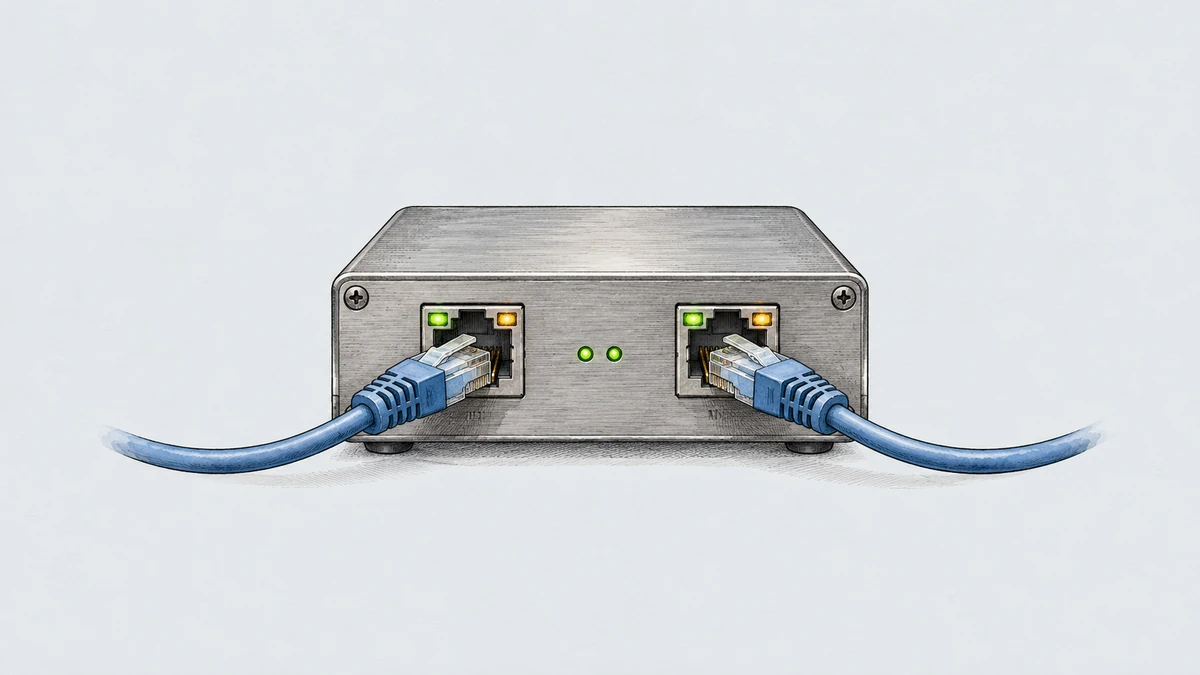
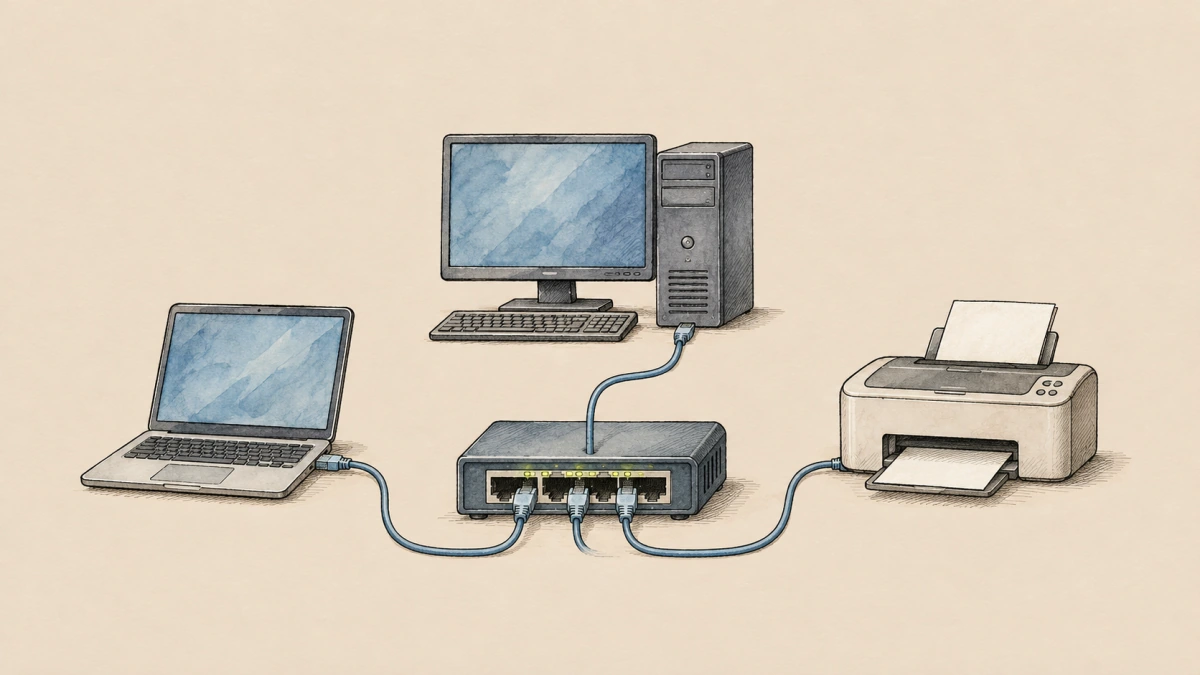
Your laptop sends something to the office printer, and a network device decides which connection should carry it. That quiet sorting job is the heart of a network bridge.
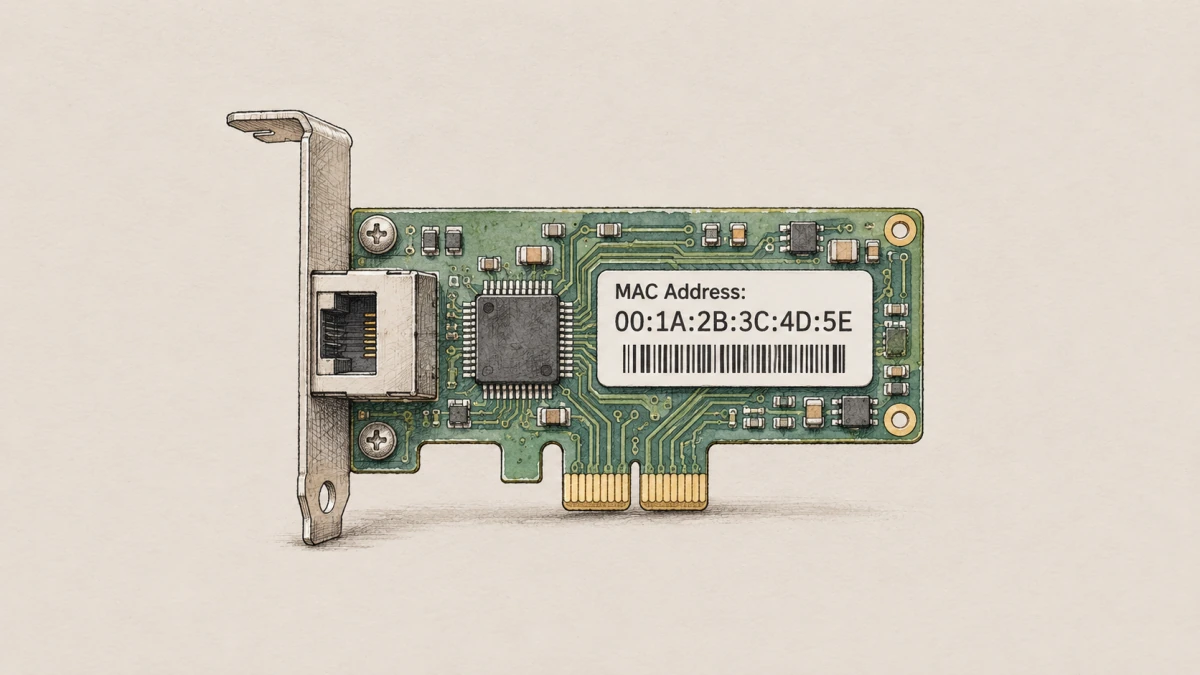
A bridge joins sections of a local network and forwards data between them using MAC addresses. A MAC address is a label used to identify a network interface, such as a computer's wired or wireless connection, for local delivery.
The bridge works with frames, the packages of data used on that local link. It checks the destination label rather than reading your document to decide where the frame belongs.

- Keep work, guest and smart-home gear apart with up to 32 VLANs on one small switch.
- Copy any port's traffic to your laptop with port mirroring and see what is on the wire.
- Set it up from a web page instead of learning a command line.
It learns from the return address
Imagine a bridge with a laptop reachable through connection A and a printer reachable through connection B. Those connections are called the bridge's ports; they can be physical sockets or software connections.
When the laptop sends a frame into port A, the bridge records its source MAC address and that port. When the printer sends a frame through port B, the bridge learns that address, too.
The result is a forwarding table: a small directory of which addresses are reachable through which ports. Cisco's bridge explanation describes this learning process.
What happens next depends on what the bridge knows:
- Known destination on another port: It forwards the frame through that port.
- Known destination on the incoming port: It doesn't send the frame back out; the traffic can stay on that side.
- Unknown destination: It usually sends copies through the other eligible ports, a process called flooding.
That last step isn't automatically an attack. Flooding is part of ordinary bridge operation when the destination hasn't been learned.
A switch does this job, too
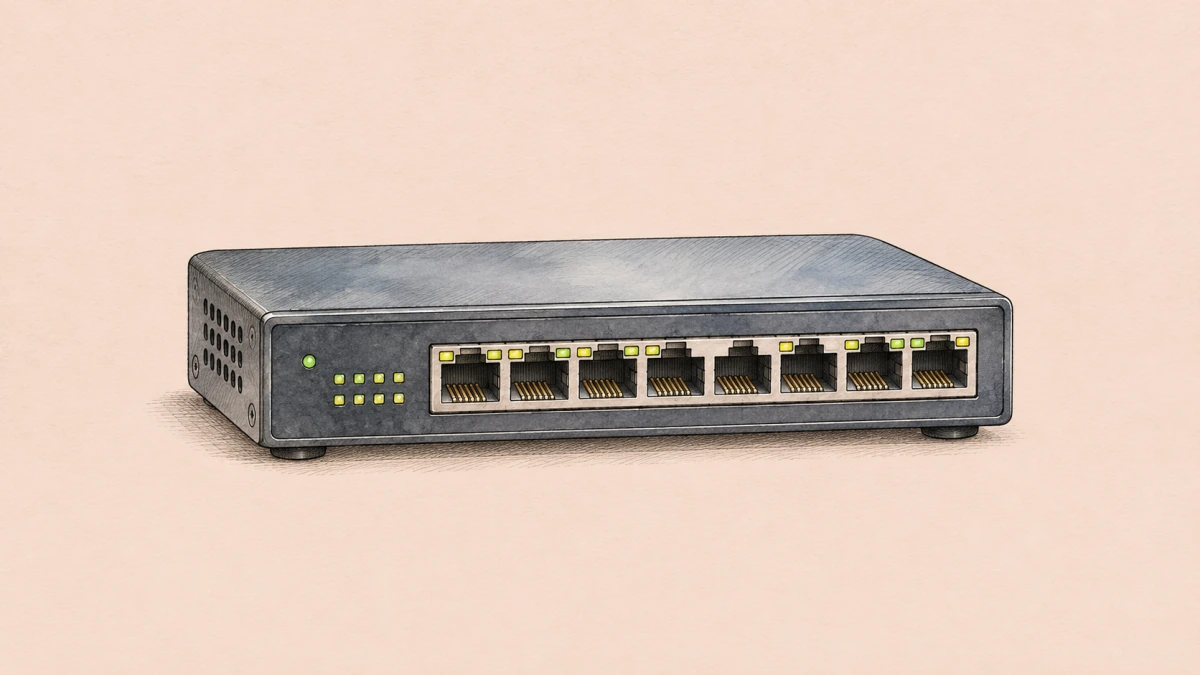
An Ethernet switch is essentially a bridge with multiple ports. Ethernet is the networking technology commonly used for wired local connections.
You'll hear bridges described as Layer 2 devices, referring to the data-link layer of the OSI model, a framework that divides networking tasks into layers. Here, that means handling local frames and their MAC addresses.
The Linux bridge documentation describes that role. A router does a different job: moving packets between IP networks using IP addresses, the addresses used to direct traffic across those networks.
One physical device can perform both jobs. The label on its box doesn't tell you which function a particular setting enables.
Hub, Switch or Router: What's the Difference?
The bridge may live inside a computer
Bridging doesn't require a separate box on the shelf. Software can provide the same local connection between virtual and physical network interfaces.
A virtual machine is a computer created in software and running on another computer. A software bridge can connect it to the same network as the physical host, as shown in Red Hat's bridge documentation.
That's useful, but it changes which devices can communicate directly. Connecting a test machine to an office network deserves more thought than simply making its internet connection work.
Shared traffic needs boundaries
Some frames are broadcasts, addressed to all devices in a local network group. Bridges normally forward those broadcasts through the group's other eligible ports, so adding a bridge doesn't automatically create a separate security boundary.
Separate groups can be created with VLANs, or virtual local area networks, when the equipment and configuration support them. Rules governing traffic between groups still need to be planned and enforced.
Loops are another concern. If bridged connections form an uncontrolled circle, copied frames can circulate and multiply until normal traffic struggles to get through.
Spanning Tree Protocol, or STP, prevents this by blocking selected forwarding paths while retaining useful connections. Cisco's switching guide explains how this allows spare links without letting traffic endlessly circle them.
A bridge helps devices share a network; its forwarding table helps avoid needless copies. Neither function guarantees faster Wi-Fi, more internet bandwidth or permission for every connected device to see every resource.
A Network Switch Learns Where to Send the Next Frame
MAC Addresses: Getting Data to the Next Device
LAN: The Local Connections Behind Shared Devices
QUOTE:
"Amateurs hack systems, professionals hack people."