NVRAM: How a Computer Remembers Its Startup Settings
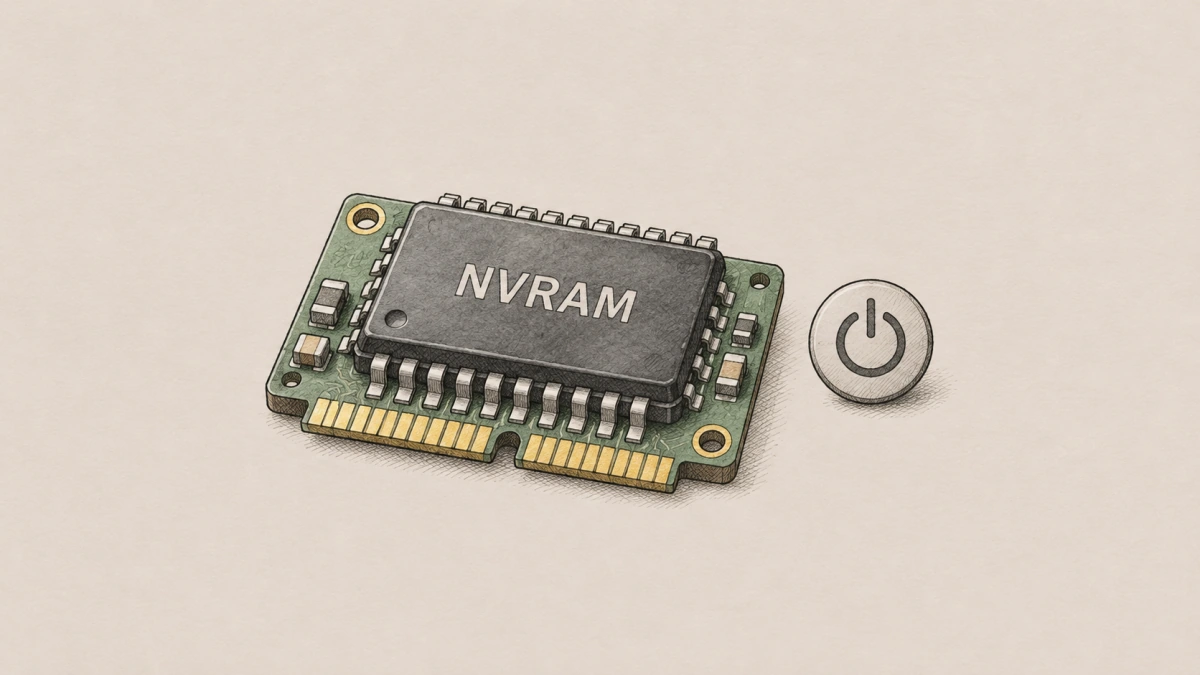
Turning a computer off doesn't have to mean starting every setting from scratch. Some Macs keep sound-volume and startup-disk settings in NVRAM, ready for the next use. The saved disk choice tells the computer where to start.
NVRAM means nonvolatile random-access memory. “Nonvolatile” describes keeping data across the loss of normal system power. “Random access” means the system can select locations to access. Together, the words describe useful properties, rather than one particular chip design.
The device still needs power to read and use the saved data. By comparison, dynamic random-access memory, or DRAM, loses its contents without power. Computers use it as working memory.
Apple's NVRAM support guide lists sound volume, display resolution, startup-disk selection and time zone among the values that may be stored, with the exact settings depending on the Mac model.

- Rescue a board with a corrupted BIOS by rewriting the chip directly.
- Clip onto the chip in place, with no soldering needed.
- Save a copy of a chip's contents before you change anything.
Keeping a value can involve different hardware
One way to preserve settings is to keep their memory supplied with a small amount of backup power. Apple documents a small battery maintaining settings in certain desktop Macs while they are shut down or unplugged.
The computer's main power is off, but the settings still have a power source. The memory keeps the settings because the battery is still supplying power.
Another design combines working memory with elements that retain data without an external battery. Infineon's nvSRAM family does this with static random-access memory cells and nonvolatile storage elements. It saves the cell contents as power drops, preserving the information for later use.
These are different implementations of persistence. The NVRAM label alone doesn't establish their speed, capacity or power requirements.
Firmware needs a place for named settings
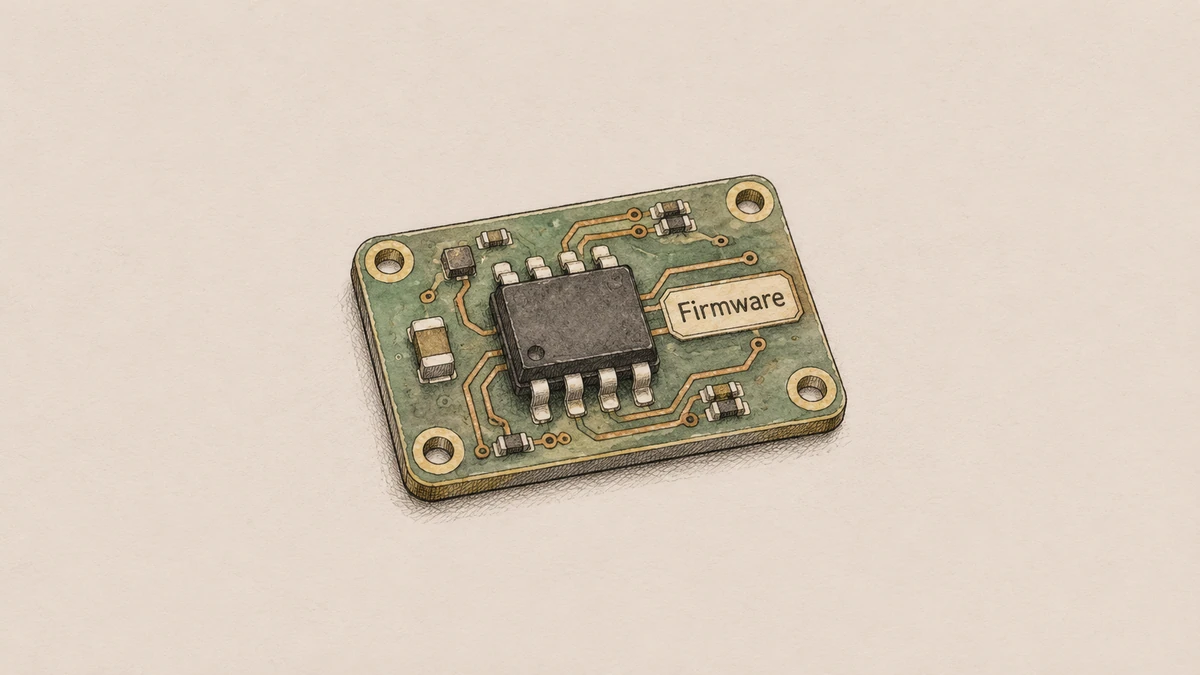
Firmware is the low-level software that helps a device start and operate. It can need saved settings that remain available across restarts, even when the main operating system isn't running.
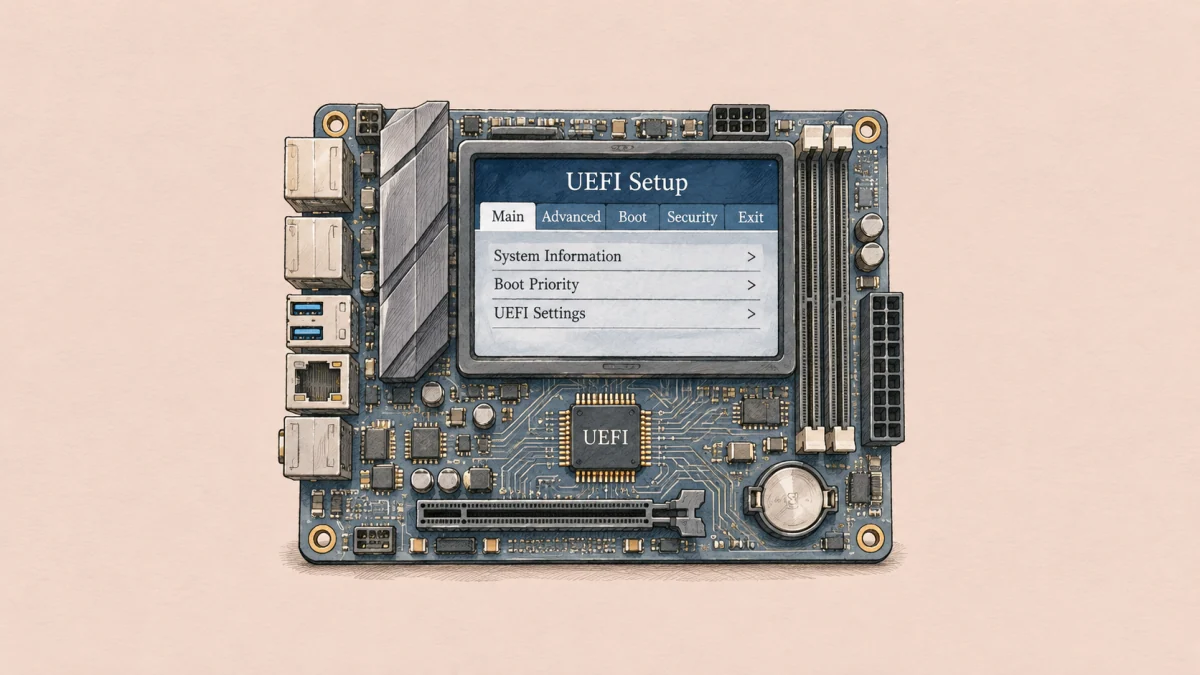
UEFI, the Unified Extensible Firmware Interface, specifies ways for firmware and other software to work together. One of those is a system of variables: named values used by firmware, programs that load the operating system, and applications.
Software uses a variable’s name to find the value it wants to retrieve or change.
Under the UEFI 2.11 specification, a variable marked nonvolatile persists across power cycles. The specification doesn't require one storage technology underneath it. Available space can be very limited, so these named settings shouldn't be mistaken for a place to store large user files.
BIOS or UEFI: What Starts Your Computer?
Remembering and protecting are separate jobs
A saved value can affect future behavior, so the system also needs rules for changing it. Persistence preserves the value; it doesn't establish that the last person or program to change it was authorized.
UEFI gives variables attributes, settings that describe how they behave. One marks a value for keeping across shutdowns. Others can require proof that an update is authorized before the system accepts it.
These controls matter for Secure Boot settings, which influence which startup software is trusted. An unauthorized change could affect what the computer trusts on its next startup.
Firmware: The Software Running Beneath Your Apps
UEFI: The Handoff Before Your Operating System Starts
NOR Flash: Read Here, Erase the Whole Sector
QUOTE:
"Amateurs hack systems, professionals hack people."