Memory Forensics: Finding Clues in a Running Computer
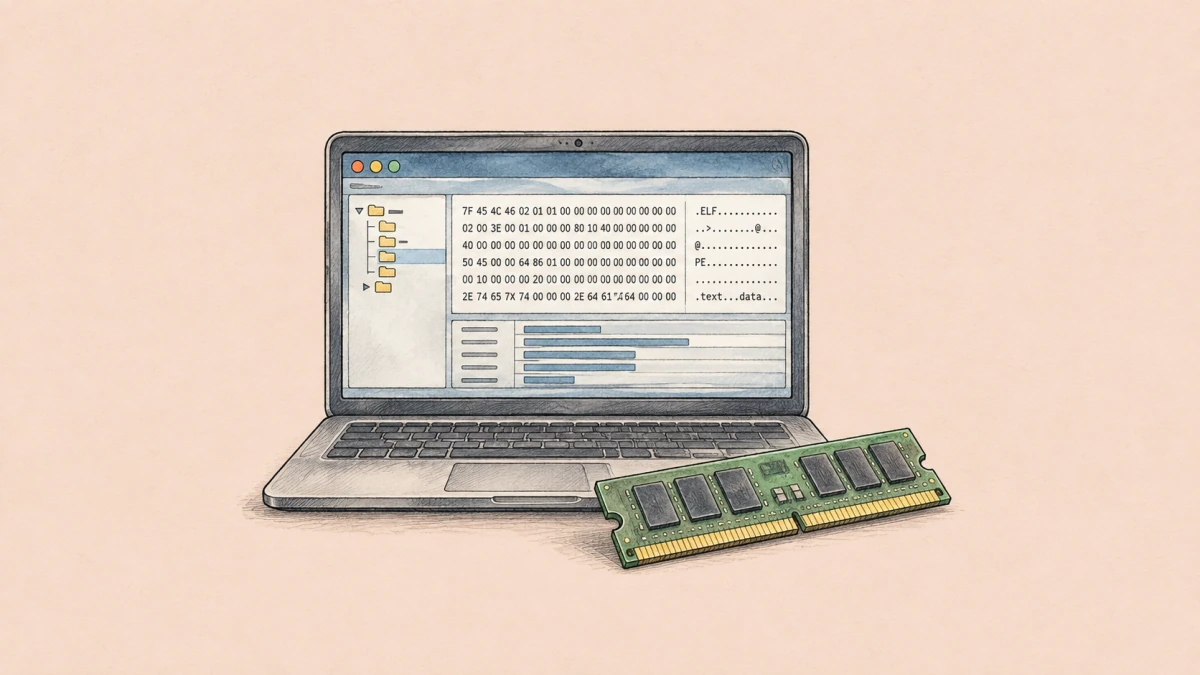
A computer can hold evidence that nobody saved as a file. A program is running, a connection is open and part of a command remains in memory. Restart the machine, and some of those clues may be gone before an investigator gets to examine them.
Memory forensics studies captured computer memory for evidence about an incident. Much of that work concerns RAM, or random access memory: the temporary working space a computer uses while programs run. Its contents keep changing. The available clues depend on what was present and what the capture preserved.
Digital Forensics in Under Five Minutes
Saving something that keeps moving
Suppose a responder is investigating an unexplained program running on an employee's computer. Capturing memory may help establish what that program was doing.
The capture produces a memory image: a saved copy of acquired memory data. Here, “image” means evidence data, not a picture of the screen. It can be examined later even as the original computer's state changes.
Getting that copy takes an acquisition tool. WinPmem, for example, is a Windows memory-acquisition project. Running a collector changes the live computer, however. It is another program operating on the machine the investigator is trying to understand.
That disturbance is why the responder records the tool used, the collection time and the actions taken. The National Institute of Standards and Technology (NIST) explains these preservation principles in its 2006 guide to forensic techniques. Protecting the captured data and checking that it hasn't changed help preserve it for later examination.
The incident response team also has to contain harm and restore service. Its decision about when to collect memory has to fit that work.
Following a program's relationships
With a preserved image to examine, an analyst can ask more specific questions. Which programs appear in the capture? What started them? Do their relationships fit the activity people expected on this computer?
Volatility's official Windows tutorial demonstrates a process list and a process tree. A process is a running instance of a program. The tree arranges these processes by parent and child, showing which is recorded as having started another.
In our example, the tree might show that an expected application started the unfamiliar program. The analyst can compare that relationship with the application's usual behavior and other evidence before deciding whether it signals malicious activity.
Volatility analyzes saved memory; it doesn't collect the memory itself. Interpreting Windows memory can also require Microsoft symbol information, which helps the software understand how the operating system arranges data in memory.
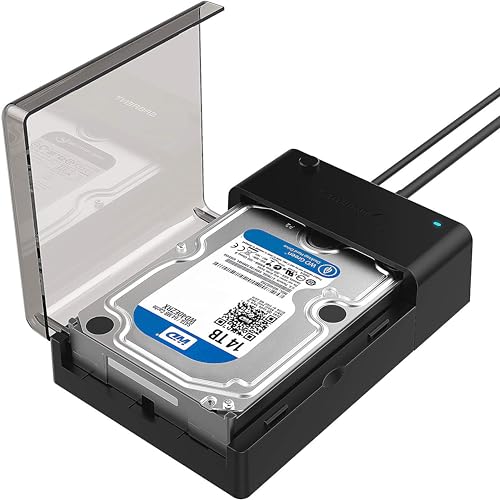
- Pull the drive from an old computer and read it on your laptop in a minute or two.
- Build a home practice lab for imaging and file recovery with free tools like Autopsy.
- Swap drives without tools or a reboot, so your time goes to the data and not the hardware.
Evidence beyond the running program
Some memory-related evidence may survive in saved crash dumps or hibernation files after a reboot. Those files offer another place to look, though they may preserve different information from a live capture.
A saved memory image can also hold sensitive material unrelated to the incident. An investigator examining one suspicious program could receive far more than that program's name. Controlling access to the image is part of the computer-forensics investigation: sharing a whole dump publicly can expose unrelated information along with the clue.
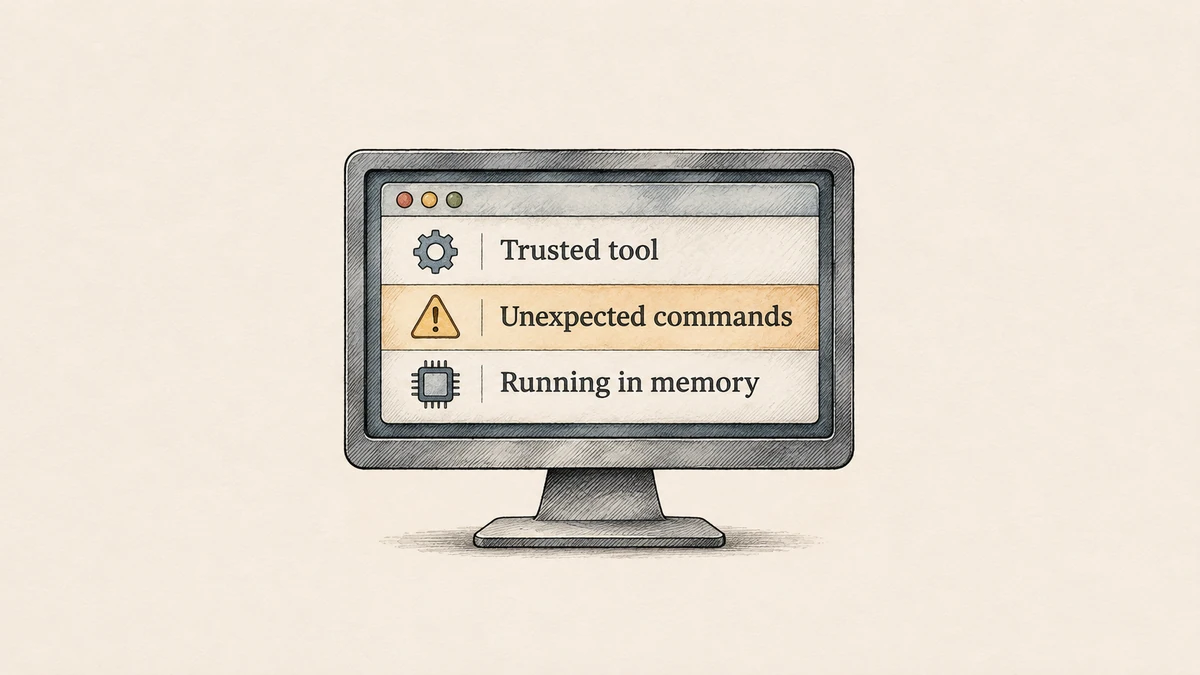
Fileless Malware: An Attack Doesn’t Need Its Own Program File
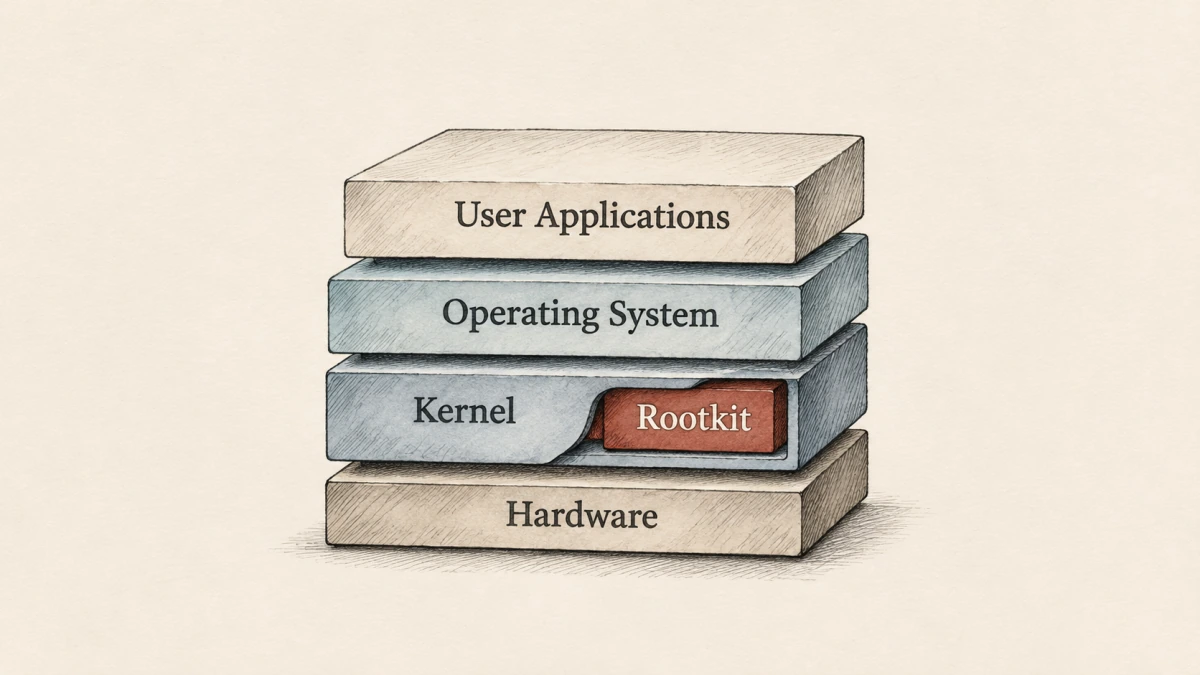
Rootkits: When a Computer Gives a Doctored Answer
Chain of Custody: Can You Account for Every Copy of the Evidence?
QUOTE:
"Amateurs hack systems, professionals hack people."