Natural Disasters Can Stop a Server Without Breaking It
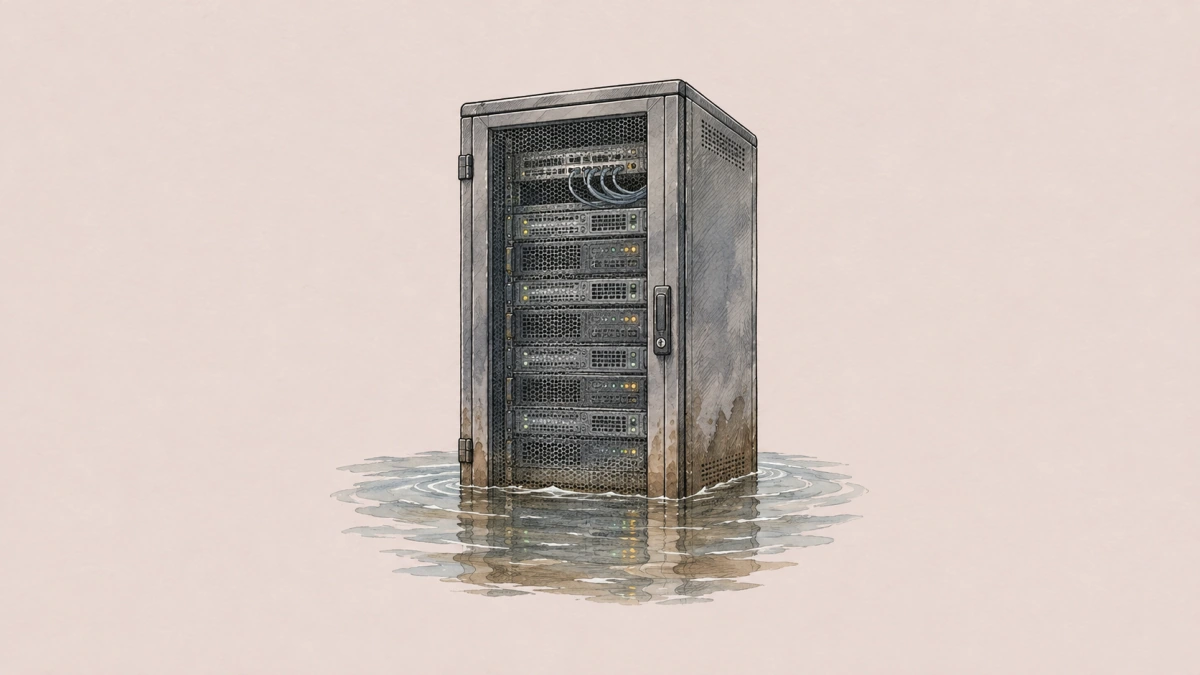
A storm doesn't need to destroy a server to stop the work it supports. It can cut electricity, interrupt communications or keep the people who run it from reaching the building. The files may be intact while the business that needs them is unable to operate.
A natural disaster is serious disruption arising from a natural hazard and the conditions in which it happens. A flood or earthquake is the hazardous event. The consequences depend on who and what is in its path, how easily they can be harmed and what help or protection is available.
The United Nations Office for Disaster Risk Reduction makes this distinction between a hazard and a disaster. The event matters, but it doesn't decide every outcome by itself.
For information security, the immediate issue can be availability: whether people can use the systems and data they need. No attacker has to be involved for that part of security to fail.
The 3-2-1 Rule for Backups You Can Count On
The server survives. Can the business take an order?
Consider a hypothetical business that takes customer orders through a computer system. Keeping its server dry is useful. So is having backup power. Yet neither helps enough if staff cannot connect to the system or reach the records needed to fill those orders.
Recovery planning follows those dependencies. What does taking an order require? Where is the information? Who can restore it, and what do they need to do so?
The answers may include equipment, communications, passwords or other authorized access, and people who can make decisions. A plan based on the usual team gathering in the usual office may not fit an event affecting that whole area.

- Stay online through short outages with battery power for your router and computer.
- Save your work and shut down cleanly instead of losing it to a flicker.
- Charge your phone from the built-in USB port even while the power is out.
The National Institute of Standards and Technology's contingency-planning guide describes measures such as backup power, environmental monitoring, protected data-storage devices and alternate arrangements. These preparations can reduce the disruption and help the team restore service.
Two clocks shape the recovery
The business needs to decide which work must return first and how much disruption it can tolerate. Trying to restore every computer at once can draw attention away from the systems that essential work depends on.
Two planning terms help make those choices concrete:
- Recovery time objective, or RTO: how quickly a service needs to be restored.
- Recovery point objective, or RPO: how recent the recovered information needs to be.
Suppose the business chooses a four-hour recovery goal and can tolerate losing up to one hour of order data. If an outage begins at 2 p.m., those targets call for restoring the service by 6 p.m. with data at least as recent as 1 p.m.
Restoring yesterday's records by 6 p.m. would meet the time goal but miss the data goal. Recovering the 1 p.m. records the following morning would have the opposite problem.
The Canadian Centre for Cyber Security's IT recovery guidance connects these decisions to critical business functions and the disruption an organization can withstand.
Backup or Disaster Recovery: What's the Difference?
A backup needs a way back
A copy stored beside the original can be lost in the same flood or fire. Keeping a copy elsewhere helps, but “elsewhere” needs some thought.
Two buildings may be exposed to the same event. Retrieving a copy can take time. The people restoring it still need access, equipment and working instructions. A cloud service also depends on people being able to connect and sign in; its remote location doesn't complete those jobs for them.
An alternate recovery site may have different amounts of equipment and software ready. That affects how much preparation remains before it can take over useful work.
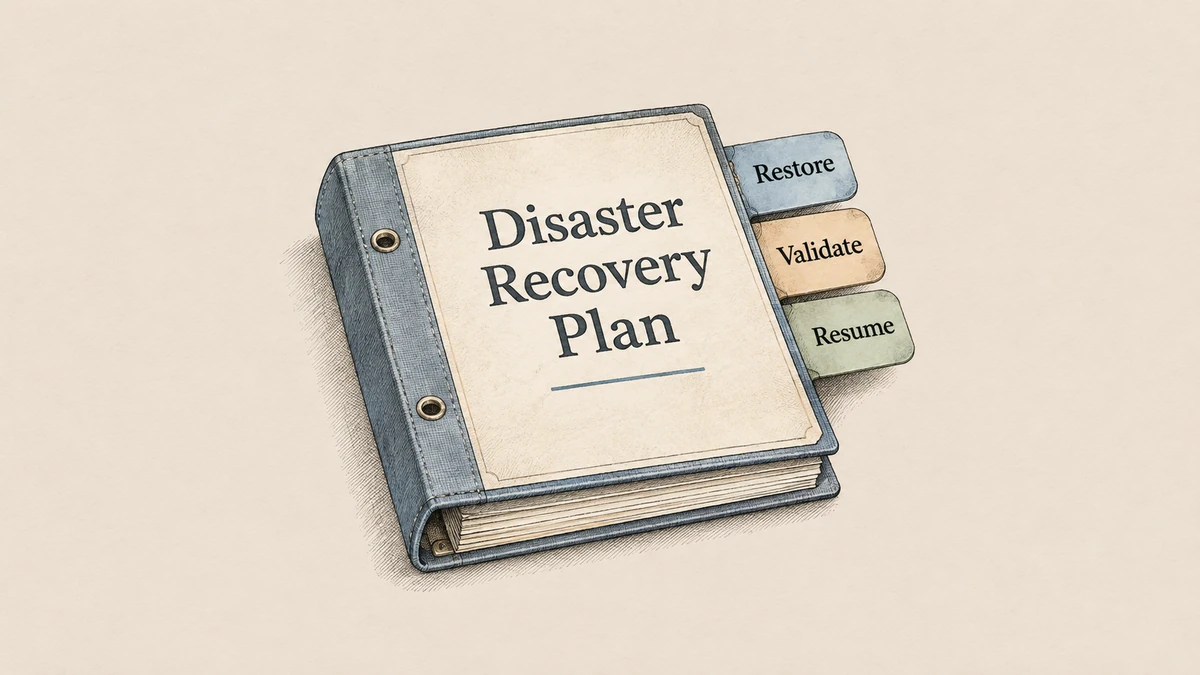
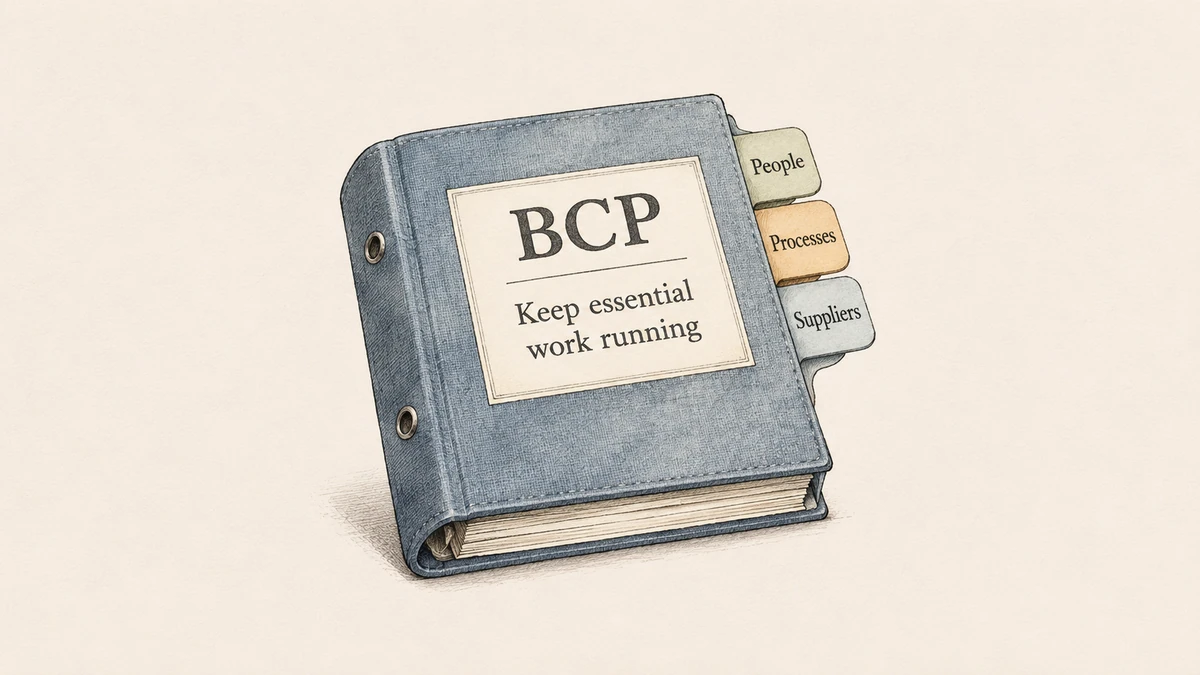
A disaster recovery plan records how systems will be restored and who will do it. A broader business continuity plan addresses how essential work continues during the disruption, including while that restoration is still underway.

- Keep passports, deeds and recovery codes safe through a fire or a flood.
- Carry it out the door in an emergency thanks to its portable size.
- Hang file folders inside so important papers stay organized.
Let a rehearsal expose the missing piece
Reading a plan together can reveal an unclear instruction or an unassigned job. Practicing a recovery tests more: whether the team can obtain the backup, restore the system and use it for the work that matters.
A parallel test can exercise the recovery systems while the main systems keep running. Switching real operations over to the recovery arrangement is a more disruptive test and needs careful planning.
For the order-taking business, the test has a concrete finish: staff can take an order using the recovered system and the data they need.
Disaster Recovery Plans: How to Bring Your Systems Back
Business Continuity Plans: Keep Working While Systems Recover
Redundancy: What a Second System Can Keep Running
QUOTE:
"Amateurs hack systems, professionals hack people."