Disaster Recovery Plans: How to Bring Your Systems Back
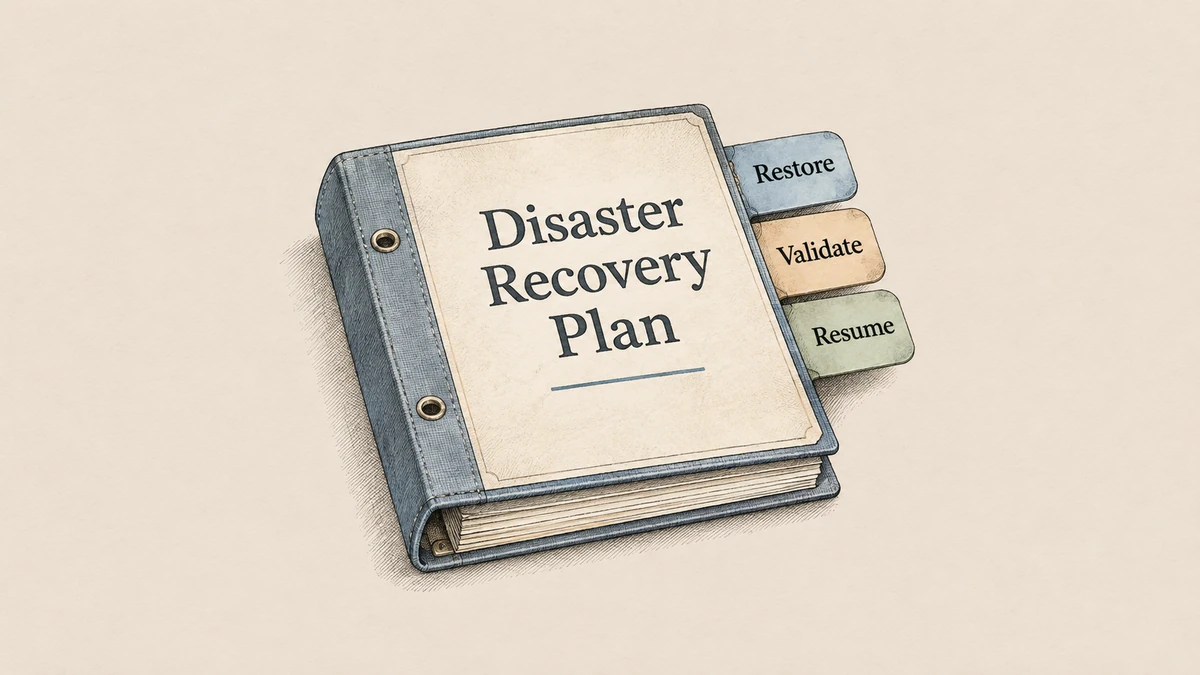
A disaster recovery plan gives people the instructions, responsibilities and resources to restore technology after a serious outage. It connects the data you've saved with the practical work of getting a usable service back.
Usually shortened to DRP, it can cover damaged equipment, unavailable facilities and cyberattacks. A backup is a separate copy of data; the plan explains how people will use that copy, replacement systems and other resources to recover.
Set two different recovery targets
Start with the work the organization needs to resume. A business impact analysis examines the consequences of interrupted activities and helps identify which systems need attention first.
Two targets describe different parts of recovery:
- Recovery time objective, or RTO: the target limit for restoring an unavailable system or resource.
- Recovery point objective, or RPO: how far back the recovered data may go, expressing how much recent data loss the organization can tolerate.
Suppose a reservation system fails at noon with a two-hour RTO and a 15-minute RPO. The targets call for service by 2 p.m. and recovered records reaching at least 11:45 a.m.; they're example requirements, not promises that a backup product automatically meets.

- Keep every photo and file on a box you own, and reach them from anywhere.
- Let backups run on their own so one dead laptop doesn't take your files with it.
- Add two drives and a failed disk no longer means lost files.
The National Institute of Standards and Technology explains these distinctions in its contingency planning guide. Time needed to catch up on interrupted business work also matters when deciding how long an outage is tolerable.
Give the recovery team something it can follow
“Restore the system” is an instruction with most of the useful parts missing.
The plan needs an agreed recovery order, working contact details and enough technical detail for someone to carry out the work. The Canadian Centre for Cyber Security's recovery guidance covers responsibilities, inventories, priorities, recovery strategies and communication.
A usable plan should identify:
- Who activates it: the decision-maker, a substitute and the conditions for starting recovery.
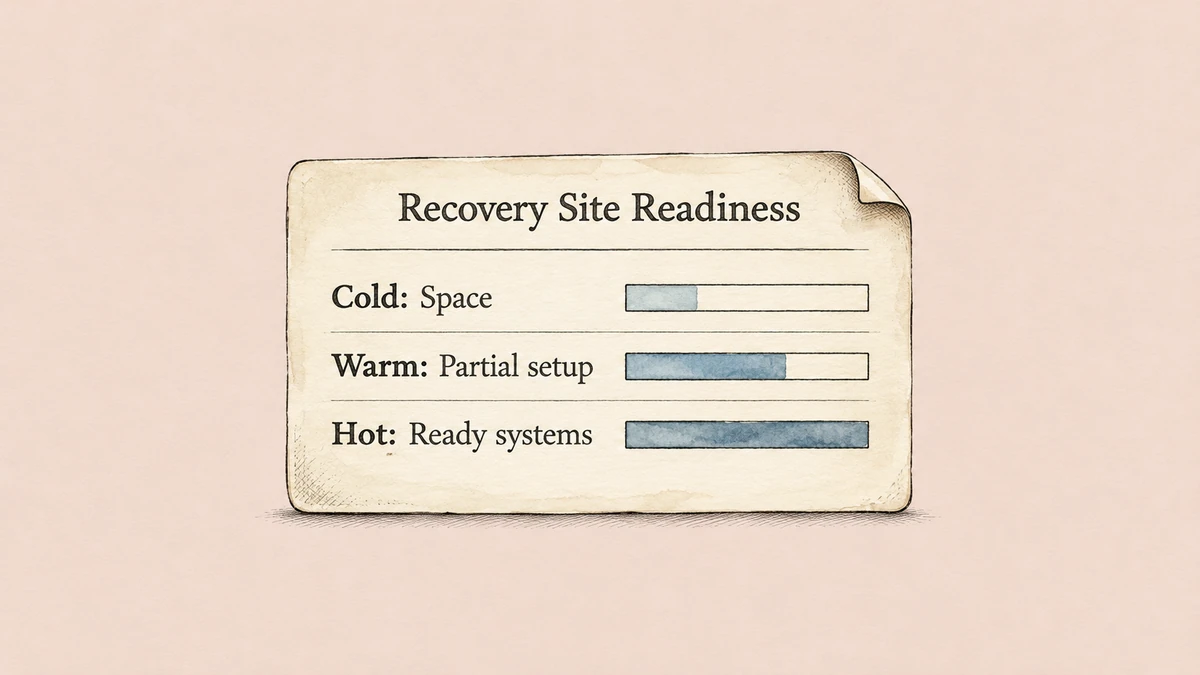
- Where recovery happens: replacement equipment, an alternate location or a service provided over the internet.
- What staff need: approved backup copies, installation instructions and a secure way to obtain necessary access credentials.
- Who accepts the result: the people who check the recovered data and confirm that essential work can resume.
Credentials are the passwords or other proofs used to gain access. If the only instructions for retrieving them are inside the failed system, the recovery team has a circular problem to solve.
Backup or Disaster Recovery: What's the Difference?
Recovering after an attack takes extra coordination
A broken drive and an attacker who still controls an account need different responses. Restoring files won't remove an intruder's remaining access or reverse information they've already stolen.
The incident response plan guides investigation and efforts to limit security harm. Its team must coordinate with recovery staff so rebuilding systems doesn't destroy needed evidence or reconnect compromised equipment prematurely.
The Australian Signals Directorate's incident guidance calls for isolating infected systems and considering restoration from known-good backups or rebuilding. It also emphasizes checking that attackers haven't retained or regained access.
Rehearse a completed job
A discussion exercise can uncover a missing contact or an unclear decision. A technical recovery test shows whether the equipment, data and instructions actually work together.
Test in a controlled setting, record the time taken and investigate gaps against the recovery targets. The Canadian guidance distinguishes tests that leave normal services running from cutover tests, which move operations to recovery systems and need extra planning.
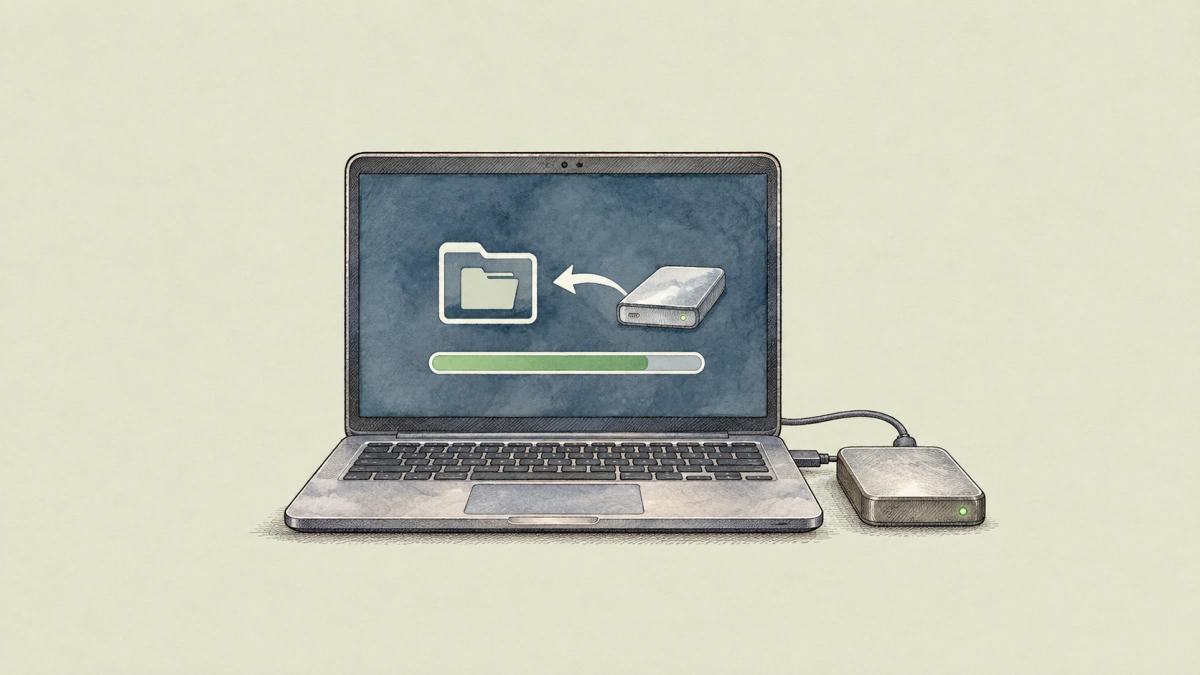
For the reservation system, a meaningful finish includes finding an existing booking, making an authorized change and saving it correctly. Use what the test reveals to update the plan before those instructions are needed during a real outage.
Cold, Warm, or Hot? What a Disaster Recovery Site Has Ready
Incremental Backups: Save the Changes, Understand the Restore
Cybersecurity Recovery: Returning Services to Useful Work
QUOTE:
"Amateurs hack systems, professionals hack people."