Cold, Warm, or Hot? What a Disaster Recovery Site Has Ready
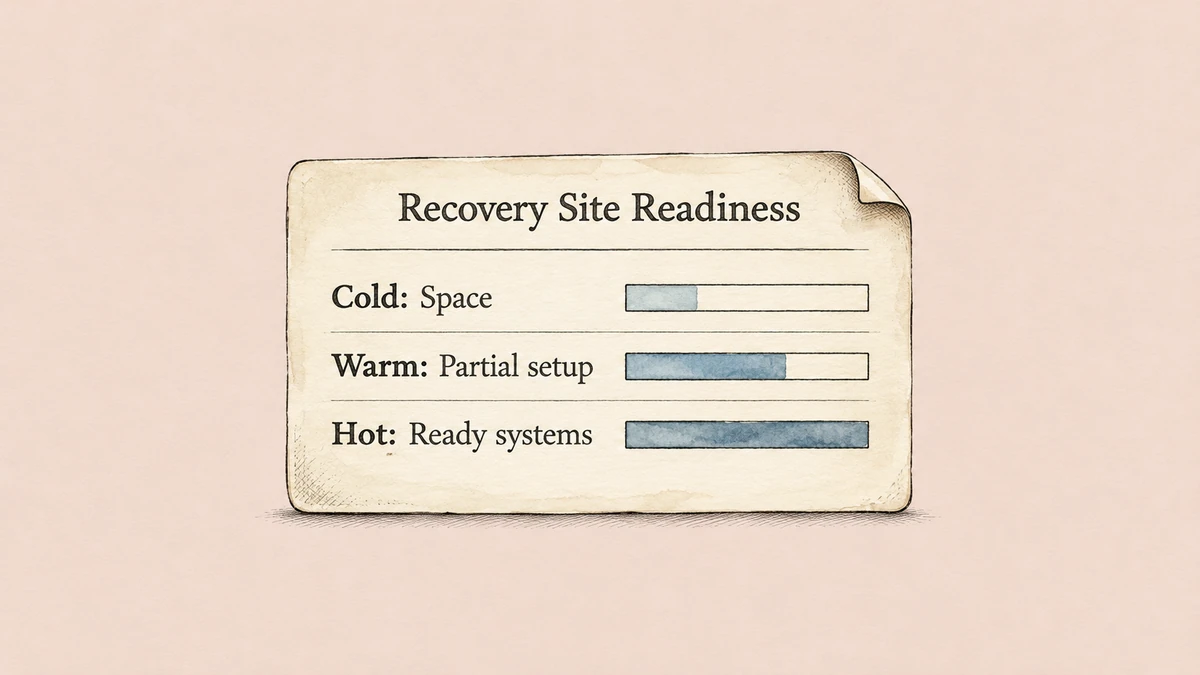
A spare building and a running replacement system offer very different kinds of backup. Cold, warm, and hot disaster recovery sites describe how much is ready before your main location fails.
A disaster recovery site is an alternate place where an organization can restore computing services after a serious disruption. The names describe preparation, not the temperature of the server room.
More preparation usually means less setup after the failure, along with more ongoing expense.

- Keep every photo and file on a box you own, and reach them from anywhere.
- Let backups run on their own so one dead laptop doesn't take your files with it.
- Add two drives and a failed disk no longer means lost files.
What each site has waiting
The National Institute of Standards and Technology's contingency-planning guide describes these broad levels of readiness:
| Site | What's usually ready | What still needs doing |
|---|---|---|
| Cold | Space, power, cooling, and basic facilities | Obtain and install computing equipment, connect it, and restore software and data |
| Warm | Facilities and some or all of the needed equipment | Finish setup, load or update software and data, and verify service |
| Hot | Operational equipment, required software, and data kept ready or quickly updated | Switch service to the alternate site and confirm it works correctly |
A cold site isn't normally a complete set of servers that's merely switched off. Much of the equipment and setup may still have to be arranged.
Warm sites cover a range of arrangements. Some can support only the most important services until additional capacity is available.
These are broad labels, so ask what's actually included: equipment, data copies, staff, network connections, and time to activate the service.
Set two targets before choosing a site
The first target is recovery time objective, or RTO: the maximum acceptable time between a service stopping and being restored. A four-hour RTO means the recovery plan needs to bring that service back within four hours.
Backup or Disaster Recovery: What's the Difference?
The second is recovery point objective, or RPO: how far back in time you can tolerate losing data. A 15-minute RPO means you need to recover data recent enough to lose no more than the last 15 minutes of changes.
Amazon's recovery-planning guidance treats these as separate business requirements. They're goals to design and test against, rather than performance guaranteed by calling a site “hot.”
The distinction matters in practice. A replacement application might start quickly but open yesterday's records, meeting its time target while missing its data-loss target.
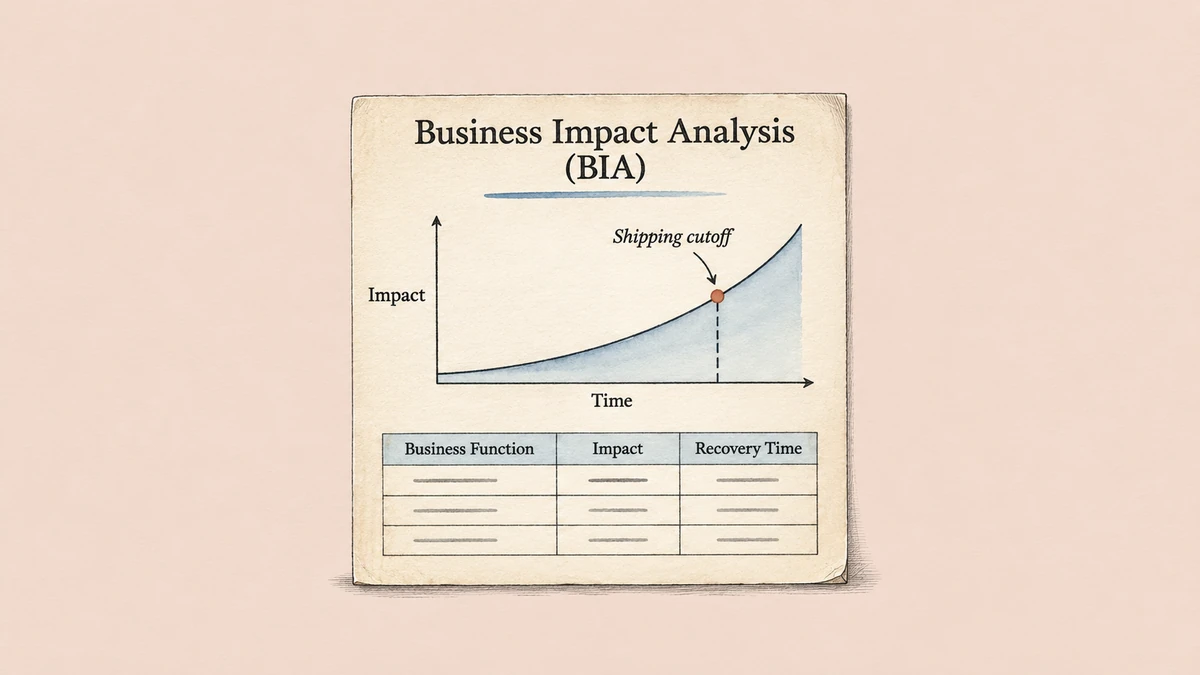
A business impact analysis examines how interruptions would affect the organization and helps identify which services need the fastest recovery. An ordering system and an archive of old reports may justify different arrangements.

- Stay online through short outages with battery power for your router and computer.
- Save your work and shut down cleanly instead of losing it to a flicker.
- Charge your phone from the built-in USB port even while the power is out.
Why a hot site still needs a switchover plan
Failover is the move from the primary system to its replacement. It can require changing where users connect, confirming access, and bringing related services into operation.
A running server doesn't prove that customers can complete an order. The application may still depend on a sign-in service, payment connection, or data store that wasn't included in the recovery plan.
Cloud-based recovery uses the same readiness trade-off, although product labels differ. Amazon describes options ranging from restoring backups to keeping multiple sites active; a smaller standby system may need more capacity before it takes the full load.
Nor is a second location automatically protection from damaged data. Replication, which copies changes from one system to another, can carry a bad change into the replacement system as well.
Amazon's guidance distinguishes continuous replication from backups that let you restore data from an earlier point in time. Both can be useful, because surviving a building outage and recovering an undamaged record are different problems.
The 3-2-1 Rule for Backups You Can Count On
Test the service people depend on
Choose a location that won't readily share the same physical hazard as the primary site. Two facilities can be separate addresses yet still face the same flood or regional power failure.
Then test the whole recovery path, including the people who approve the switch and the connections users need. Amazon's testing guidance calls for validating recovery time, recovery point, and the effect on dependent systems.
Record how long recovery actually took and how recent the usable data was. A tested warm site that meets your requirements can be a better fit than an expensive hot site whose recovery process exists only on paper.
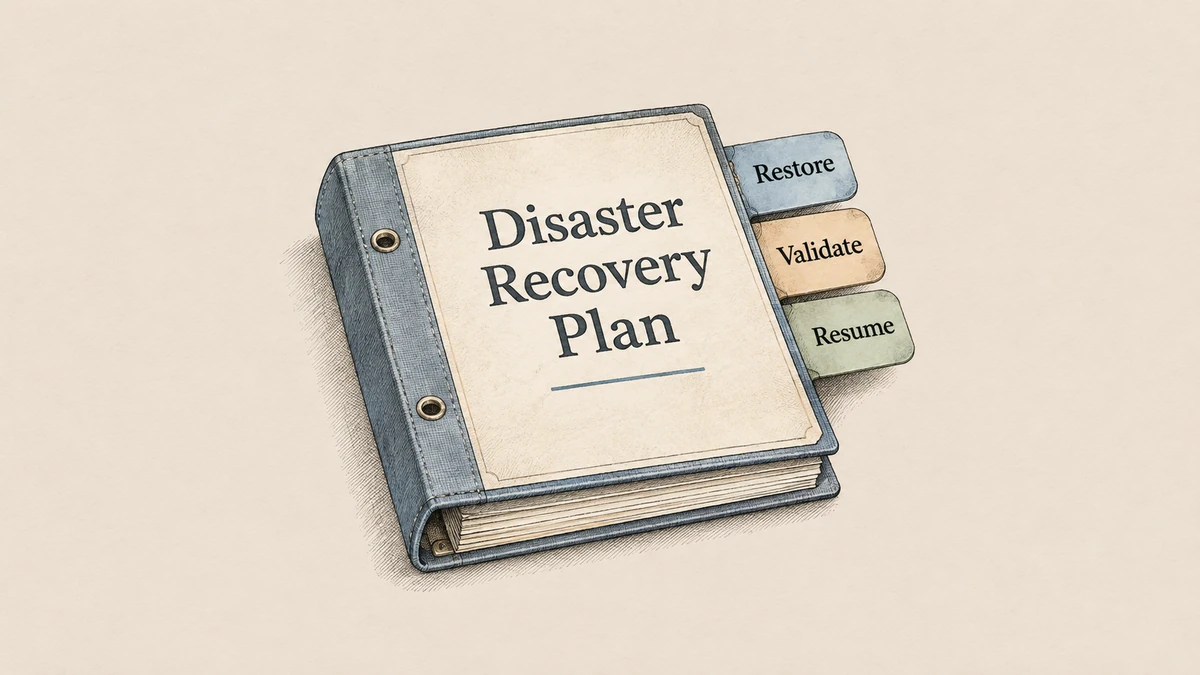
Disaster Recovery Plans: How to Bring Your Systems Back
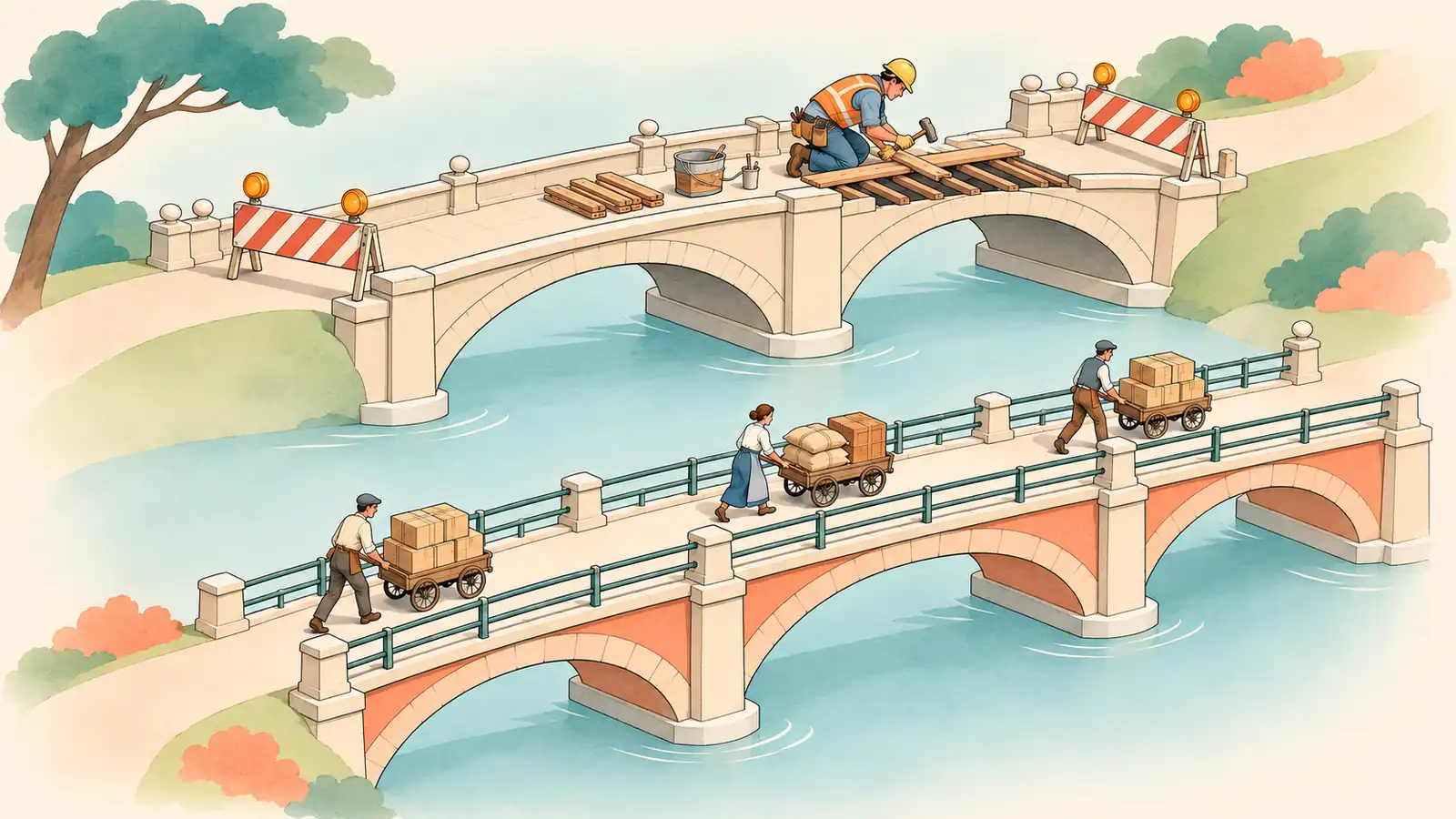
Redundancy: What a Second System Can Keep Running
Business Impact Analysis: Which Work Needs to Recover First?
QUOTE:
"Amateurs hack systems, professionals hack people."