Mandatory Access Control: Even the Owner May Be Told No
On Android, even a running program with root privileges—the system's powerful superuser authority—can be stopped by an access policy. Those extra rules are mandatory access control. A program cannot simply use its ordinary permissions to grant itself an exception.
Mandatory access control, or MAC, puts access-policy decisions under a central authority. Ordinary users and resource owners cannot override protected rules whenever they want to share something. The word “mandatory” identifies who controls that decision; it does not describe a particular kind of sensitive document.
This MAC is an access-control model. It is unrelated to the Media Access Control address used by a network interface.
The Many Ways to Decide Who Gets In
Why the owner cannot always say yes
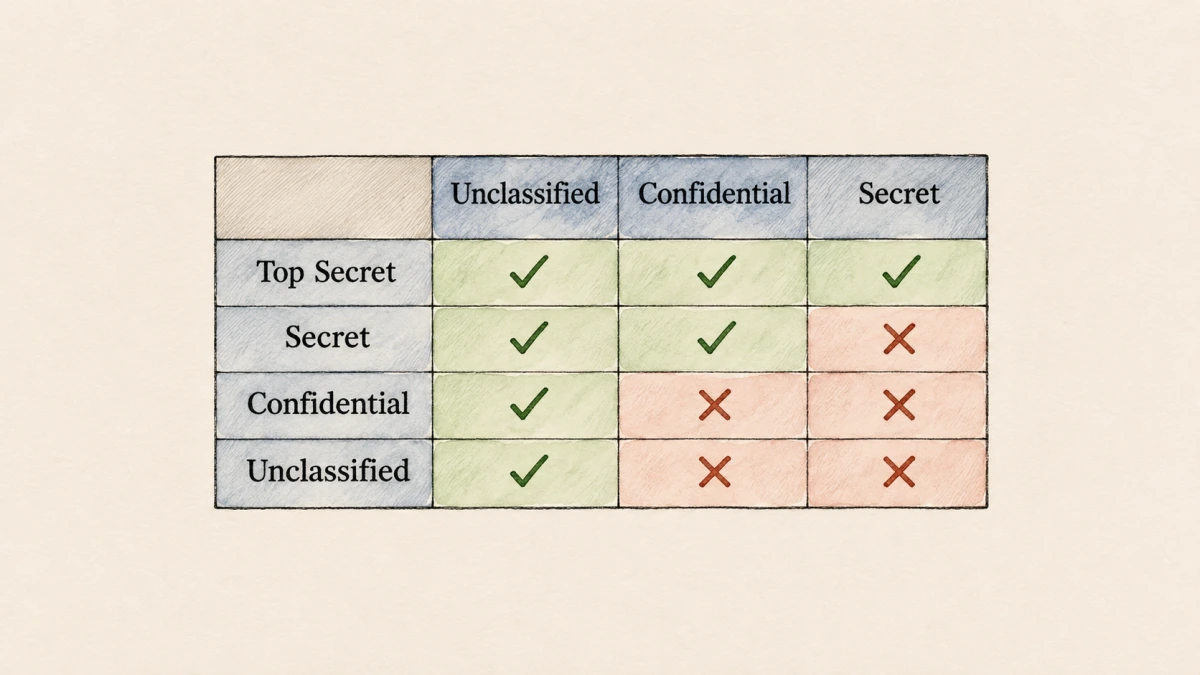
Suppose an employee owns a report and wants a colleague to read it. In this hypothetical system, the report has a label recording its sensitivity. Central policy does not permit that colleague to read material carrying the label.
The label supplies information for the access decision. The software enforces the rule, even when the owner wants to share. The system checks the requested read against its mandatory policy and can deny it despite an ordinary permission granted by the owner.
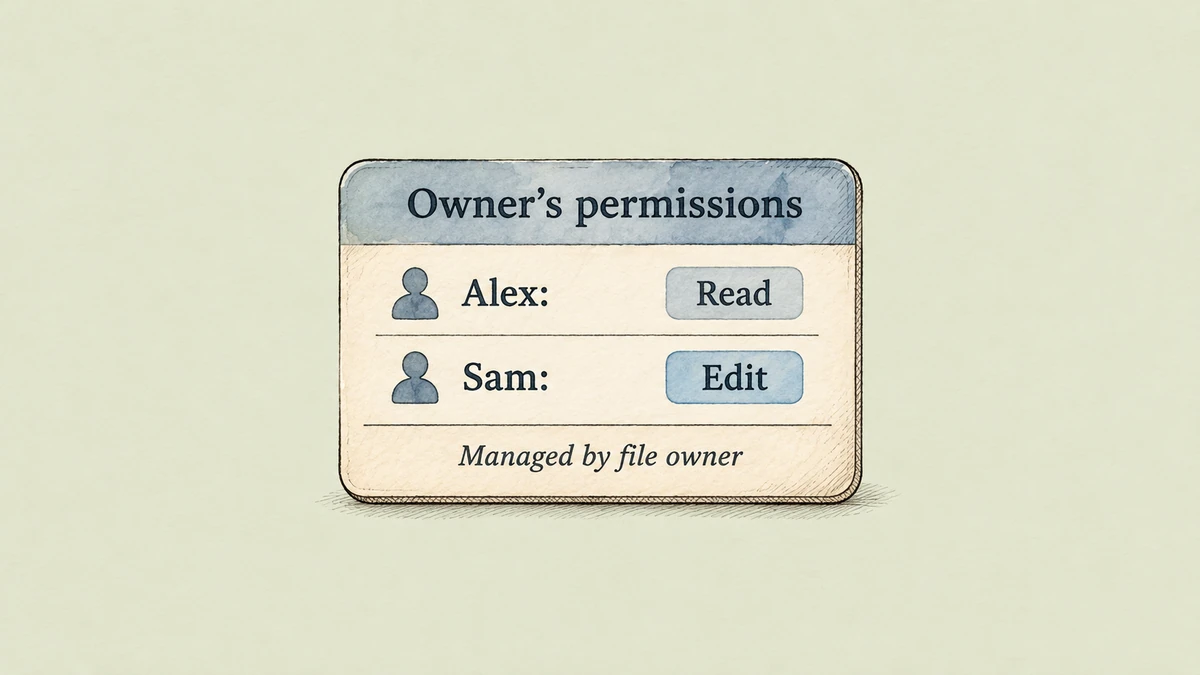
This differs from discretionary access control, where an owner may have discretion to grant access. Both mechanisms can operate on the same system. An ordinary permission can pass one check while a mandatory rule still blocks the operation.
Definitions from the National Institute of Standards and Technology emphasize central control. They also recognize specially trusted users or processes with defined exceptions. The policy can be administered and changed; it is ordinary owners' freedom to bypass it that is constrained.
Android applies the idea to running programs
Android uses Security-Enhanced Linux, or SELinux, for mandatory controls on processes. A process is a running program. A domain labels a process, or processes treated alike, for the policy's decisions.
The policy follows default denial: an operation needs a rule that allows it. Confining a service this way can restrict its access to resources such as other application data or system logs, including when the service has root privileges. That can limit damage from a flaw or malicious code.
In enforcing mode, disallowed actions are blocked and logged. In permissive mode, they are logged without being blocked. A record saying an action would have been denied is not evidence that enforcement stopped it.

- Sign in to CAC and PIV sites from your own desk instead of driving back to the office.
- Start working the minute you plug it in, with no drivers to install on Windows 10/11 or a recent Mac.
- Slim enough to live in your laptop bag, so your card goes wherever you work.
A rule can allow too much
An overly broad rule may permit harmful behavior. A missing permission may obstruct legitimate work. Least privilege supplies a related goal: grant only the access a task requires.
That makes a denial worth examining before broadening the rule. For example, a service may need to read a particular system log. Giving it access to unrelated application data as well would expand what it can do beyond that task.
Discretionary Access Control: Who Gets to Share the File?
Lattice Techniques: How Levels and Categories Control Access

Simple Security Property: How the No-Read-Up Rule Works

QUOTE:
"Amateurs hack systems, professionals hack people."