Access Management: Give Permission an Owner and an End Date
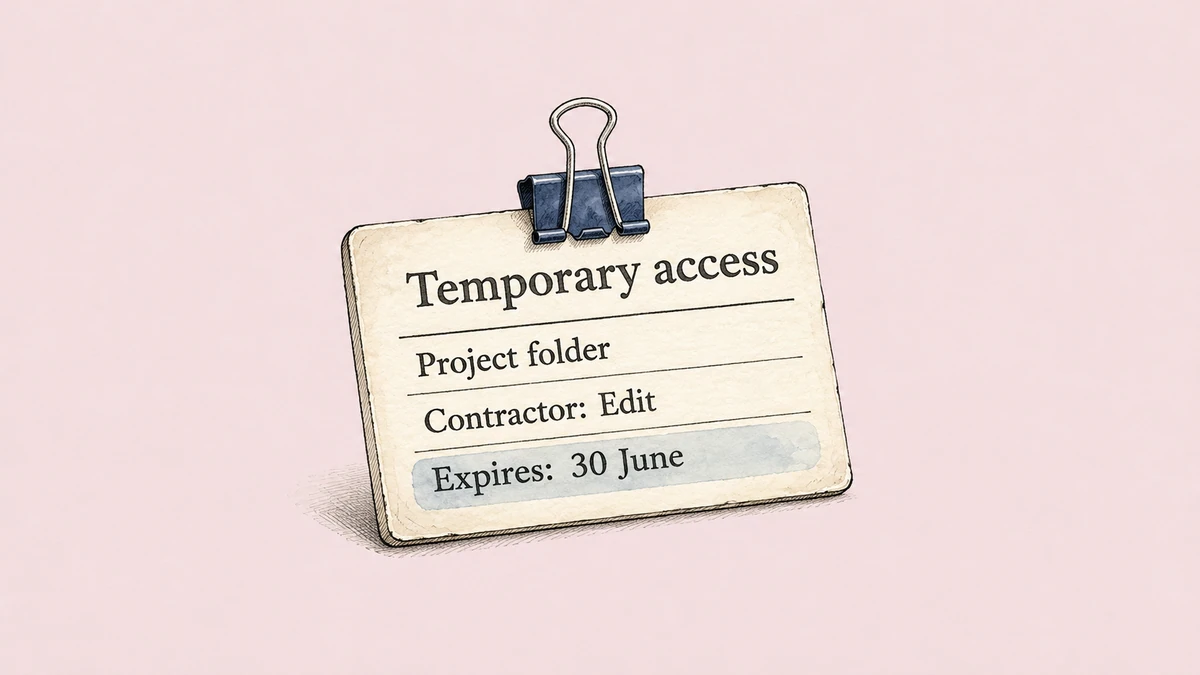
A contractor needs a project folder for two weeks. Access management is the work of granting the right permission, protecting its use and making sure “two weeks” doesn't quietly become forever.
Access management is the set of practices used to control who or what may perform an action on a resource. It covers people and software, and resources such as files, applications and devices.
NIST, the National Institute of Standards and Technology in the United States, identifies three common parts: policy administration, authentication and authorization. In everyday terms, those mean maintaining the rules, checking identity and deciding what that identity may do.
It's part of the broader work called identity and access management, or IAM. Identity management maintains the accounts and information about them; access management uses that information to govern their use of resources.
Identity and Access Management in Four Minutes
“Give them access” leaves too much unsaid
Back to the contractor: perhaps they're designing a poster for a community event. They need to open the artwork folder and upload revisions, but they don't need the organizers' donor records.
An approval should identify the actual work and the resources required. “Same access as our previous contractor” could copy permissions that were excessive in the first place.
A useful request answers a few concrete questions:
- Which person or program needs access?
- Which files or functions will it use?
- Can it view, change, delete or share them?
- Who can approve that use?
- When should the permission expire or be reviewed?
An entitlement is a granted right to use a resource. Some systems bundle related entitlements into packages so people can request the access needed for a project together.
For example, Microsoft's entitlement-management documentation describes requests, approvals, time-limited assignments and recurring reviews. The software can handle those steps, but someone still has to choose sensible permissions and approvers.
For our poster project, the folder owner might approve editing until the print deadline. Access to the donor database shouldn't appear in the request at all.
A successful sign-in is only one checkpoint
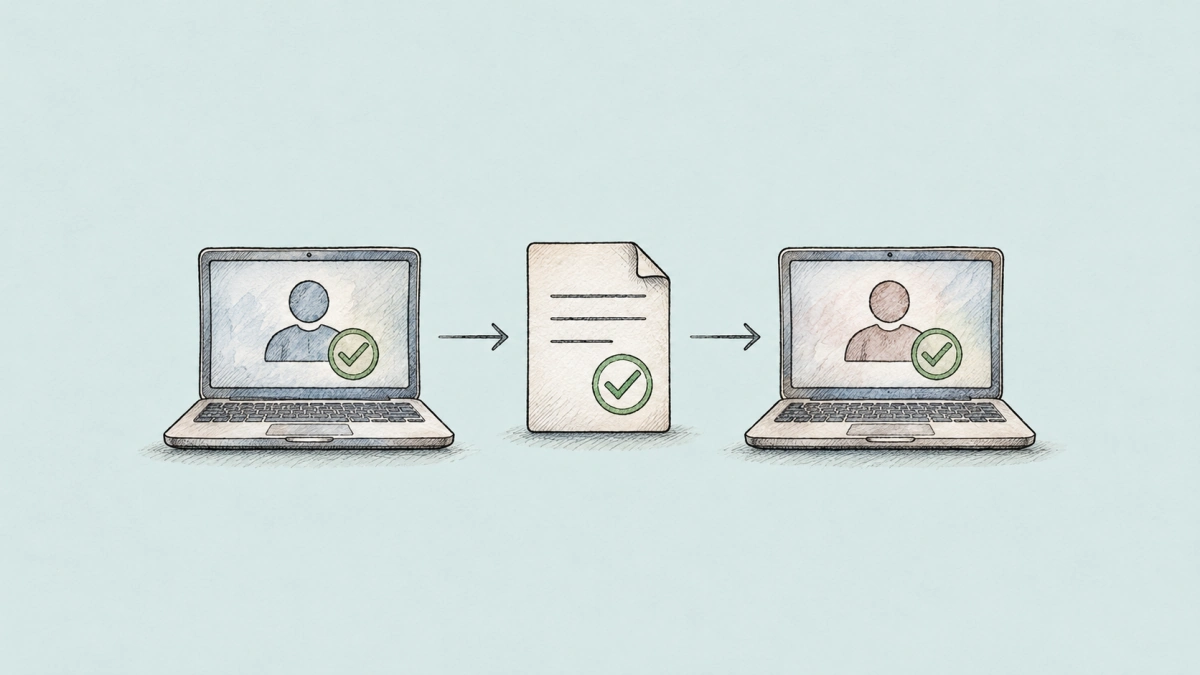
Authentication checks whether a claimed identity can be accepted. A password is one form of evidence; multifactor authentication, or MFA, requires evidence from more than one kind of factor, such as a password plus a physical sign-in device.

- Stop typing passwords: the key enters them for you.
- Add a second factor to your accounts with the same device.
- Relax if you lose it: it is PIN-protected and built to resist tampering.
Authorization checks the requested action against the account's permissions. The contractor can pass the identity check and still be refused access to the donor records.
An access review asks whether existing permissions still have a valid reason. That's different from checking a password: the person may be exactly who they claim to be and no longer need the folder.
Microsoft's identity-governance guidance covers managing access beyond its initial assignment. Reviews and removal matter because accounts and projects don't stay the same forever.
If the print deadline moves, someone can approve an extension with a new end date. If the job ends, the organization should remove the permission and verify that the contractor can no longer use it.
The same care applies to programs running unattended. An automated upload tool needs a responsible owner who knows why it has access and when that access should end.
Good access management leaves an understandable record: this account received these powers, for this job, with this approval and this limit. That makes a temporary favor much less likely to become a permanent opening.
Identity and Access Management: Who Gets to Do What?

Least Privilege: Give Each Account the Power Its Work Needs

Separation of Duties: Who Checks the Person With Access?
QUOTE:
"Amateurs hack systems, professionals hack people."