Simple Security Property: How the No-Read-Up Rule Works
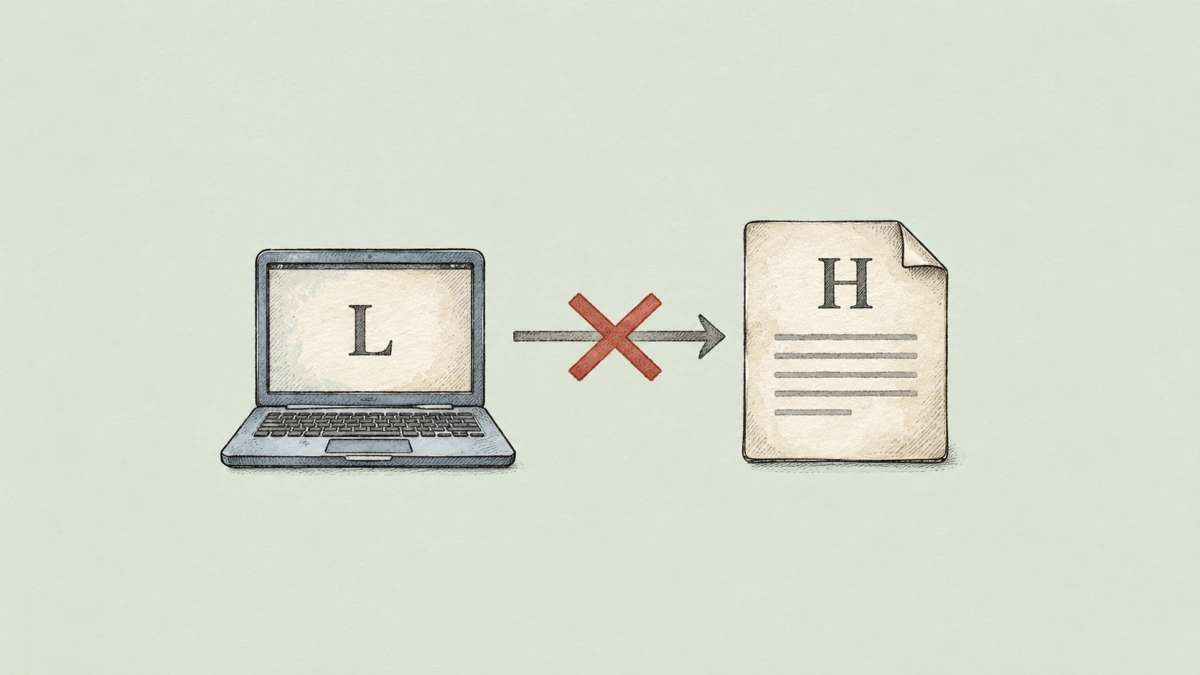
A program opens one Secret file and gets refused access to another. Both files carry the same classification. The difference may be a project category attached to their security labels, which can matter just as much as the classification itself.
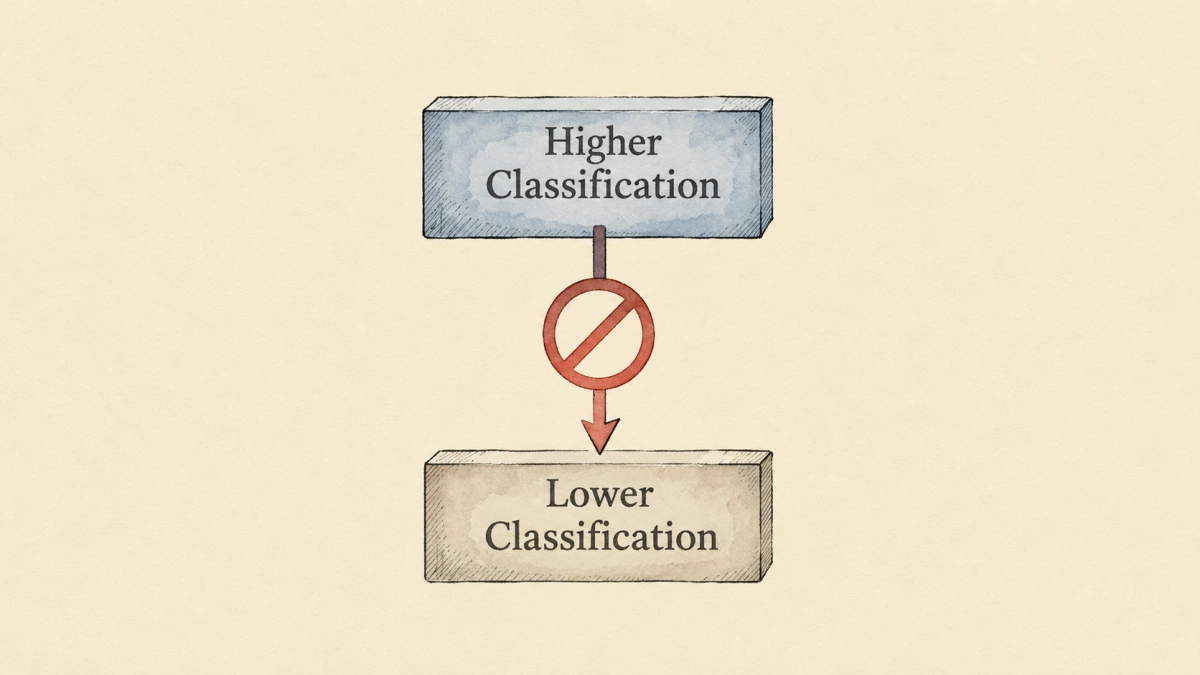
The simple security property is the no-read-up rule in the Bell–LaPadula security model. A subject may read an object only when the subject's label is at least as high and includes all the required categories.
The names are formal, but the pieces are ordinary. A subject can be a running program acting for a user. An object can be a file the program wants to open. A security label records the classification and any special categories attached to each.
Bell–LaPadula is a model for confidentiality: keeping information from being disclosed to people or programs that shouldn't receive it. It provides rules a system can enforce. Writing “Secret” in a filename doesn't enforce them. Protecting data from improper changes is a separate objective, called integrity; this rule governs disclosure.
The Model Behind 'No Read Up, No Write Down'
Reading at Secret
Imagine a system with three classification levels: Confidential, Secret, and Top Secret, in that order. A program is running at Secret.
Assume there are no extra categories and that every other required permission has been granted. Here's how the simple security property applies:
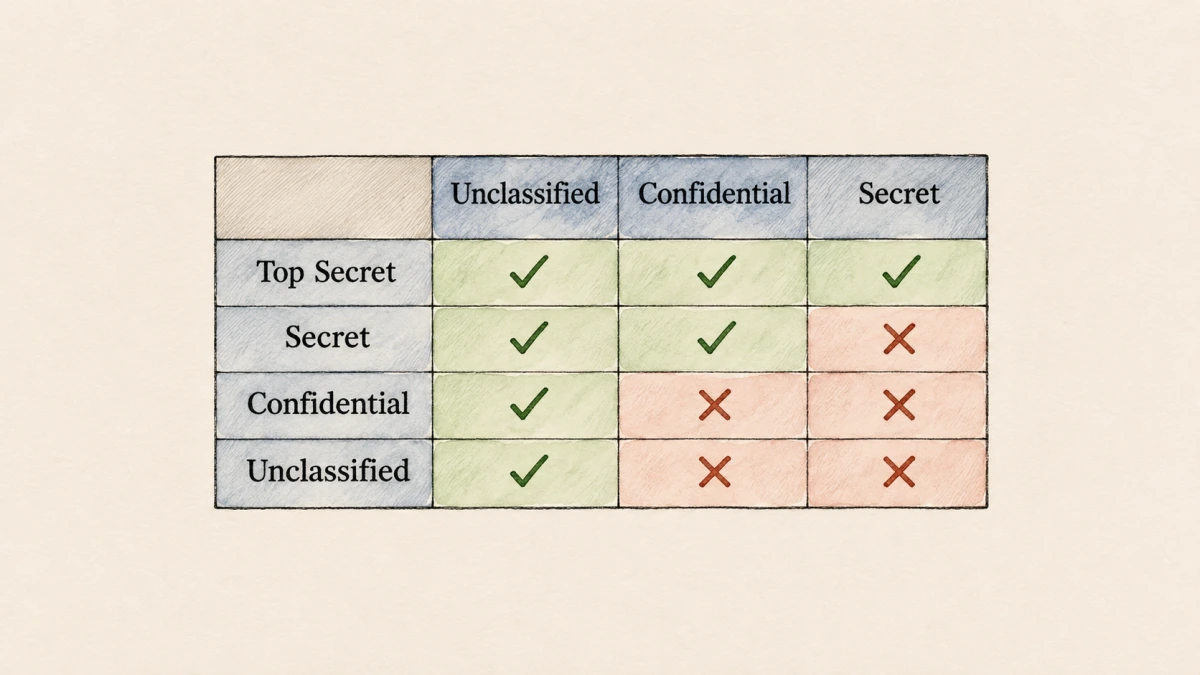
| File's classification | May the Secret-level program read it under this rule? |
|---|---|
| Confidential | Yes. The read is to a lower level. |
| Secret | Yes. The levels are equal. |
| Top Secret | No. That would be a read upward. |
The condition is that the subject's label must dominate the object's label. For the classification part, that means the subject is at least as high as the object. The historical U.S. Trusted Computer System Evaluation Criteria, known as the Orange Book, explains this rule.
These levels don't measure seniority. A department head doesn't automatically get a higher label than an analyst. Labels and clearances follow the security policy, not the office seating chart.

- Sign in to CAC and PIV sites from your own desk instead of driving back to the office.
- Start working the minute you plug it in, with no drivers to install on Windows 10/11 or a recent Mac.
- Slim enough to live in your laptop bag, so your card goes wherever you work.
A person's maximum clearance sets the upper limit at which they may work. A particular session or program can use a lower label. The label relevant to the requested read still matters.
Oracle's documentation for Solaris 11.4 Trusted Extensions describes this difference between clearance and working labels. Other systems can use different access policies.
“Secret” May Still Be the Wrong Secret
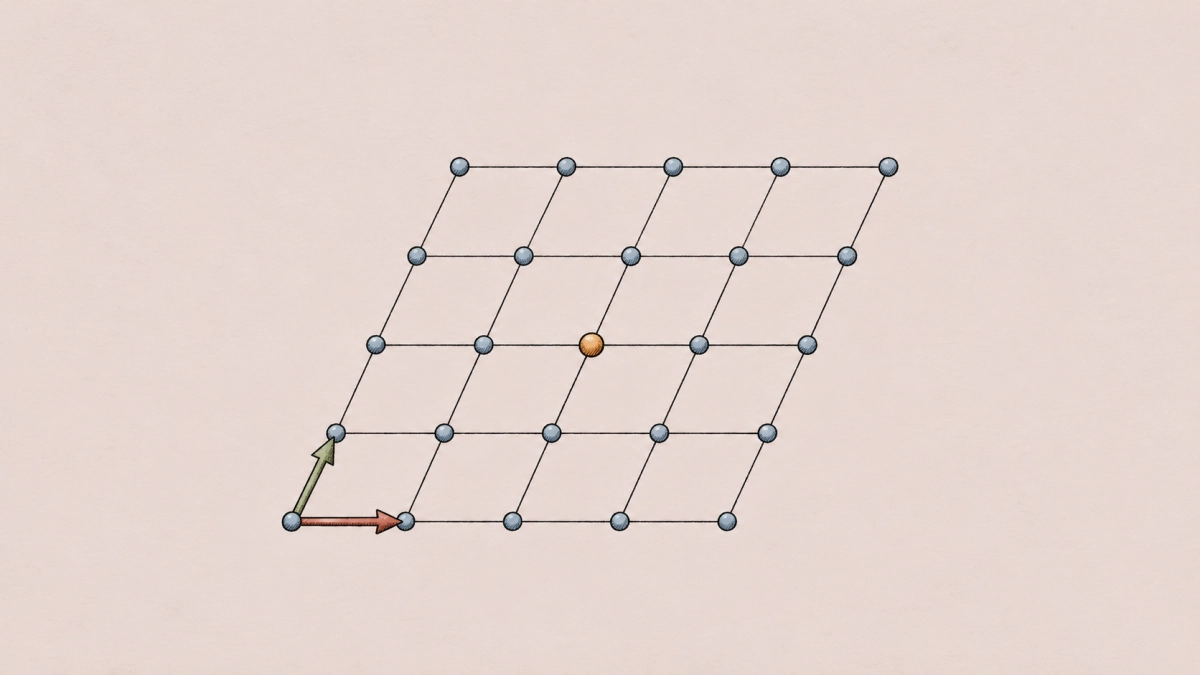
Classification is only part of the comparison. A label may also include categories, which separate kinds of information without placing them above or below one another.
The Many Ways to Decide Who Gets In
Suppose the program is labeled Secret with access to Project Cedar. A file is also Secret, but it belongs to Project Birch. The matching classification doesn't settle the request. If the program lacks the Birch category, its label does not dominate the file's label, so the read is denied.
If a file requires both Cedar and Birch, the subject needs both categories, as well as a sufficient classification. Having one of the two isn't enough.
This is why no read up is a useful memory aid but an incomplete access test. “Up” captures the ordered classification levels. It doesn't describe the separate category requirements.
And passing this test doesn't force the system to grant access. Other permission rules can still refuse it. Oracle's Trusted Extensions access-control documentation, for example, describes label checks operating alongside ordinary file permissions.

- Keep every photo and file on a box you own, and reach them from anywhere.
- Let backups run on their own so one dead laptop doesn't take your files with it.
- Add two drives and a failed disk no longer means lost files.
Reading Is Only One Direction Information Can Travel
Now imagine the Secret-level program reads a Secret file, then tries to copy its contents into a Confidential file. The original read passed the simple security property. The proposed write creates another problem: the information could become available at a lower classification.
Bell–LaPadula addresses that direction separately through the star property, commonly remembered as no write down. In the basic model, it restricts writing higher-classified information into a lower-labeled destination.
In that example, blocking the copy requires a rule about the destination as well as the original file. Passing the read check never meant the program was free to send the contents wherever it wanted.
The Star Property: Permission to Read Isn’t Permission to Copy
Mandatory Access Control: Even the Owner May Be Told No
Lattice Techniques: How Levels and Categories Control Access
QUOTE:
"Amateurs hack systems, professionals hack people."