IPsec: A Protected Route Between Networks
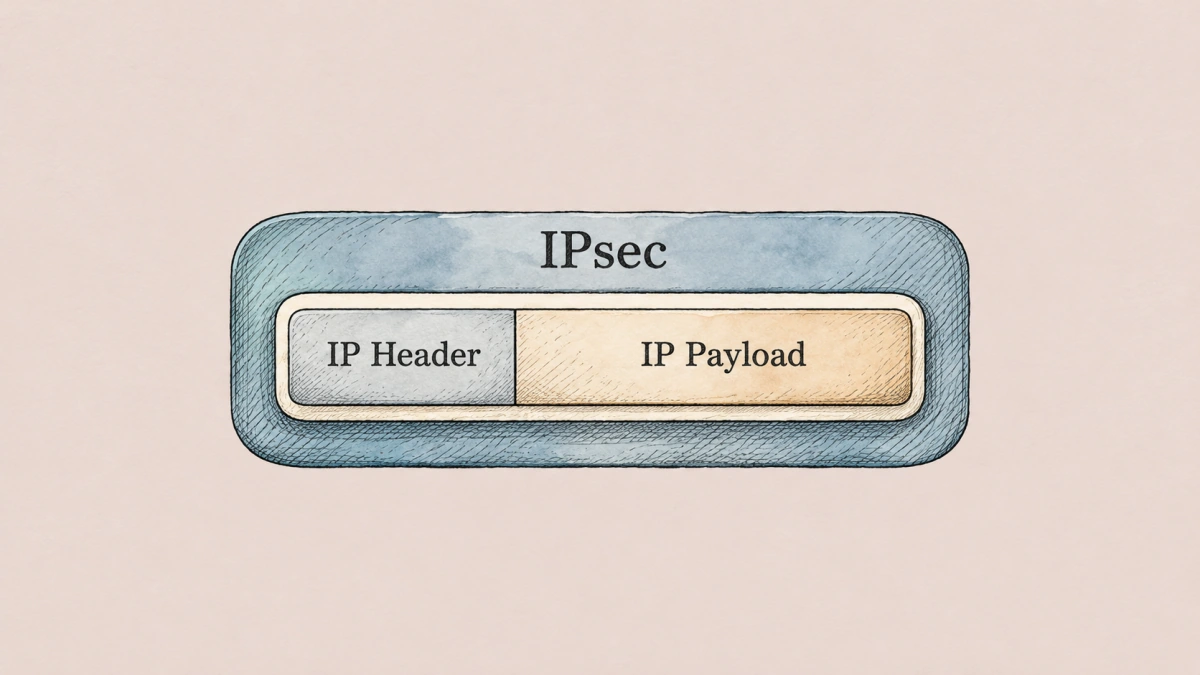
Connecting two offices over the internet means sending information across networks the company doesn't control. IPsec gives the computers at either end a way to protect that traffic while it crosses the gap.
IPsec, short for Internet Protocol Security, is a set of technologies for protecting network communications. It works with IP packets, the small units of data that carry information between computers and networks.
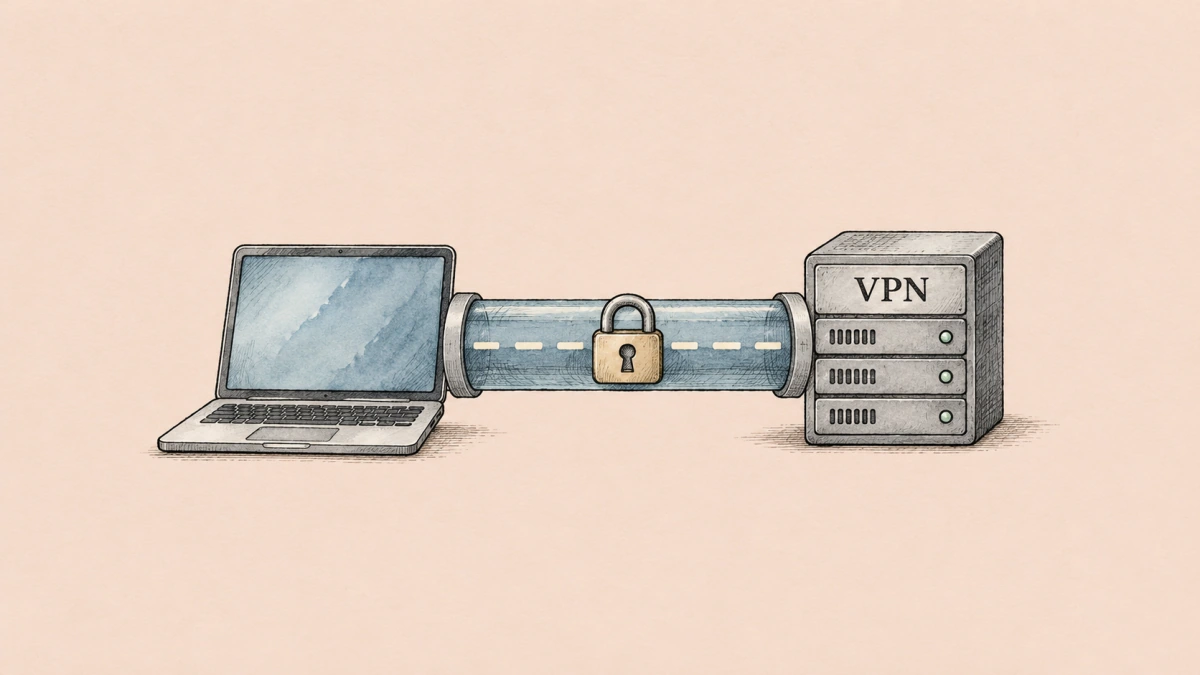
A virtual private network, or VPN, can use IPsec to create a protected connection. That connection may run between individual computers or between gateways, the devices connecting whole networks.
How IPsec Protects Data Between Two Networks
A packet inside a packet
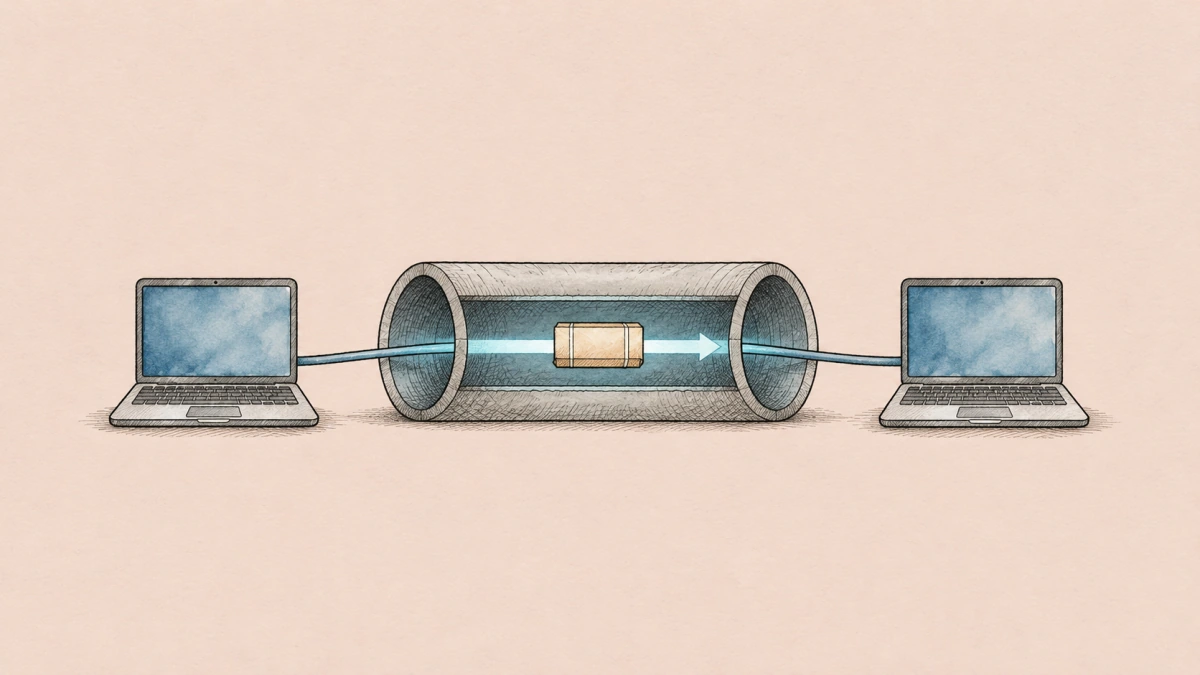
Consider a company connecting two offices through an encrypted IPsec tunnel. A computer in the first office sends data toward a computer in the second. Its packet reaches the first office's gateway, where it gets prepared for the journey across the internet.
In tunnel mode, the gateway places that entire packet inside a new one. When encryption is selected, the original packet—including its addressing information—can be hidden inside the protected contents.
The outer packet still needs readable directions. Its addresses identify the tunnel endpoints, so routers along the way can send it toward the other gateway without reading the original message inside.
At the receiving gateway, the protection is checked and the contents are decrypted, making them readable again. The original packet can then continue toward the office computer that needs it. The National Institute of Standards and Technology's guide to IPsec VPNs explains this arrangement.
The packet protection in this example uses ESP, short for Encapsulating Security Payload. This IPsec protocol also supports transport mode, where the original packet keeps its IP header, the part containing its addressing information. ESP protects the data carried after that header rather than wrapping the whole original packet in a new one.
Agreeing on the protection
For the office gateways to do any of this, they need to agree on security details first. Which computer is at the other end? Which protection methods will they use? Which keys will apply them?
A key is data used by a cryptographic method to protect information or check its protection. The gateways can't simply choose unrelated keys and expect to understand each other.
Internet Key Exchange version 2, or IKEv2, handles this setup. It checks the identity of the peers, the computers or gateways communicating, and establishes agreements called security associations. These contain the keys, methods and related settings for protecting their traffic. The IKEv2 specification describes that negotiation.
ESP applies the agreed protection to the packets. It can hide information, detect changes and check that protected data came from the expected peer.
ESP can also help reject copied packets sent again. When integrity protection (checking for changes) and anti-replay checks are enabled, ESP uses packet sequence numbers to detect repeats.
The chosen settings determine which services apply. In particular, ESP does not require encryption in every case. The gateways have to select the protection the company needs.
- Put your whole home behind a VPN at speeds up to 1,100 Mbps.
- Stay online when one provider fails, with multi-WAN failover.
- Reach your home network securely while you travel.
Arriving at the other end
The encrypted office tunnel protects a particular stretch of the journey. Its outside addresses remain visible so the packets can travel, and its protection ends at the receiving gateway. The trip from that gateway to the destination computer needs whatever protection the organization has arranged for that portion.
Even the sending gateway may not protect every packet it handles. IPsec rules can select traffic for protection, allow it to pass without IPsec or discard it. The IPsec architecture makes those choices part of its design.
And the protected journey is only part of the problem. A malicious program on a participating computer may capture information there, where it is available for use. Encryption can keep a message private along its route while the computer opening that message still needs protection of its own.
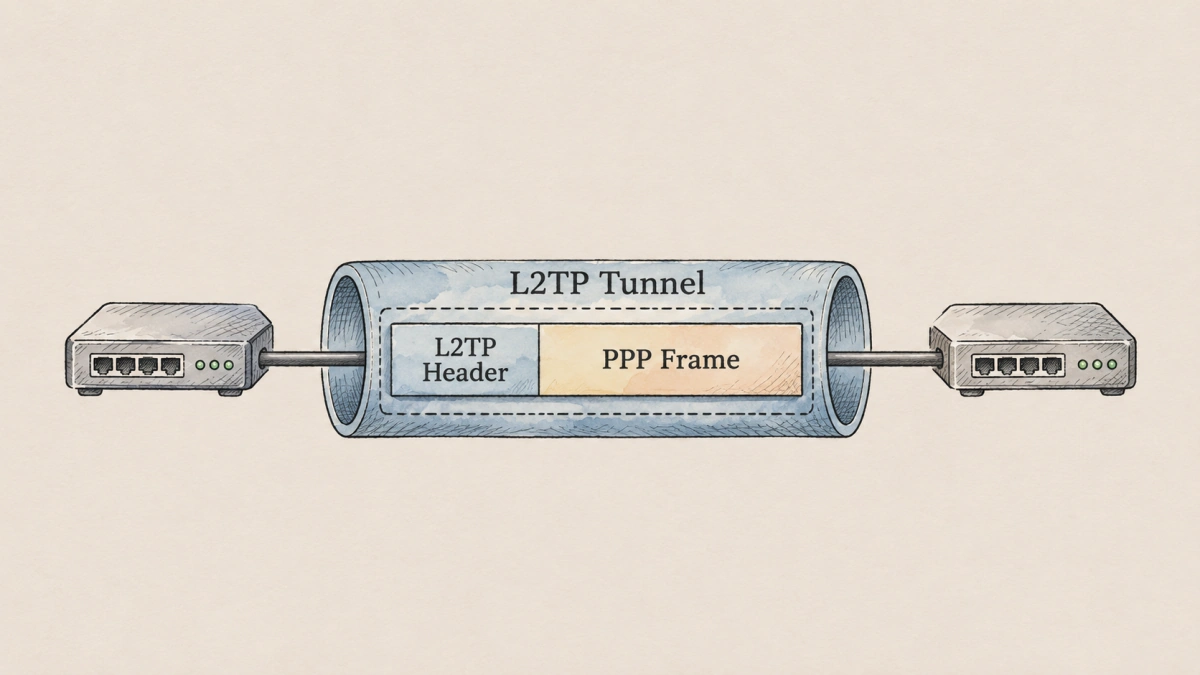
L2TP: Carrying One Network Link Inside Another
VPNs: Follow the Protected Connection to Its Exit
Network Tunnels: How One Packet Rides Inside Another
QUOTE:
"Amateurs hack systems, professionals hack people."