IPsec: Where a Protected Network Connection Starts and Stops
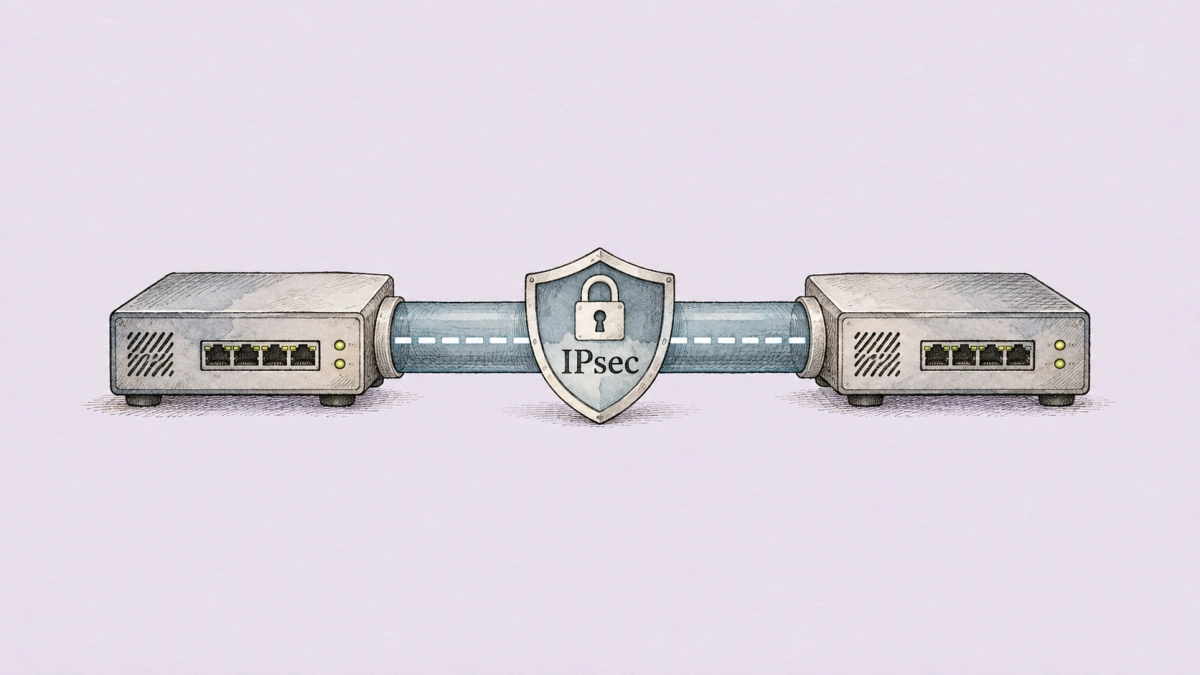
Internet Protocol Security, or IPsec, protects selected network packets between connection points called endpoints. Those endpoints might be two computers, two office gateways, or a remote worker's device and a company gateway.
A packet is a unit of network data; Internet Protocol, or IP, supplies its addressing and delivery rules. A gateway handles traffic crossing between networks and, in this setting, applies or removes the IPsec protection.
An encrypted link has two ends
Suppose a company connects two offices over the internet using IPsec. Each office has a gateway, and the gateways protect the selected traffic traveling between them.
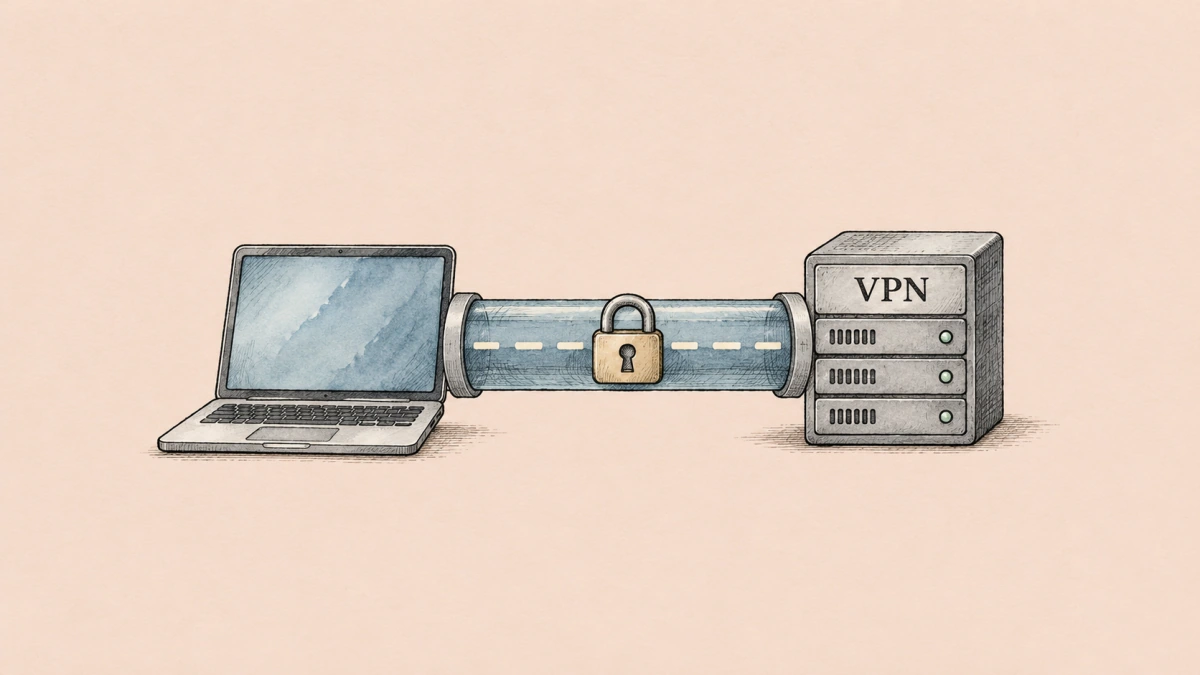
This is one form of virtual private network, or VPN: a logical private connection built over another network. IPsec is one technology that can supply a VPN's protection.
The gateway-to-gateway connection doesn't automatically protect the local stretch from an employee's computer to its gateway, or from the far gateway to the final server. Those stretches need their own protections if the company requires them.
- Put your whole home behind a VPN at speeds up to 1,100 Mbps.
- Stay online when one provider fails, with multi-WAN failover.
- Reach your home network securely while you travel.
The National Institute of Standards and Technology's guide to IPsec VPNs makes that boundary explicit. A remote-access arrangement can instead protect the connection between an individual worker's device and a company gateway.
What the protection can provide
IPsec is a framework of protocols, rather than one encryption method. Its services can include:
- Confidentiality: encryption prevents outsiders without the right keys from reading protected data.
- Integrity: checks help detect unauthorized changes to protected data.
- Source authentication: checks tie protected traffic to an expected IPsec peer, the other endpoint.
- Replay protection: checks can reject captured packets sent again as though they were new.
Which services apply depends on the chosen protocols and settings. The IPsec architecture also lets policy select traffic to protect, discard, or send without IPsec protection.
Enabling IPsec therefore doesn't establish that every connection from the device is covered.
How IPsec Protects Data Between Two Networks
ESP carries traffic; IKE sets up the agreement
Encapsulating Security Payload, or ESP, is the IPsec protocol that can encrypt packet contents and protect their integrity. The ESP specification also permits integrity-only operation, so the name ESP alone doesn't prove encryption is enabled.
Another IPsec protocol, Authentication Header, or AH, provides integrity and source-authentication services without encrypting the data.
Internet Key Exchange, or IKE, helps the endpoints authenticate each other and establish protection settings and keys, secret data values used to protect traffic. IKE version 2 automates that setup instead of requiring someone to arrange every detail manually.
The resulting settings are organized into security associations, records of how particular traffic will be protected.
Tunnel and transport modes package data differently
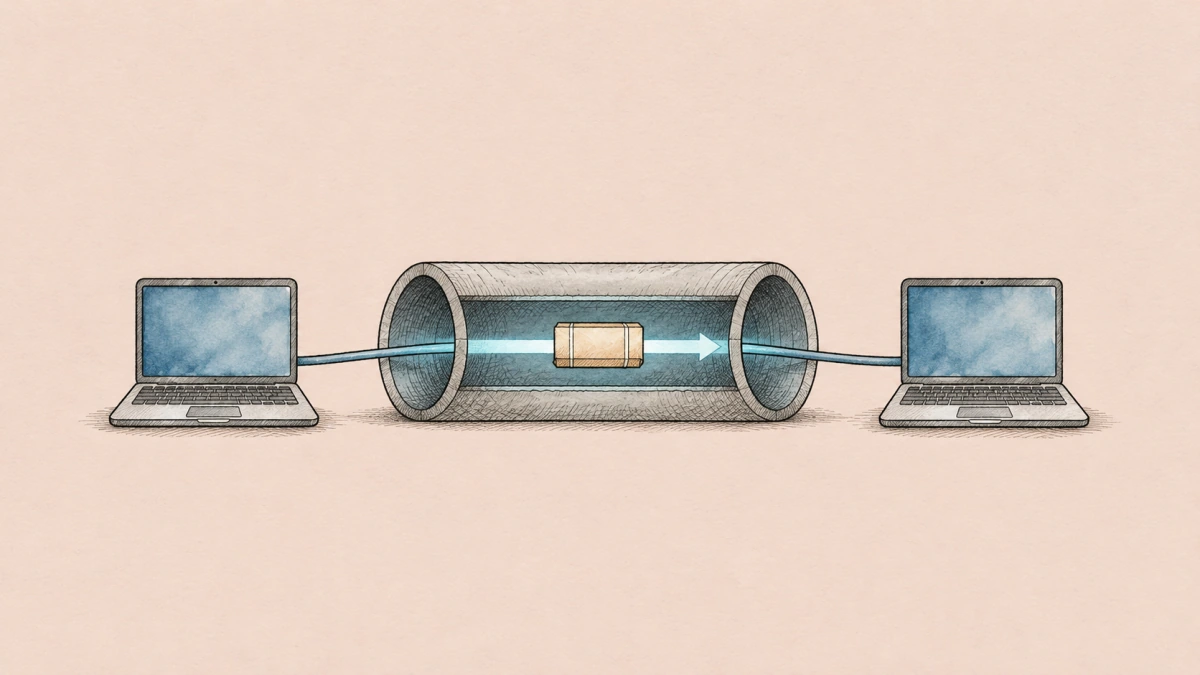
In tunnel mode, ESP carries the original IP packet inside a new packet with an outer address header. That outer header directs traffic between the IPsec endpoints, while encryption can hide the original packet inside.
In transport mode, ESP uses the original IP header and protects the contents that follow it. It doesn't encrypt that original address header.
Both modes still need visible delivery information so the network can forward traffic.
For any proposed IPsec connection, locate its endpoints, identify the traffic its policy includes, and verify which security services are enabled. That tells you far more about its coverage than the word “VPN” on a settings screen.
Network Tunnels: How One Packet Rides Inside Another
VPNs: Follow the Protected Connection to Its Exit
Encryption: Who Can Still Read Your Data?
QUOTE:
"Amateurs hack systems, professionals hack people."