VPNs: Follow the Protected Connection to Its Exit
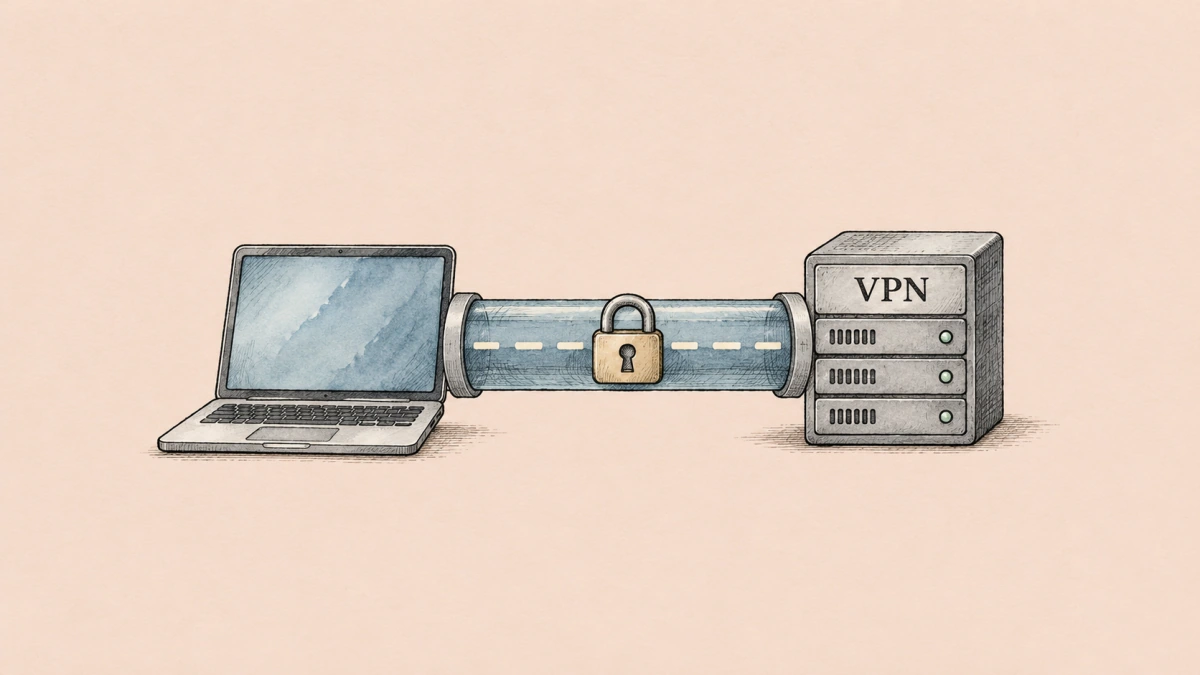
A virtual private network, or VPN, creates a private network connection across another network. It can connect a remote device to an organization, link two offices or carry traffic to a service that sends it onward. The configuration determines what travels through that connection and how it’s protected.
Suppose an employee at home needs a file on an office server. A work VPN can carry the relevant traffic from the employee's laptop to a company gateway, the system handling the connection at the office end.
That route gets the request to the company network. The employee's account still needs permission to open the file. Access controls decide that part.
Follow a Packet Through a VPN Tunnel
What happens between laptop and gateway
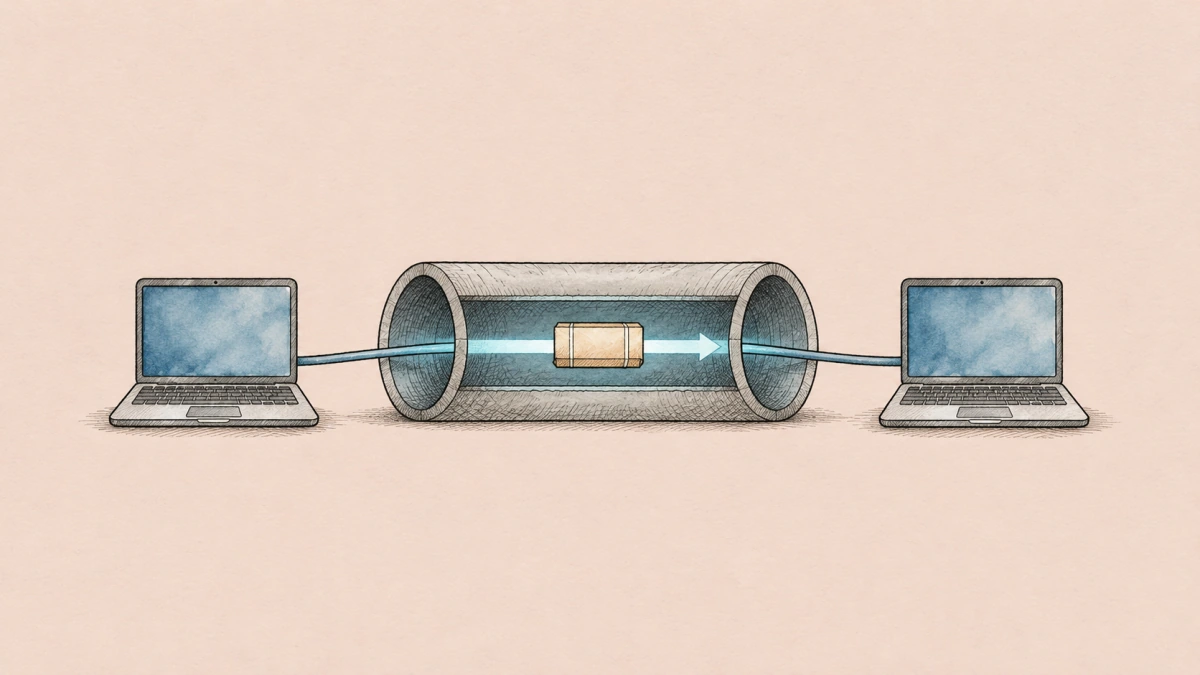
A VPN can use a tunnel, which carries one communication inside another. Original network packets—units of data with delivery instructions—receive an outer wrapping addressed to the tunnel's other end.
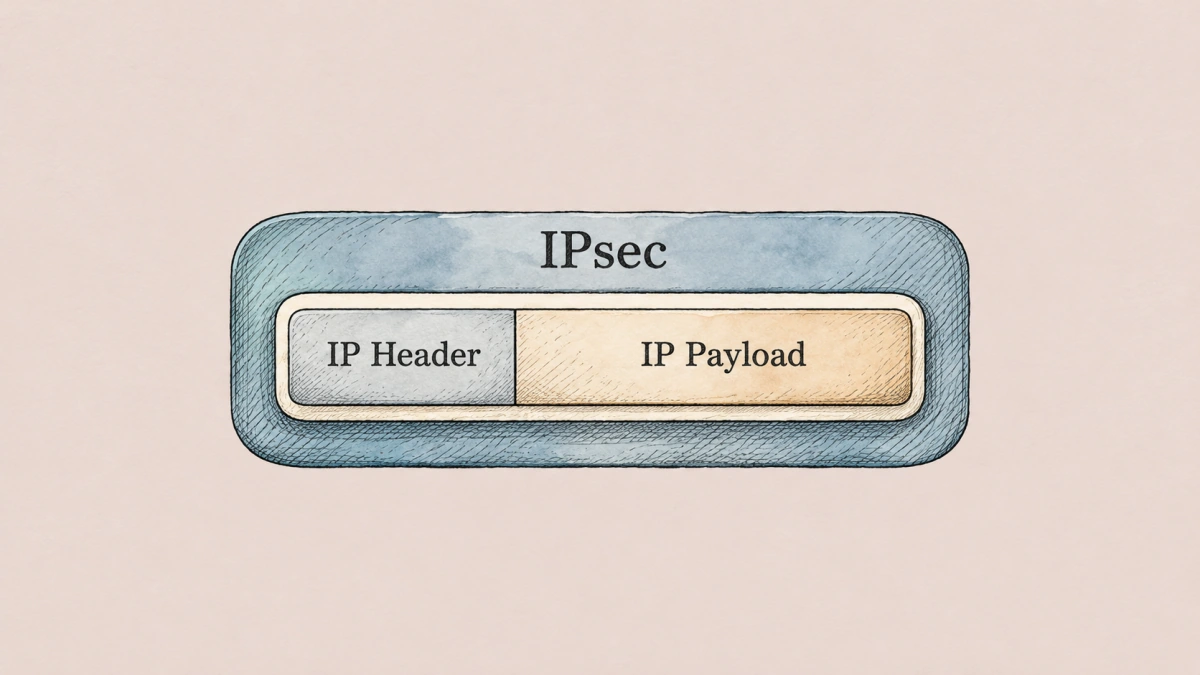
IPsec, short for Internet Protocol Security, is one way to protect these communications. It can check the source of protected traffic, detect unauthorized changes and, when confidentiality is configured, encrypt the contents. Encryption transforms the data so that reading it requires the appropriate key, a data value used by the encryption method.
The IPsec architecture treats those protections as selected services. Calling a network arrangement a VPN doesn't, by itself, specify its encryption settings.
At the gateway, the VPN protection for that connection ends and the traffic can move onward. Protection for the next part of the journey depends on what other controls are in place.
The laptop matters too. Malicious software on the laptop may see information before the VPN encrypts it. A protected journey can't hide data from the device preparing it for that journey.
Which traffic takes the route?
Split tunneling sends selected traffic through the VPN while other traffic takes a different route. In the imagined work setup, company requests might go to the office gateway while unrelated internet browsing goes directly through the home connection.
A different configuration could send more traffic through the gateway. The VPN being connected doesn't establish that every application is using it.
The National Institute of Standards and Technology’s IPsec VPN guide describes these choices, along with connections between gateways at different sites. A tunnel's endpoints and route rules explain its reach more clearly than a general “VPN on” label.

- Turn sketchy hotel and airport Wi-Fi into your own private network in minutes.
- Put every device you own behind your VPN at once, with nothing to install on each one.
- Block ads and trackers for everything connected with the flick of a switch.
A consumer VPN changes the onward route
An internet exit service carries traffic to the provider's system, which then sends it toward its destination. You therefore rely on how the provider's software handles that traffic.
For a website using HTTPS, a separate layer can protect web contents between the browser and the website, extending beyond the VPN exit. HTTPS uses Transport Layer Security, or TLS, whose protected-channel design has its own endpoints.
The VPN exit and the website are therefore different stops. Removing the VPN's wrapping needn't remove the browser's separate web encryption.
Network Tunnels: How One Packet Rides Inside Another
IPsec: A Protected Route Between Networks
Proxy Servers: Following the Request Through the Middle
QUOTE:
"Amateurs hack systems, professionals hack people."