ICMP: How the Network Reports a Problem
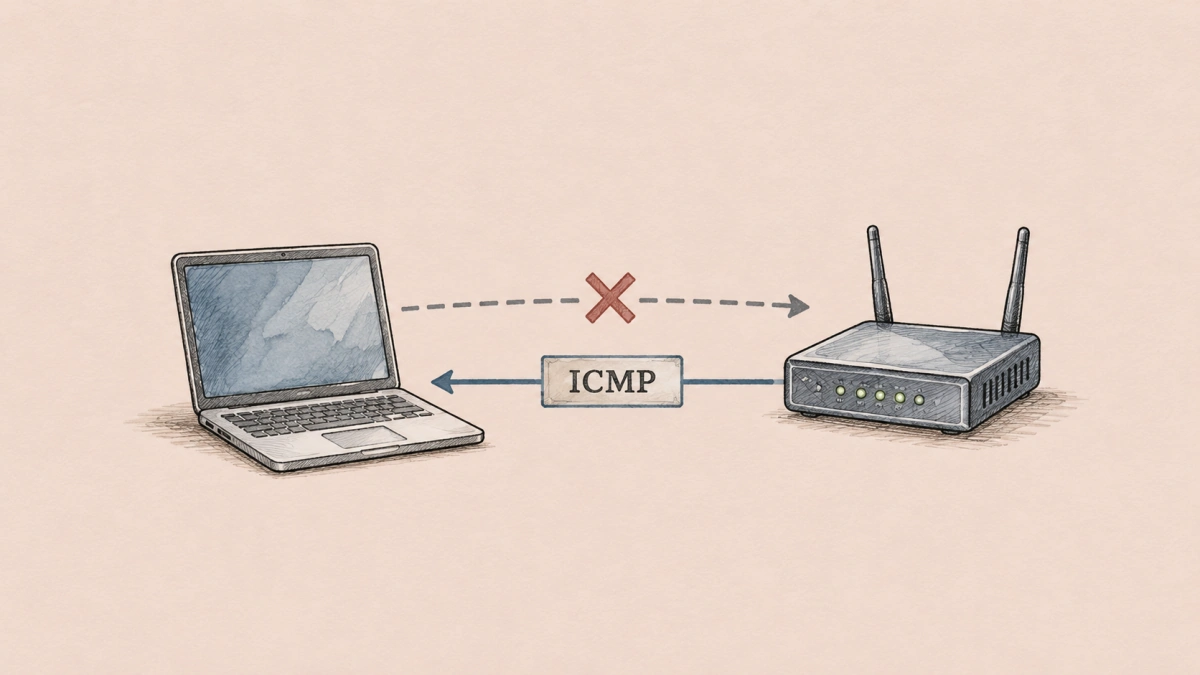
When a router can't forward a packet, it may send a separate message explaining the problem. ICMP is one of the internet's ways to deliver that feedback—and it's also what makes ping possible.
The name stands for Internet Control Message Protocol. A protocol is a set of communication rules, and a packet is a unit of data traveling through a network.
ICMP supports the Internet Protocol, or IP, which handles addressing and delivery between networks. There are distinct versions for IP version 4, called IPv4, and IP version 6, called IPv6; the latter uses ICMPv6.
Ping and Traceroute: Two Commands Worth Knowing
A report about a packet
A router is a device that forwards traffic between networks. When it encounters certain delivery problems, it can send an ICMP error back toward the packet's sender; a destination device can also report problems.
The error includes information from the packet that triggered it, helping the sender match the report to the affected communication. It doesn't repair the packet or guarantee that a later attempt will succeed.
The original ICMP specification makes another limit clear: a failed delivery doesn't guarantee an error report will come back.
| Message | What it can tell the sender |
|---|---|
| Destination Unreachable | A device couldn't deliver the packet, with a code giving more detail. |
| Time Exceeded | A packet exhausted its allowed routing steps, or fragments weren't reassembled in time. |
| Echo Reply | A device answered an Echo Request, the exchange used by ping. |
| Packet Too Big, in ICMPv6 | A router couldn't forward a packet because it exceeded the next link's size limit. |
Fragments are pieces of an original packet that need to be put back together.
“Time Exceeded” can mean too many hops
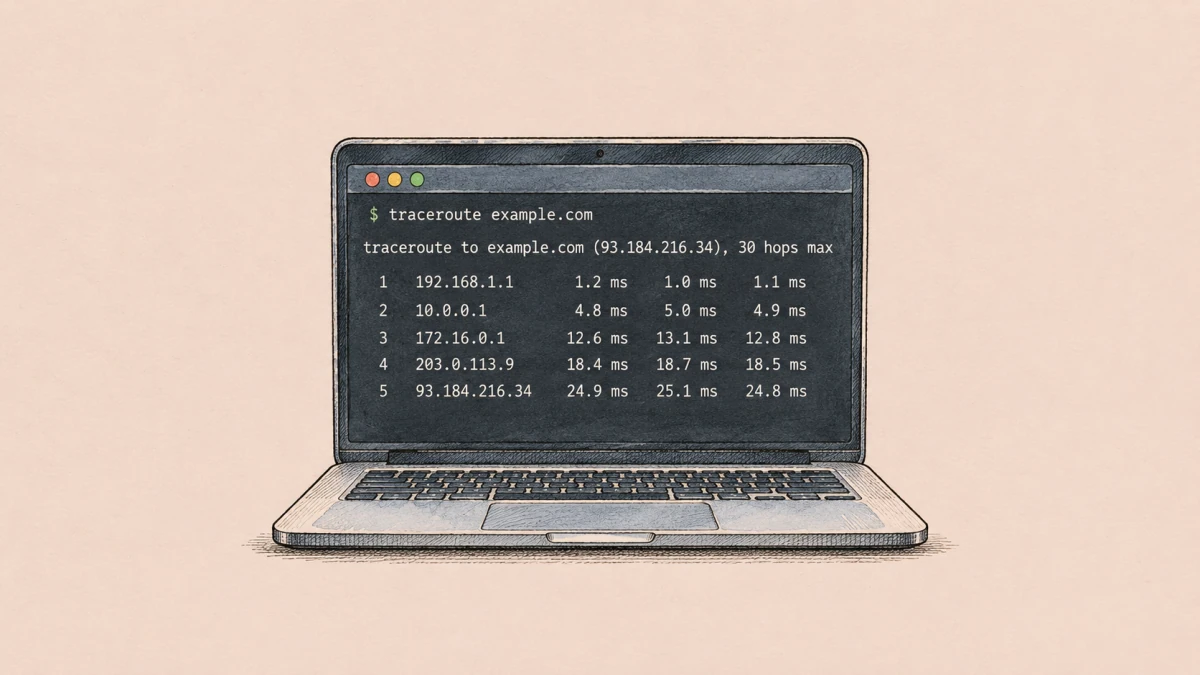
A hop is a routing step along the path. IPv4 uses a field called Time to Live, or TTL, that routers reduce as they forward a packet; in practice, it limits how many routing steps the packet can take.
When the limit reaches zero, the router discards the packet and reports that condition, subject to the protocol's error-reporting rules. This prevents packets caught in a routing loop from circulating forever, as the IPv4 router specification explains.
IPv6 uses the clearer name Hop Limit for its corresponding counter.

- Get five gigabit ports and a fast ARM processor for the price of a basic home router.
- Practice real routing at your desk on gear that network pros also deploy.
- Tuck it beside your modem: it takes up almost no room.
What a ping result actually proves
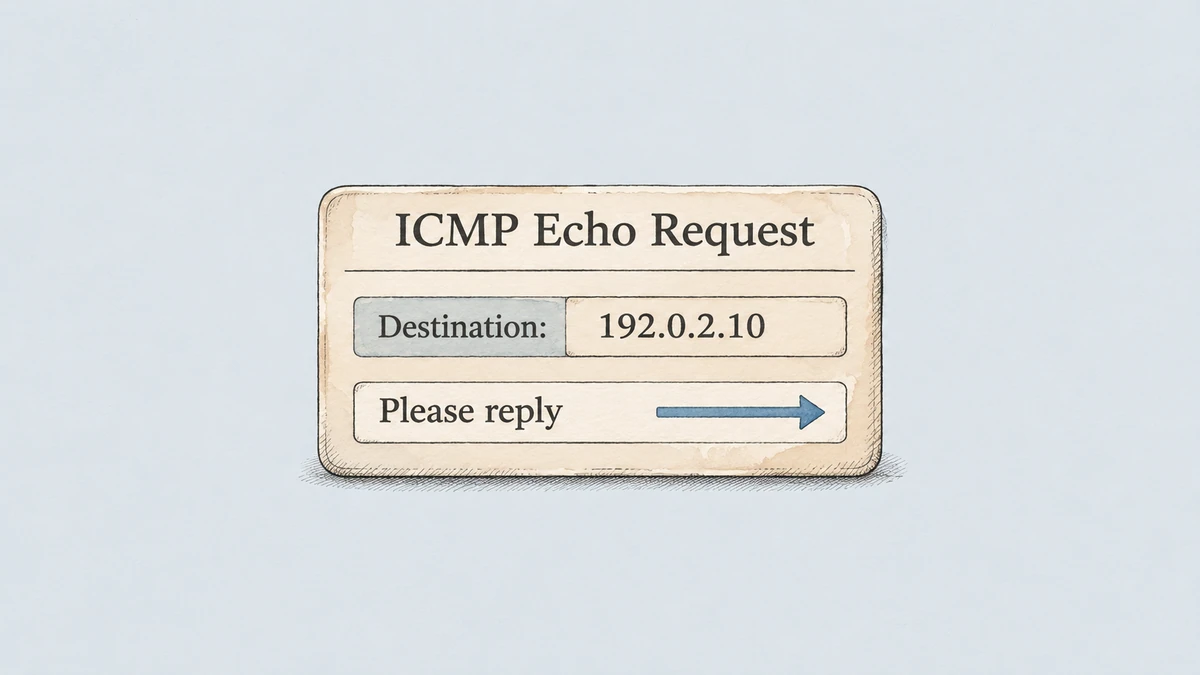
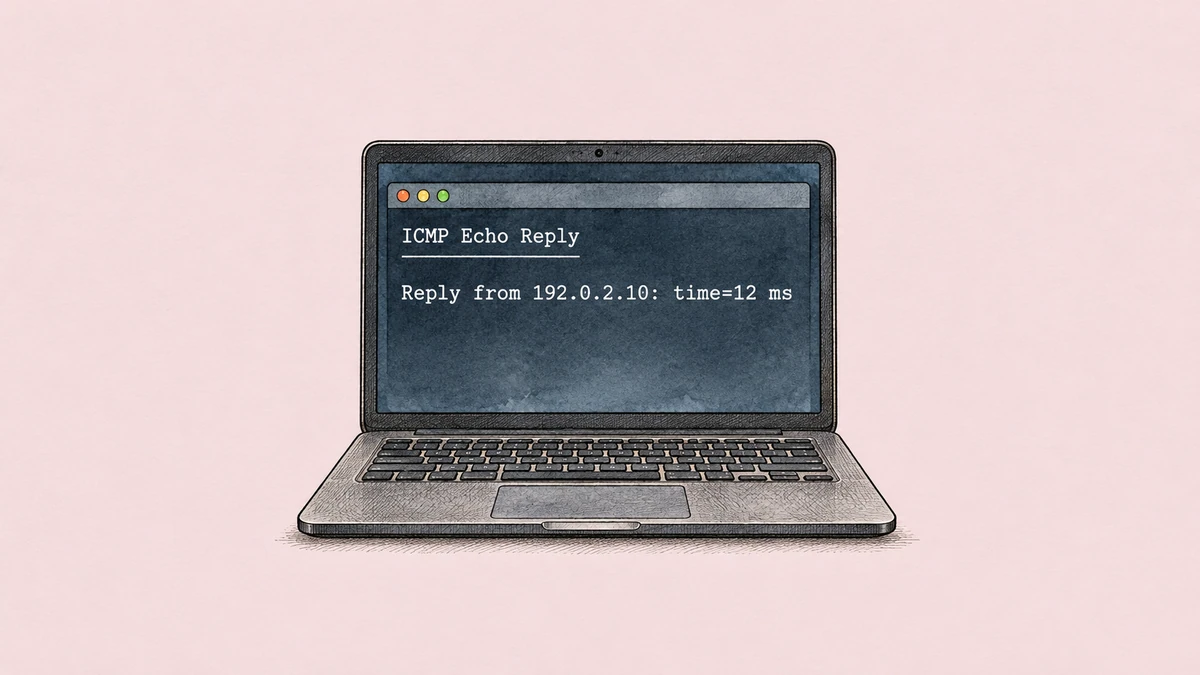
Ping sends Echo Requests and looks for matching Echo Replies. It can also measure the round-trip time, meaning the delay between sending a request and receiving its reply, as Microsoft's ping documentation describes.
A reply shows that the exchange worked at that moment. It doesn't test whether a website's login page or shopping cart works.
No reply leaves several possibilities, including lost traffic, a device that's unavailable, or rules that block the request or reply. Treat silence as a clue to investigate, not a complete diagnosis.
Blocking every message can cause trouble
ICMP traffic can be abused, including through excessive traffic that disrupts service. A firewall, which filters network traffic according to rules, can restrict unwanted messages.
However, ICMPv6 filtering guidance warns that overly broad blocking can interfere with ordinary communication.
For example, Packet Too Big messages help a sender learn that its packets need to fit a smaller link along the route. Removing that feedback can leave a connection stuck sending packets that won't get through.
Useful filtering distinguishes message types and network needs instead of treating every ICMP message as the same kind of traffic.
Echo Requests: What You’re Really Asking When You Ping
Echo Reply: How to Read a Ping Response
Traceroute: Learning the Route by Stopping Short
QUOTE:
"Amateurs hack systems, professionals hack people."