Static Host Tables: A Local Answer to a Name Lookup
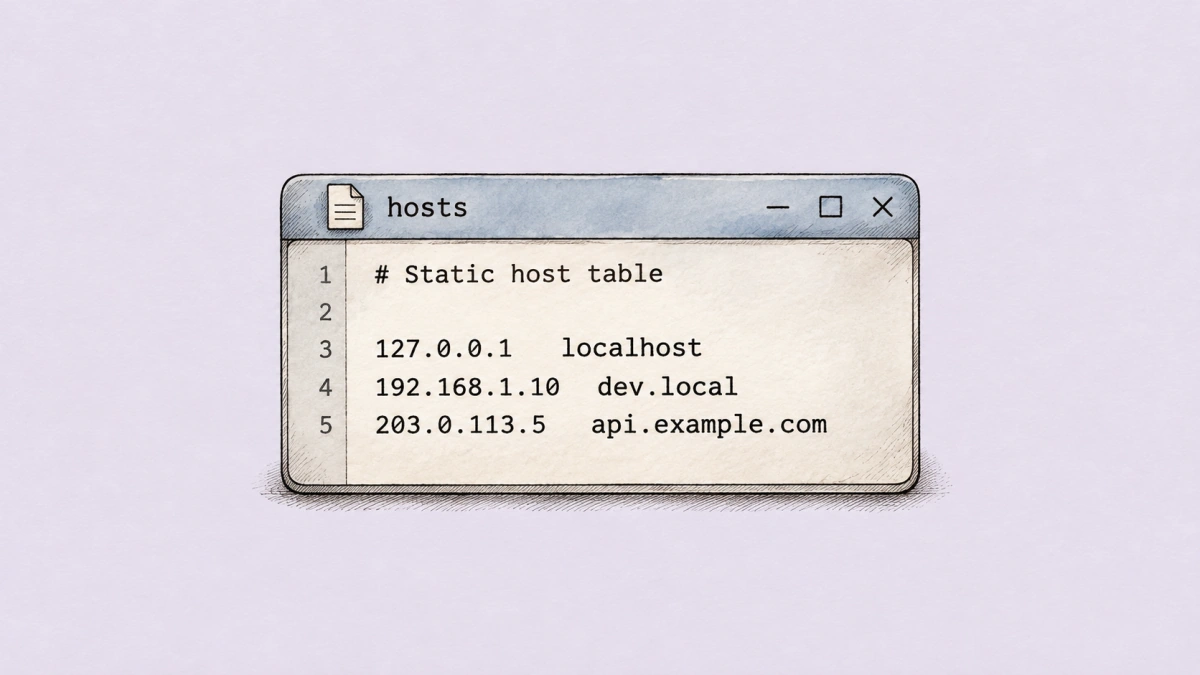
A static host table stores mappings between hostnames and IP addresses. A hostname is a name used for a computer or service. IP stands for Internet Protocol, and an IP address is a numerical network address. Looking up the name gives software an address it can try to reach.
“Static” means the mapping is explicitly stored rather than learned afresh from a remote name service for that lookup. On Linux, the familiar example is the /etc/hosts file. It holds addresses, names and optional aliases—additional names for the same entry.
The Linux hosts-file manual describes this local table. It can contain both IPv4 and IPv6 addresses, the two major versions of internet addressing.

- Stop fearing the terminal: start from your first command and build from there.
- Automate boring tasks with shell scripts you write yourself.
- Understand what each command does instead of copying it blindly.
Two computers can get different answers
Suppose a developer wants their own computer to reach a test server when looking up a particular service name. A local hosts entry can supply that test address to applications using the relevant lookup path. Another computer without the entry may continue getting the service's usual answer from DNS.
DNS, the Domain Name System, provides records associated with names through name servers. A local table is another possible source for the answer. Changing one machine's table doesn't change the public DNS record or other computers' files.
It also doesn't assign the test server its IP address. The entry says which address to try for the name; the server's network configuration is a separate matter.
What Happens When You Type a Web Address?
Which source wins depends on the lookup configuration. For Linux applications that use the GNU C Library's name-lookup functions, settings called the Name Service Switch control which sources they consult and in what order. The nsswitch.conf manual describes that process. Applications with their own name-resolution behavior may differ, so “the hosts file always comes first” is too broad.
The saved answer can outlive its usefulness
If the service moves to a different address, a manually stored entry can continue pointing at the old one until it is updated or removed. A useful testing shortcut can become a puzzling discrepancy: the service works on other machines, while this one keeps trying somewhere else.
Cached answers add another complication. A cache is a saved result reused to avoid repeating work. Applications may retain name-lookup results, so changing the file needn't immediately change what every already-running application uses.
A correct lookup still supplies only an address. It doesn't repair a failed server or guarantee that the service at that address is available. The table can tell the computer where to try; the destination must still answer.
How DNS Finds an Answer Without One Giant Directory
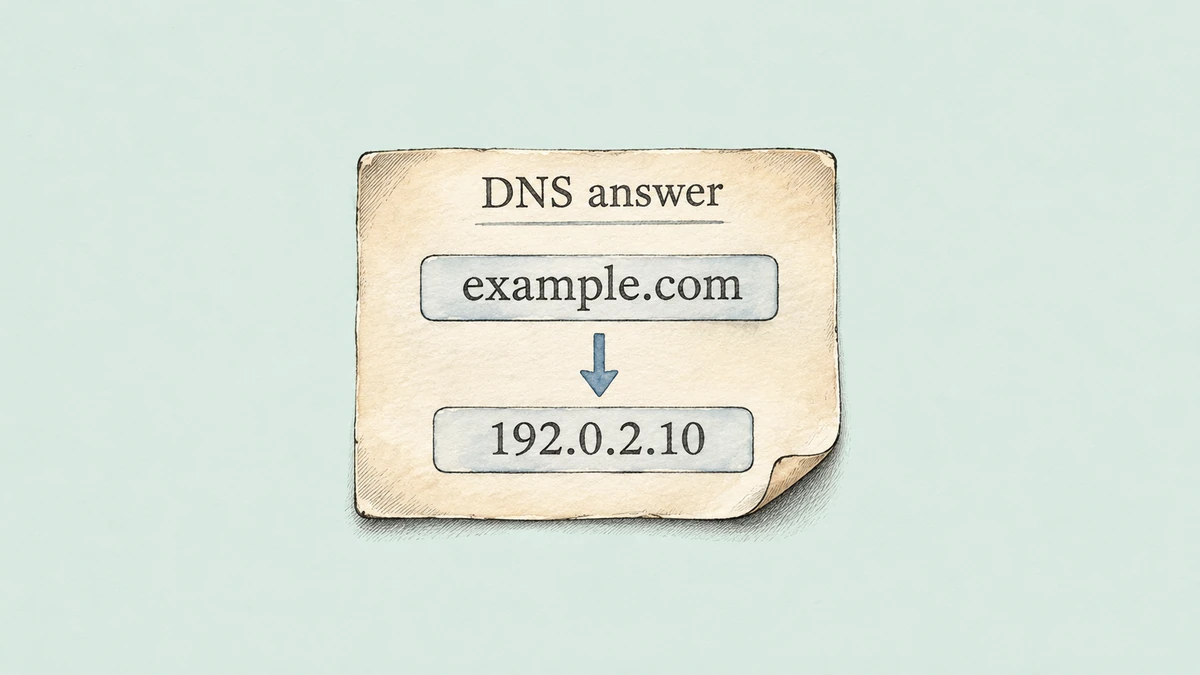
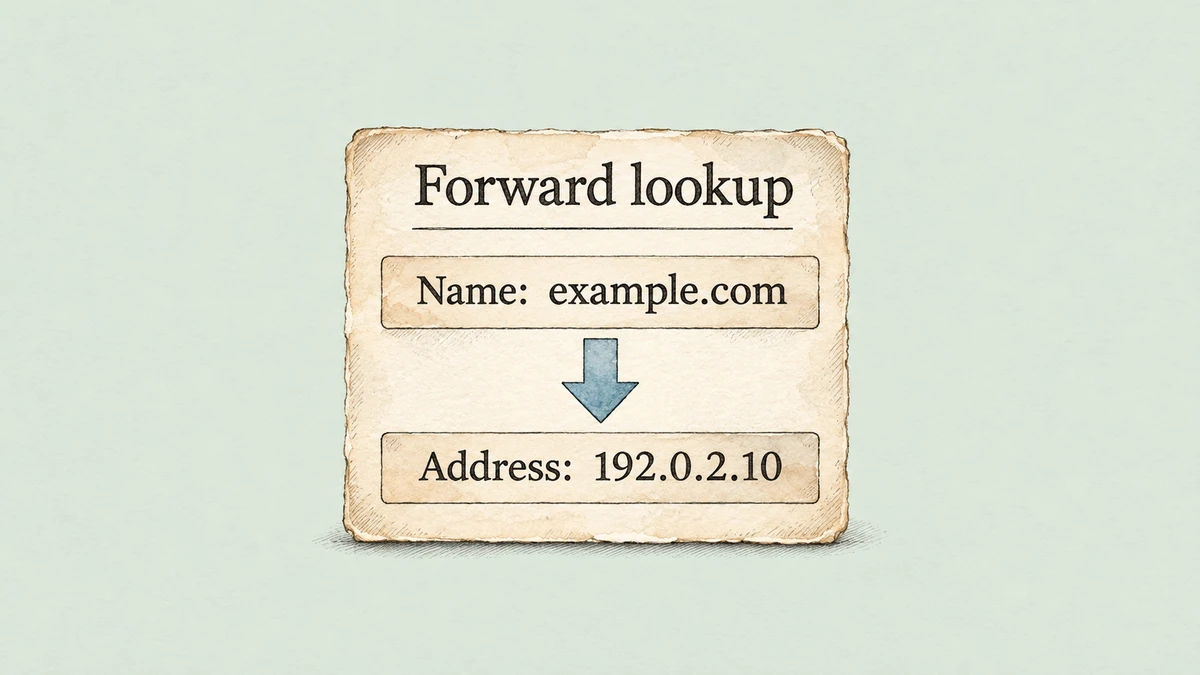
Forward Lookup: How DNS Finds an Address for a Name
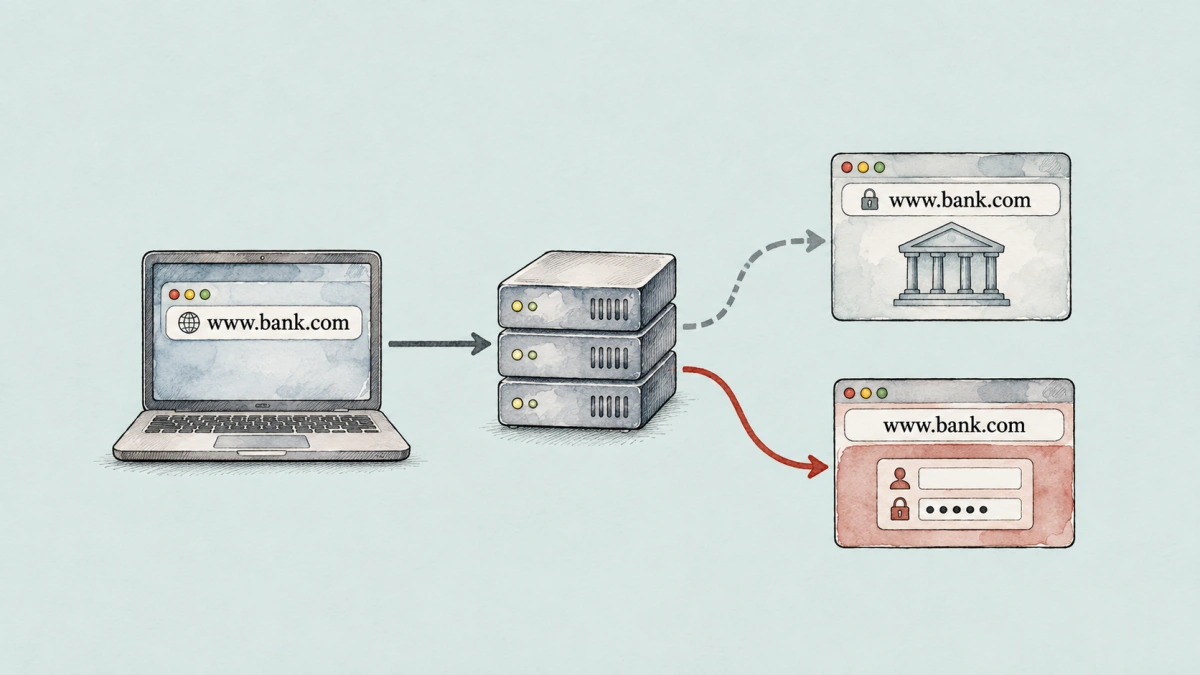
Pharming: When the Right Name Leads to the Wrong Server
QUOTE:
"Amateurs hack systems, professionals hack people."