Incident Handling: From a Suspicious Report to a Safer Recovery
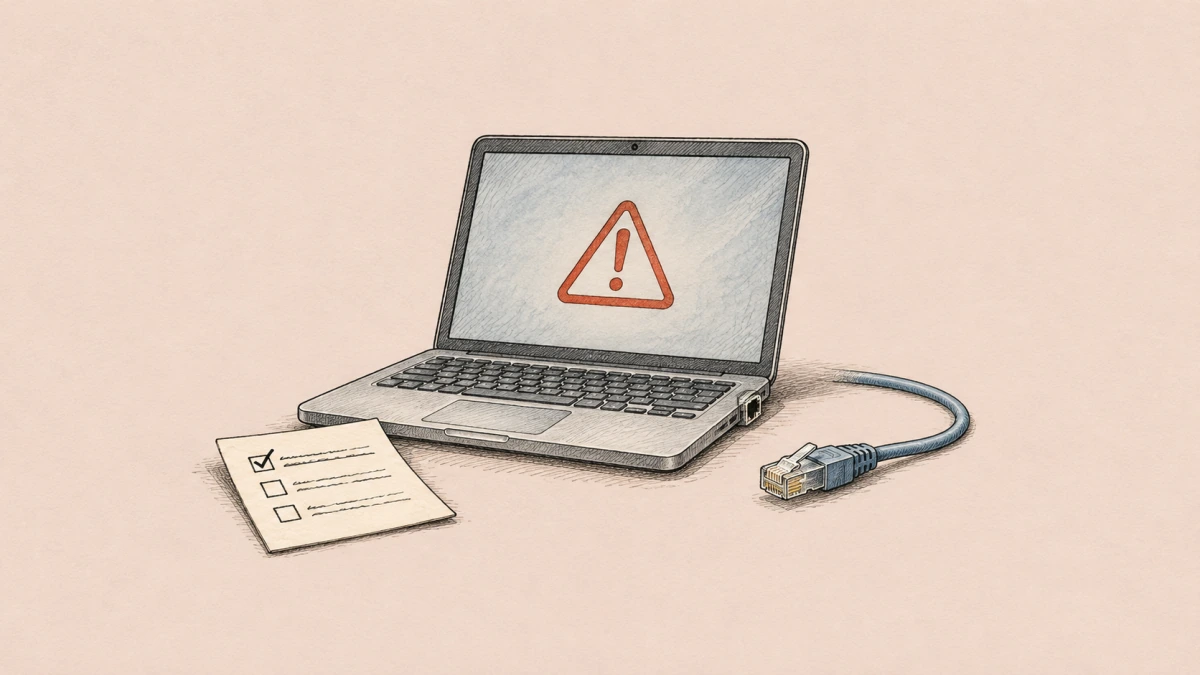
When someone reports a suspicious sign-in, responders need to establish what happened and limit any ongoing harm. Incident handling is the practical work of investigating, containing, and recovering from a security incident.
A report is a starting point, not a complete diagnosis. It might describe a failed attack, a compromised account, or activity the account owner recognizes once the details are checked.
Before an incident, people need a known reporting route, a responsible responder, and authority to take actions such as restricting access to an affected account.
What to Do When a Security Incident Hits
Contain the problem while keeping a record
Containment limits an incident's spread or continuing damage. The National Institute of Standards and Technology (NIST) incident-response guidance also calls for recording findings and actions and protecting the evidence collected.
Useful records include when an event happened, which accounts or devices were involved, and what responders changed. An event log is a record produced by a system; it can help show what happened before anyone began cleanup.
The right containment action depends on the incident. For ransomware, malicious software used to lock up data or systems for extortion, the joint government StopRansomware Guide recommends identifying and isolating affected systems from the network.
Disconnecting a computer from a network is different from turning it off. The guide warns that powering it down can destroy evidence held in temporary memory, so it reserves that step for situations where network isolation isn't possible.
Follow the access, not just the original message
Suppose an employee entered a work password on a fake sign-in page and an attacker then accessed the employee's mailbox. Deleting the deceptive email wouldn't undo that access or reveal what the attacker changed.
Microsoft's compromised-account guidance illustrates the broader checks a response can require:
- Restrict access to the affected account during investigation.
- Revoke active sign-in sessions, the continuing access an application keeps after login.
- Review registered sign-in methods and permissions granted to other applications.
- Remove unauthorized forwarding rules that could send future email to an outsider.
A new password is part of some recovery work, but it doesn't by itself explain or remove every change an attacker made.
The investigation should also establish whether the same access reached other accounts, files, or services. Treating the first visible mailbox as the whole incident could leave affected resources unchecked.

- Back up a laptop in minutes, with read speeds up to 1,000MB/s.
- Toss it in a bag without worry: no moving parts and drop protection up to two meters.
- Carry a second copy of your files wherever you go.
Remove the cause and verify the return
Eradication addresses the attacker's remaining access and the weaknesses used in the incident. That can mean removing malicious software, closing an exposed entry point, or rebuilding a compromised system.
Recovery returns affected services to use and checks that they work safely. NIST's recovery guide recommends checking restoration materials, such as backups, before using them and validating restored systems before putting them back online.
These activities can overlap as new evidence changes the picture. Finding another compromised account can send responders back to investigation and containment even while a different service is being restored.
Afterward, review what delayed detection or recovery and assign specific improvements. A missing log, an unclear decision owner, or an untested backup gives the organization something concrete to fix before the next incident.
Incident Response Plan: Who Can Act, and When?

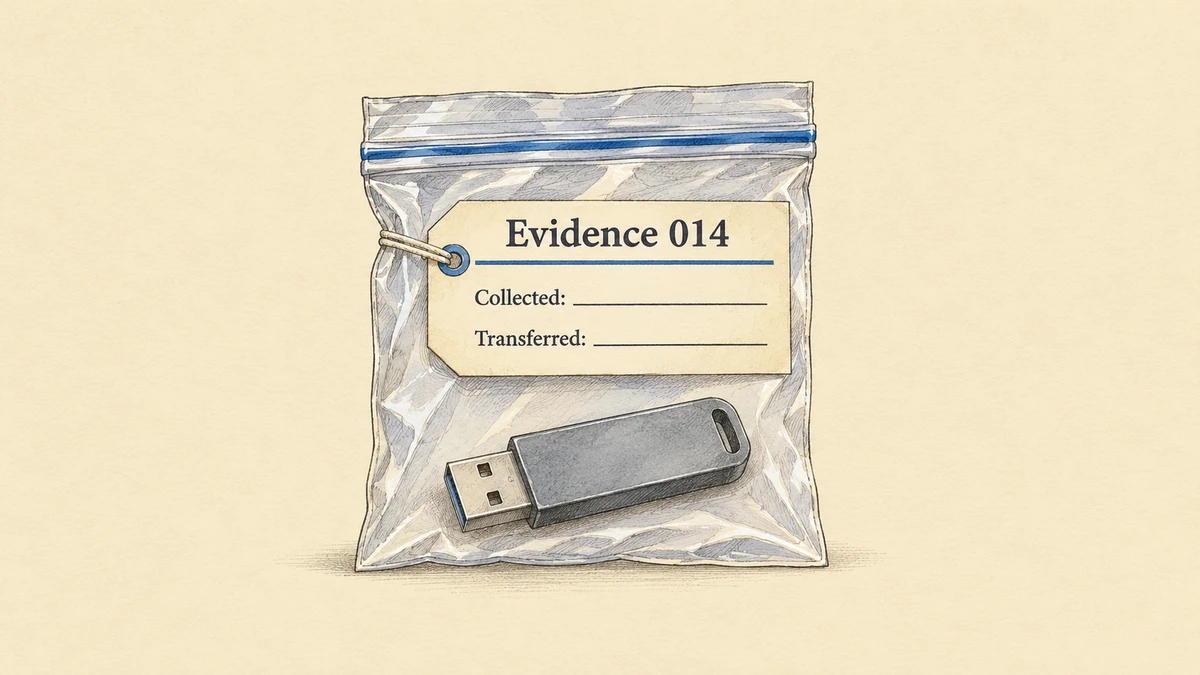
Chain of Custody: Can You Account for Every Copy of the Evidence?
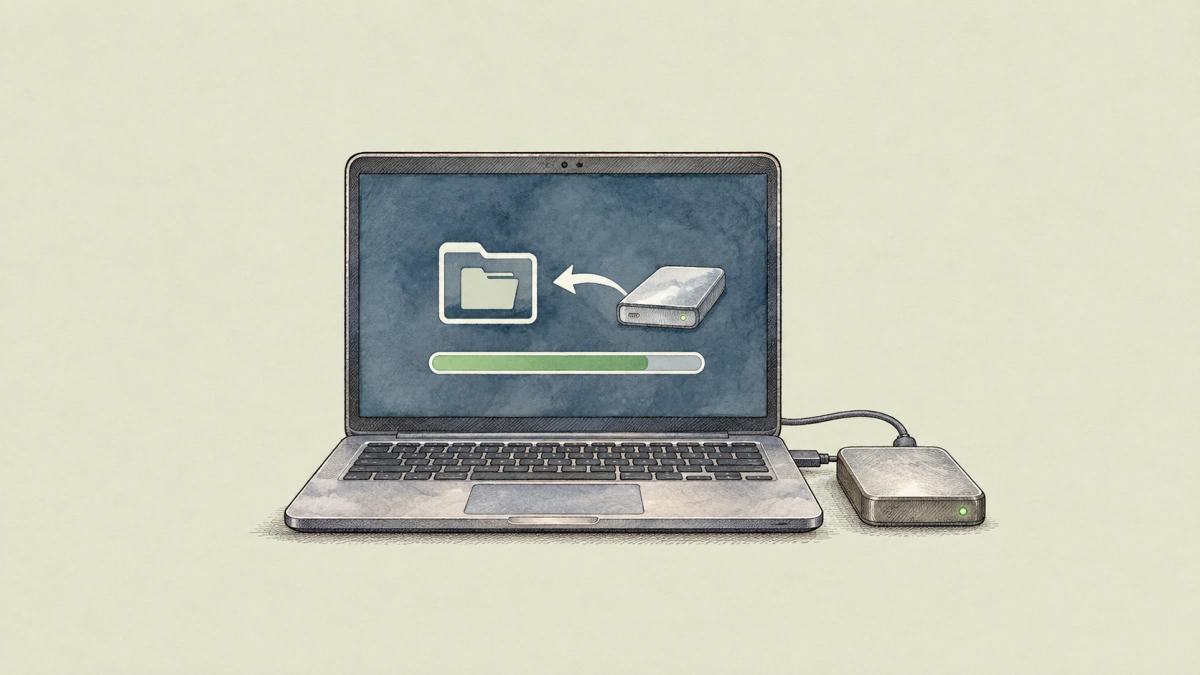
Cybersecurity Recovery: Returning Services to Useful Work
QUOTE:
"Amateurs hack systems, professionals hack people."