Incident Response: Why the Right Action Depends on the Attack
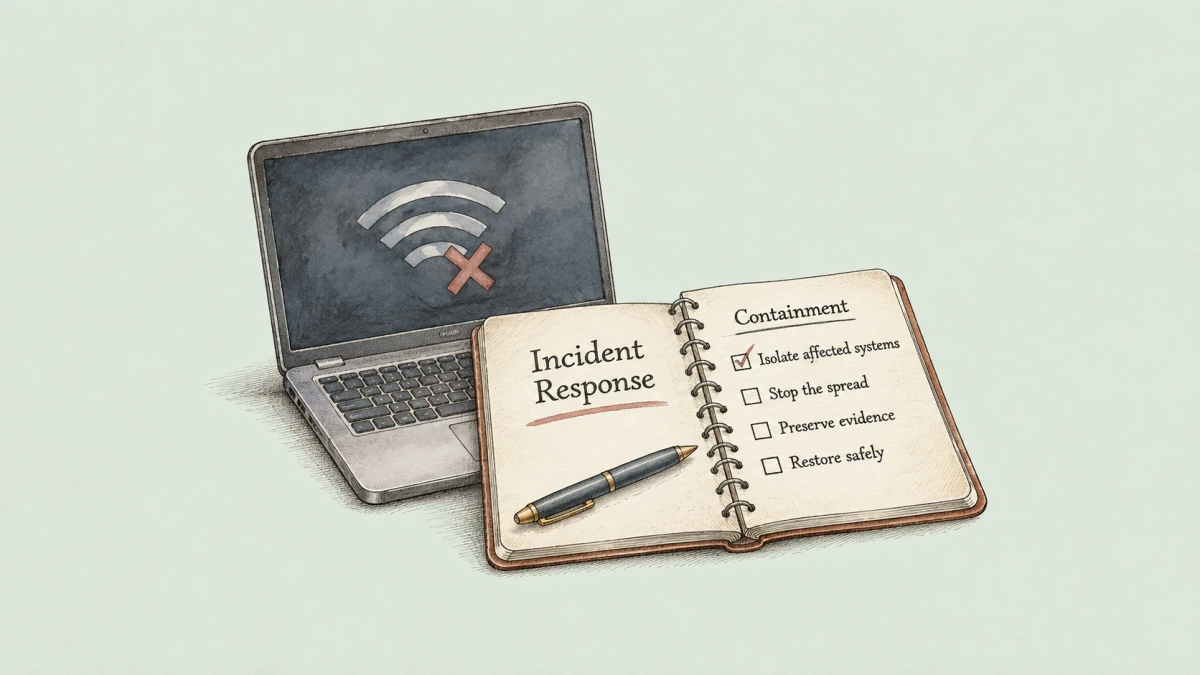
A stolen account and a flooded website are both security incidents, but they need different responses. Incident response is the coordinated effort to limit harm, understand what happened, and restore safe operations.
That work can begin while an attack is still happening. You don't need to identify the attacker before taking justified action to contain the damage.
Build a working picture
Start with the questions that affect decisions: which services are failing, when the trouble began, and whether information might have been exposed or changed.
The United Kingdom's National Cyber Security Centre recommends identifying what's happened and what's affected. Include the consequences for people who depend on those systems, such as customers who can't place orders.
Keep confirmed facts separate from suspicions as the picture develops. An unusual connection to a customer database is a reason to investigate; it isn't yet proof that someone stole its records.
Match the action to the damage
Containment means limiting an incident's ongoing harm. It doesn't always mean unplugging a computer.
What to Do When a Security Incident Hits
For a stolen work account, responders may block sign-ins and revoke sessions—the continuing access created when someone logs in. Microsoft's account-recovery guidance also calls for checking access granted to apps and rules that forward email elsewhere.
Ransomware, malicious software that can lock data or systems to demand payment, calls for a different approach. A joint federal response guide recommends coordinated isolation of affected systems while preserving evidence that could help explain the attack.
A distributed denial-of-service attack, or DDoS attack, uses traffic from multiple sources to overwhelm a service. Responders may need their hosting or internet provider to help filter that traffic before it reaches the overloaded system.
First, check the cause: a sudden rush of genuine visitors can also overwhelm a website. The National Cyber Security Centre's denial-of-service response guidance covers this distinction and working with providers.
These actions share a goal, but treating every incident like an infected laptop can waste precious time.

- Back up a laptop in minutes, with read speeds up to 1,000MB/s.
- Toss it in a bag without worry: no moving parts and drop protection up to two meters.
- Carry a second copy of your files wherever you go.
Decide who can act before it's urgent
An incident response plan records the roles, contacts, and decisions a team will need during trouble. Someone should know who can suspend an account, disconnect equipment, or authorize outside help.
The National Cyber Security Centre's preparation guidance stresses assigning responsibility, keeping essential contacts available, and practicing the plan. A contact list trapped inside an unavailable email account won't be much help.
Communication is part of the response, too. The centre advises keeping affected staff and customers informed so they understand what's happening and what they need to do.
Check that recovery changes the situation
Restoring a machine won't solve much if the same route into it remains open. The National Institute of Standards and Technology's incident response recommendations call for addressing causes and checking restored systems before returning them to normal operation.
Close the response with evidence that essential work functions again, a record of unresolved issues, and assigned follow-up actions. The aim is a safer working service, not merely a dashboard with fewer warnings.
Incident Response Plan: Who Can Act, and When?

Memory Forensics: Finding Clues in a Running Computer

Incident Response for 15 Common Attack Types
QUOTE:
"Amateurs hack systems, professionals hack people."