Fuzzing: Finding the Inputs That Make Software Misbehave
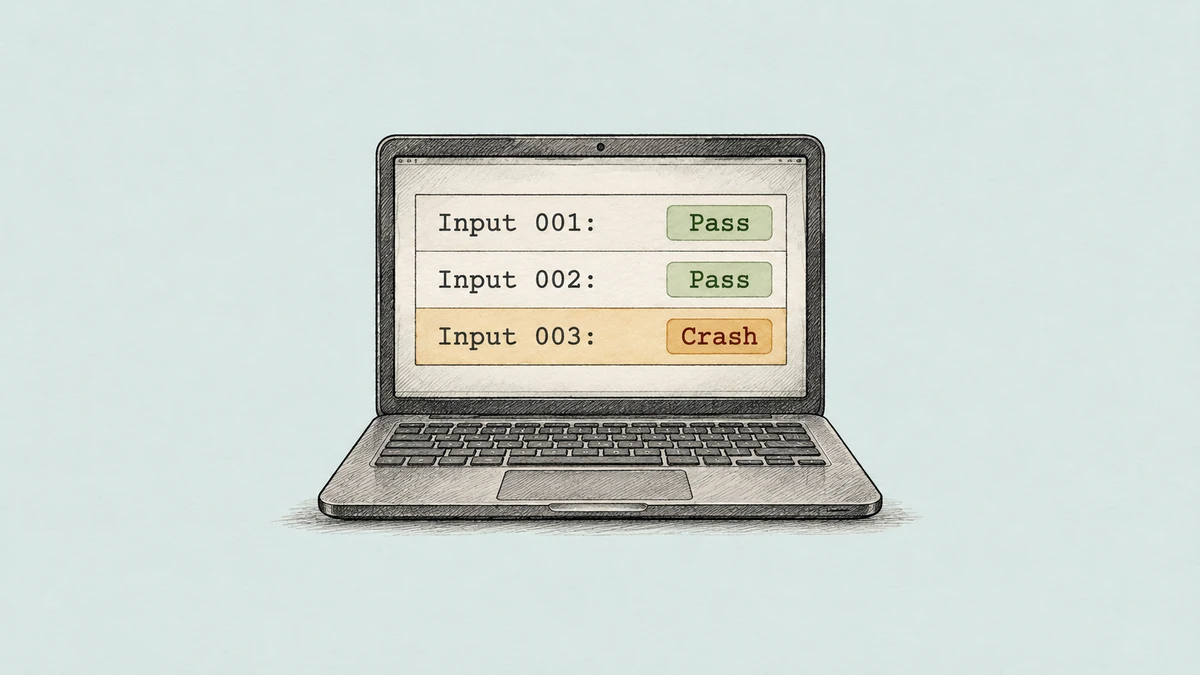
A photo app might open your usual pictures perfectly and crash on one oddly formed file. Fuzzing goes looking for inputs like that automatically, trying many variations and watching for failures.
A fuzzer is software that generates or changes test inputs and feeds them into a program. It can uncover crashes, stalled operations and other defects that a small collection of hand-written tests might miss.
More deliberate than a stream of nonsense
Purely random data may get rejected at the first check, never reaching the interesting parts of a program. Many fuzzers start with useful samples and modify them, preserving enough structure to explore deeper behavior.
Those starting samples form a seed corpus, a collection of test inputs. For an image reader, it might contain several small, valid pictures in the formats the software supports.
Google's OSS-Fuzz integration guide stresses the value of good samples and checking which code they actually reach. A million inputs rejected at the same early check can tell you less than a smaller set that exercises more of the program.
With coverage-guided fuzzing, the tool tracks which paths through the code run. It keeps inputs that reach new paths and uses them to create further variations, as the libFuzzer documentation describes.
Find Bugs by Throwing Junk at Your Code
The process includes randomness, but it isn't blind to the results.
What an image test might uncover
Suppose a picture file claims to contain more image data than it actually includes. The program's parser, the code that reads and interprets the file's structure, should handle that inconsistency without accessing memory it shouldn't.
A developer can connect the parser to a fuzz harness, a small piece of test code that passes each generated input to the relevant function. This lets the test exercise the image-reading code repeatedly without opening the whole photo app each time.
The test may use a sanitizer, an extra checking tool added to a test build of the software. AddressSanitizer, for example, detects certain memory mistakes, including reading or writing beyond an allocated area.
These checks can expose faulty behavior before it causes an obvious crash in an ordinary build. Fuzzing supplies the input; the checking tools help reveal what the program does with it.

- Understand how exploits really work instead of just running someone else's tool.
- Practice safely in the Linux environment that comes with the book, away from your own system.
- Build the C and assembly foundation that serious security research rests on.
A failure is the beginning of the investigation
When a test fails, the useful evidence includes the input that triggered it. Google's reproduction guide explains how developers use that saved input to make the problem happen again.
The next job is to find the cause and assess its effect. A bug is a software defect; a security vulnerability is a weakness that could compromise the system or its data.
A crash doesn't automatically prove that someone can steal data or take control of the computer. It still deserves investigation, particularly when an outsider can trigger it in a service other people depend on.
After a fix, the team can keep the troublesome input as a regression test: a check that the old failure doesn't return when the code changes.
What “we fuzzed it” leaves unanswered
Fuzzing only exercises the code and situations its setup can reach. It won't automatically discover every permissions mistake, unsafe design decision or combination of user actions.
The useful questions are which components were tested, how much of their code was reached, and what happened to the failures found. Finding bugs is valuable; fixing them and keeping the checks running is what improves the software.
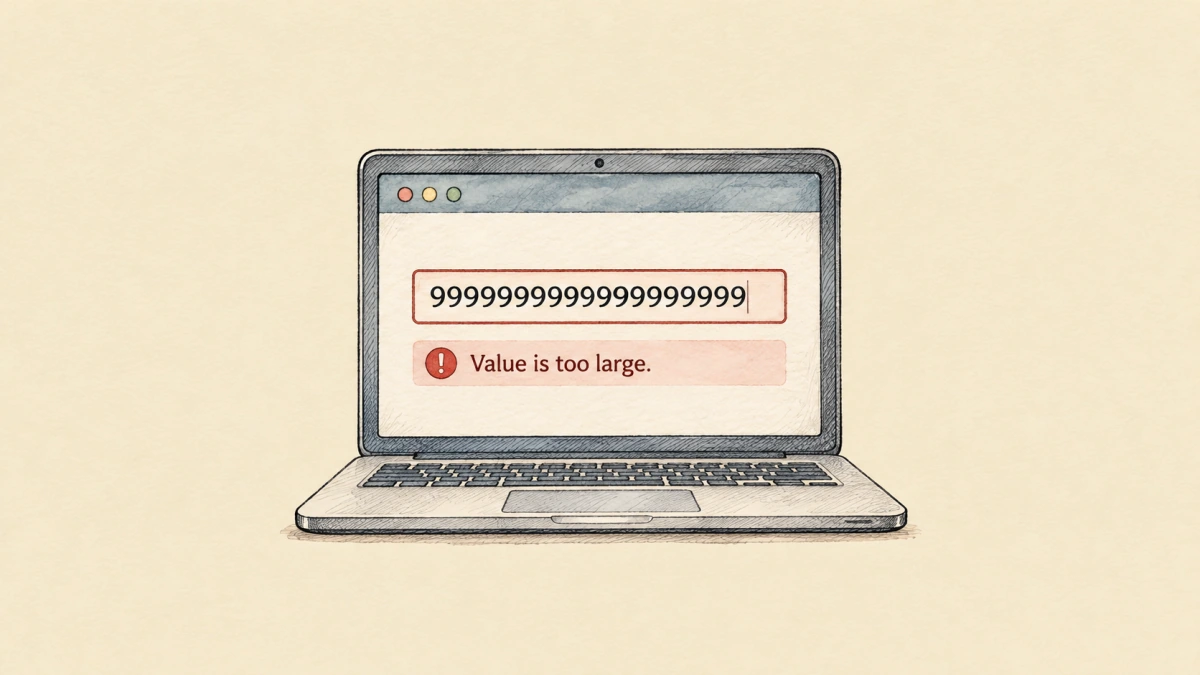
Input Validation Attacks: When Software Accepts the Wrong Data
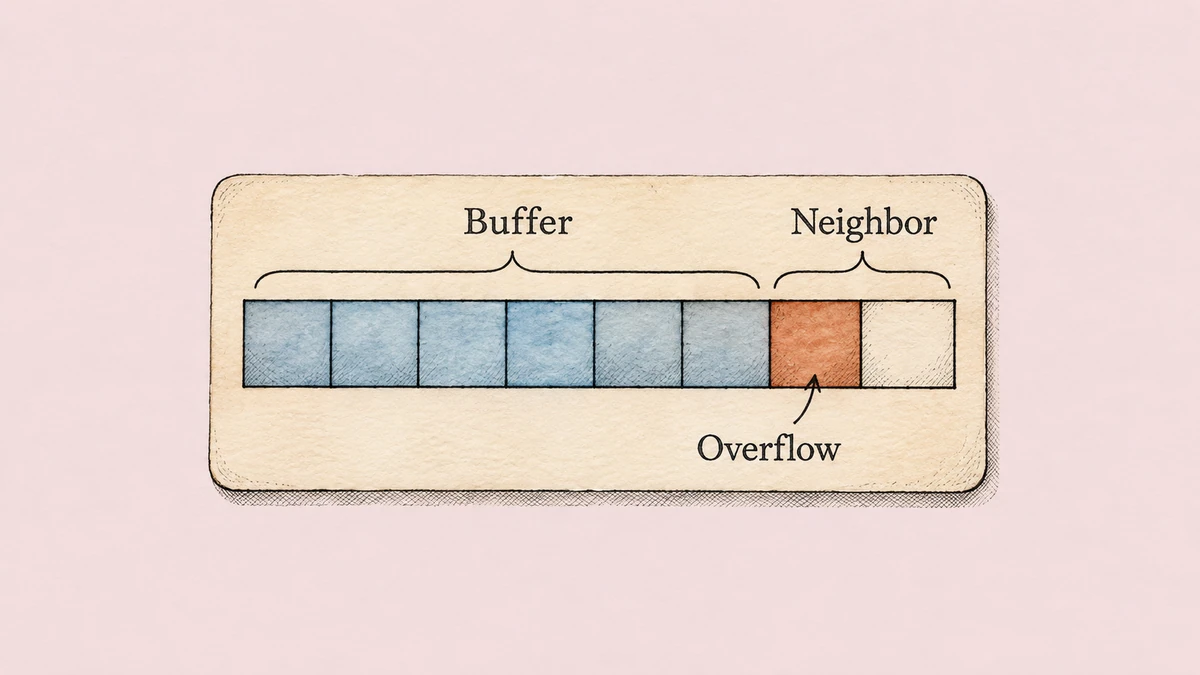
Buffer Overflow: How a Memory Mistake Becomes an Attack
Michal Zalewski: From SSH Exploits to American Fuzzy Lop

QUOTE:
"Amateurs hack systems, professionals hack people."