Build Security In: What Safer Software Looks Like
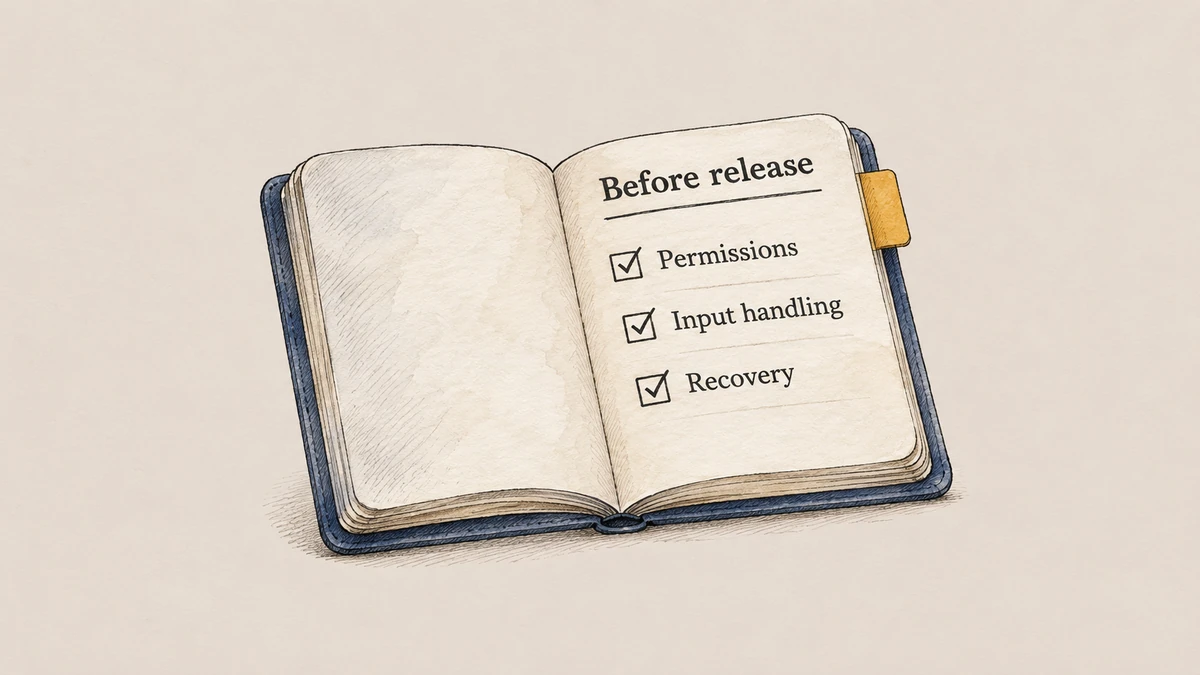
The moment a software team decides who can open a file, it's already making a security decision. Building security in means making those decisions deliberately, while the product is being planned, written, tested and maintained.
Security becomes part of how the software works. The team defines what must be protected, designs rules around it and checks that those rules survive real use and unexpected inputs.
“Build Security In” also has a specific history. In October 2005, the Department of Homeland Security and Carnegie Mellon's Software Engineering Institute launched a portal with that name, offering resources for creating more secure software.
The broader idea applies whether a team uses that phrase, secure development or secure by design.
What Is DevSecOps?
Start with the rule the product must enforce
Take a hypothetical file-sharing service. A requirement might say that only a document's owner and invited collaborators can read it.
That sentence raises practical design questions: who counts as the owner, how does an invitation work, and what happens when the owner removes a collaborator?
A login screen answers only part of the problem. Authentication checks who someone is; authorization decides what that person is allowed to do.
The service still needs to check permission when someone requests a document. Hiding a download button doesn't prevent a person from sending the underlying request another way.
OWASP's authorization guidance recommends checking permissions on every request and denying access by default unless it's allowed. Those rules must live in the part of the service that actually controls access.

- Learn to ask what could go wrong before a single line of code ships.
- Use a repeatable method instead of guessing where the risks are.
- Catch expensive security mistakes while they are still cheap to fix.
For our example, a useful test would remove a collaborator, then check that the former collaborator can no longer retrieve the file. Another would confirm that the owner's access still works.
Give security a job at each stage
The work changes as a product develops. It also loops back when a new feature changes earlier assumptions.
| Stage | A concrete security task |
|---|---|
| Planning | Identify sensitive information and who should access it. |
| Design | Decide how the system enforces those access rules. |
| Coding | Use appropriate libraries and check how components handle input. |
| Testing | Exercise forbidden actions as well as expected ones. |
| Release and maintenance | Ship protective defaults, deliver fixes and investigate new reports. |
The federal standards agency NIST's Secure Software Development Framework gives organizations a way to organize this work. It covers preparation, protecting the software itself, producing more secure releases and responding to vulnerabilities.
A vulnerability is a weakness that can compromise security. Preventing one also means protecting the development process: someone who can secretly alter the code may undermine the finished product before customers install it.
Application Security in Eight Minutes
A scanner can't settle a design question
Automated checks are useful for spotting certain coding mistakes and known flaws in software components. They still need rules, context and people who understand what the product is supposed to permit.
In the file-sharing example, a tool can't judge whether a contractor should keep access after a project ends unless the team has defined that policy. A technically working feature can enforce the wrong rule very efficiently.
Some choices prevent whole families of mistakes. For instance, memory-safe languages help stop programs from accessing memory incorrectly, reducing the opportunity for problems such as buffer overflows.
The federal cybersecurity agency CISA and the FBI's guidance on preventing buffer overflows recommends these languages where feasible. It also recognizes that older code needs a practical transition plan and protection during that transition.

- Run a test server or a home lab without giving up desk space.
- Start right away with 16GB of memory and a 500GB SSD already inside.
- Drive two 4K screens when it doubles as an everyday desktop.
Shipping the product doesn't finish the work
Users should receive sensible security settings when they first install the software. They shouldn't have to discover an obscure setting to close an avoidable hole.
New weaknesses can still emerge after release. Building security in includes a way to receive reports, deliver fixes and investigate why the defect escaped earlier checks.
NIST's framework calls for examining those root causes and looking for similar flaws elsewhere. Repairing one missing permission check is useful; correcting the shared design that omitted it can protect many features.
When you're evaluating a software supplier, ask how a recent security report changed its product or development process. A specific answer tells you more about the practice than the phrase “security built in” on a sales page.
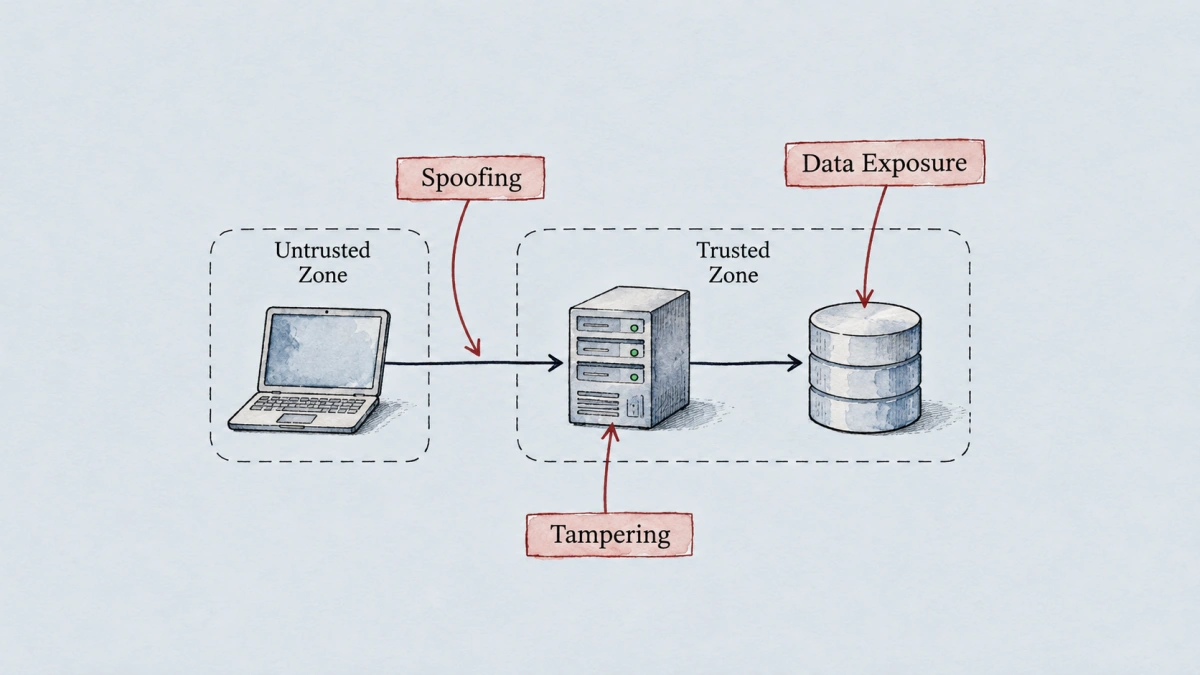
A Threat Model Follows the Request Past the Login Screen
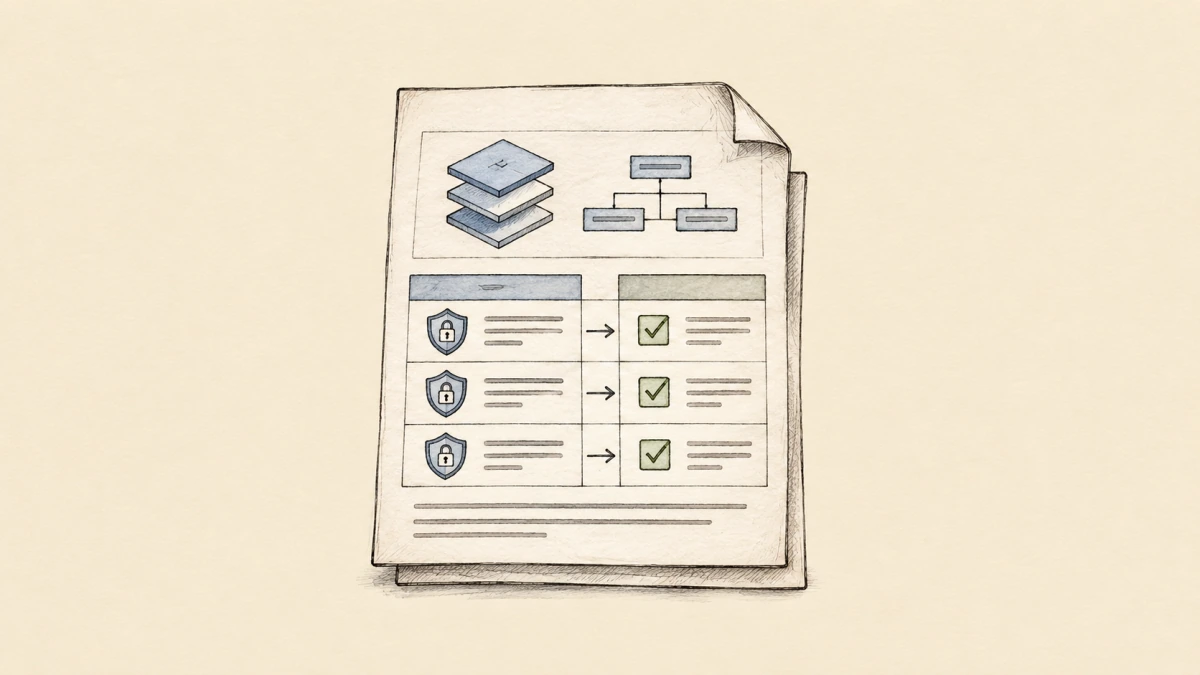
Software Assurance and Security Engineering: Design Meets Evidence
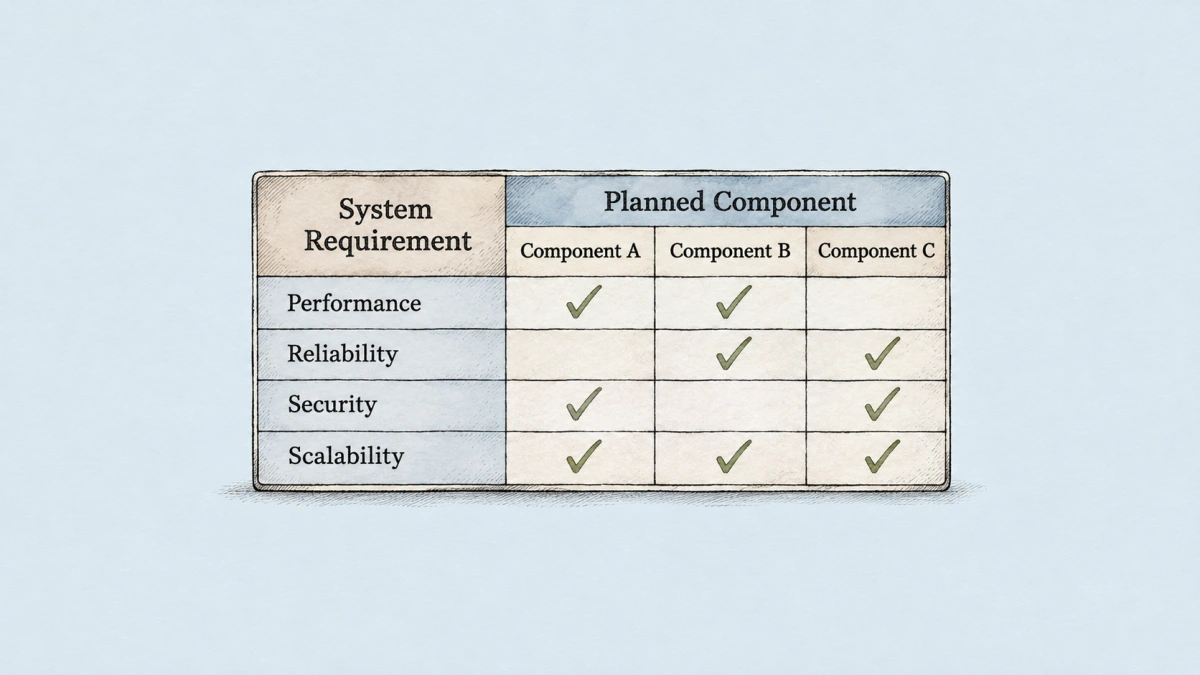
Systems Requirements Planning Makes “Secure” Specific
QUOTE:
"Amateurs hack systems, professionals hack people."